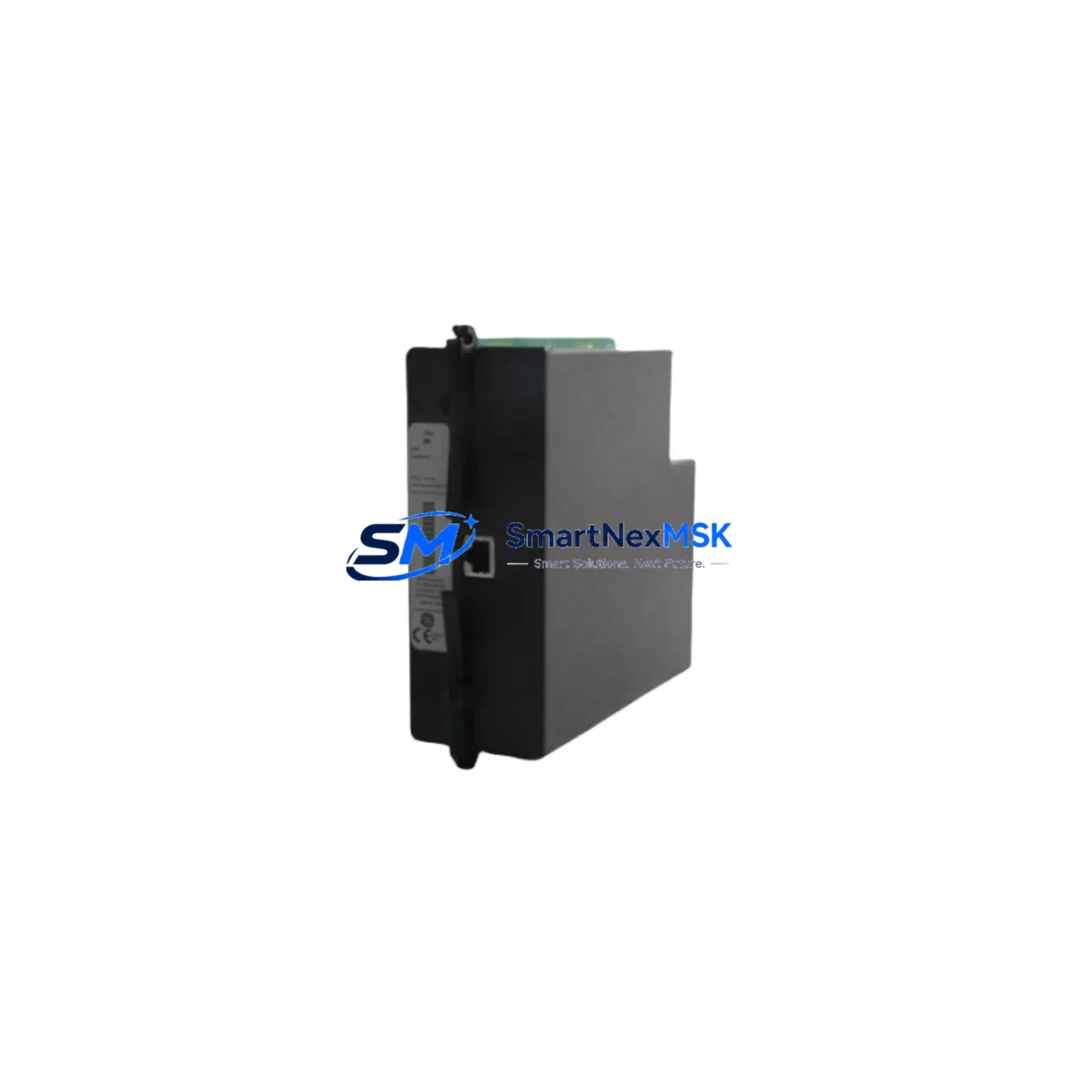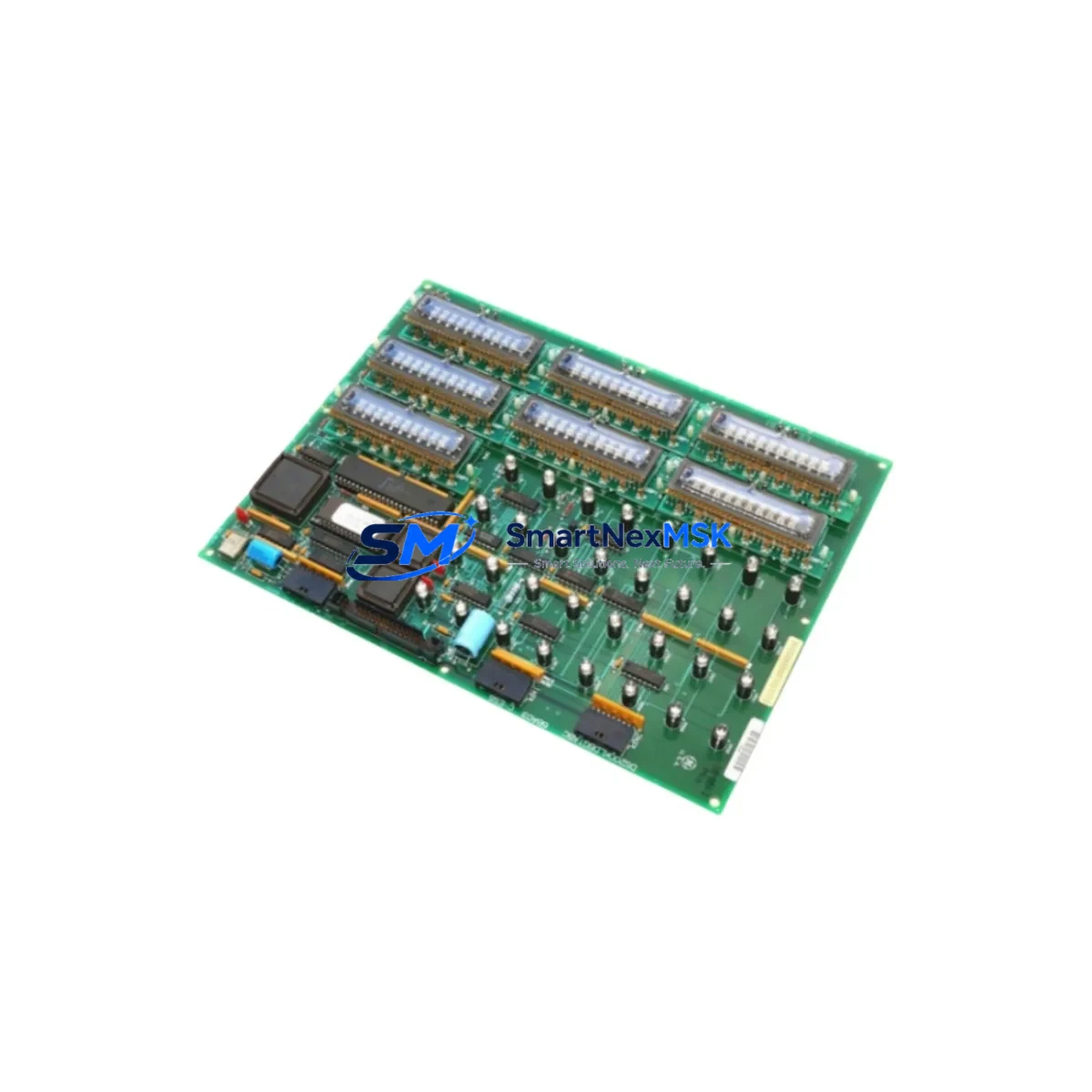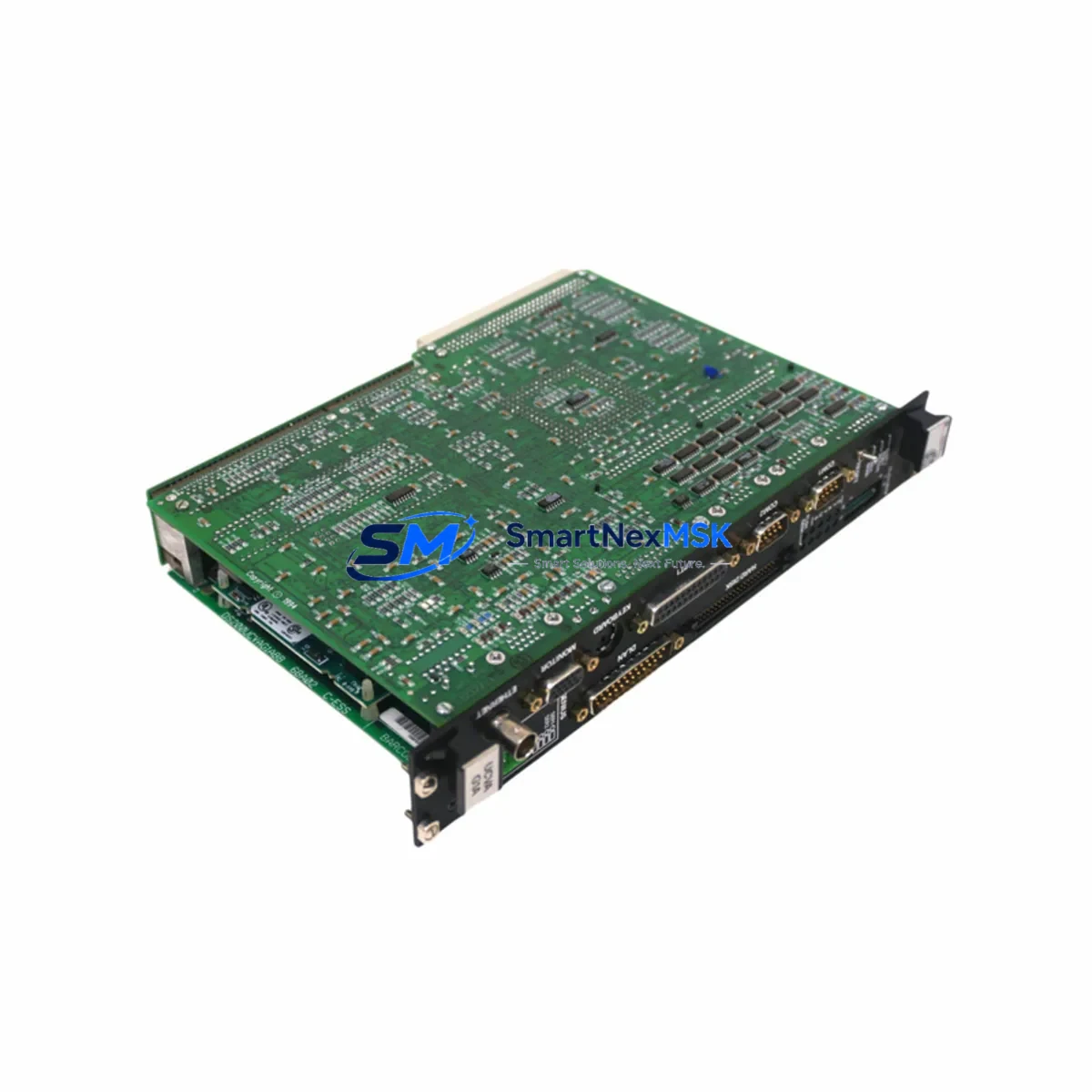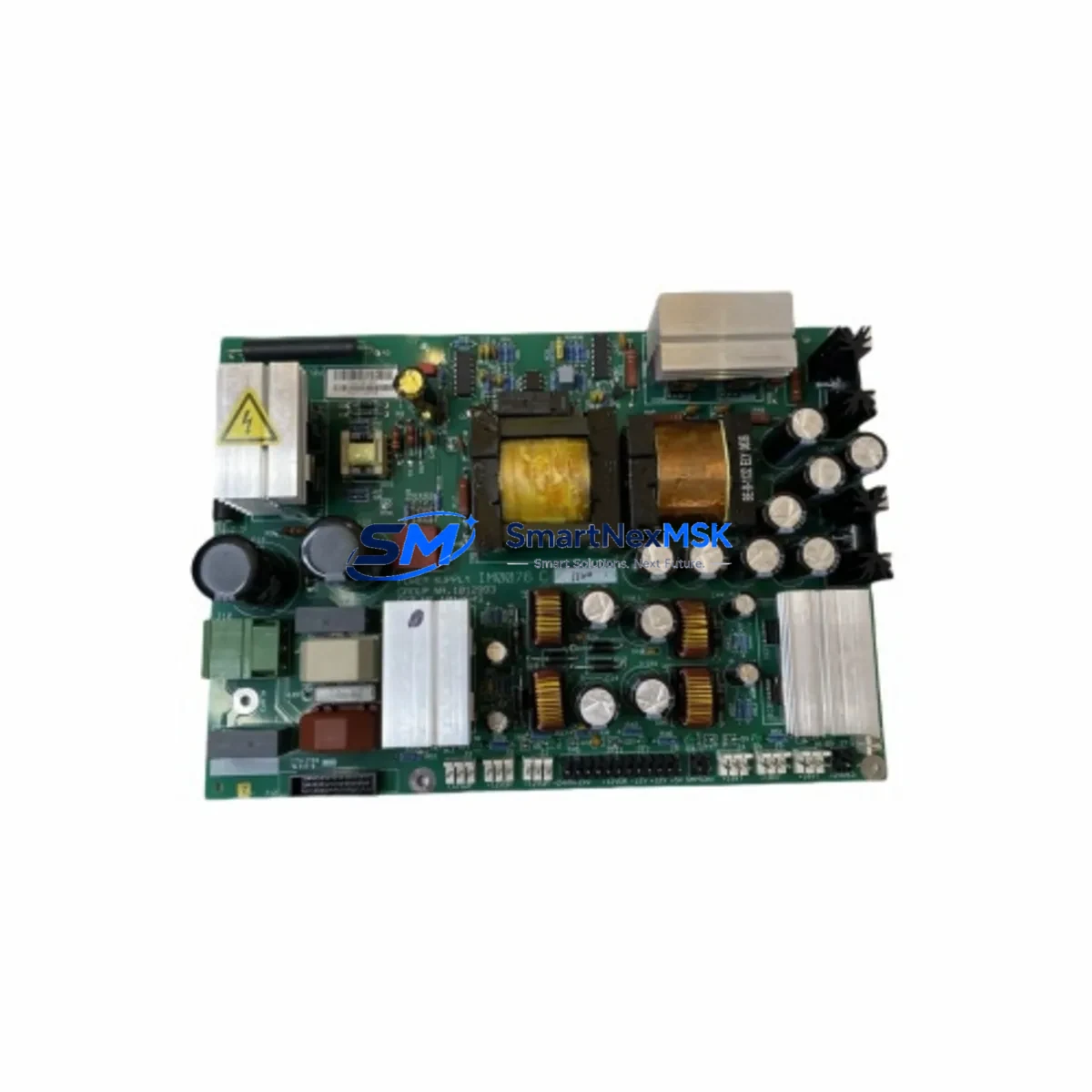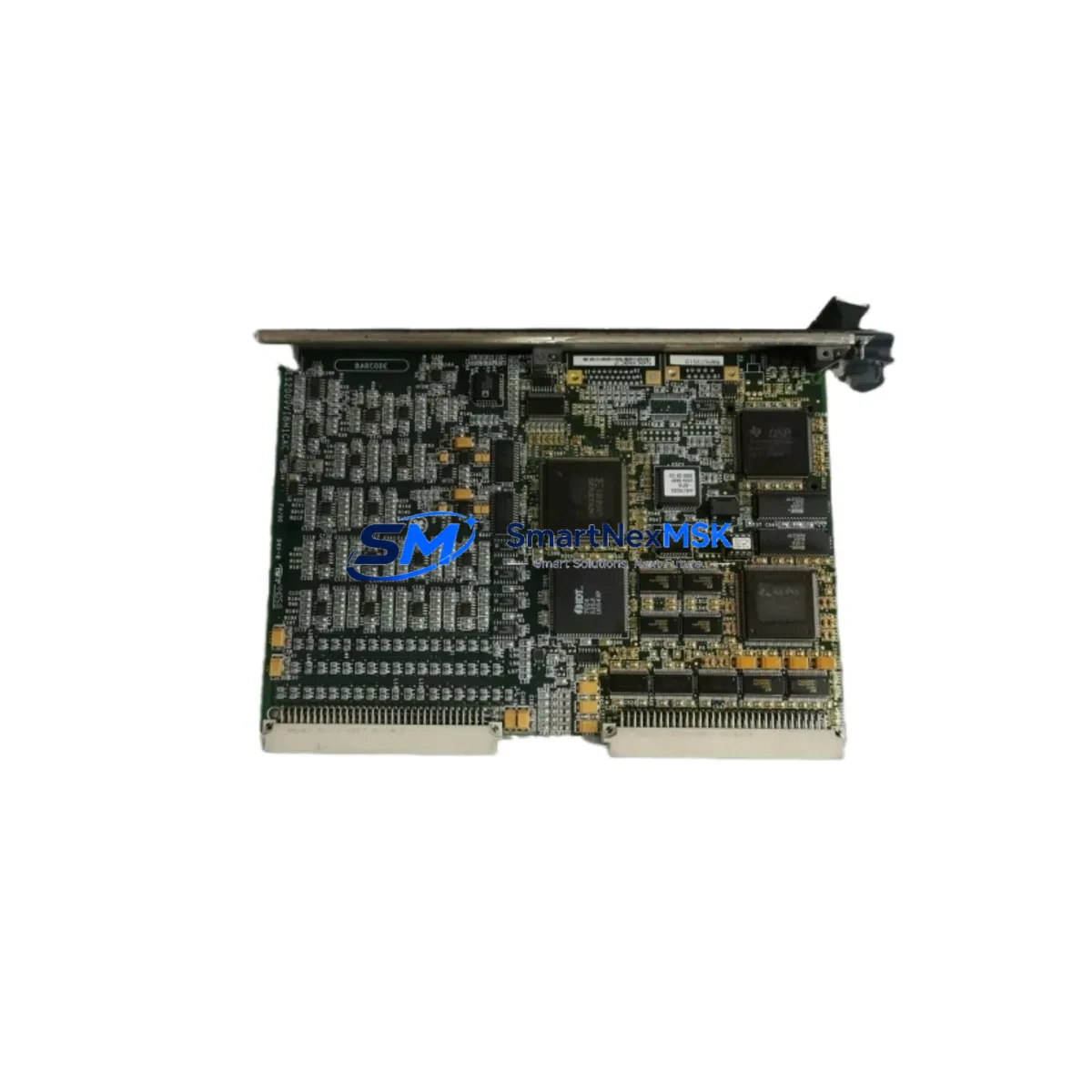
GE IS200VTURH1BAC Retrofit-Ready Speed Board for Mark VI: Compatible Modernization & Smooth System Upgrade
The GE IS200VTURH1BAC is a Speed Measurement Board engineered for the GE Mark VI Turbine Control System — one of the most widely deployed turbine management platforms in power generation, oil & gas, and heavy industrial facilities worldwide. As the Mark VI platform ages and OEM support windows narrow, plant engineers and procurement teams are actively seeking verified, wiring-compatible replacement modules that can be installed without redesigning the control cabinet or rewriting the application program. The IS200VTURH1BAC is precisely that solution: a retrofit-ready, drop-in replacement that preserves existing terminal wiring, backplane slot assignments, and module addressing while restoring full speed sensing functionality to the turbine control loop.
Whether you are replacing a failed unit under emergency conditions, building a critical-spare inventory ahead of a planned outage, or executing a phased modernization of an aging Mark VI rack, the IS200VTURH1BAC ships fully tested, with a 12-month warranty, and is available from stock in Xiamen for rapid international dispatch.
Upgrade Compatibility Table
| Parameter | IS200VTURH1BAC Details |
|---|---|
| Compatible Platform | GE Mark VI Turbine Control System |
| Module Function | Speed Measurement Board — turbine shaft speed sensing & overspeed protection |
| Backplane Interface | Mark VI VME-style backplane; slot-compatible with original IS200VTURH1BAC position |
| Terminal Wiring | Direct terminal-for-terminal replacement; no rewiring of speed sensor cables required |
| Communication Compatibility | IONet (GE proprietary); compatible with existing Mark VI IONet topology |
| Module Address | Retains original module address; no re-addressing required in ToolboxST |
| Replacement Recommendation | Direct replacement for failed or end-of-life IS200VTURH1BAC units |
| Commissioning Notes | Verify speed sensor calibration in ToolboxST after installation; confirm overspeed trip setpoints |
| Installation Requirement | Mark VI rack with available VTUR slot; standard ESD precautions apply |
| Warranty | 12-Month Warranty — covers manufacturing defects and functional failure under normal operating conditions |
Retrofit Planning for Existing Automation Systems
A successful IS200VTURH1BAC retrofit begins well before the module arrives on site. The Mark VI control cabinet typically houses multiple interdependent boards, and understanding how the VTUR board interacts with adjacent modules is essential for a clean swap. In a standard Mark VI rack, the IS200VTURH1BAC sits alongside the IS200VCMIH2C communication interface module, which manages IONet traffic between the turbine controller and the HMI workstation. Before pulling the failed VTUR board, engineers should confirm that the IS200VCMIH2C is operating normally and that IONet link status is green — a degraded communication link can mask speed signal faults and complicate post-installation verification.
The IS200VTURH1BAC receives speed pulses from magnetic pickup units (MPUs) or proximity probes mounted on the turbine shaft. During retrofit planning, verify that the existing MPU wiring — typically routed through the IS200JTCIH2A terminal board — is intact and that shield grounding is correctly terminated. A loose or corroded shield ground on the speed sensor cable is a common source of noise that can cause erratic speed readings after a board replacement, leading to unnecessary troubleshooting time.
Power supply integrity is another critical checkpoint. The Mark VI rack draws regulated 28 VDC from the IS200EPSMH1A power supply module. Before installing the replacement IS200VTURH1BAC, measure the DC bus voltage at the backplane connector to confirm it is within specification. An under-voltage condition caused by a degrading IS200EPSMH1A can damage a new module within hours of installation and will void the warranty claim.
For plants running a TMR (Triple Modular Redundant) Mark VI configuration, the VTUR function is typically distributed across three separate controller cores — the R, S, and T frames. Replacing the IS200VTURH1BAC in one frame while the other two remain online allows the turbine to continue operating in a degraded-redundancy mode, significantly reducing the risk of a forced shutdown. Coordinate with the control room operator to confirm that the voting logic in the IS200VSVOH1B servo output board is not affected during the single-frame maintenance window.
After physical installation, the commissioning sequence in ToolboxST should include a forced download of the I/O configuration to the replacement module, followed by a live speed signal verification using a calibrated signal generator or by slowly rolling the turbine on turning gear. Confirm that the speed value displayed on the Mark VI HMI — typically an Cimplicity or iFIX-based SCADA screen — matches the expected turning-gear speed before releasing the unit for normal operation. Also verify that the IS200VTURH1BAC’s overspeed trip output is correctly wired to the IS200TRLYH1B trip relay board and that the trip setpoint is armed and active.
Downtime Control During System Migration
Unplanned turbine trips are among the most costly events in power generation and process industries. When the IS200VTURH1BAC fails, the Mark VI system typically generates a speed signal fault alarm before escalating to a protective trip — providing a narrow window for intervention. To exploit this window effectively, plants should maintain at least one IS200VTURH1BAC as a critical spare in the control room store. With a pre-staged spare, a trained technician can complete the physical board swap in under 30 minutes, limiting the outage to the time required for ToolboxST re-download and speed signal verification.
For plants that cannot maintain local spares, SMARTNEXMSK offers expedited dispatch from Xiamen stock. Most orders are shipped within 24 hours of payment confirmation, with DHL Express or FedEx International Priority as the default carrier for urgent requirements. Customs documentation, including commercial invoice, packing list, and HS code declaration, is prepared in advance to minimize clearance delays at the destination port.
To protect the original control program during the replacement process, export a full ToolboxST project backup before removing the failed module. Store the backup on a dedicated engineering laptop and on a network share accessible to the control room team. This ensures that if the re-download process encounters an unexpected error — for example, a firmware version mismatch between the replacement IS200VTURH1BAC and the existing Mark VI controller — the original program can be restored without data loss. Do not rely solely on the controller’s internal flash memory as a backup source during active maintenance.
Maintaining field control continuity during the swap is equally important. In simplex Mark VI configurations, the turbine must be taken offline before the VTUR board is removed. In TMR configurations, as noted above, single-frame replacement is possible with the turbine on load, provided the plant’s operating procedures permit maintenance on a degraded-redundancy system. Always obtain a formal permit-to-work and coordinate with the shift supervisor before beginning any live-rack maintenance activity.
Retrofit Support FAQ
Q1: Is the IS200VTURH1BAC a direct drop-in replacement for my existing failed unit?
Yes. The IS200VTURH1BAC is a direct replacement for units of the same part number installed in GE Mark VI turbine control racks. The module uses the same backplane connector, the same terminal board interface (typically IS200JTCIH2A), and the same IONet communication protocol as the original. No hardware modifications to the rack or cabinet are required. After installation, a ToolboxST I/O configuration download is recommended to ensure the replacement module is correctly recognized by the controller.
Q2: What commissioning steps are required after installing the replacement board?
After seating the IS200VTURH1BAC in the rack, connect to the Mark VI controller via ToolboxST and perform a forced download of the I/O configuration to the new module. Verify that the module status LED indicates normal operation (solid green). Confirm speed signal integrity by observing the live speed value on the HMI during turning-gear operation. Check that the overspeed trip setpoint is correctly configured and that the trip output to the IS200TRLYH1B relay board is active. Document all commissioning steps in the plant’s maintenance management system.
Q3: How do I verify wiring compatibility before installing the replacement module?
Compare the terminal assignments on the existing IS200JTCIH2A terminal board against the wiring diagram in the Mark VI system documentation. The IS200VTURH1BAC connects to the terminal board via a standard ribbon cable; verify that the cable is undamaged and that all connectors are fully seated. Check MPU wiring polarity and shield grounding at the terminal board. Use a multimeter to confirm MPU resistance is within the manufacturer’s specified range (typically 100–1000 Ω for passive magnetic pickups) before powering the new module.
Q4: What does the 12-month warranty cover, and how is a warranty claim processed?
The 12-month warranty covers manufacturing defects and functional failures under normal operating conditions, including speed signal processing errors, communication faults, and backplane interface failures attributable to the module itself. The warranty does not cover damage caused by incorrect installation, overvoltage, reverse polarity, or physical impact. To initiate a warranty claim, contact SMARTNEXMSK at [email protected] with the order number, a description of the fault, and any available ToolboxST diagnostic logs. A replacement or repair will be arranged within 5 business days of fault confirmation.
© 2026 SMARTNEXMSK. All rights reserved.
Original Source: https://smartnexmsk.com
Contact: [email protected] | +86 18259474341