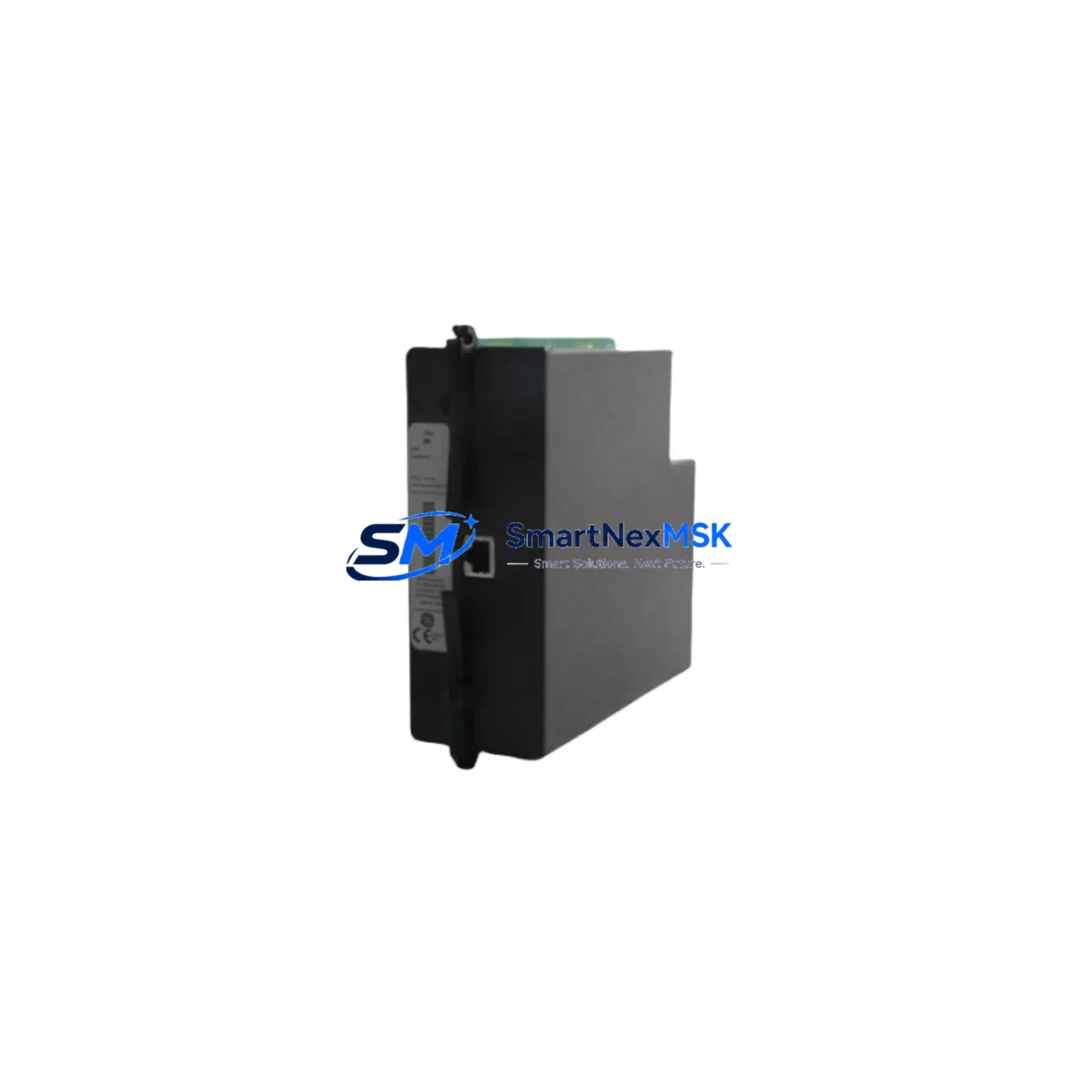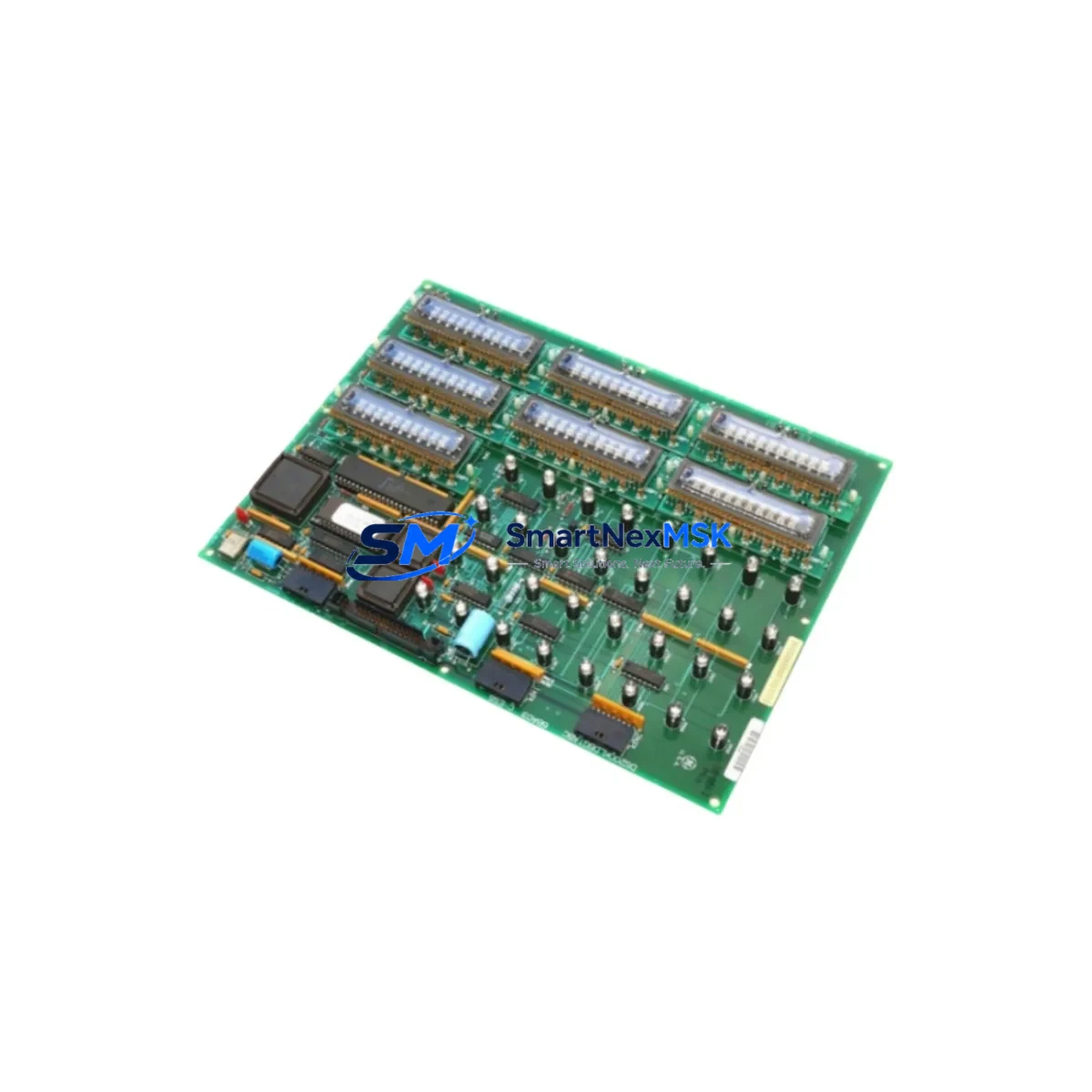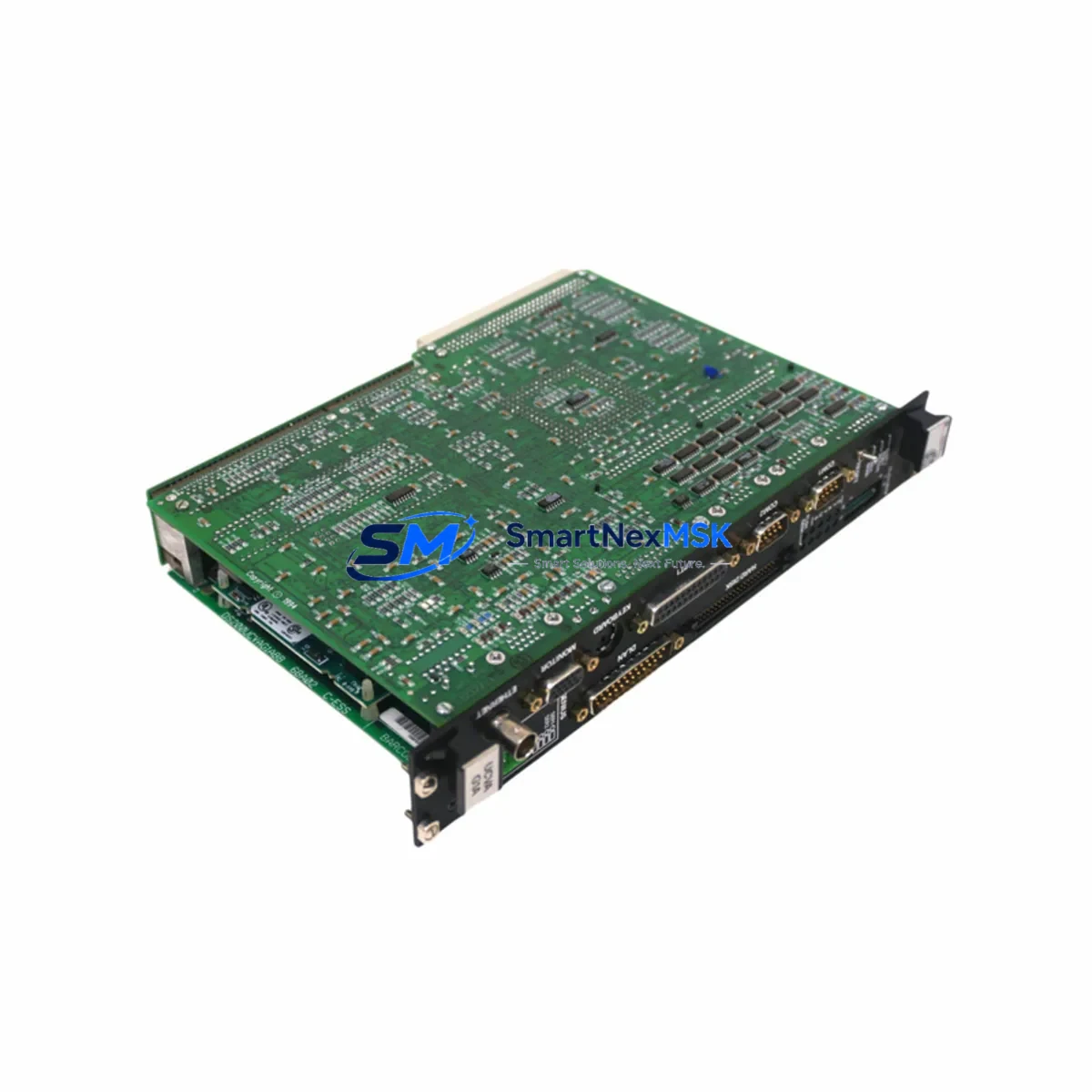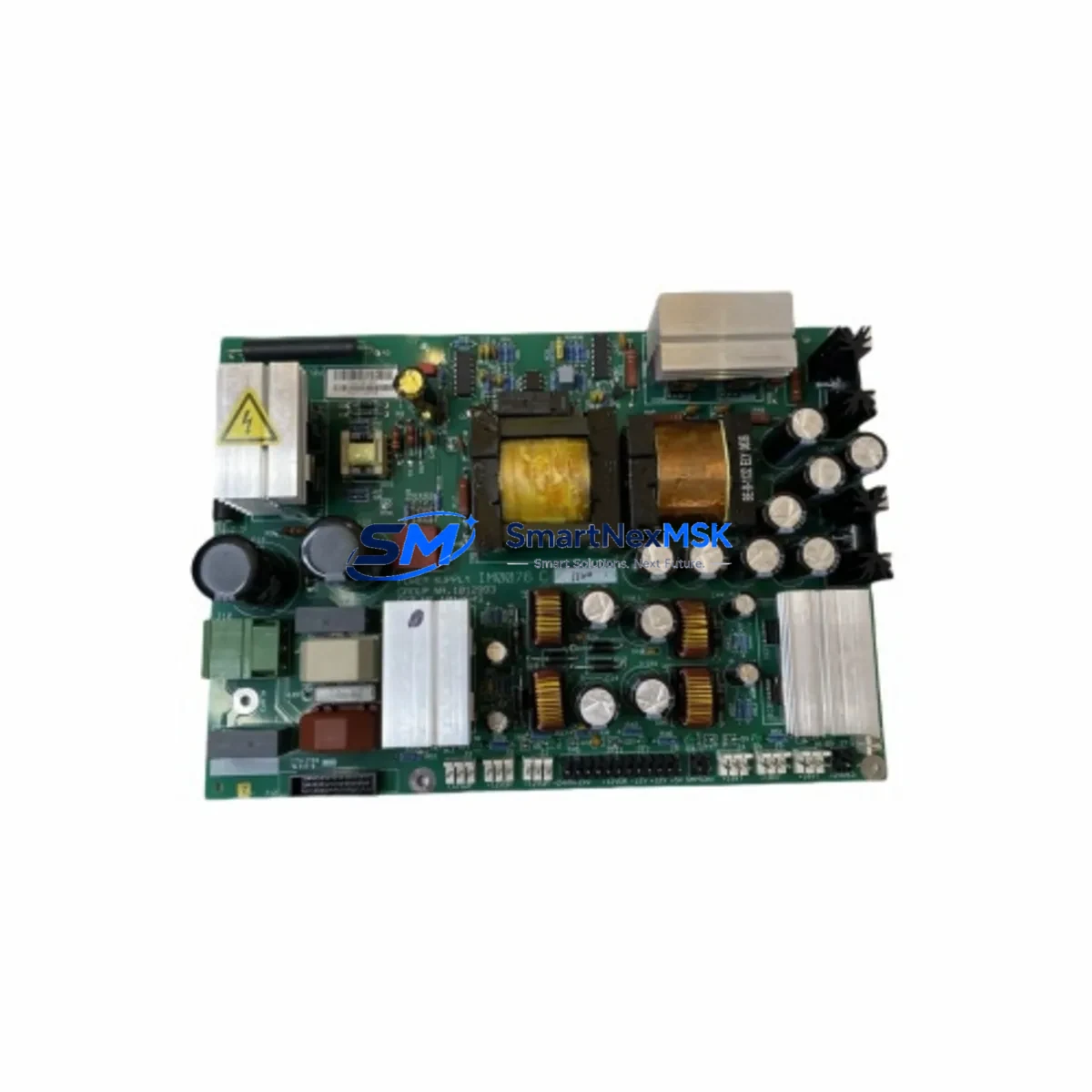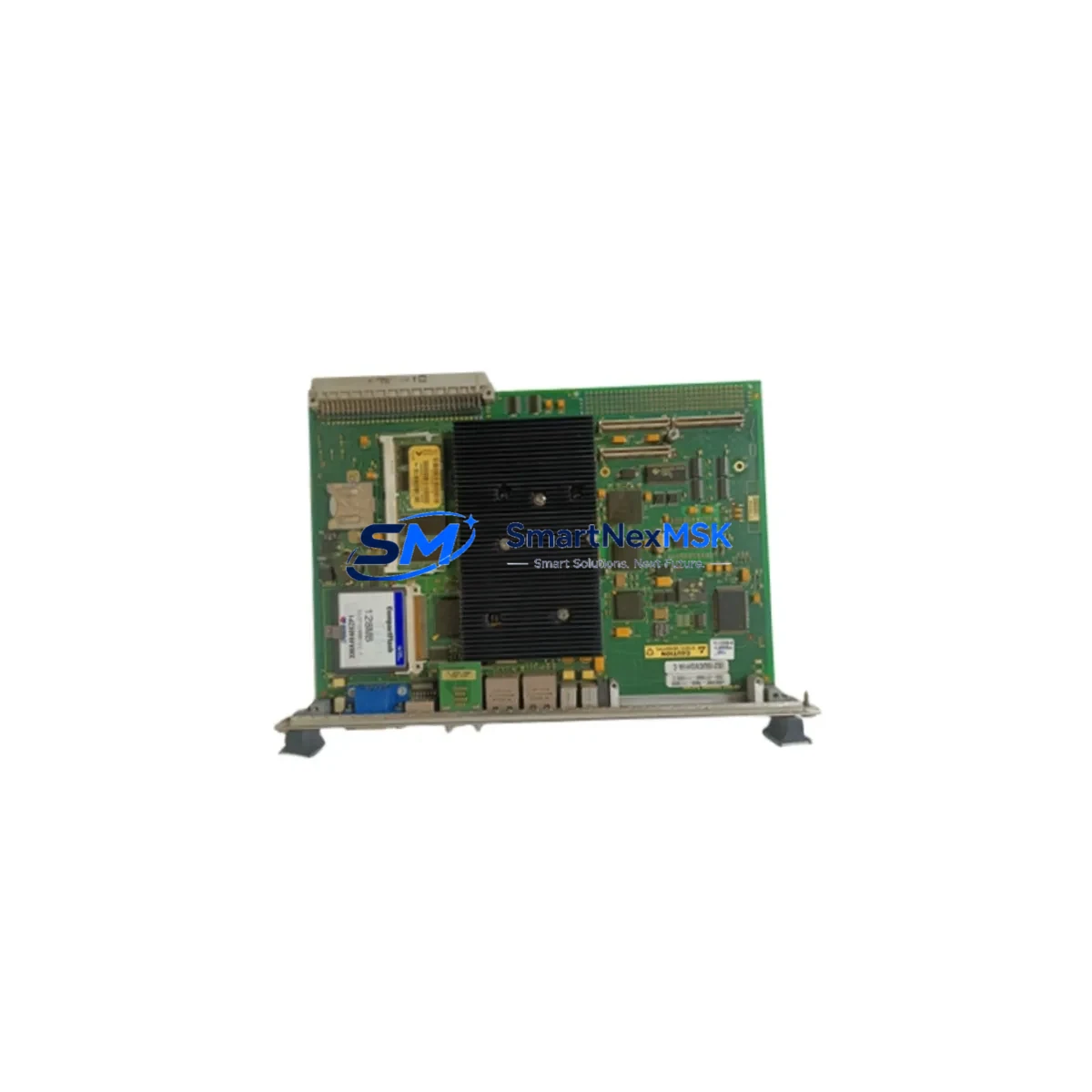
GE IS215UCVGH1AC Retrofit-Ready IONet Module for Mark VIe Control Systems
The GE IS215UCVGH1AC is a high-reliability IONet Communication Module designed for the GE Mark VIe distributed control system platform. As legacy Mark V and Mark VI turbine control systems reach end-of-service life, the IS215UCVGH1AC serves as a critical retrofit component enabling smooth migration to the Mark VIe architecture without requiring full panel replacement. Whether you are upgrading a gas turbine control cabinet, replacing a failed communication node, or expanding I/O capacity across an existing Mark VIe rack, this module provides the communication backbone that keeps your control system operational.
Sourced from verified industrial supply channels, each IS215UCVGH1AC unit undergoes functional testing prior to shipment. All units are covered by a 12-month warranty and are available for fast global dispatch. Stock is maintained to support both emergency replacement and planned outage windows.
Upgrade Compatibility Table
| Parameter | Details |
|---|---|
| Part Number | IS215UCVGH1AC |
| Platform | GE Mark VIe DCS |
| Module Function | IONet Ethernet Communication (UCVG) |
| Communication Protocol | IONet (100 Mbps Ethernet, proprietary GE protocol) |
| Backplane Interface | Mark VIe VME-style rack backplane |
| Compatible Racks | IS200 series Mark VIe racks; VSVO, VTUR, VCMI carrier boards |
| Replaces / Upgrades From | IS215UCVGH1AB, IS215UCVGH1AA (earlier hardware revisions) |
| Installation Requirement | Slot assignment via ToolboxST; no hardware jumper setting required |
| Power Draw | Verify rack power budget against IS200EPSMG1A or IS200EPSMG1B power supply capacity |
| Firmware Compatibility | Compatible with Mark VIe ToolboxST R04.x and above |
| Debugging Tool | ToolboxST Workstation with IS200UCVGH1A configuration file |
| Warranty | 12 Months from date of shipment |
| Condition | Tested, functional, ready to install |
Retrofit Planning for Existing Automation Systems
Integrating the IS215UCVGH1AC into an existing Mark VIe system requires a structured approach that accounts for both hardware compatibility and software configuration. Before installation, engineers should audit the existing rack assembly. The IS215UCVGH1AC occupies a dedicated UCVG slot within the Mark VIe I/O rack — confirm slot availability and that the carrier board (such as the IS200VCMIG2BAB VME carrier) is correctly seated and undamaged.
Power budget verification is a mandatory pre-installation step. The Mark VIe rack relies on redundant power supplies — typically the IS200EPSMG1A or IS200EPSMG1B — and adding or replacing a communication module requires confirming that total rack power draw remains within rated limits. Overloading the power supply is a common cause of intermittent faults during retrofit projects.
Terminal wiring for the IONet network connection uses standard RJ-45 Ethernet cabling. Verify that the IONet switch — often a GE IS200ESELH1A managed Ethernet switch — is configured to recognize the new module’s MAC address and that VLAN assignments match the existing network topology. In redundant IONet configurations, both the primary and secondary network paths must be validated independently before returning the system to service.
On the software side, the replacement IS215UCVGH1AC must be configured using ToolboxST. Import the existing application configuration, verify that the module address assignment matches the physical slot, and confirm that all I/O blocks referencing this communication node resolve without errors. Pay particular attention to any IS215ACLEH1A analog I/O modules or IS215DTURH1A digital I/O modules that communicate through this UCVG node — their signal mappings must be preserved exactly to avoid process upsets.
HMI screen validation is often overlooked during communication module replacements. If the plant uses a GE Cimplicity or third-party SCADA system connected via OPC-DA or OPC-UA to the Mark VIe controller, verify that all dynamic data points linked through the IONet path are refreshing correctly after the module swap. Tag aliasing errors at the HMI level can mask underlying communication faults that only appear under load.
For sites migrating from an older Mark VI VCMI architecture to Mark VIe, the IS215UCVGH1AC is a key enabler of the phased migration strategy. The Mark VIe IONet protocol is not backward-compatible with the Mark VI IONET at the physical layer, so a clean cutover plan — including temporary parallel operation using a IS200VCMIG2BAB bridge carrier — is recommended. Programming cables such as the IS200UCVGH1A serial configuration cable may be required for initial module commissioning in some legacy rack configurations.
Downtime Control During System Migration
Minimizing unplanned downtime is the primary concern for any turbine or process control retrofit. When replacing the IS215UCVGH1AC in a live Mark VIe system, the recommended approach is to pre-configure the replacement module offline using ToolboxST before the maintenance window begins. Export the current application configuration, load it onto the replacement unit in a bench environment, and verify that all IONet node addresses and I/O block assignments are correct before the scheduled outage.
During the physical swap, follow GE’s hot-swap procedure only if the rack firmware and ToolboxST version support it — not all Mark VIe rack configurations support live module replacement without a controller restart. If a controller restart is required, coordinate with the operations team to ensure that the turbine or process unit is in a safe hold state and that all permissive interlocks are satisfied before initiating the restart sequence.
After module installation, use ToolboxST’s online diagnostic view to confirm that the IS215UCVGH1AC is communicating on the IONet network, that all downstream I/O modules are reporting healthy status, and that no diagnostic alarms are active. Validate critical analog inputs — such as thermocouple signals routed through IS215ACLEH1A modules — against independent field instruments before releasing the unit back to automatic control. Document the as-left configuration and update the site’s spare parts register to reflect the new hardware revision.
Retrofit Support FAQ
Q1: Is the IS215UCVGH1AC a direct drop-in replacement for the IS215UCVGH1AB?
Yes. The IS215UCVGH1AC is the current production hardware revision of the UCVG IONet communication module and is backward-compatible with racks and software configurations originally built for the IS215UCVGH1AB and IS215UCVGH1AA. No hardware modification or firmware downgrade is required. Confirm your ToolboxST version is R04.x or later for full feature support.
Q2: What commissioning steps are required after installing the IS215UCVGH1AC?
After physical installation, open ToolboxST and perform a hardware scan to confirm the module is recognized in the correct rack slot. Verify the IONet node address assignment, download the application configuration, and check that all I/O modules communicating through this node — including any IS215DTURH1A digital I/O or IS215ACLEH1A analog modules — are reporting online. Run a full I/O checkout against the field instrument list before returning to service.
Q3: How do I verify wiring and terminal compatibility before installation?
The IS215UCVGH1AC connects to the IONet network via standard RJ-45 Ethernet ports on the module faceplate. No terminal block wiring is required for the communication interface itself. Verify that the rack backplane connector is clean and undamaged, and that the IONet Ethernet switch port assigned to this node is active and configured for the correct VLAN. Refer to GE document GEH-6721 (Mark VIe Control System Guide) for detailed rack wiring diagrams.
Q4: What does the 12-month warranty cover, and how is the unit tested before shipment?
Every IS215UCVGH1AC unit is functionally tested prior to shipment to verify communication interface operation, backplane connector integrity, and firmware version. The 12-month warranty covers defects in materials and workmanship under normal operating conditions. Units that fail within the warranty period are replaced or repaired at no charge. Contact our technical team with your order reference and fault description to initiate a warranty claim.
© 2026 SMARTNEXMSK. All rights reserved.
Original Source: https://smartnexmsk.com
Contact: [email protected] | +86 18259474341