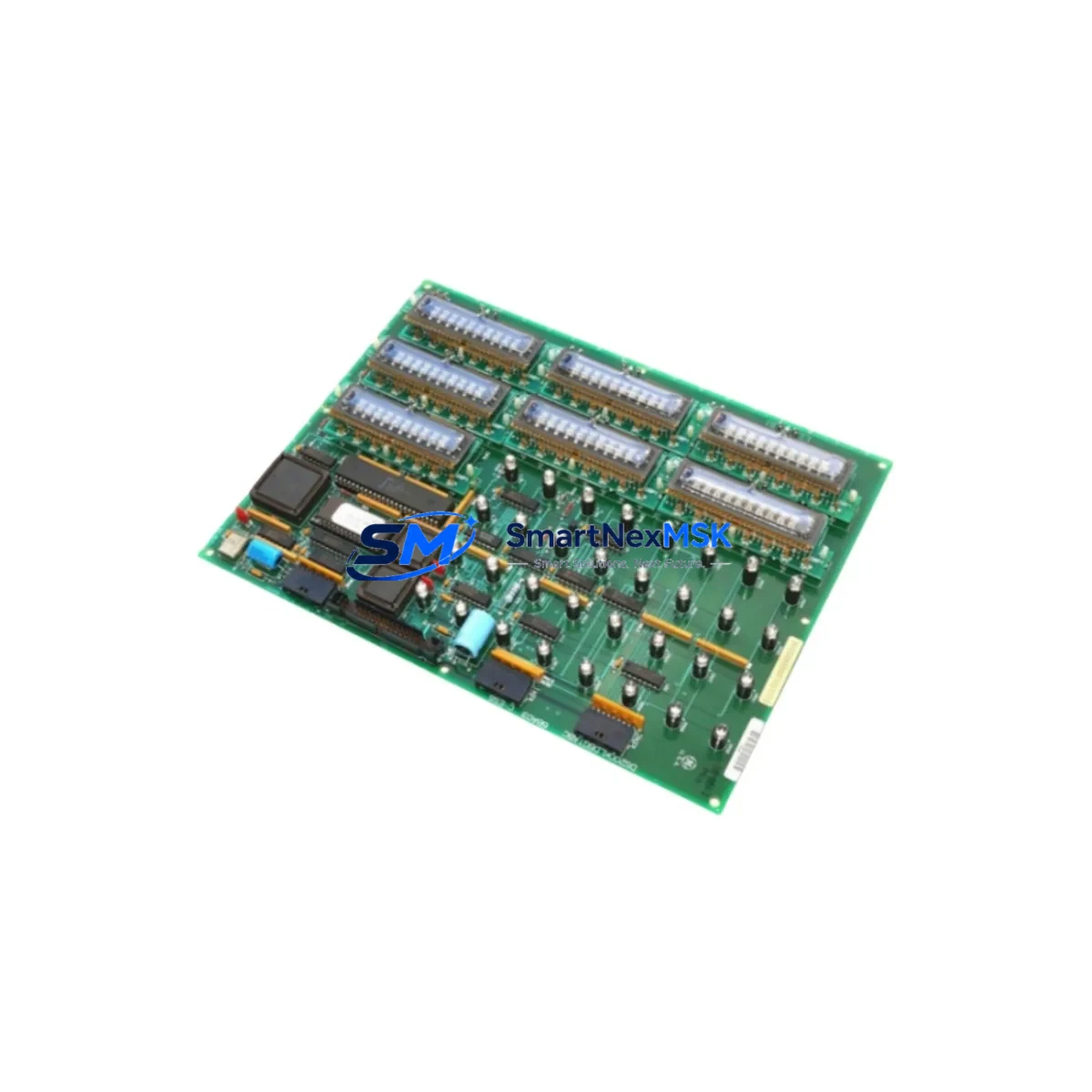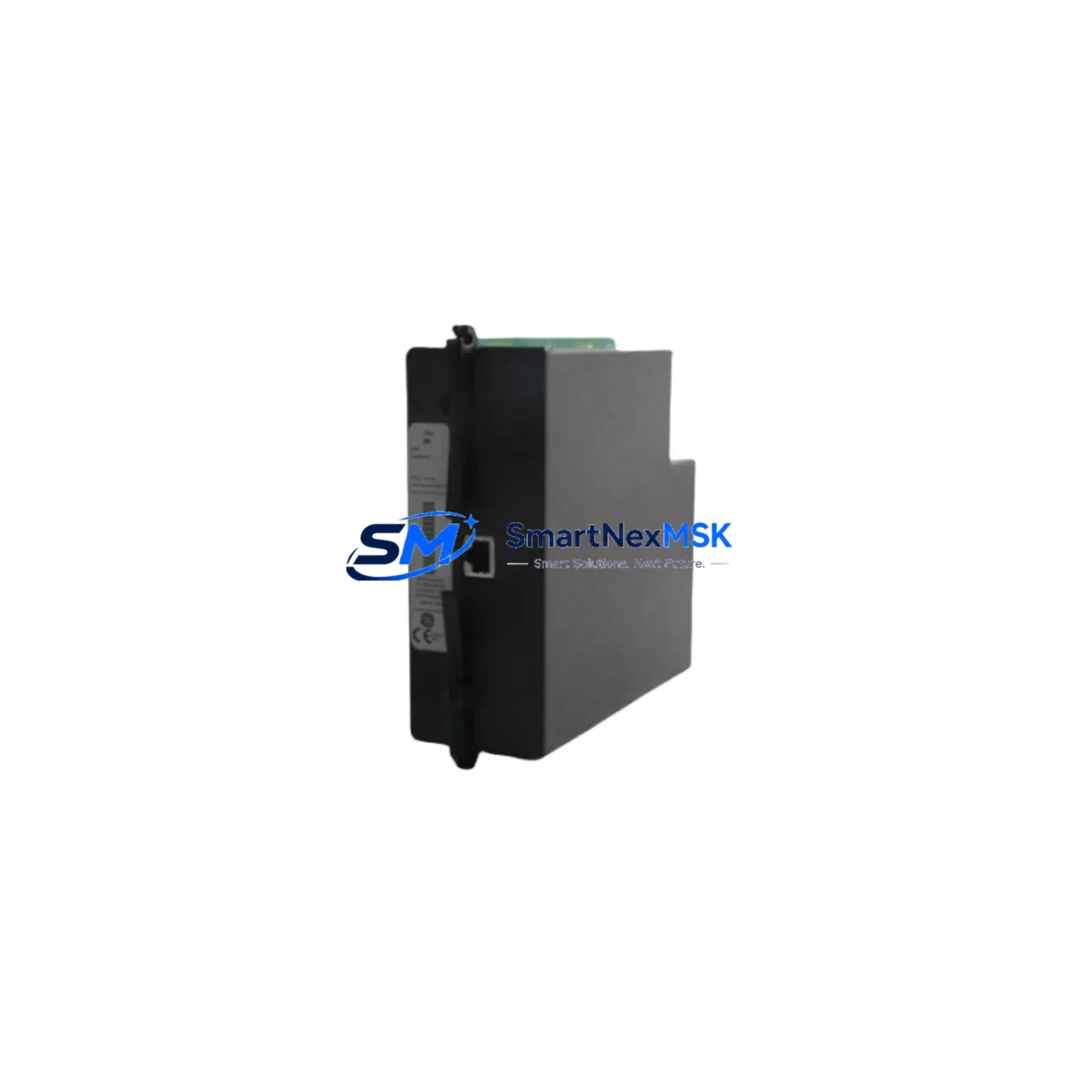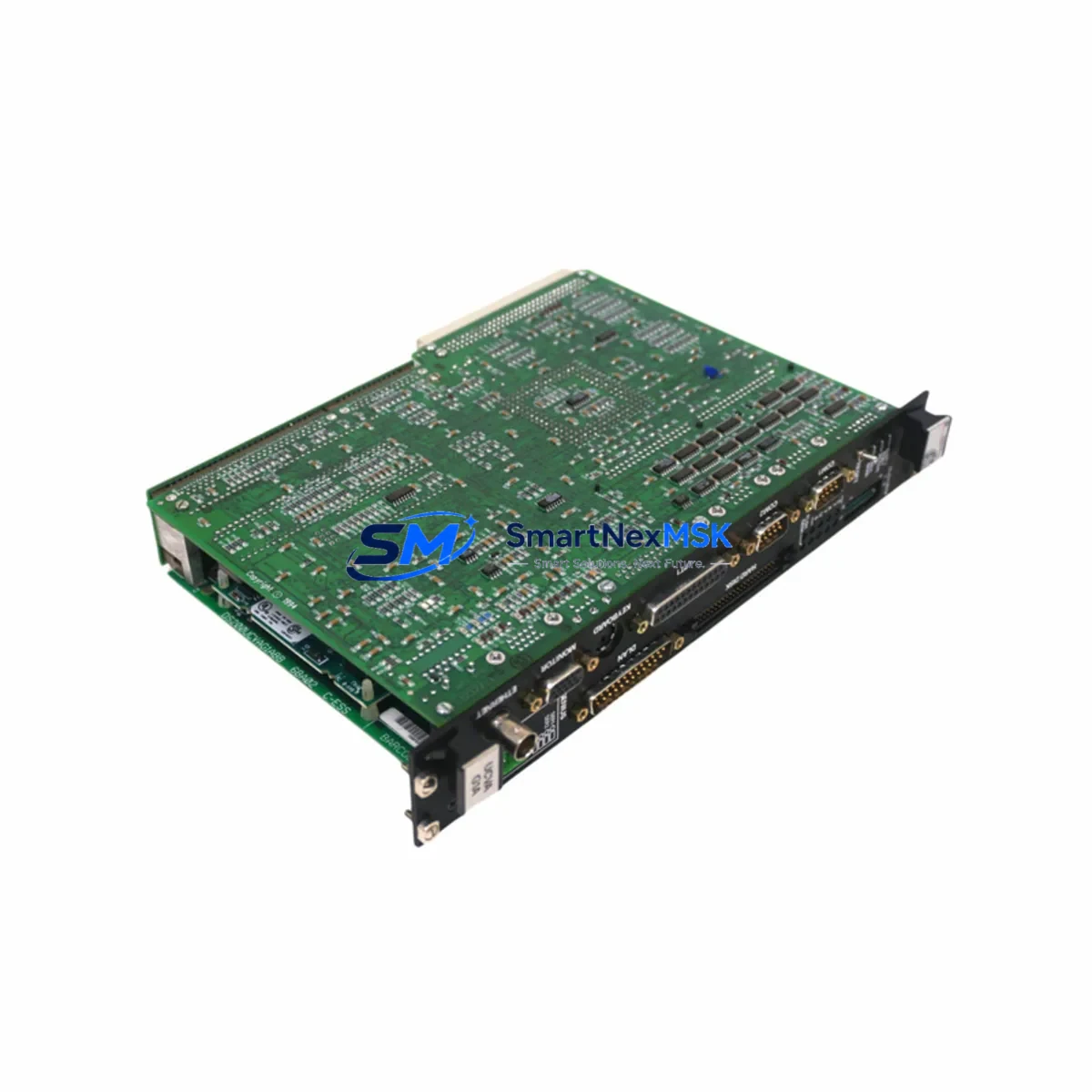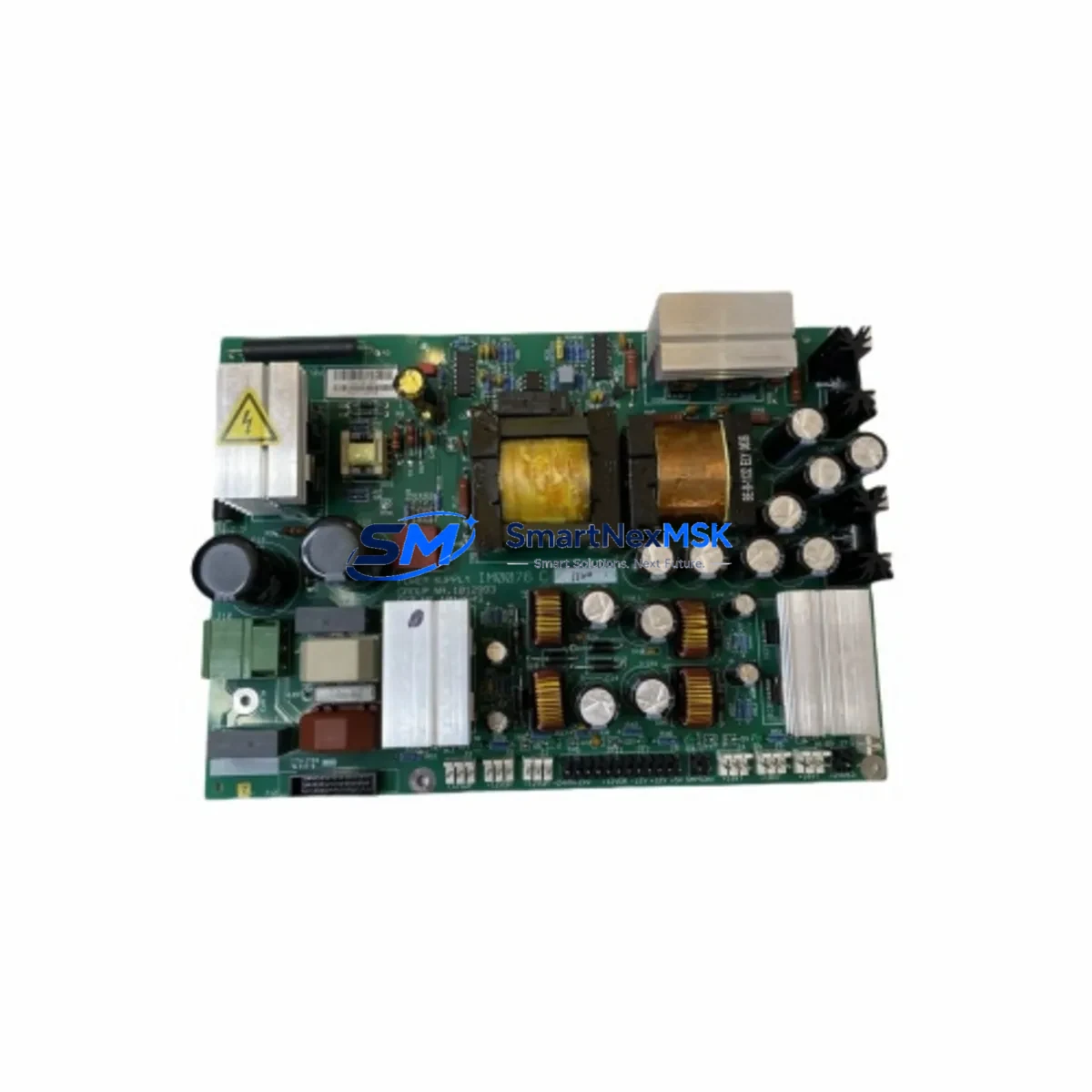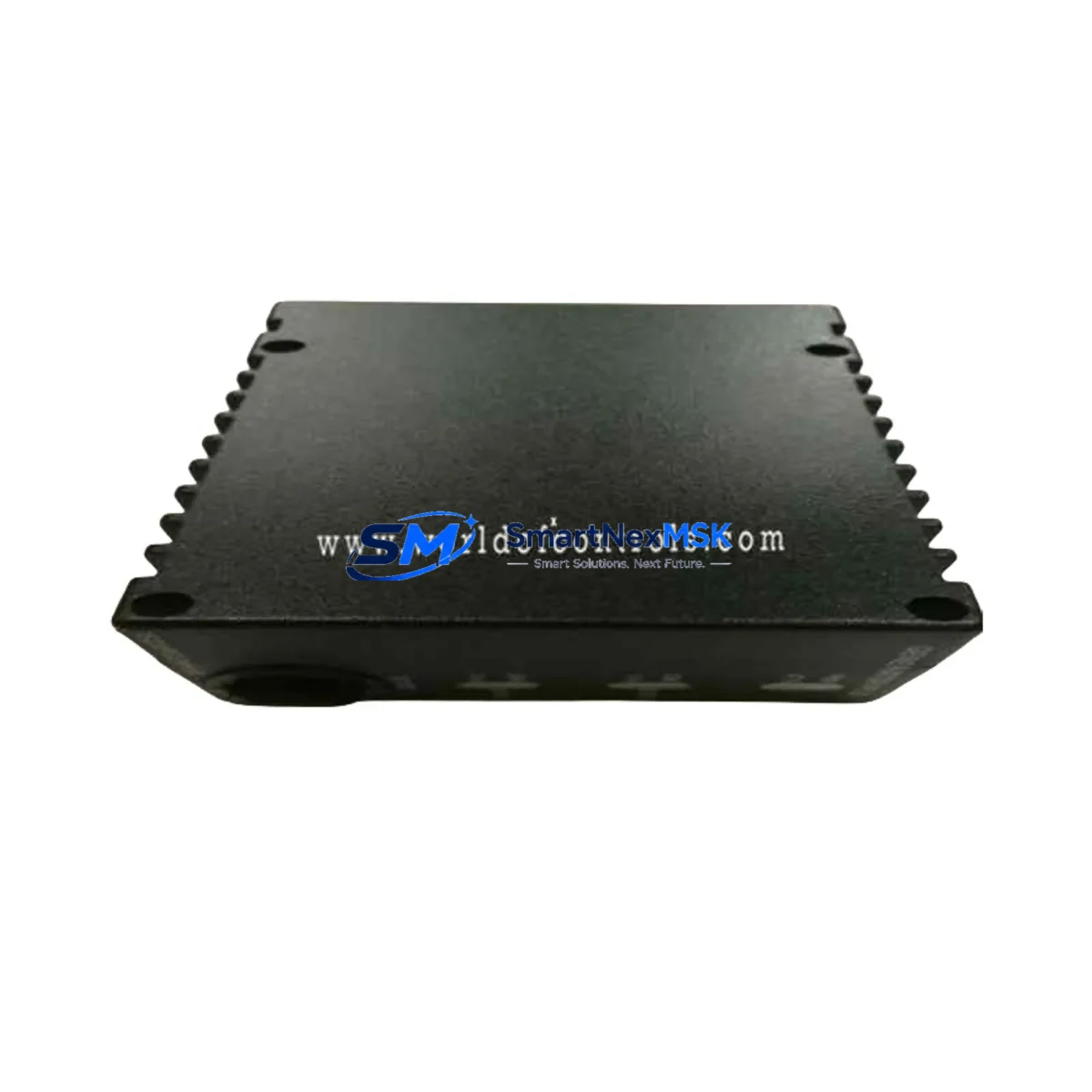
GE IS220PGENH1A Retrofit-Ready Generator Protection I/O for Mark VIe Control Systems
The GE IS220PGENH1A is a Generator Protection I/O module engineered for the GE Mark VIe turbine and generator control platform. As legacy Mark V and Mark VI installations reach end-of-service life, the IS220PGENH1A has become a critical component in plant-wide retrofit programs, enabling operators to modernize generator protection logic without replacing the entire control architecture. Whether you are managing a gas turbine, steam turbine, or combined-cycle plant, this module provides the I/O density, signal conditioning, and protection relay interface required to maintain continuous generator supervision during and after system migration.
SMARTNEXMSK maintains verified stock of the IS220PGENH1A sourced from authorized industrial channels. Each unit undergoes pre-shipment functional testing, and all orders are covered by a 12-month warranty from the date of delivery. Our engineering support team can assist with wiring adaptation, terminal mapping, and compatibility verification before your scheduled maintenance window.
Upgrade Compatibility Table
| Parameter | Details |
|---|---|
| Module Part Number | IS220PGENH1A |
| Compatible Platform | GE Mark VIe Turbine Control System |
| Replaces / Upgrades From | Mark V TGENH, Mark VI PGENH variants; legacy generator protection relay boards |
| Backplane Interface | Mark VIe I/O Pack connector — compatible with IS200 series backplanes |
| Communication Protocol | IONet (GE proprietary Ethernet-based I/O network) |
| Installation Form Factor | DIN-rail mountable I/O pack; fits standard Mark VIe control cabinet |
| Terminal Wiring | Compatible with existing field wiring from Mark V/VI generator protection circuits; verify terminal block adapter (TB) model before installation |
| Module Address Configuration | Configured via ToolboxST; address assignment must match original I/O pack slot definition in the application code |
| Program Compatibility | Requires ToolboxST application re-download after module swap; verify signal tag mapping in the generator protection function block |
| HMI Screen Impact | Existing Mark VIe HMI (Cimplicity or third-party SCADA) screens remain valid if signal names are preserved during migration |
| Retrofit Recommendation | Replace in pairs with IS220PTURH1A (turbine protection I/O) for full generator-turbine protection upgrade |
| Pre-Shipment Testing | Functional I/O verification, communication link check, firmware version confirmation |
| Warranty | 12 months from delivery date — covers manufacturing defects and functional failure under normal operating conditions |
Retrofit Planning for Existing Automation Systems
Integrating the IS220PGENH1A into an existing Mark VIe control system requires a structured retrofit plan that accounts for both hardware and software dependencies. Begin by auditing the current IS200 series backplane to confirm the I/O pack slot is physically compatible and that the backplane revision supports the PGENH function. In many older installations, the backplane may be an IS200BPBAG1A or IS200BPBAG1B — both are compatible, but the terminal block adapter must be verified against the field wiring schedule.
Power supply capacity is a frequent oversight in retrofit projects. The Mark VIe cabinet typically uses a IS200EPCTG1A or equivalent power conditioner to supply 28 VDC to the I/O packs. Before installing the IS220PGENH1A, confirm that the available power budget on the affected backplane segment is sufficient. Adding a new I/O pack without verifying the power rail loading can cause intermittent resets on adjacent modules such as the IS220PSVOH1A (servo valve output) or IS220PTCCH1A (thermocouple input) packs.
Terminal wiring adaptation is the most labor-intensive phase of the retrofit. The IS220PGENH1A uses a dedicated terminal board — typically the IS200TGENH1A — which maps generator protection signals including differential current, neutral grounding, voltage sensing, and frequency relay inputs. If the plant was previously running a Mark V TGENH board, the field cable terminations will need to be re-landed on the new terminal board. Document every wire label and cross-reference against the original elementary diagram before disconnecting any field wiring.
On the software side, the IS220PGENH1A must be defined in the ToolboxST application as an I/O pack assigned to the correct controller (R, S, or T frame in a TMR configuration). The module address — set by the physical slot position on the backplane — must match the address declared in the application. After the module is installed and powered, use ToolboxST to download the application and verify that all generator protection I/O signals are scanning correctly. Pay particular attention to the IS220PGENH1A‘s analog input channels, which handle generator voltage and current transformer signals — any scaling errors here will affect protection relay trip thresholds.
For plants running a GE Mark VIe with Profibus DP or Modbus TCP communication to a third-party protection relay (such as a GE L90 or SEL-300G), verify that the communication module — often an IS220PCOMH1A — is correctly configured to pass generator status data to the relay. If the plant is migrating from a hardwired relay scheme to a software-based protection function within the Mark VIe, the IS220PGENH1A’s I/O channels will need to be mapped to the appropriate protection function blocks in the application code. This is also the right time to review the IS220UCVEH1A (VME controller) or IS220UCSAH1A (simplex controller) firmware version to ensure compatibility with the PGENH I/O pack driver.
HMI screen validation is the final pre-commissioning step. If the plant uses GE Cimplicity or a third-party SCADA system connected via OPC-DA or OPC-UA, confirm that the generator protection signal tags referenced in the HMI graphics are still valid after the application download. Tag name changes during the retrofit will cause display errors on generator protection overview screens and alarm summary pages.
Downtime Control During System Migration
Minimizing unplanned downtime during a Mark VIe generator protection retrofit requires a phased approach that preserves the original control logic until the new module is fully commissioned. The recommended strategy is to pre-configure the IS220PGENH1A offline using a ToolboxST simulation environment, validate the I/O signal mapping against the plant’s elementary diagrams, and prepare a tested application download package before the scheduled outage window begins.
During the physical swap, keep the original IS200TGENH1A terminal board wiring intact until the new module is mounted and the application is downloaded. Use the ToolboxST diagnostic view to confirm that all generator protection I/O channels are scanning before disconnecting the old module. In a TMR (Triple Modular Redundant) Mark VIe configuration, the system can tolerate a single I/O pack replacement without tripping the unit — use this capability to perform a hot-swap where plant safety procedures permit.
Maintain a rollback plan: retain the original application backup and the replaced module in serviceable condition until the new IS220PGENH1A has completed at least one full generator start-stop cycle under supervision. Log all alarm and event data from the Mark VIe historian during the commissioning period to detect any anomalies in generator protection signal behavior. If the plant uses a GE Mark VIe with EX2100e excitation control, coordinate the generator protection retrofit with the excitation system team to ensure that generator voltage and reactive power signals are correctly shared between the IS220PGENH1A and the excitation controller via the IONet communication link.
SMARTNEXMSK can provide pre-tested IS220PGENH1A units with confirmed firmware versions, reducing on-site commissioning time. Our standard lead time for in-stock units is 3–7 business days for international shipment, with expedited options available for emergency outage support.
Retrofit Support FAQ
Q1: Can the IS220PGENH1A directly replace a Mark V TGENH board without rewiring?
A direct drop-in replacement is not possible without a terminal board adapter. The Mark V TGENH uses a different connector and terminal layout compared to the Mark VIe IS220PGENH1A. You will need to install the IS200TGENH1A terminal board and re-land the field wiring according to the Mark VIe wiring diagram. SMARTNEXMSK can supply both the IS220PGENH1A and the IS200TGENH1A terminal board as a matched set.
Q2: What firmware version is required for the IS220PGENH1A to work with my Mark VIe controller?
The IS220PGENH1A firmware must be compatible with the ToolboxST application version running on your Mark VIe controller. SMARTNEXMSK verifies the firmware version of each unit before shipment and can confirm compatibility with your specific ToolboxST version upon request. Provide your controller model (IS220UCVEH1A or IS220UCSAH1A) and ToolboxST version when placing your order.
Q3: How do I verify that the IS220PGENH1A is correctly commissioned after installation?
After installing the module and downloading the ToolboxST application, use the ToolboxST I/O diagnostic view to confirm that all generator protection channels are scanning and returning expected values. Perform a loop check on each analog input channel (generator voltage, current transformer inputs) and verify that digital input channels (protection relay contacts) are responding correctly. Check the Mark VIe event log for any I/O pack fault alarms. SMARTNEXMSK provides a pre-shipment test report for each unit, which can be used as a baseline for on-site commissioning verification.
Q4: What does the 12-month warranty cover, and what is the return process?
The 12-month warranty covers manufacturing defects and functional failure under normal operating conditions, including I/O channel failure, communication link faults, and firmware corruption. Physical damage caused by incorrect installation, overvoltage, or environmental factors is not covered. To initiate a warranty claim, contact SMARTNEXMSK at [email protected] with your order number, a description of the fault, and the ToolboxST diagnostic log. We will arrange return shipping and provide a replacement unit or full refund within 10 business days of receiving the returned module.
© 2026 SMARTNEXMSK. All rights reserved.
Original Source: https://smartnexmsk.com
Contact: [email protected] | +86 18259474341