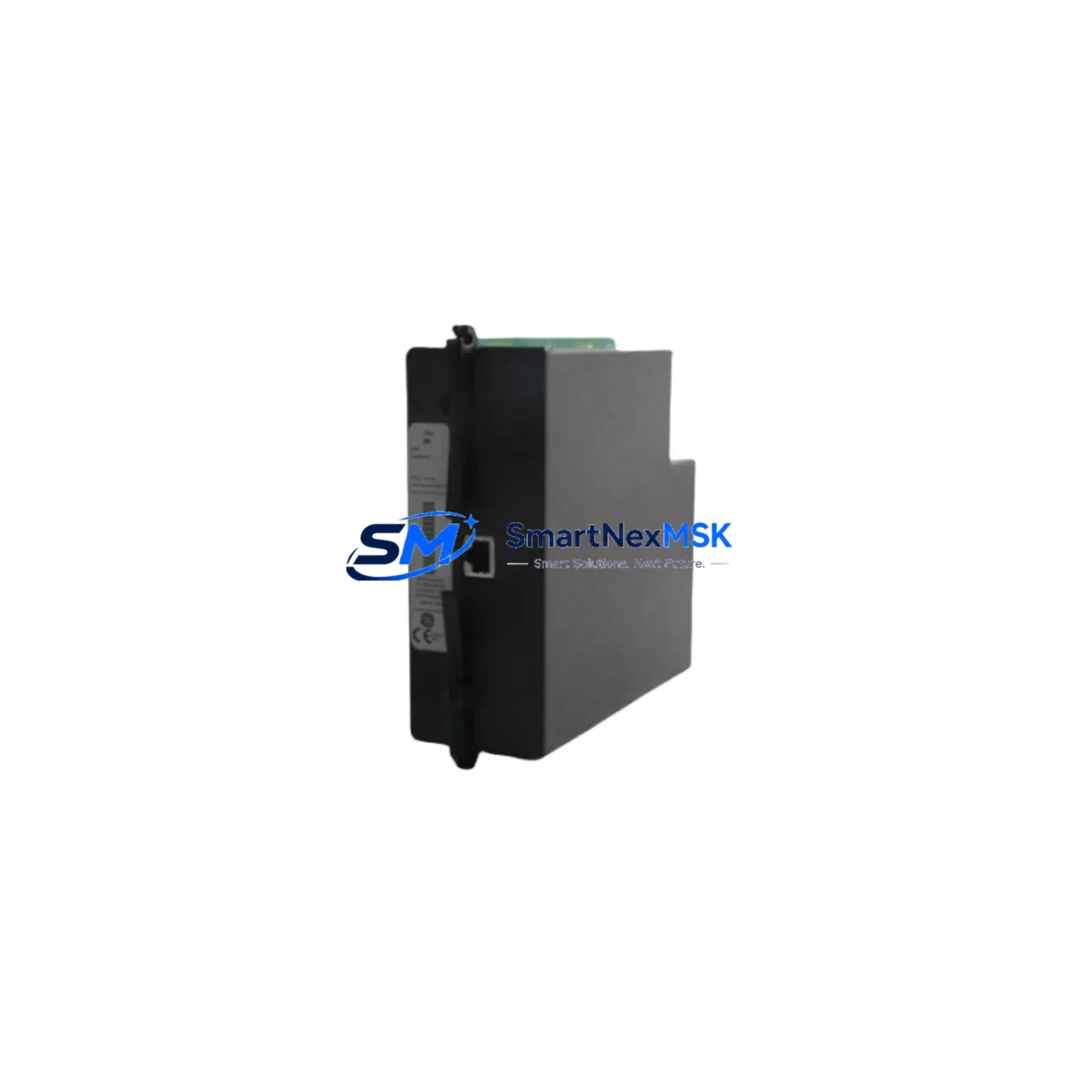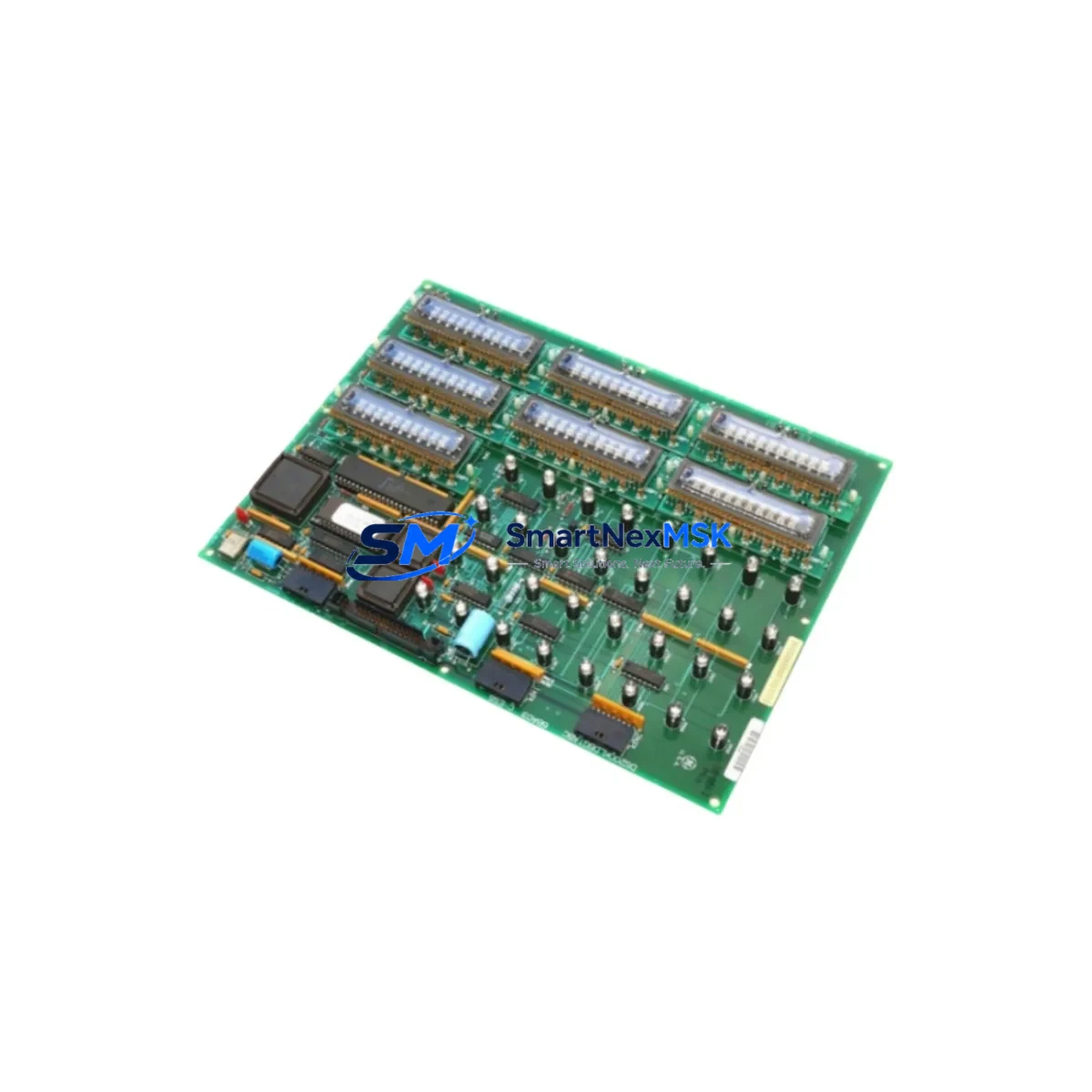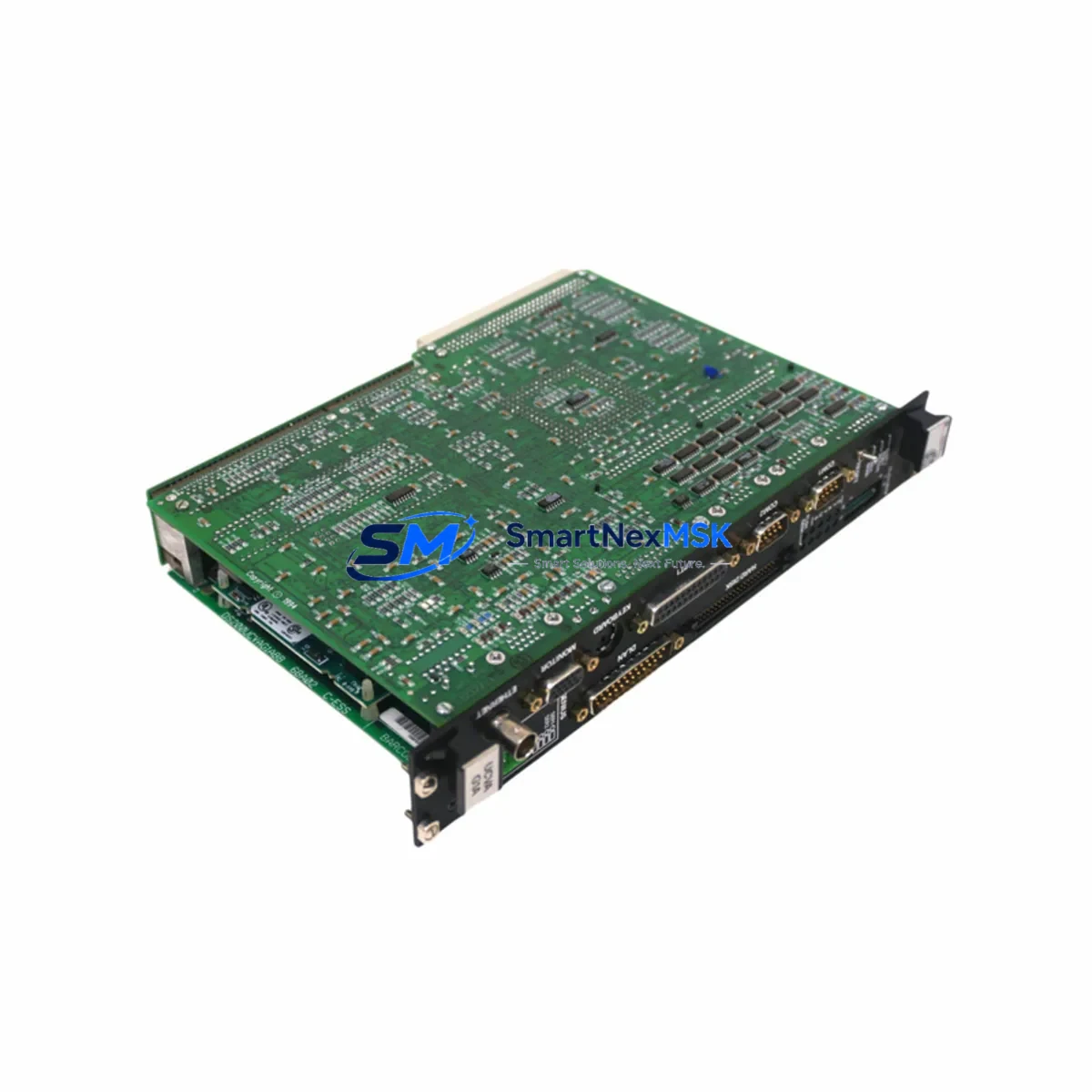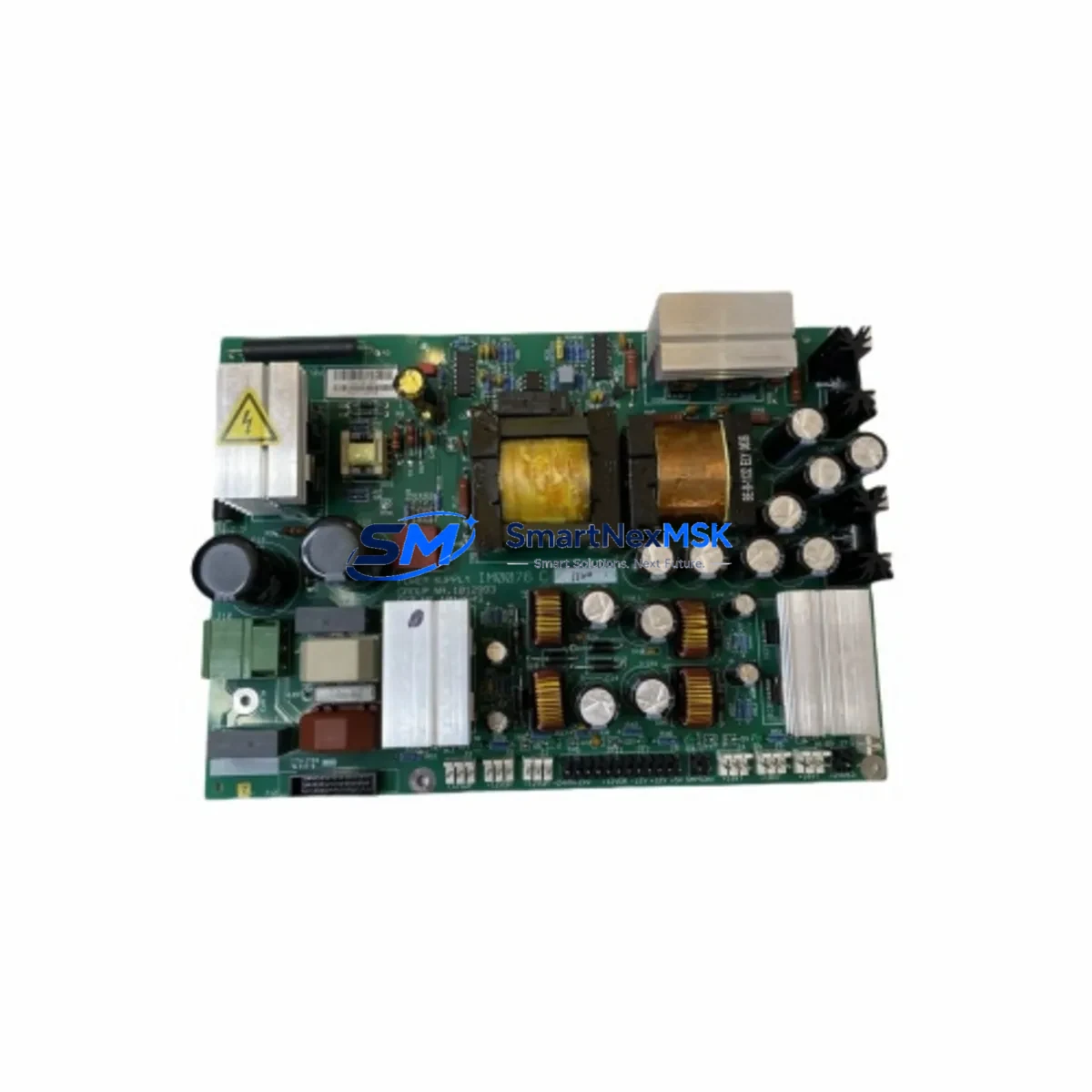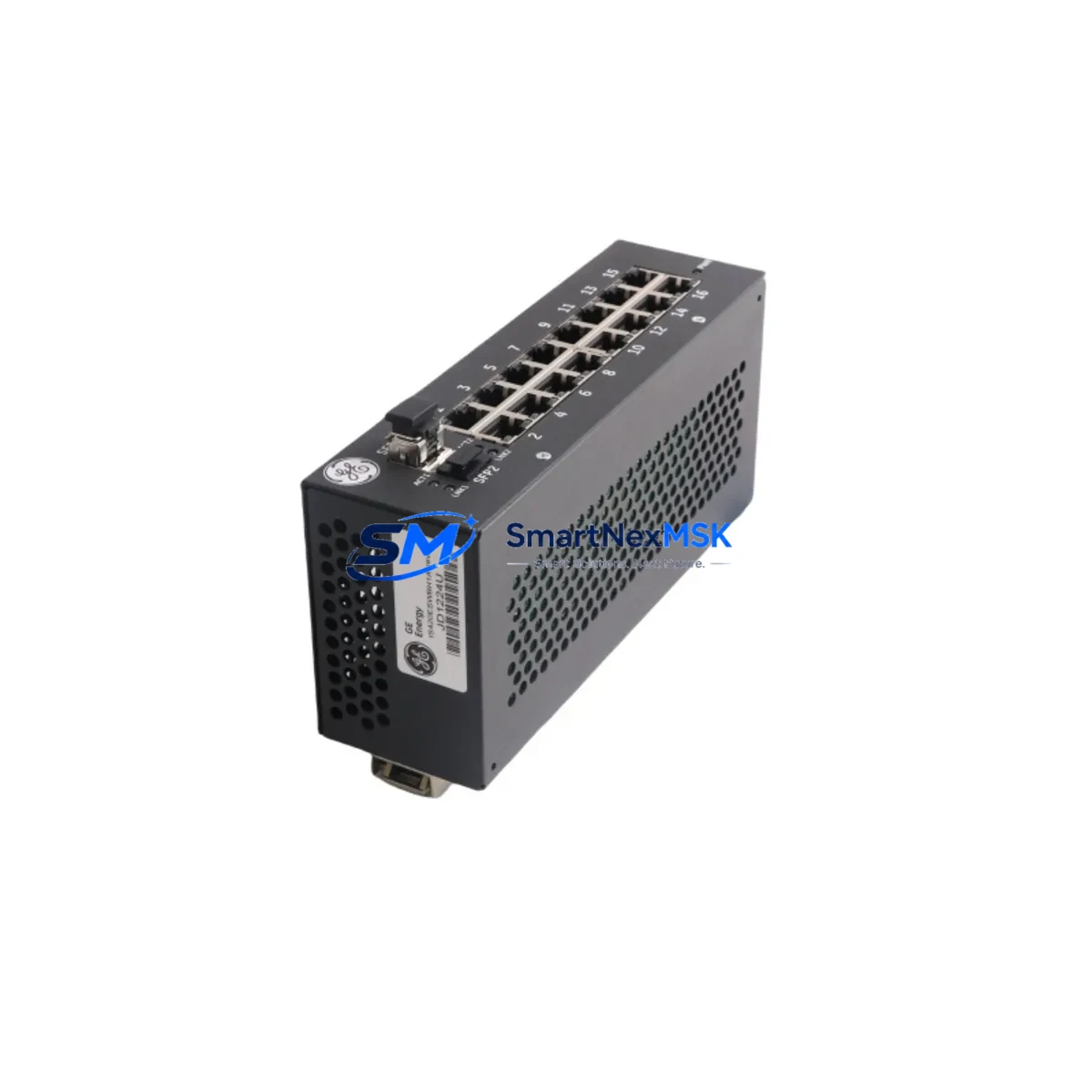
GE IS420ESWBH1A Retrofit-Ready IONet Switch for Mark VIe Control Systems
The GE IS420ESWBH1A is a managed industrial Ethernet switch purpose-built for GE’s Mark VIe turbine and generator control platform. Designed to operate within the IONet communication backbone, this module serves as a direct retrofit replacement for aging or failed IS420ESWBH2A and IS420ESWBH3A units installed in legacy Mark VIe control cabinets. Whether you are executing a planned system upgrade, recovering from an unplanned outage, or modernizing a brownfield turbine control installation, the IS420ESWBH1A delivers the port density, deterministic latency, and backplane compatibility required to restore full system integrity without redesigning your control architecture.
Industrial sites running GE Mark VIe systems on aging hardware face increasing risk of unplanned downtime as original-generation IONet switches reach end-of-life. The IS420ESWBH1A addresses this directly by maintaining full compatibility with the Mark VIe I/O pack communication protocol, preserving existing IONet ring topology, and supporting seamless integration with the IS420UCSBH1A controller module and IS420UCSBH2A redundant controller configurations. Engineers replacing this switch do not need to modify the ToolboxST project file or re-download the application program, provided the replacement unit is configured with the same IP addressing scheme and VLAN assignments as the original.
Before installation, technicians should verify the available power budget on the IS420PSBH1A or IS420PSBH2A power supply module feeding the affected cabinet section. The IS420ESWBH1A draws power from the Mark VIe backplane via the IS420BPBH1A or IS420BPBH2A backplane assembly, and the total load across all installed I/O packs — including IS420YAICH1A analog input modules, IS420YDOAS1A analog output modules, IS420YTBCH1A terminal board assemblies, and any IS420VCMH1A VME communication modules — must remain within the rated capacity of the power supply. Failure to audit the power budget before hot-swapping the switch can result in brownout conditions affecting adjacent I/O modules.
Terminal wiring on the IS420ESWBH1A uses standard RJ-45 Ethernet connections for IONet ring ports and a dedicated uplink port for connection to the Mark VIe HMI network or plant DCS historian. Technicians should document the existing cable labeling and port assignments before removal of the failed unit. The replacement module must be inserted into the same slot position on the backplane to preserve the module address assignment recognized by the Mark VIe controller. After physical installation, the unit should be powered up and observed in the ToolboxST Diagnostic Monitor to confirm that all IONet ring members — including remote I/O racks connected via IS420ESWBH series switches — re-establish communication within the expected convergence time.
Upgrade Compatibility Table
| Parameter | IS420ESWBH1A | IS420ESWBH2A (Legacy) | IS420ESWBH3A (Legacy) |
|---|---|---|---|
| Platform Compatibility | GE Mark VIe | GE Mark VIe | GE Mark VIe |
| Communication Protocol | IONet (Ethernet-based) | IONet (Ethernet-based) | IONet (Ethernet-based) |
| Backplane Interface | IS420BPBH1A / IS420BPBH2A | IS420BPBH1A / IS420BPBH2A | IS420BPBH1A / IS420BPBH2A |
| Port Configuration | Managed, multi-port RJ-45 | Managed, multi-port RJ-45 | Managed, multi-port RJ-45 |
| Installation Slot | Mark VIe cabinet backplane slot | Mark VIe cabinet backplane slot | Mark VIe cabinet backplane slot |
| ToolboxST Compatibility | Full — no project re-download required | Full | Full |
| Retrofit Recommendation | ✅ Preferred replacement unit | ⚠️ EOL — replace with ESWBH1A | ⚠️ EOL — replace with ESWBH1A |
| Commissioning Note | Verify IP address and VLAN config before power-up | — | — |
| Warranty | 12 Months | N/A (discontinued) | N/A (discontinued) |
Retrofit Planning for Existing Automation Systems
A successful IS420ESWBH1A retrofit begins well before the replacement unit arrives on site. The engineering team should pull the existing ToolboxST project backup and review the IONet topology diagram to identify all switch nodes, their IP addresses, and their ring segment assignments. In a typical Mark VIe turbine control installation, the IONet ring may span multiple cabinets — including the main control cabinet housing the IS420UCSBH1A controller, a remote I/O cabinet populated with IS420YAICH1A and IS420YDOAS1A modules, and a dedicated HMI cabinet running the Cimplicity or iFIX operator interface. Each cabinet section relies on its local IS420ESWBH series switch to maintain ring continuity, so a failed switch in one section can isolate an entire I/O segment from the controller.
During the pre-retrofit audit, technicians should also inspect the IS420YTBCH1A terminal board assemblies connected to the affected I/O packs. Loose or corroded terminal connections can cause intermittent communication faults that mimic switch failures, and replacing the switch without addressing wiring issues will not resolve the underlying fault. Similarly, the IS420PSBH1A power supply module should be load-tested to confirm it can support the full complement of I/O packs after the new switch is installed. If the power supply is operating near its rated capacity, this is an appropriate time to evaluate whether a parallel IS420PSBH2A redundant power supply should be added to the cabinet.
For sites migrating from older Mark VI or Mark V control systems to Mark VIe, the IS420ESWBH1A plays a central role in the communication architecture upgrade. The legacy Mark VI system used a separate IONET board set and a different physical layer for I/O communication, and the migration to Mark VIe requires replacing not only the controller modules but also the entire IONet switch infrastructure. In this scenario, the IS420ESWBH1A is typically deployed alongside new IS420UCSBH1A controllers, IS420BPBH1A backplane assemblies, and updated IS420VCMH1A VME communication modules to create a fully modernized control platform that retains the original turbine application logic with minimal re-engineering.
Downtime Control During System Migration
Minimizing downtime during an IS420ESWBH1A replacement requires a structured hot-swap procedure that preserves the IONet ring topology throughout the exchange. In a redundant Mark VIe configuration, the IONet ring is designed to self-heal within milliseconds of a node failure, meaning that a controlled switch replacement — where the failed unit is removed and the replacement is inserted without interrupting power to adjacent modules — can be completed with zero impact on the running turbine control application. However, this assumes that the replacement unit has been pre-configured with the correct IP address, subnet mask, and VLAN settings before it is inserted into the backplane slot.
Technicians should prepare a pre-commissioning checklist that includes: confirming the replacement IS420ESWBH1A firmware version matches the version specified in the ToolboxST project; verifying that the module address DIP switch or jumper settings match the original unit; and confirming that the IONet ring convergence time observed in the Diagnostic Monitor after insertion is within the expected range. If the turbine cannot be taken offline for the replacement, the work should be coordinated with the operations team to identify a low-load window where a brief IONet ring interruption — if it occurs — will have the least impact on the process. All original program logic, HMI screen configurations, and historian tag assignments remain intact throughout the switch replacement, as these are stored in the IS420UCSBH1A controller and the HMI server, not in the switch itself.
Retrofit Support FAQ
Q: Is the IS420ESWBH1A a direct drop-in replacement for the IS420ESWBH2A and IS420ESWBH3A?
A: Yes. The IS420ESWBH1A is the current-generation replacement for both the IS420ESWBH2A and IS420ESWBH3A, which are discontinued. It installs in the same backplane slot, uses the same IONet communication protocol, and requires no changes to the ToolboxST project file, provided the IP address and VLAN configuration are matched to the original unit before installation.
Q: What commissioning steps are required after installing the IS420ESWBH1A?
A: After physical installation, power up the cabinet section and open the ToolboxST Diagnostic Monitor. Confirm that the new switch appears in the IONet topology view with the correct IP address and that all I/O packs on the affected ring segment have re-established communication. Check the controller fault log for any residual IONet communication alarms and clear them once the ring is confirmed healthy. If the unit is installed in a redundant controller configuration, verify that both the primary IS420UCSBH1A and the redundant controller show the switch as online.
Q: How do I verify wiring and terminal compatibility before the replacement?
A: The IS420ESWBH1A uses standard RJ-45 Ethernet connections for all IONet ring and uplink ports. Before removing the failed unit, photograph or document all cable connections and their port assignments. Inspect the RJ-45 connectors and cable jackets for damage. The terminal board assemblies (IS420YTBCH1A) connected to downstream I/O packs do not need to be disturbed during the switch replacement, as they connect directly to the I/O pack modules, not to the switch.
Q: What does the 12-month warranty cover, and is pre-shipment testing performed?
A: Every IS420ESWBH1A unit supplied by SMARTNEXMSK is covered by a 12-month warranty against manufacturing defects and functional failures under normal operating conditions. Prior to shipment, each unit undergoes functional verification testing to confirm IONet communication capability, port integrity, and backplane interface operation. Units are shipped with appropriate ESD protective packaging. In the event of a warranty claim, SMARTNEXMSK provides replacement or repair support with documented test records available upon request.
© 2026 SMARTNEXMSK. All rights reserved.
Original Source: https://smartnexmsk.com
Contact: [email protected] | +86 18259474341