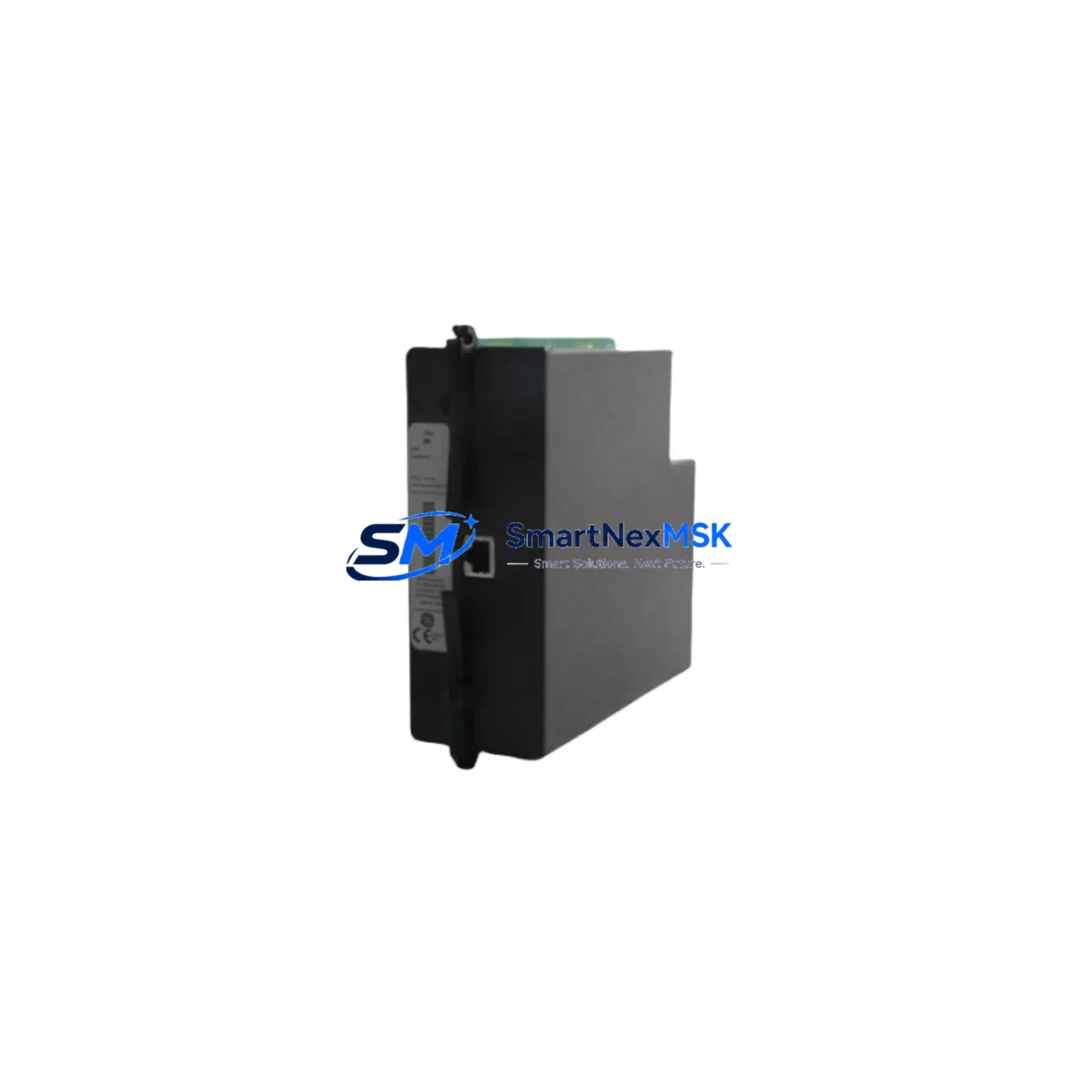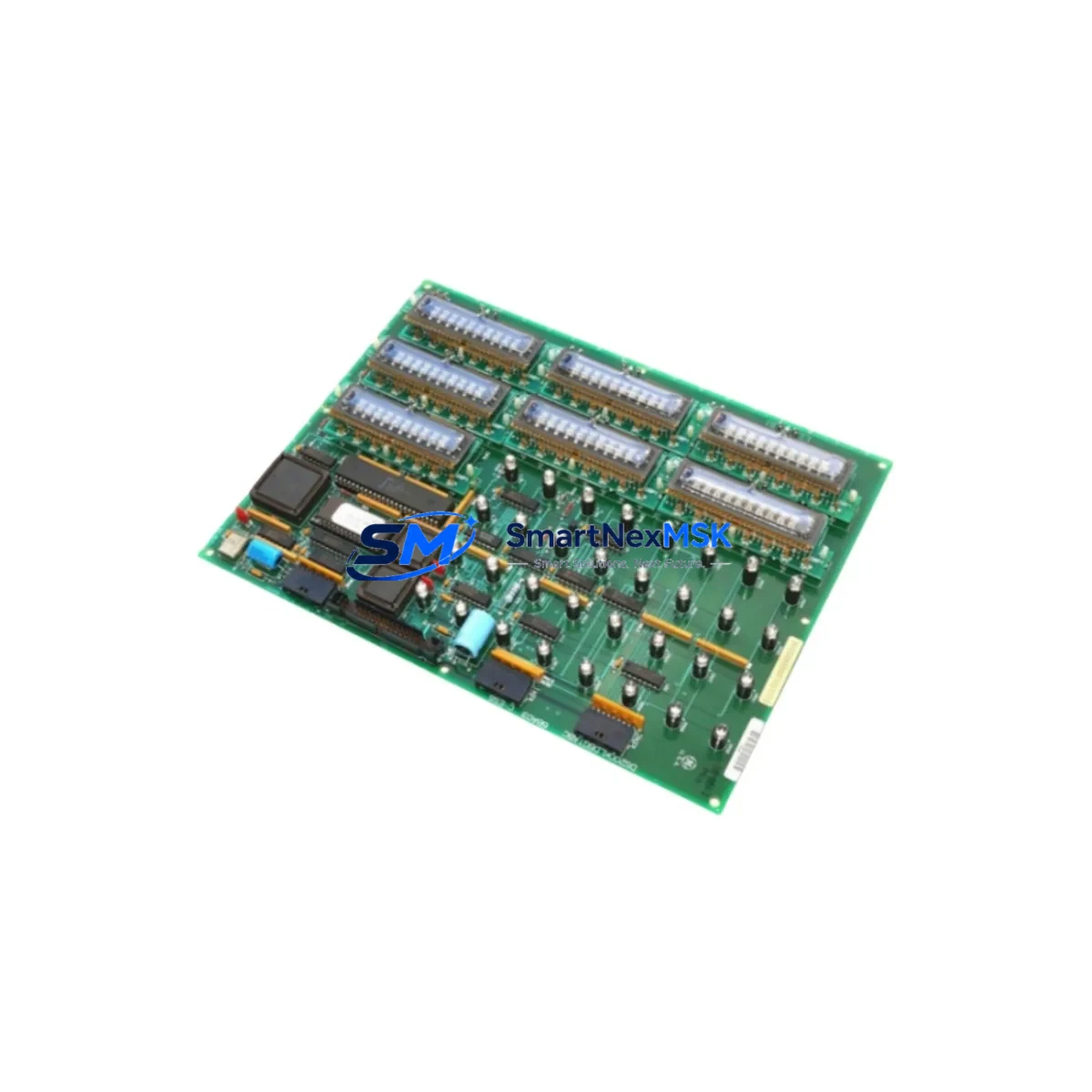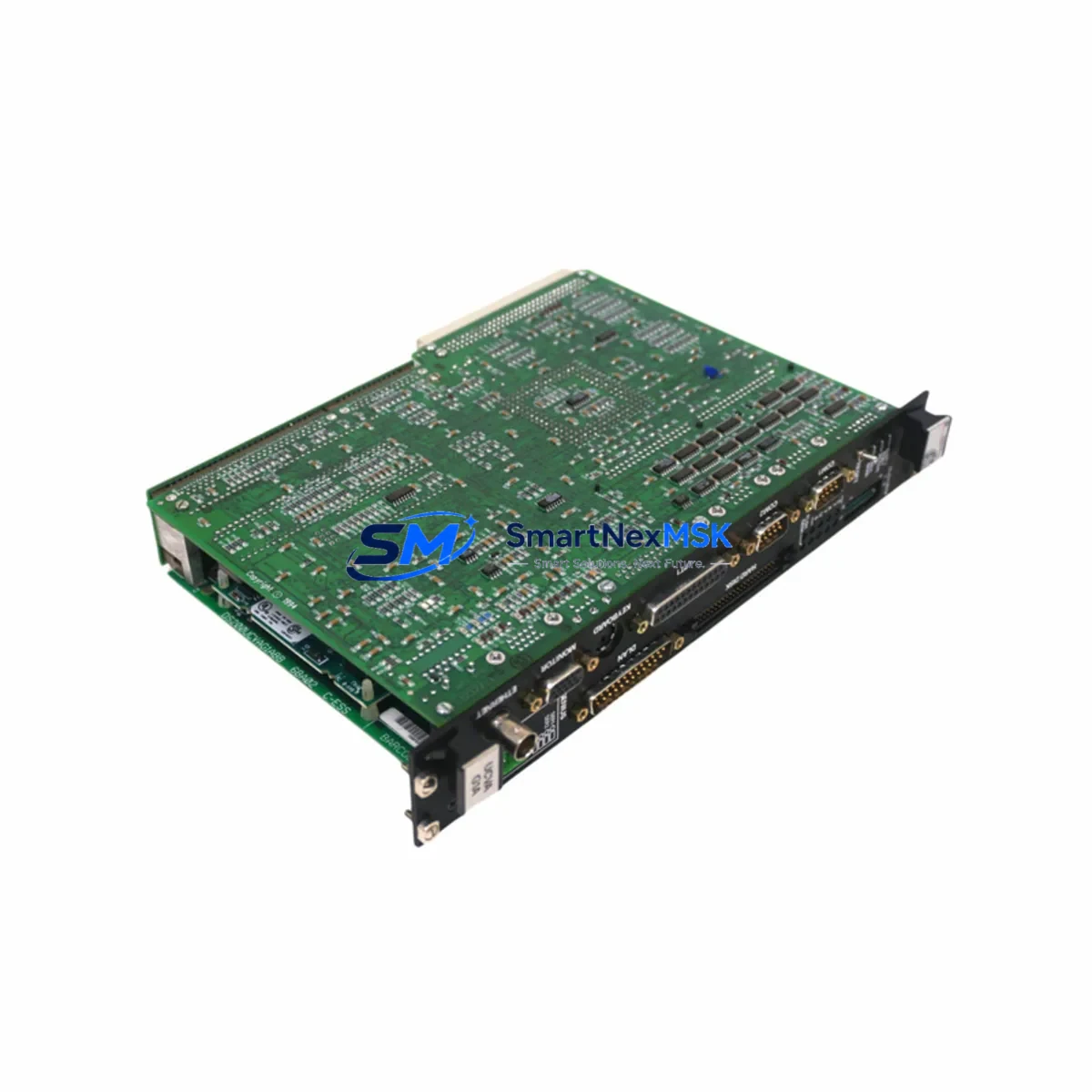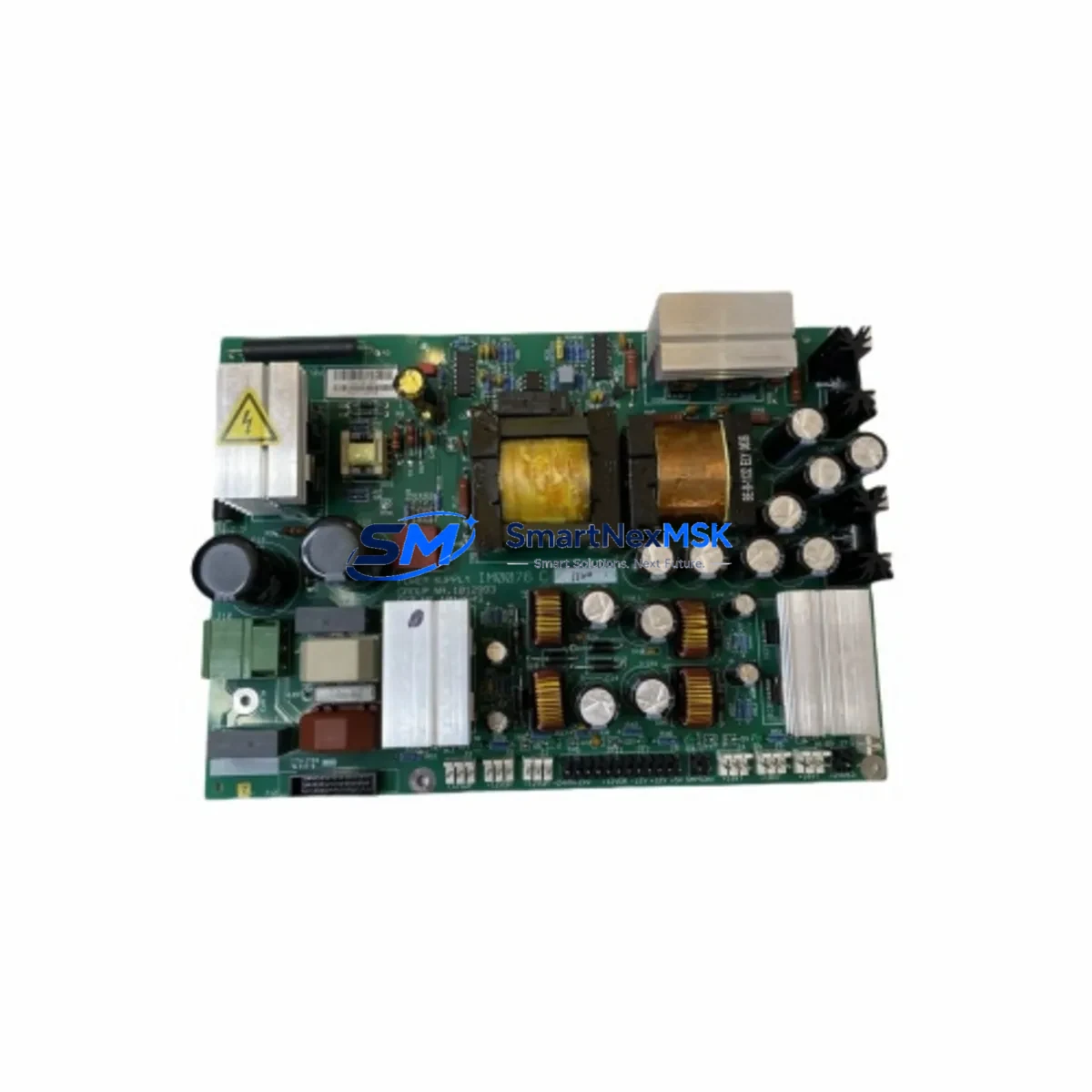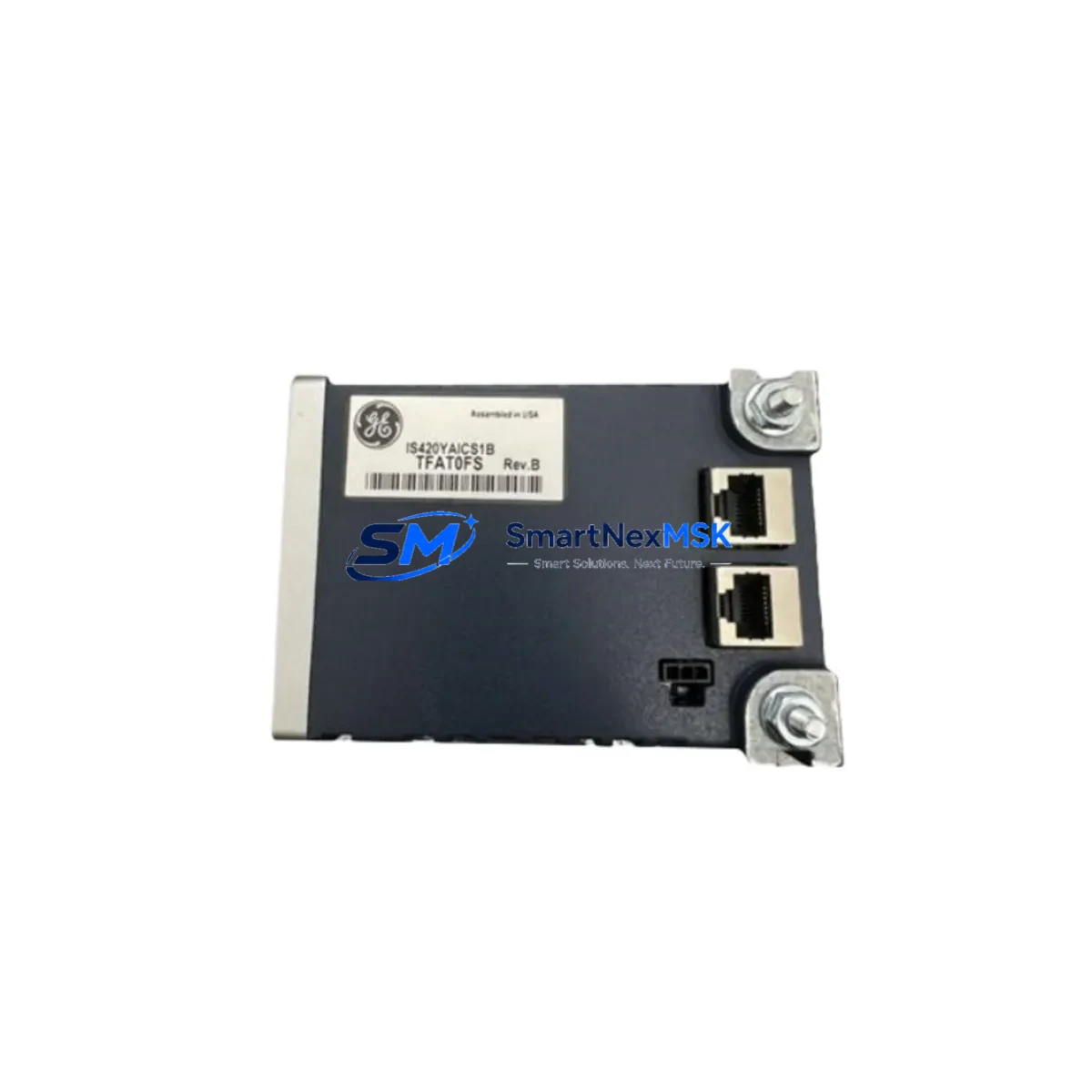
GE IS420YDOAS1B Retrofit-Ready UCSB Controller for Mark VI Control Systems
The GE IS420YDOAS1B is a UCSB (Universal Controller Signal Board) module engineered for the GE Mark VI turbine control platform. As legacy Mark VI installations approach end-of-life and OEM support windows close, the IS420YDOAS1B has become one of the most sought-after retrofit components for engineers managing gas turbine, steam turbine, and combined-cycle power plant control systems. Whether you are replacing a failed unit, upgrading a degraded control cabinet, or executing a planned modernization of an aging automation infrastructure, the IS420YDOAS1B delivers the signal processing, I/O coordination, and communication backbone that Mark VI systems depend on for continuous, safe operation.
This module interfaces directly with the Mark VI’s VCMI (VME Communication Module Interface) backplane and is designed to operate alongside companion boards such as the IS420UCSBH1A, IS420UCSBH1B, and the IS215UCVEH2A VCMI card. In a typical Mark VI rack assembly, the UCSB module coordinates signal routing between the I/O terminal boards — including the IS200TBCIH1B terminal board for contact inputs and the IS200TBAIH1B analog input terminal board — and the central controller. Verifying that your existing rack and backplane connector pinout matches the IS420YDOAS1B’s interface specification is the first step in any successful retrofit.
Upgrade Compatibility Table
| Parameter | Details |
|---|---|
| Compatible Platform | GE Mark VI Turbine Control System |
| Module Type | UCSB – Universal Controller Signal Board |
| Backplane Interface | VME-compatible Mark VI rack backplane |
| Direct Replacement For | IS420YDOAS1A, IS420UCSBH1A, IS420UCSBH1B (verify revision compatibility) |
| Communication Compatibility | IONet Ethernet (Mark VI native), compatible with IONET switch infrastructure |
| I/O Terminal Board Compatibility | IS200TBCIH1B, IS200TBAIH1B, IS200TBQCH1B (Q-type terminal boards) |
| Installation Requirement | Slot-specific insertion into Mark VI R, S, or T controller rack; confirm slot address before installation |
| Power Supply Requirement | Supplied via backplane from Mark VI power supply module (e.g., IS420PSMPG1A); verify 28VDC rail capacity |
| Firmware / Software | Compatible with ToolboxST configuration software; module address must be re-assigned post-installation |
| Commissioning Note | HMI screen re-mapping and I/O force-check required after module swap |
| Warranty | 12-Month Warranty – covers manufacturing defects and functional failure under normal operating conditions |
Retrofit Planning for Existing Automation Systems
Successful integration of the IS420YDOAS1B into an existing Mark VI control cabinet begins well before the module arrives on site. Engineers should start by auditing the current rack configuration: confirm the number of occupied slots, the revision level of the existing UCSB board, and the firmware version running in ToolboxST. In many retrofit scenarios, the outgoing module is an IS420UCSBH1A or an early-revision IS420YDOAS1A, both of which share the same backplane footprint as the IS420YDOAS1B, simplifying the physical swap.
Next, review the terminal board wiring. The IS420YDOAS1B typically interfaces with the IS200TBCIH1B for discrete contact inputs and the IS200TBAIH1B for 4–20 mA analog signals. If the plant has undergone any field wiring modifications since the original commissioning, updated as-built drawings must be verified against the current terminal board layout before powering down. Pay particular attention to the shield grounding scheme on the IS200TBQCH1B Q-type terminal boards, as improper grounding can introduce noise on analog channels after the module replacement.
Communication link integrity is equally critical. The Mark VI’s IONet Ethernet backbone — typically running through a dedicated IONET managed switch — must be verified for correct IP addressing and subnet configuration before the new UCSB module is brought online. If the plant is also migrating from an older Mark V platform, additional protocol bridging hardware may be required to maintain communication with legacy HMI stations running Cimplicity or third-party SCADA systems via Modbus or OPC-DA.
Power budget verification is a step that is frequently overlooked in retrofit projects. The Mark VI rack draws power from a dedicated supply module such as the IS420PSMPG1A. Before installing the IS420YDOAS1B, confirm that the 28VDC backplane rail has sufficient headroom to support the new module alongside all other installed boards, including any IS215VCMIH2A VCMI cards and I/O processor modules. An undersized power supply is a common root cause of intermittent faults following a module replacement.
Finally, prepare the ToolboxST project file. The module address assigned to the IS420YDOAS1B must match the slot position in the physical rack. After the module is seated and powered, a full I/O force-check should be performed to confirm that all discrete and analog signals are correctly mapped. HMI faceplates — whether running on a GE Mark VIe HMI workstation or a third-party operator interface — should be reviewed to ensure that all dynamic tags resolve correctly to the new module’s I/O addresses.
Downtime Control During System Migration
Minimizing unplanned downtime is the primary concern for any plant engineer executing a UCSB module replacement on a live Mark VI system. The recommended approach is to pre-configure the IS420YDOAS1B offline using a ToolboxST offline project file before the scheduled maintenance window. This allows the module address, I/O mapping, and communication parameters to be validated in a simulated environment, reducing the time the controller rack must remain de-energized.
Where the Mark VI is configured in a TMR (Triple Modular Redundant) architecture — using R, S, and T controller racks — it is possible to replace the UCSB module in one rack while the remaining two racks maintain control continuity. This approach requires careful coordination with the plant’s safety and operations teams, but it effectively eliminates process interruption during the module swap. Confirm with your control system integrator that the TMR voting logic will tolerate a single-rack outage before proceeding.
For simplex Mark VI installations, a cold-swap procedure is unavoidable. In this case, the focus shifts to protecting the existing program logic. Export a full ToolboxST project backup — including all application code, I/O configuration, and alarm setpoints — before de-energizing the rack. Store the backup on an isolated engineering workstation and verify the file integrity before beginning the physical swap. After the IS420YDOAS1B is installed and the rack is re-energized, restore the project file, re-download the application, and perform a structured commissioning sequence: power-on self-test, I/O force-check, communication link verification, and HMI tag validation. A well-prepared team can typically complete this sequence within a two-to-four-hour maintenance window.
Retrofit Support FAQ
Q1: Is the IS420YDOAS1B a direct drop-in replacement for the IS420UCSBH1A?
In most cases, yes. Both modules share the same VME backplane footprint and are designed for the Mark VI UCSB slot. However, you should verify the hardware revision and firmware compatibility in ToolboxST before installation. Minor revision differences between the IS420YDOAS1B and the IS420UCSBH1A may require a ToolboxST project update to correctly recognize the new module’s hardware descriptor.
Q2: What wiring changes are required when installing the IS420YDOAS1B?
The IS420YDOAS1B itself does not connect directly to field wiring — all field signals are terminated at the associated terminal boards (IS200TBCIH1B, IS200TBAIH1B, etc.) via the backplane. No field wiring changes are typically required for a like-for-like UCSB replacement. However, if the terminal boards are also being replaced or upgraded as part of the same retrofit, verify that the new terminal board revision matches the wiring schedule in your as-built drawings.
Q3: How is the module address configured after installation?
The module address is assigned in the ToolboxST configuration software and must correspond to the physical slot position of the IS420YDOAS1B in the Mark VI rack. After installing the module and powering the rack, open the ToolboxST project, navigate to the hardware configuration tree, and confirm that the UCSB slot is correctly mapped to the IS420YDOAS1B. Download the updated configuration to the controller and perform a full I/O force-check to validate the assignment.
Q4: What does the 12-month warranty cover?
The 12-month warranty covers manufacturing defects and functional failures under normal operating conditions from the date of shipment. Each IS420YDOAS1B unit undergoes pre-shipment functional testing to verify power-on self-test completion, backplane communication integrity, and I/O channel continuity. Warranty claims are supported by our technical team at [email protected]. Units damaged by incorrect installation, overvoltage, or environmental factors outside the module’s rated operating range are not covered under the standard warranty.
© 2026 SMARTNEXMSK. All rights reserved.
Original Source: https://smartnexmsk.com
Contact: [email protected] | +86 18259474341