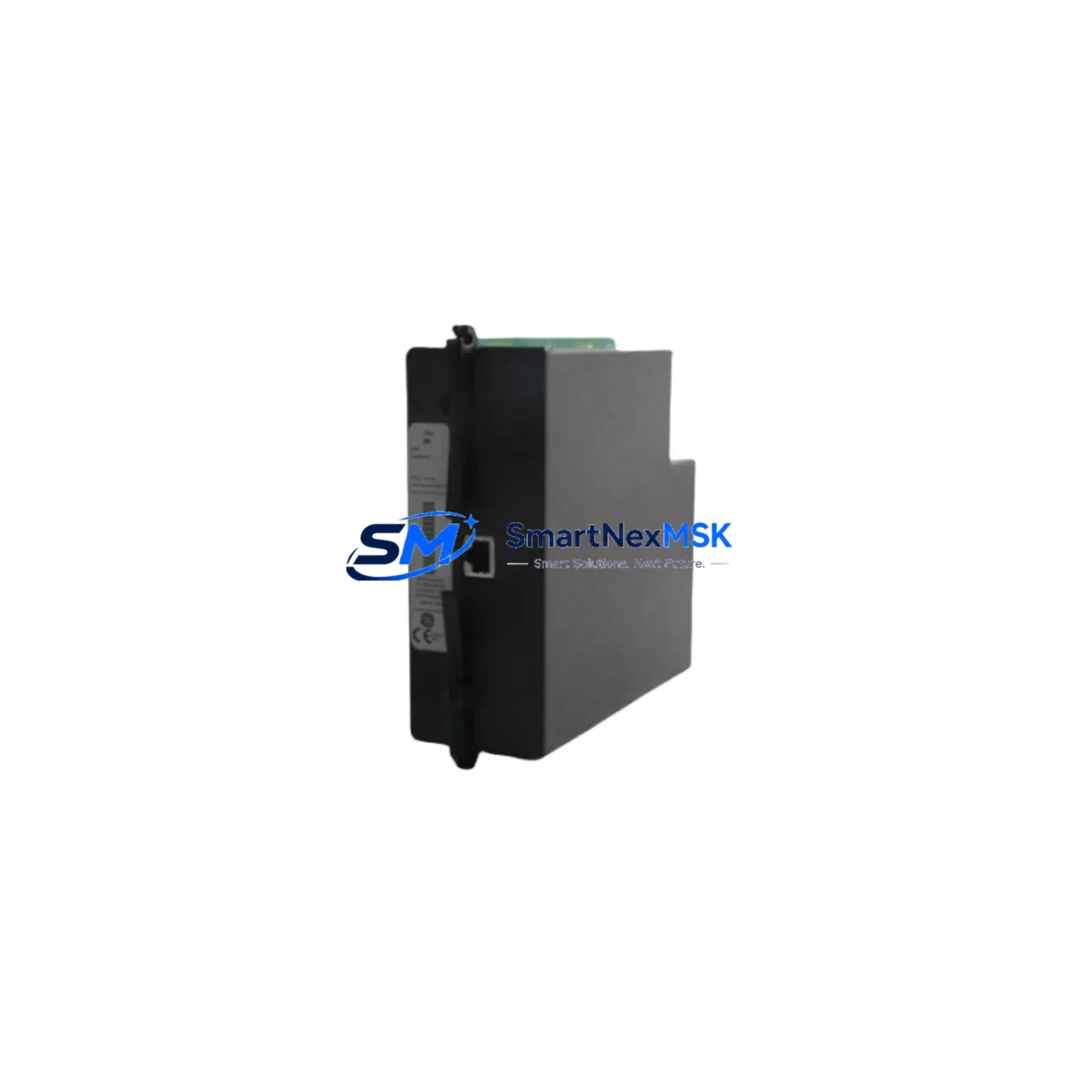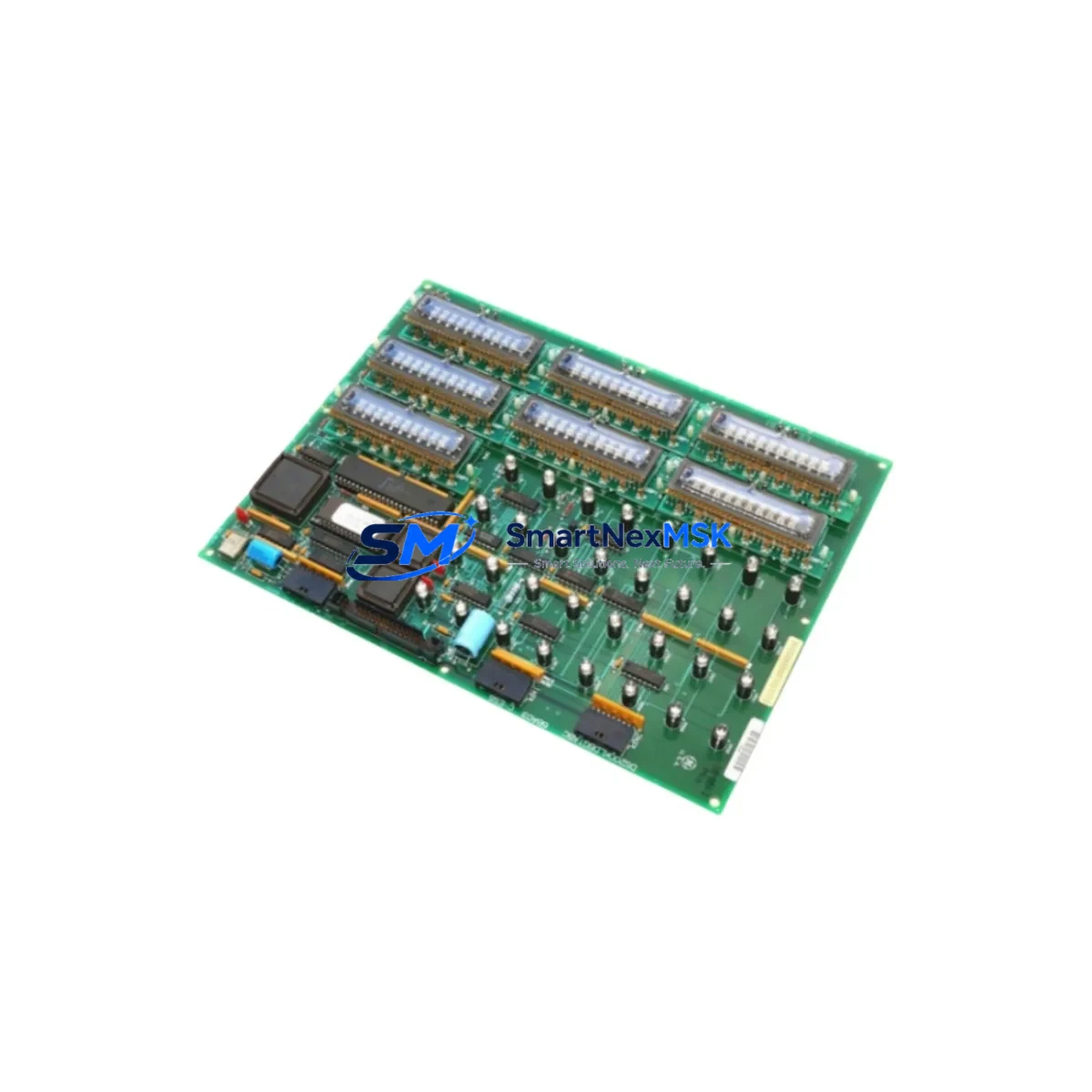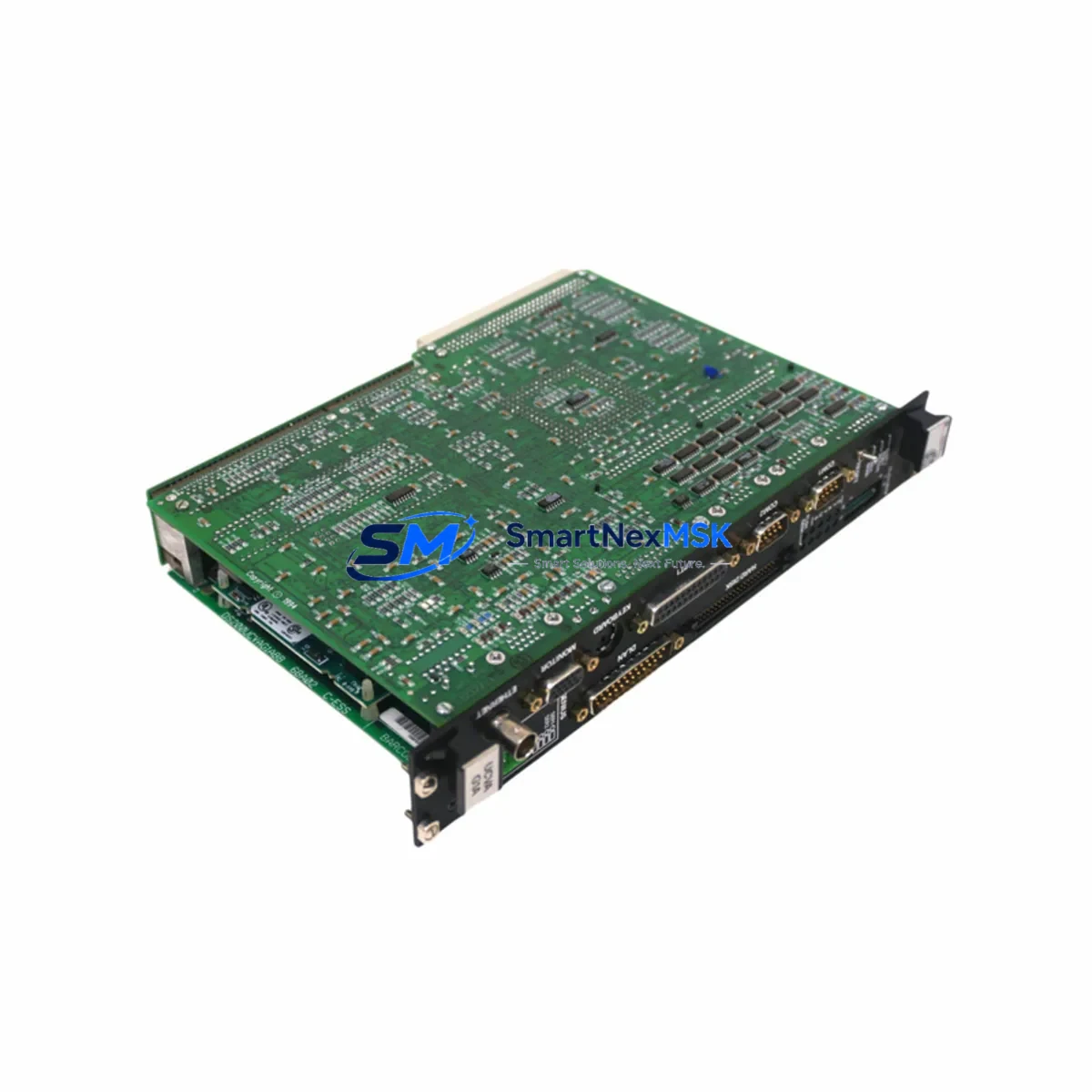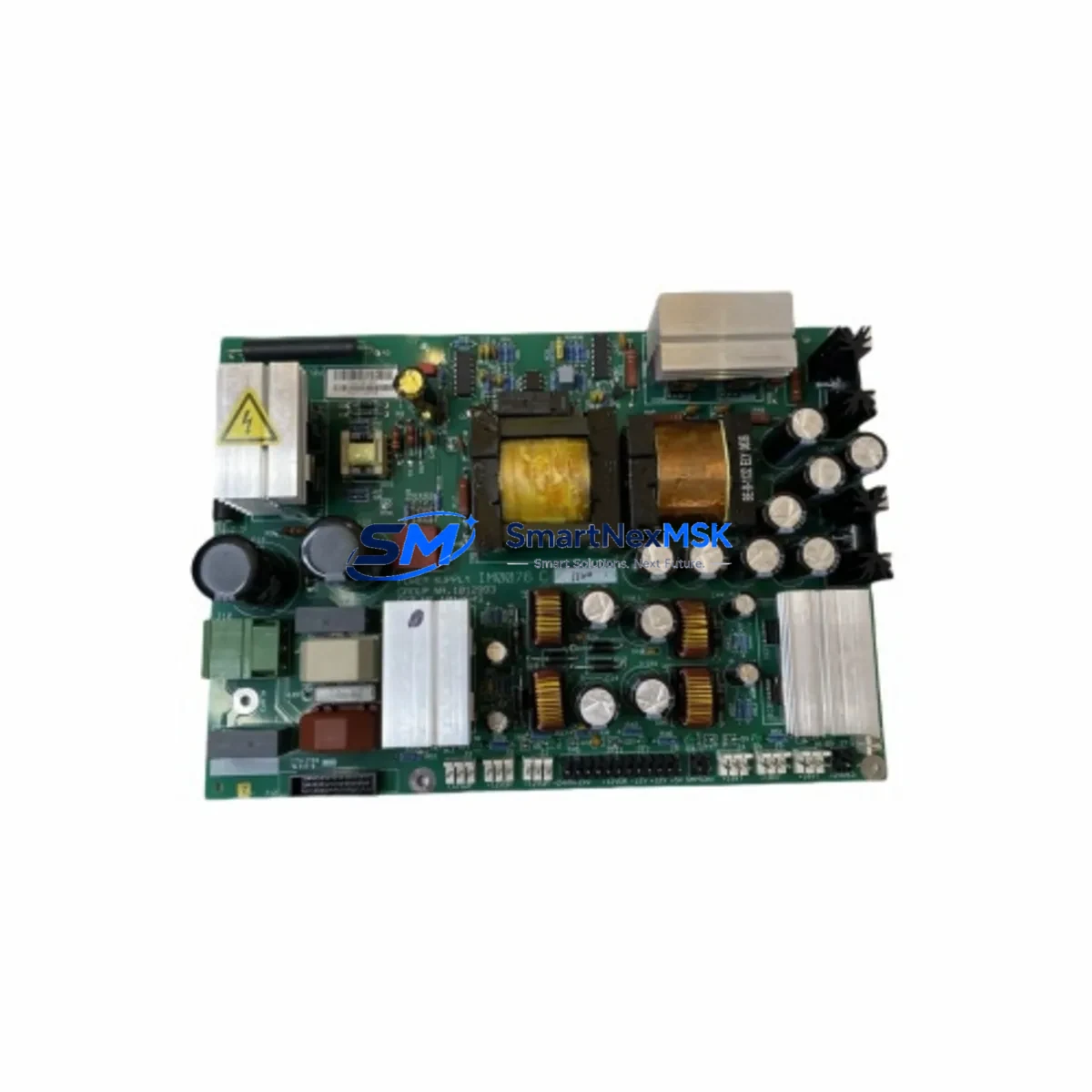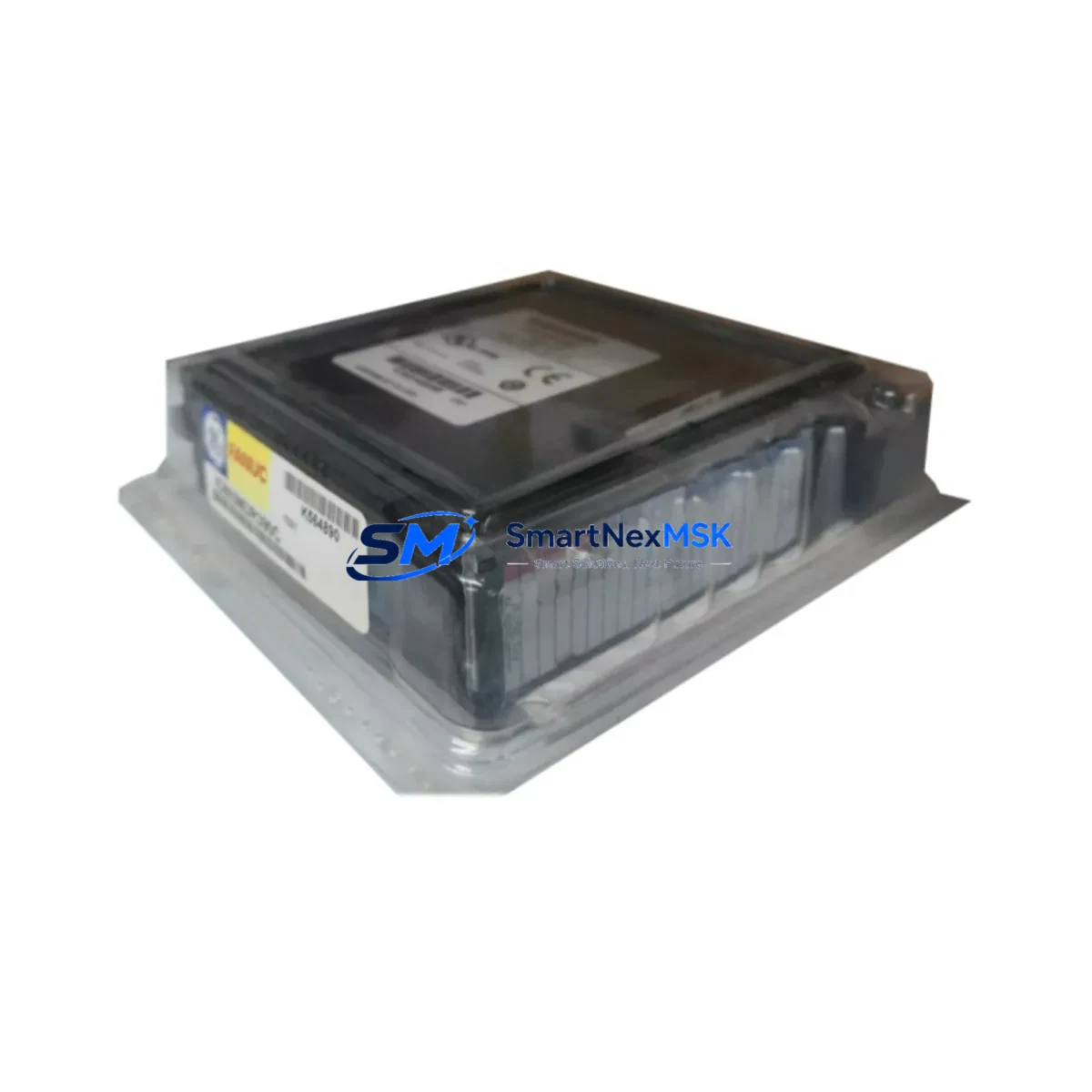
GE MAO10-369B1842G5001 Maintenance-Ready Spare for Mark VI Automation
The GE MAO10-369B1842G5001 is an original analog output module designed for the GE Mark VI turbine control system — one of the most widely deployed DCS platforms in power generation, oil & gas, and heavy industrial facilities worldwide. When this module fails or degrades, the consequences extend far beyond a single I/O channel: unplanned turbine trips, extended outages, and costly production losses can follow within hours. Stocking a verified, tested replacement is the single most effective strategy for minimizing mean time to repair (MTTR) and protecting operational continuity.
At SMARTNEXMSK, every MAO10-369B1842G5001 unit is sourced from original GE supply chains, subjected to functional bench testing prior to shipment, and backed by a 12-month warranty. Our inventory is maintained specifically for maintenance engineers and procurement teams who cannot afford to wait weeks for a factory order when a turbine control cabinet goes offline.
Spare Maintenance Table
| Parameter | Specification / Detail |
|---|---|
| Part Number | MAO10-369B1842G5001 |
| Manufacturer | GE (General Electric) |
| Series | Mark VI Turbine Control System |
| Module Type | Analog Output Module |
| Output Channels | Typically 4–8 analog output channels (4–20 mA / 0–10 V) |
| Signal Type | 4–20 mA current loop / voltage output |
| Power Supply | Compatible with Mark VI backplane 24 VDC I/O bus |
| Communication | Mark VI IONet / internal backplane bus |
| Mounting | Mark VI I/O rack backplane slot |
| Operating Temperature | 0°C to 60°C (standard industrial enclosure) |
| Origin | USA |
| Compatibility | GE Mark VI, Mark VIe control systems |
| Condition | Original, tested before shipment |
| Warranty | 12 Months |
| Lead Time | In stock — ships within 1–3 business days |
Maintenance Planning for Continuous Operation
Replacing the MAO10-369B1842G5001 in a Mark VI control cabinet is rarely an isolated task. Experienced maintenance engineers know that analog output failures are often symptomatic of broader issues in the I/O subsystem or power distribution network. Before returning the turbine to service, a thorough inspection of the surrounding components is strongly recommended.
Start with the Mark VI power supply modules (such as the IS200EPCTG1A or equivalent PPDA/PPDB power boards) that feed the I/O rack. A degraded power supply can cause intermittent analog output faults that mimic module failure. Next, inspect the terminal board associated with this analog output slot — the TBAI or TBAO terminal boards are common wear items and should be checked for corrosion, loose wiring, and damaged screw terminals before the new MAO10 module is seated.
If the Mark VI system uses VCMI or VCRC communication cards for IONet connectivity, verify that the network link to the affected I/O pack is stable. A degraded IONet connection can cause the controller to report false analog output faults even when the module itself is functional. Similarly, inspect the IS200 series I/O pack housing and backplane connectors for oxidation or mechanical damage.
For facilities running mixed analog and digital I/O, also check adjacent MDO14 digital output modules and MAI10 analog input modules in the same rack. Shared backplane faults can affect multiple modules simultaneously. If the turbine control system interfaces with a Bently Nevada 3500 series vibration monitoring system, confirm that the 4–20 mA signal loops from the MAO10 to the vibration rack are intact and properly shielded.
For older Mark VI installations approaching end-of-life, consider stocking a UCVEH or UCVEG VME controller card alongside the MAO10 module. These controller cards are increasingly difficult to source and represent a critical single point of failure in aging turbine control systems. Proactive spare parts inventory for both the analog output layer and the controller layer is the foundation of a robust maintenance strategy.
Finally, if the facility uses a GE Cimplicity or iFIX HMI connected to the Mark VI system, verify that the HMI tag database correctly reflects the analog output channel assignments after module replacement. Misconfigured HMI tags following a module swap are a common source of post-maintenance alarms that delay return-to-service.
Site Replacement Workflow
Step 1 — Isolation & Lockout: Follow site LOTO procedures. Isolate the affected I/O pack from the Mark VI controller via the IONet configuration tool before removing the module. Do not hot-swap analog output modules without confirming the controller is in a safe hold state.
Step 2 — Module Removal: Disconnect the terminal board wiring harness. Release the module retention latch and slide the MAO10 module out of the backplane slot. Label all wiring before disconnection to prevent reassignment errors.
Step 3 — Visual Inspection: Inspect the backplane connector pins and the terminal board for damage, corrosion, or burn marks. Clean with appropriate contact cleaner if required before installing the replacement unit.
Step 4 — Replacement Installation: Seat the new MAO10-369B1842G5001 firmly into the backplane slot. Reconnect the terminal board wiring harness in the correct sequence. Verify that the module status LED illuminates correctly upon power restoration.
Step 5 — Configuration Verification: Use the GE Mark VI Toolbox software to confirm that the replacement module is recognized by the controller and that all analog output channel assignments match the original configuration. Download the I/O configuration if required.
Step 6 — Loop Test: Perform a full 4–20 mA loop test on each output channel before returning the turbine to automatic control. Verify signal integrity at the receiving instrument (control valve positioner, VFD, or transmitter) before closing out the work order.
This workflow is compatible with both like-for-like replacement of the MAO10-369B1842G5001 and cross-compatible substitution from earlier Mark VI analog output module revisions, minimizing downtime and preserving system integrity.
Spare Parts Support FAQ
Q1: Is the MAO10-369B1842G5001 compatible with both Mark VI and Mark VIe systems?
The MAO10-369B1842G5001 is designed for the GE Mark VI platform. Compatibility with Mark VIe depends on the specific I/O pack configuration and backplane revision at your site. We recommend providing your system’s I/O pack model and software revision when ordering to allow our technical team to confirm cross-compatibility before shipment.
Q2: What does the 12-month warranty cover?
Our 12-month warranty covers functional failure under normal operating conditions. Each unit is bench-tested prior to shipment. If a module fails within the warranty period due to a manufacturing or component defect, we will replace or refund the unit. Warranty does not cover damage caused by incorrect installation, overvoltage, or physical mishandling on site.
Q3: How quickly can I receive the MAO10-369B1842G5001 for an emergency shutdown situation?
Units in stock typically ship within 1–3 business days via DHL Express, FedEx International Priority, or equivalent expedited freight. For critical emergency orders, contact our sales team directly at [email protected] or +86 18259474341 to arrange same-day dispatch where available.
Q4: Can I return a module if it does not match my system’s requirements after delivery?
Yes. We accept returns within 30 days of delivery for unused, uninstalled modules in original condition. For modules that have been installed and tested on-site, please contact our technical support team to discuss warranty claim procedures. We recommend confirming compatibility with our team before ordering to avoid unnecessary returns.
© 2026 SMARTNEXMSK. All rights reserved.
Original Source: https://smartnexmsk.com
Contact: [email protected] | +86 18259474341