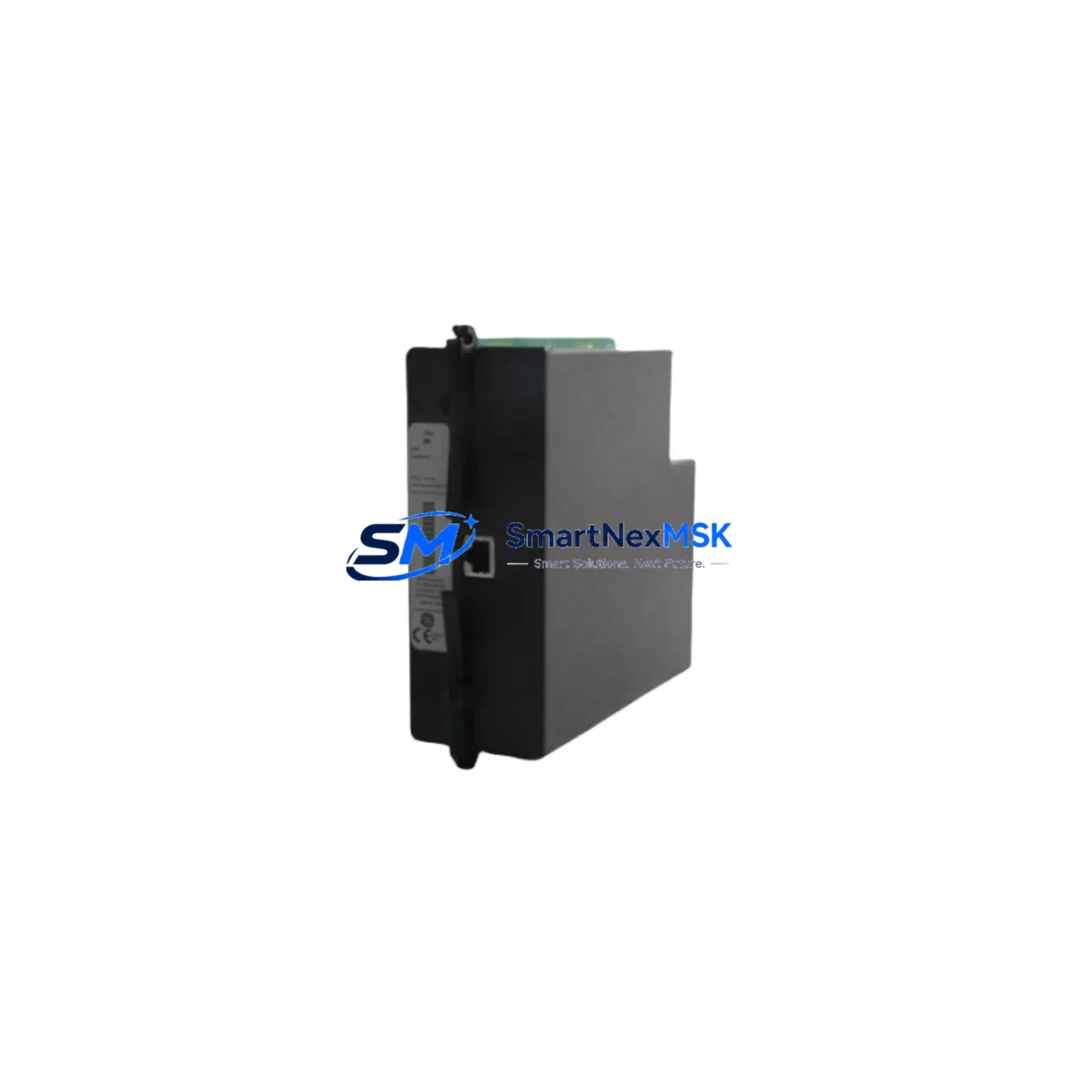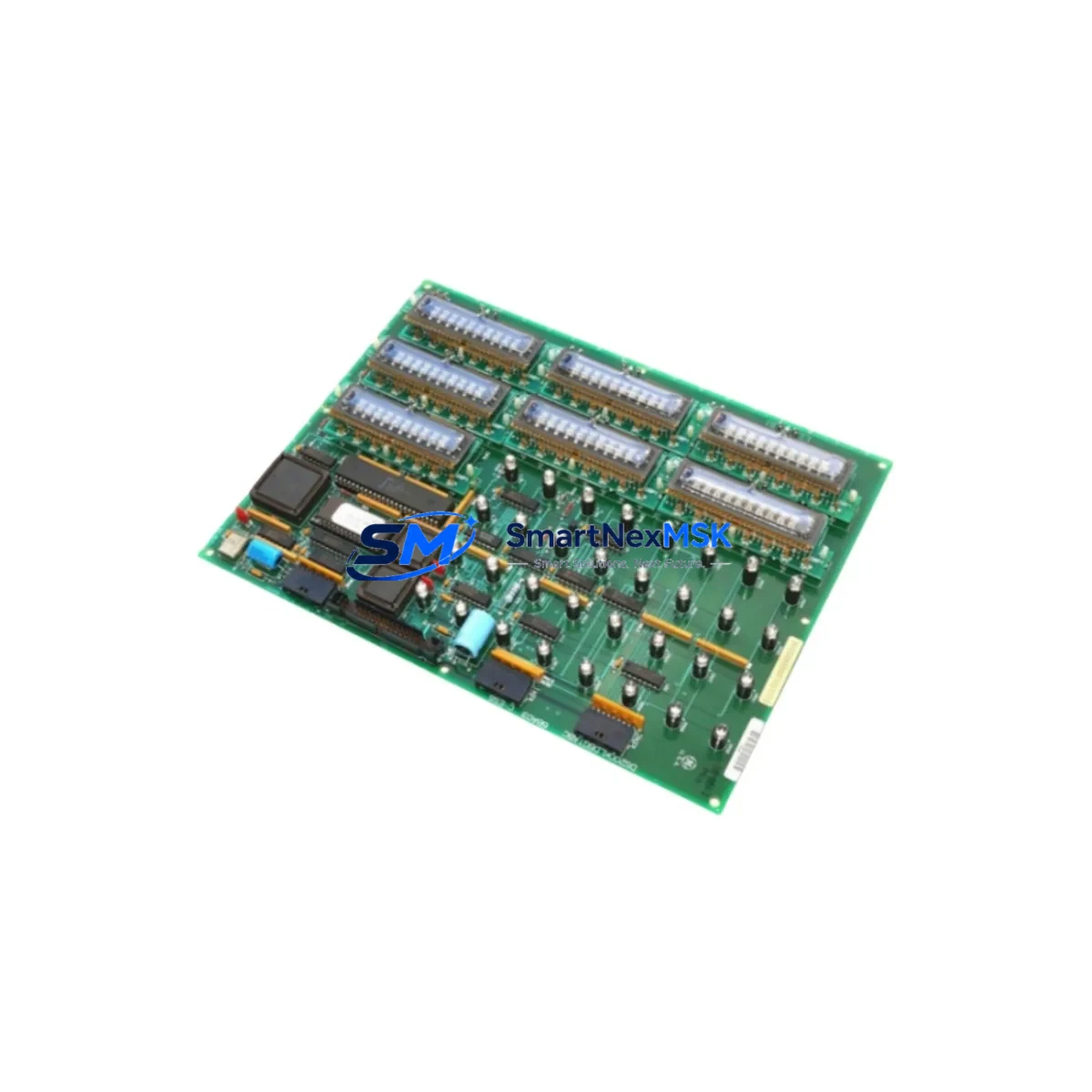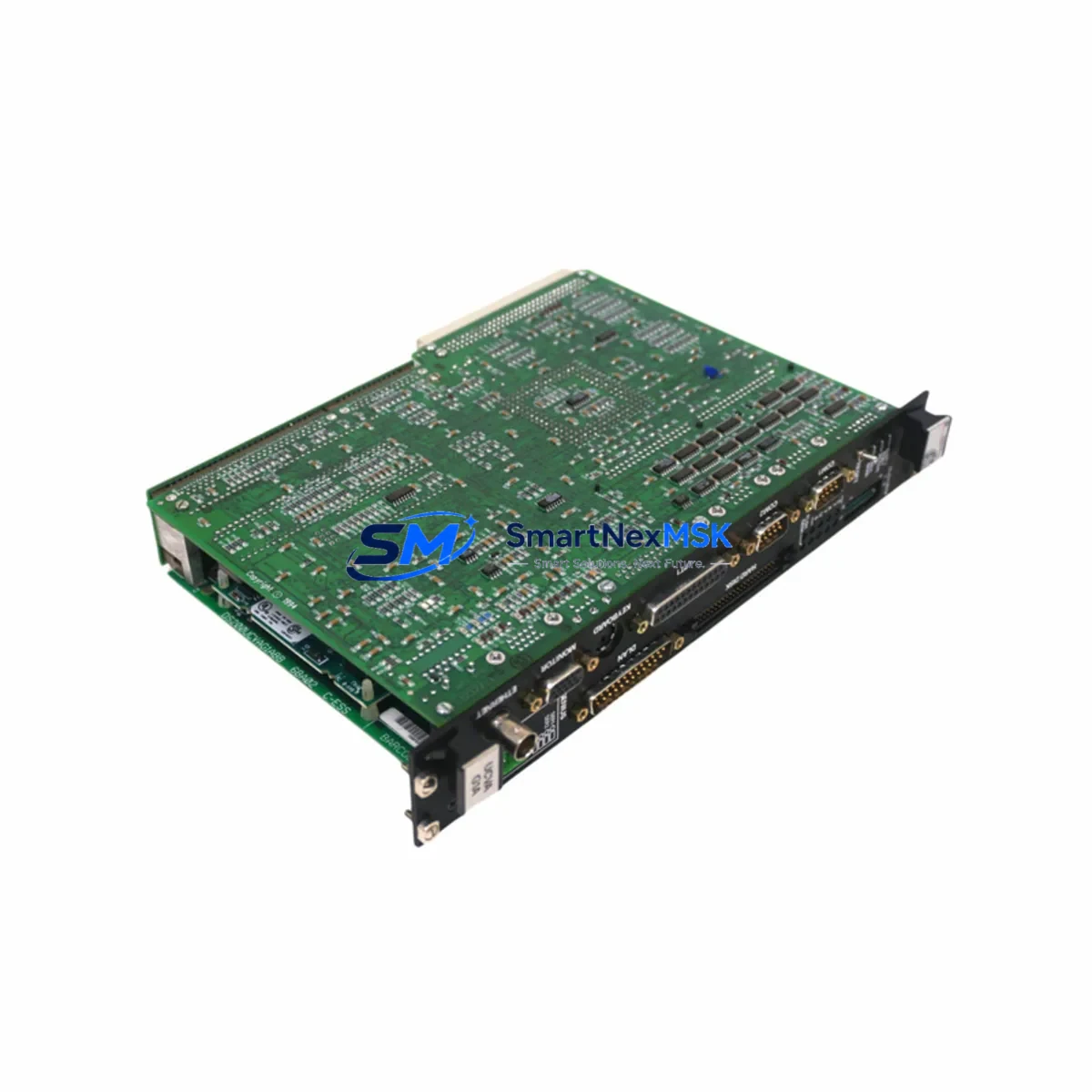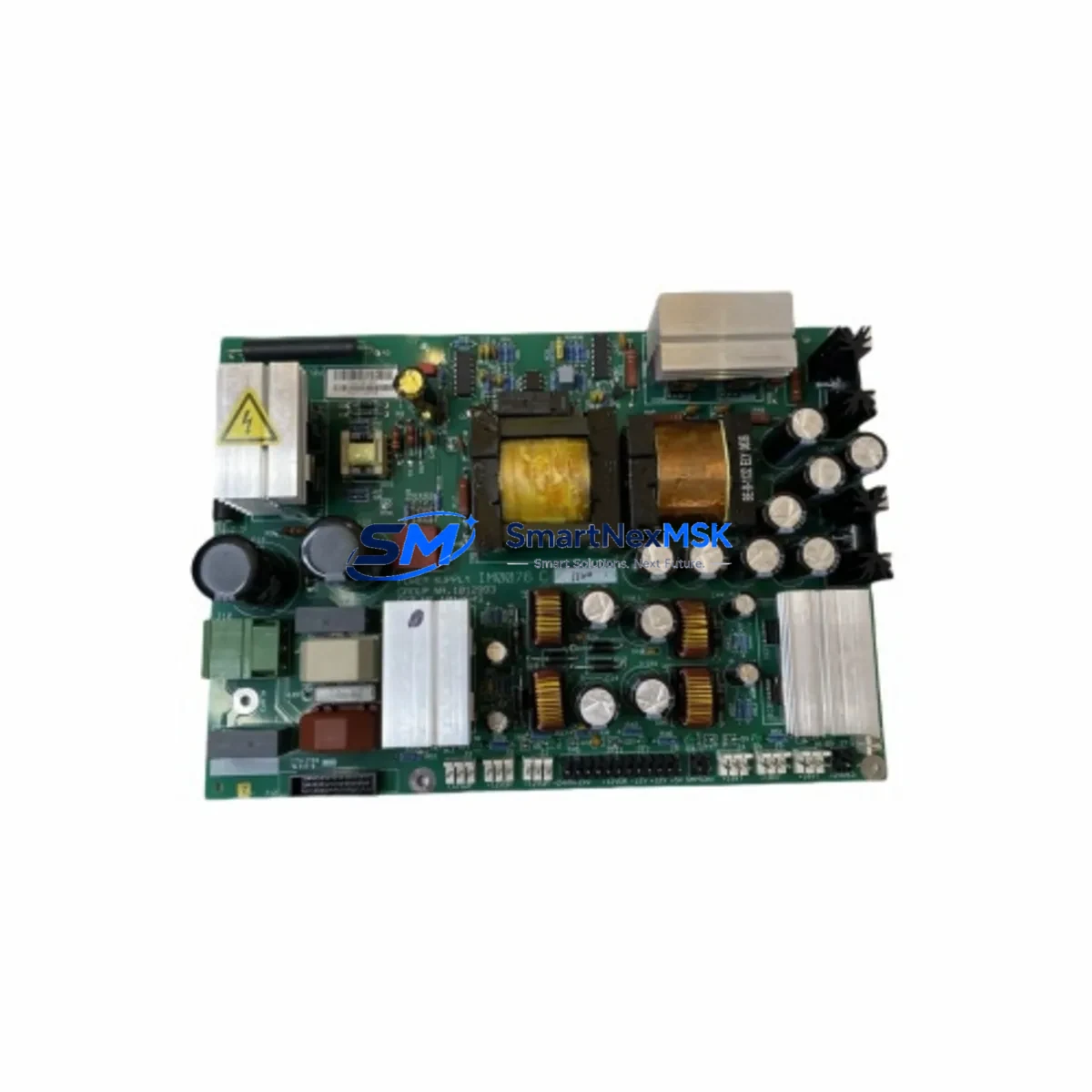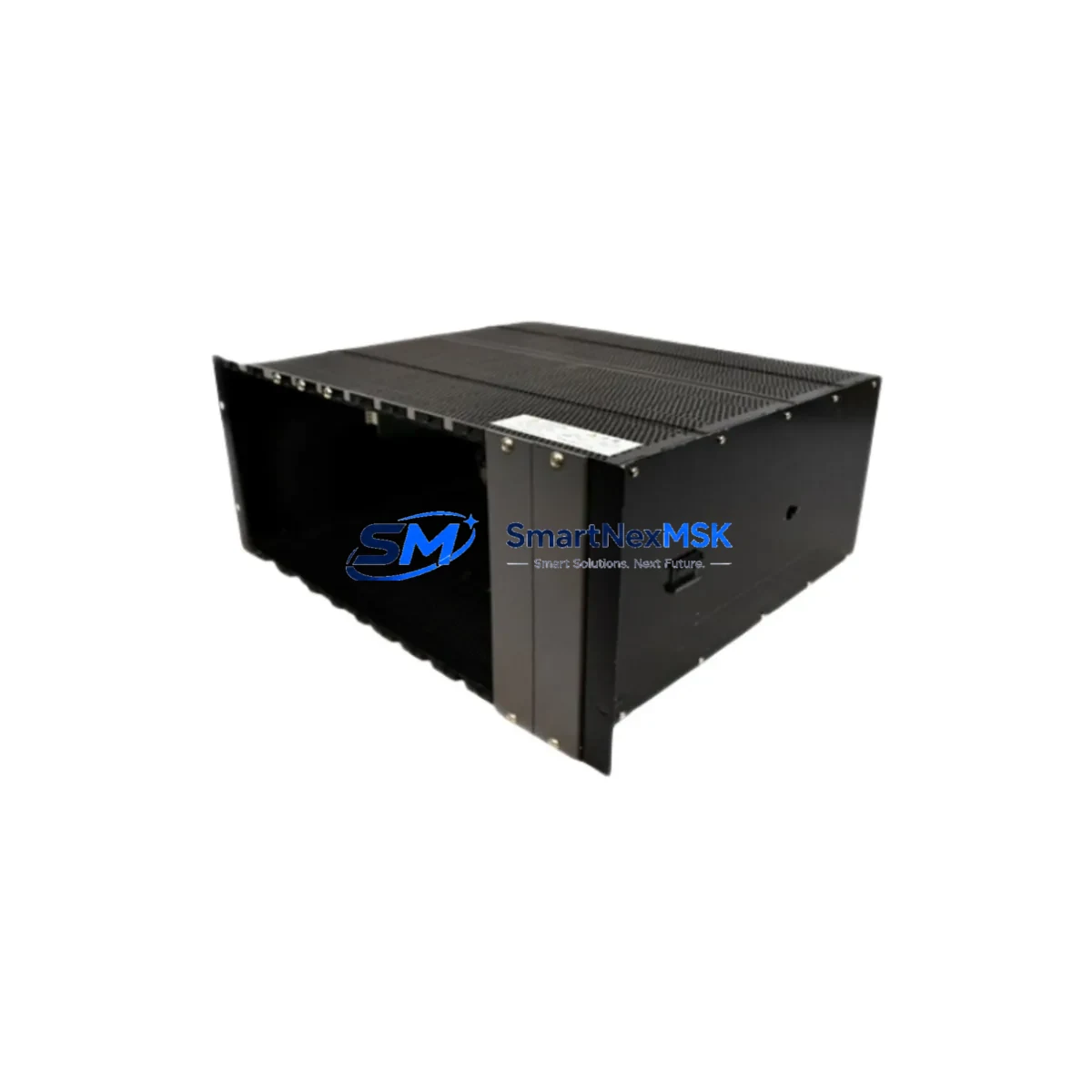
GE VM-5H3 Maintenance-Ready Spare for VM-5 Automation
Unplanned downtime in rotating machinery protection systems carries significant operational and financial risk. The GE VM-5H3 is a critical channel card within the GE VM-5 Series vibration monitoring rack — a platform widely deployed across turbines, compressors, pumps, and rotating equipment in power generation, petrochemical, and heavy manufacturing facilities. Maintaining a verified, tested spare of the VM-5H3 in your site inventory is one of the most effective strategies for reducing mean time to repair (MTTR) when a channel fault or card failure is detected during routine inspection or alarm response.
This listing provides a maintenance-ready, original-compatible GE VM-5H3 spare card, pre-tested before shipment, backed by a 12-month warranty, and supported by long-term supply continuity from SMARTNEXMSK. Whether you are a maintenance engineer executing a planned card swap during a scheduled outage, or a procurement engineer building a critical spare inventory for an aging VM-5 rack system, this unit is sourced, inspected, and ready for immediate deployment.
Spare Maintenance Table
| Parameter | Specification / Detail |
|---|---|
| Part Number / SKU | VM-5H3 |
| Brand | GE (General Electric Bently Nevada) |
| Series | VM-5 Vibration Monitoring Rack |
| Product Type | Vibration Monitor Channel Card / Module |
| Application | Rotating machinery protection — turbines, compressors, pumps, fans |
| Compatibility | GE VM-5 Series rack systems; verify slot assignment and firmware revision before installation |
| Input Signal Type | Proximity probe / velocity / accelerometer (channel-dependent; confirm with rack configuration) |
| Installation | Card-slot insertion into VM-5 rack backplane; follow GE VM-5 installation manual for torque and seating |
| Operating Environment | Industrial control room / machinery skid enclosure; typical 0–55°C operating range |
| Pre-Shipment Testing | Functional test performed; power-on and signal path verified |
| Warranty | 12 Months from date of shipment |
| Lead Time | In-stock units ship within 1–3 business days |
| Origin | Sourced and inspected in China; global export available |
| Maintenance Recommendation | Replace on alarm fault, card error LED, or during planned 2-year overhaul cycle |
Maintenance Planning for Continuous Operation
When a VM-5H3 channel card is flagged for replacement — whether through a rack self-diagnostic alarm, a channel-not-OK status, or a physical inspection finding — experienced maintenance engineers know that the card itself is rarely the only component requiring attention. A thorough site replacement workflow should include inspection of the surrounding system to prevent repeat failures and ensure the restored channel performs reliably through the next maintenance interval.
Begin by verifying the VM-5 rack power supply module output voltage rails. A degraded or marginal power supply is a common root cause of intermittent channel card faults and should be confirmed healthy before the new VM-5H3 is seated. Inspect the rack backplane connector for corrosion, bent pins, or contamination — backplane contact issues can cause false channel faults that are misdiagnosed as card failures.
Check the proximity probe and extension cable assembly connected to the affected channel. The Bently Nevada 3300 XL series probes and their associated extension cables are common companions to VM-5 rack systems; a damaged probe tip, a cracked extension cable, or a loose connector at the junction box will produce the same channel alarm as a failed VM-5H3 card. Confirm probe gap voltage is within specification after card replacement.
For facilities running Bently Nevada 3500 Series racks alongside legacy VM-5 systems, ensure that any shared signal conditioning or signal isolator modules feeding both systems are functioning correctly. Signal isolators and barriers between field instruments and the monitoring rack are often overlooked during card-level maintenance but are critical to channel accuracy and electrical isolation integrity.
Review the terminal block and field wiring connections at the rack I/O termination panel. Loose or corroded terminal screws on the VM-5 I/O termination board can introduce noise or open-circuit conditions that persist after card replacement. Torque all terminals to specification and inspect for signs of moisture ingress or insulation degradation.
If the VM-5 rack communicates trip or alarm outputs to a relay output module or safety relay, verify relay contact integrity and coil operation. Relay contacts that have experienced repeated switching under inductive load may exhibit high contact resistance, causing delayed or missed trip signals downstream. This is particularly important in turbine protection applications where trip relay response time is safety-critical.
For systems integrated with a DCS or PLC via 4–20 mA analog output or Modbus communication, confirm that the channel output signal is correctly received at the control system after card replacement. A misconfigured channel scaling or a failed analog output on the replacement card should be caught during commissioning before the machine is returned to service.
Finally, update your spare parts register to reflect the consumed VM-5H3 unit and initiate replenishment. Best practice for critical rotating machinery protection systems is to maintain a minimum of one verified spare per rack type on-site, with a secondary supply arrangement — such as a standing order with SMARTNEXMSK — to ensure replenishment lead time does not exceed your site’s acceptable risk window.
Site Replacement Workflow
Step 1 — Isolation and Permit: Obtain the appropriate work permit for the control cabinet or machinery protection panel. Confirm the machine is in a safe state or that bypass procedures are in place per your site’s machinery protection bypass policy. Do not remove a VM-5H3 card from an active, unbypassed protection channel on a running machine.
Step 2 — Document Current Configuration: Before removing the existing card, photograph or record the channel configuration, alarm setpoints, and any DIP switch or jumper settings visible on the card. GE VM-5 channel cards may carry hardware configuration settings that must be replicated on the replacement unit. Refer to the VM-5 system manual for channel-specific configuration requirements.
Step 3 — Card Removal: Power down the rack slot if the VM-5 system supports hot-swap isolation, or follow the full rack power-down procedure if required. Extract the VM-5H3 card using the card ejector handles. Inspect the card edge connector and backplane socket for contamination before inserting the replacement.
Step 4 — Replacement Card Preparation: Verify the replacement VM-5H3 SKU matches the removed card. Confirm any hardware configuration settings (jumpers, DIP switches) are set to match the documented configuration. Seat the card firmly into the backplane slot and secure the front panel fasteners.
Step 5 — Power-On and Channel Verification: Restore power to the rack slot. Confirm the channel-OK LED illuminates and no fault indicators are active. Verify the probe gap voltage, vibration signal level, and alarm setpoints at the rack front panel or via the connected monitoring software. Confirm the channel output is correctly received at the DCS or PLC.
Step 6 — Documentation and Spare Replenishment: Record the replacement in the equipment maintenance log, including the date, technician, removed card serial number, and replacement card details. Initiate a spare replenishment order to restore your on-site inventory to the required minimum level.
Spare Parts Support FAQ
Q1: How do I confirm the VM-5H3 is the correct replacement for my rack slot?
Cross-reference the part number on the removed card with the VM-5 rack configuration drawing and the GE VM-5 system manual. The VM-5H3 designation indicates a specific channel type and input configuration. If you are uncertain, contact SMARTNEXMSK with your rack serial number and slot assignment — our technical team can assist with compatibility verification before shipment.
Q2: Is the VM-5H3 tested before shipment?
Yes. Every unit supplied by SMARTNEXMSK undergoes a functional power-on and signal path test prior to packaging. A test report is available upon request. Units are packaged in anti-static protection and shipped with appropriate cushioning to prevent transit damage.
Q3: What does the 12-month warranty cover?
The 12-month warranty covers manufacturing defects and functional failures under normal operating conditions from the date of shipment. It does not cover damage resulting from incorrect installation, overvoltage, physical impact, or operation outside the specified environmental range. Warranty claims are processed promptly — contact [email protected] with your order reference and a description of the fault.
Q4: Can SMARTNEXMSK support long-term supply of VM-5H3 and related VM-5 Series components?
Yes. SMARTNEXMSK maintains ongoing sourcing relationships for GE VM-5 Series components, including channel cards, power supply modules, rack frames, and termination accessories. For facilities managing aging VM-5 systems beyond OEM support lifecycle, we offer standing supply agreements and multi-unit inventory programs to ensure your critical spare inventory remains current. Contact us at [email protected] or +86 18259474341 to discuss your site’s requirements.
© 2026 SMARTNEXMSK. All rights reserved.
Original Source: https://smartnexmsk.com
Contact: [email protected] | +86 18259474341