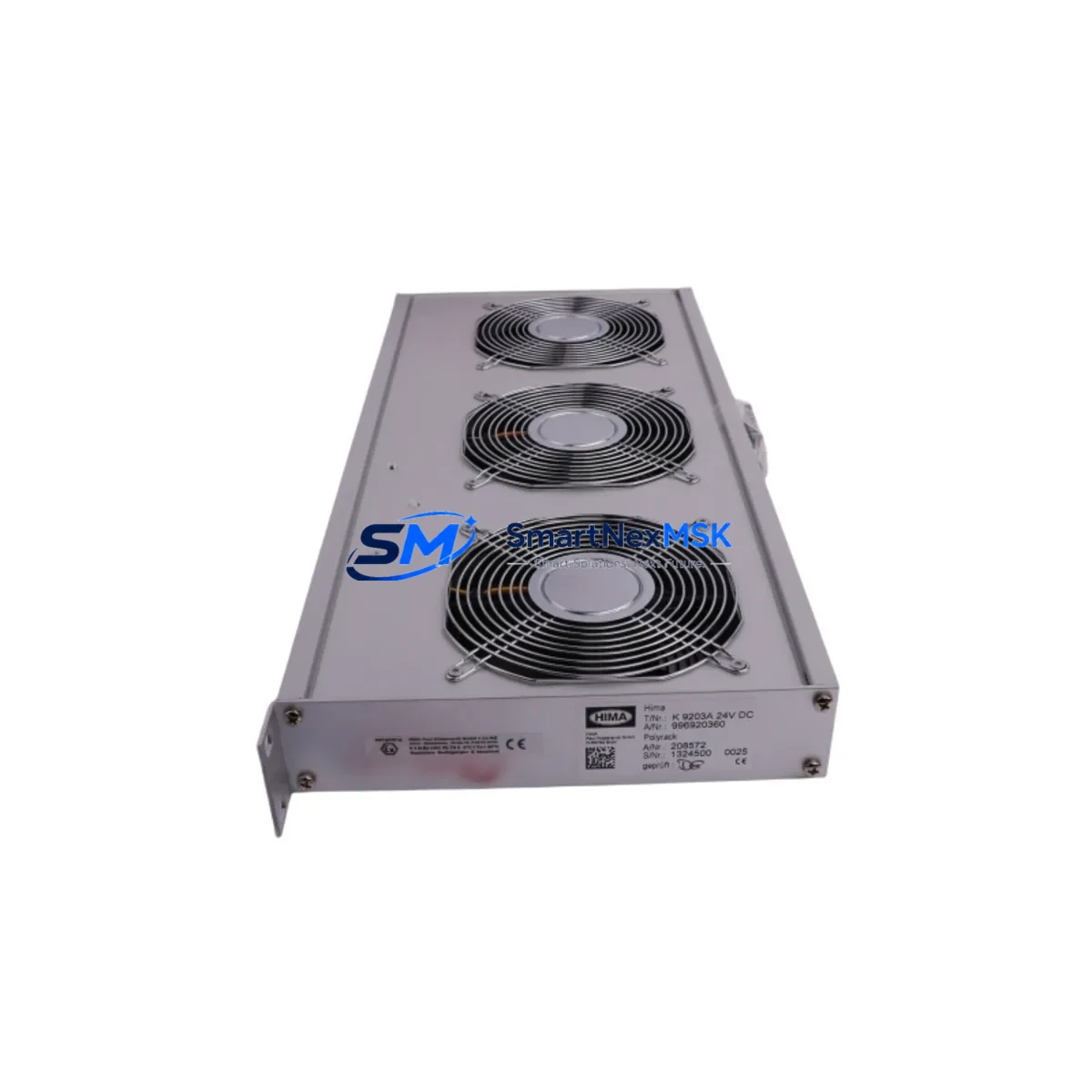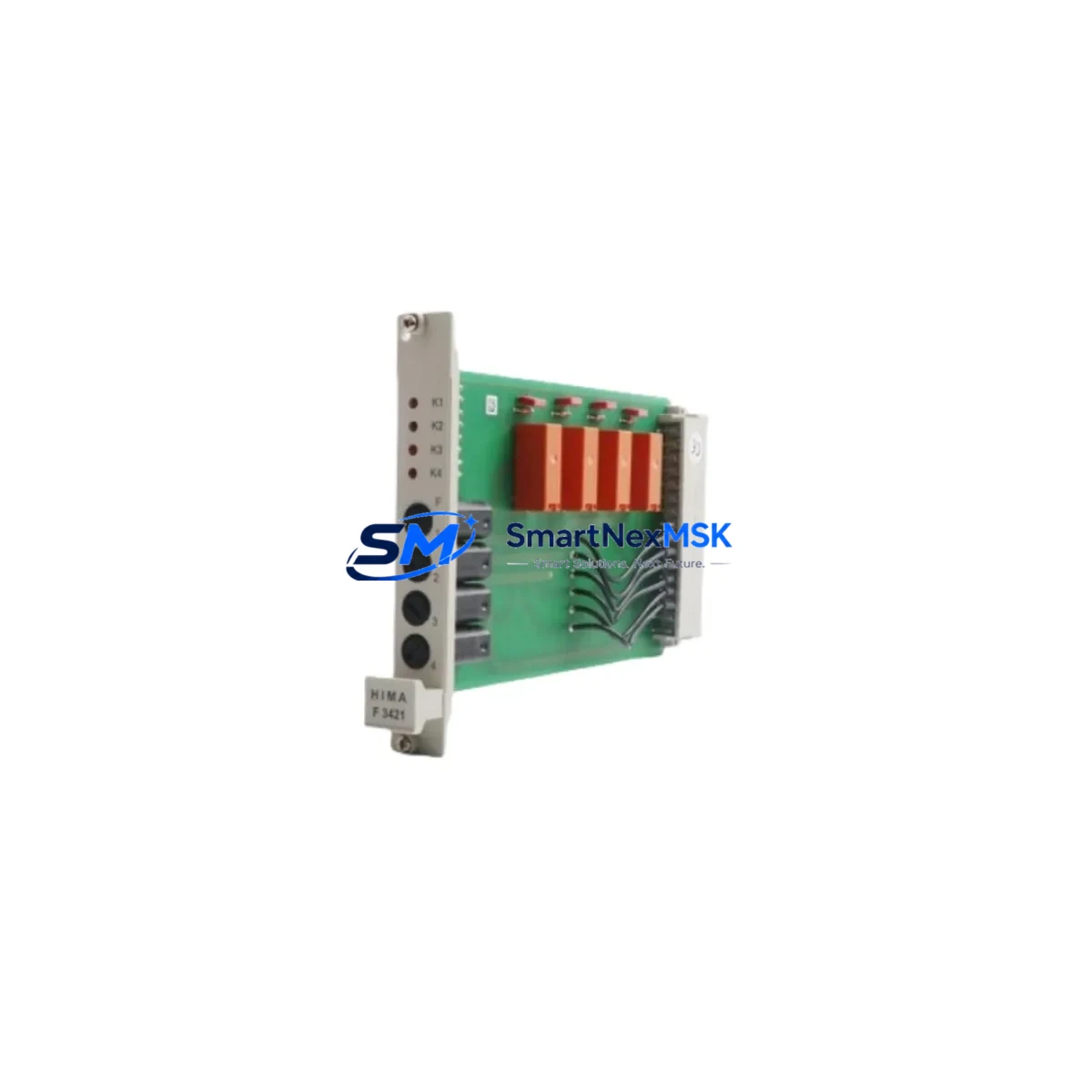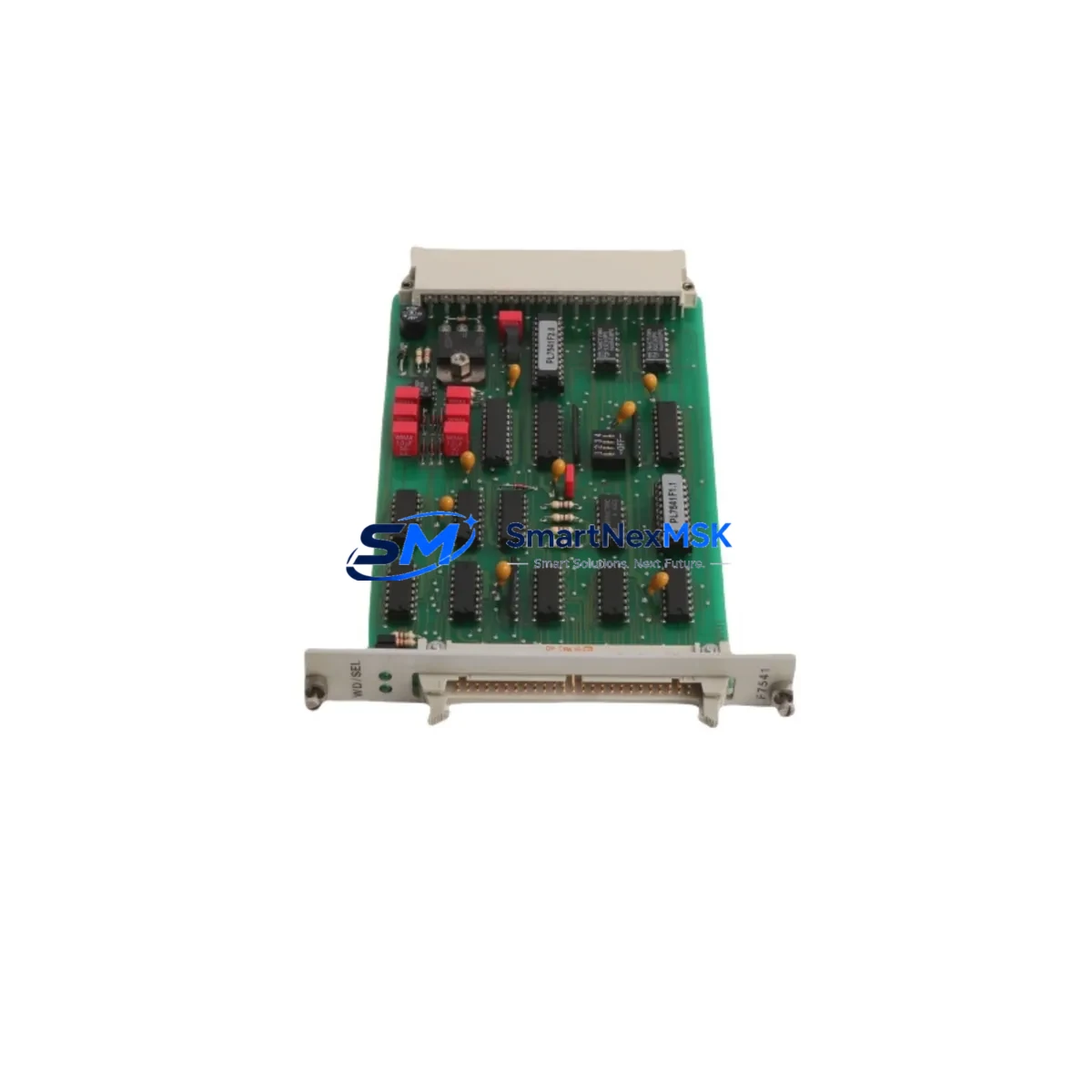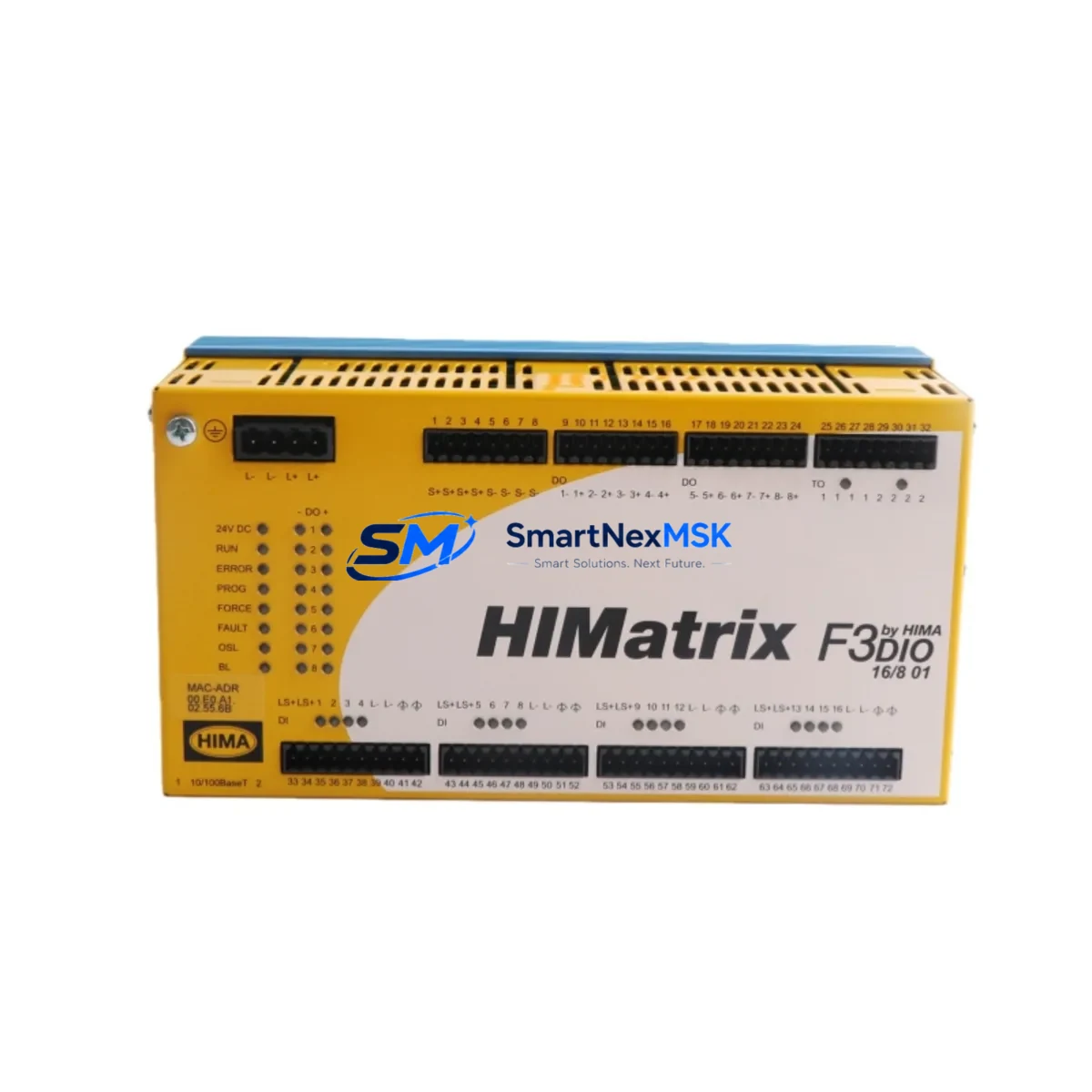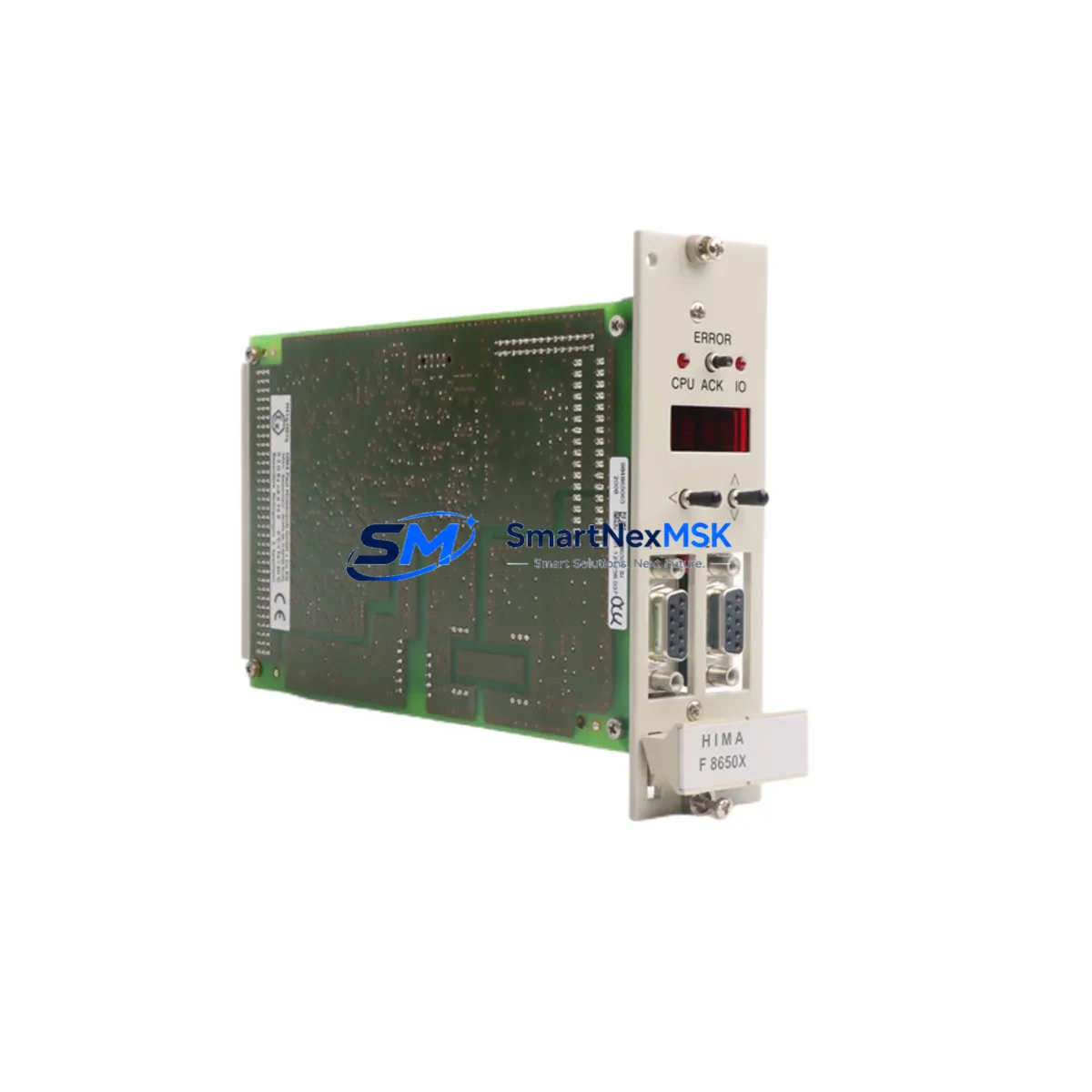
HIMA F8621A Retrofit-Ready Safety CPU for HIMatrix Control Systems
The HIMA F8621A is a high-integrity Safety PLC CPU module engineered for SIL 3-rated process control environments. As legacy HIMatrix installations approach end-of-life or require capacity expansion, the F8621A serves as the definitive retrofit solution — enabling plant engineers to modernize safety-critical control architectures without redesigning the entire control cabinet or rewriting certified safety logic from scratch. Whether you are replacing a failed unit, upgrading an aging HIMatrix F8 series rack, or migrating from an earlier CPU generation, the F8621A delivers the processing headroom, communication flexibility, and certification continuity that industrial safety systems demand.
Sourced directly from authorized distribution channels and rigorously tested prior to shipment, every F8621A unit supplied by SMARTNEXMSK is backed by a 12-month warranty and ships from verified stock. Our team supports customers through the full retrofit lifecycle — from pre-shipment compatibility checks to post-installation commissioning guidance.
Upgrade Compatibility Table
| Parameter | Details |
|---|---|
| Compatible Series | HIMA HIMatrix F8x / HIMatrix F3x (with adapter verification) |
| Backplane Interface | HIMatrix proprietary high-speed backplane bus; verify slot position against rack layout drawing |
| Communication Protocols | PROFIBUS-DP, Modbus RTU/TCP, OPC DA, SafeEthernet — confirm active protocol stack with existing HIMatrix F8650 or F8652 communication modules |
| Power Supply Compatibility | 24 VDC nominal; verify HIMatrix PS1 or PS2 power supply capacity before hot-swap; total rack load must not exceed rated output |
| Terminal Wiring | No re-wiring required for direct slot replacement; confirm I/O module addresses (F8627X, F8628X) remain unchanged in SILworX project |
| Replacement Recommendation | Direct replacement for HIMA F8621A; functional equivalent path from F8620A with firmware review |
| Commissioning Focus | SILworX project download, CRC verification, force-mode disable check, SafeEthernet peer re-authentication |
| Warranty | 12 months from date of shipment — covers manufacturing defects and functional failure under normal operating conditions |
Retrofit Planning for Existing Automation Systems
A successful HIMatrix retrofit begins well before the replacement module arrives on site. Engineers should pull the existing SILworX project file and confirm the CPU firmware version currently running on the installed F8621A or its predecessor. If the plant has been operating on an older firmware branch, a staged firmware upgrade on the replacement unit may be required before the SILworX project can be downloaded without compatibility errors.
Rack architecture is the next critical checkpoint. The HIMatrix F8 series rack accommodates the CPU in a fixed slot, with adjacent positions typically occupied by the HIMA F8627X or HIMA F8628X digital I/O modules and the HIMA F8652 PROFIBUS communication module. Before removing the existing CPU, document the physical slot assignments of every installed module. The HIMA F8650 Ethernet communication module, if present, must be re-authenticated to the new CPU’s SafeEthernet node address after replacement — this step is frequently overlooked and can delay restart by several hours if not planned in advance.
Power budget verification is mandatory. Calculate the total current draw of all installed modules — including any redundant CPU pairs, I/O modules, and communication cards — against the rated output of the installed HIMA PS1 or PS2 power supply module. Adding a new CPU or upgrading to a higher-performance variant can shift the rack’s power consumption profile. If the existing power supply is already operating near its rated ceiling, a parallel power supply upgrade should be scheduled as part of the same maintenance window.
For plants running mixed-generation control architectures — for example, a HIMatrix safety controller interfacing with a legacy HIMA H41q or H51q controller via SafeEthernet — the F8621A retrofit must include a full SafeEthernet peer table review. Each peer node must be re-confirmed after the CPU swap to prevent nuisance trips or communication timeouts that could trigger a plant-wide safe state. Similarly, if the HIMatrix system feeds safety signals to a HIMA HIMax controller or a third-party DCS via Modbus TCP, the Modbus register map and polling intervals should be validated against the new CPU’s communication stack before returning the system to automatic mode.
HMI integration is another area requiring pre-retrofit attention. If the plant uses a SILworX-connected HMI or a third-party SCADA system reading live data from the HIMatrix CPU via OPC DA, the OPC server configuration must be refreshed after the CPU replacement to re-establish the data item subscriptions. Operators should be briefed on expected HMI behavior during the switchover window, including which displays will go to a no-data state and for how long.
Finally, confirm that the programming cable — typically a standard Ethernet patch cable connected to the CPU’s service port — and the engineering workstation running SILworX are available on site before the maintenance window opens. A complete project download, CRC check, and functional test of all I/O channels, including the HIMA F8627X digital inputs and HIMA F8628X digital outputs, should be completed before the system is returned to operational status.
Downtime Control During System Migration
Minimizing unplanned downtime during a HIMatrix CPU replacement requires a structured pre-outage preparation protocol. The most effective approach is to pre-configure the replacement F8621A off-line: load the current SILworX project onto the new CPU in a bench environment, verify the CRC matches the production project, and confirm that all module addresses and I/O configurations are correctly resolved before the unit is transported to site. This eliminates the most common source of extended downtime — discovering a firmware mismatch or project incompatibility only after the old CPU has been removed.
During the physical swap, the existing terminal wiring and backplane connections remain undisturbed. The F8621A slots directly into the HIMatrix rack without requiring re-termination of field cables, which preserves the integrity of the existing wiring documentation and eliminates the risk of mis-wiring during a time-pressured maintenance window. Once the new CPU is seated and powered, the SILworX project download typically completes within minutes, after which the system performs an automatic self-test sequence before transitioning to run mode.
For redundant CPU configurations — where a second F8621A operates as a hot standby — the switchover can be executed with zero process interruption by failing over to the standby CPU before replacing the primary unit. This approach keeps the safety function active throughout the maintenance window and is strongly recommended for continuous-process applications where even a brief safe-state trip carries significant production cost.
All units supplied by SMARTNEXMSK undergo a pre-shipment functional test and are shipped with a test report. The 12-month warranty covers the replacement unit from the date of shipment, providing assurance that the retrofit investment is protected against early-life failure.
Retrofit Support FAQ
Q: Is the HIMA F8621A a direct drop-in replacement for the F8620A?
A: The F8621A is functionally compatible with the F8620A in most HIMatrix F8 series rack configurations, but a firmware review is required. The SILworX project compiled for an F8620A CPU may require a re-compilation step targeting the F8621A hardware profile before download. Our team can advise on the specific steps based on your installed firmware version.
Q: Do I need to re-wire the terminal blocks when replacing the CPU?
A: No. The F8621A installs into the existing backplane slot without any field wiring changes. Terminal blocks connected to I/O modules such as the F8627X and F8628X remain undisturbed. Only the CPU slot is affected during the swap.
Q: How do I verify communication compatibility with my existing PROFIBUS and SafeEthernet network?
A: After installing the F8621A and downloading the SILworX project, the PROFIBUS master configuration and SafeEthernet peer table must be re-confirmed. The F8652 PROFIBUS module and F8650 Ethernet module will re-establish their connections automatically once the CPU enters run mode, but each peer node should be verified in the SILworX diagnostics view before the system is released to operations.
Q: What does the 12-month warranty cover, and what is the process for a warranty claim?
A: The 12-month warranty covers manufacturing defects and functional failure under normal operating conditions from the date of shipment. In the event of a warranty claim, contact SMARTNEXMSK at [email protected] with your order reference and a description of the fault. We will arrange a replacement unit and, where required, a pre-shipment test report for the replacement.
© 2026 SMARTNEXMSK. All rights reserved.
Original Source: https://smartnexmsk.com
Contact: [email protected] | +86 18259474341