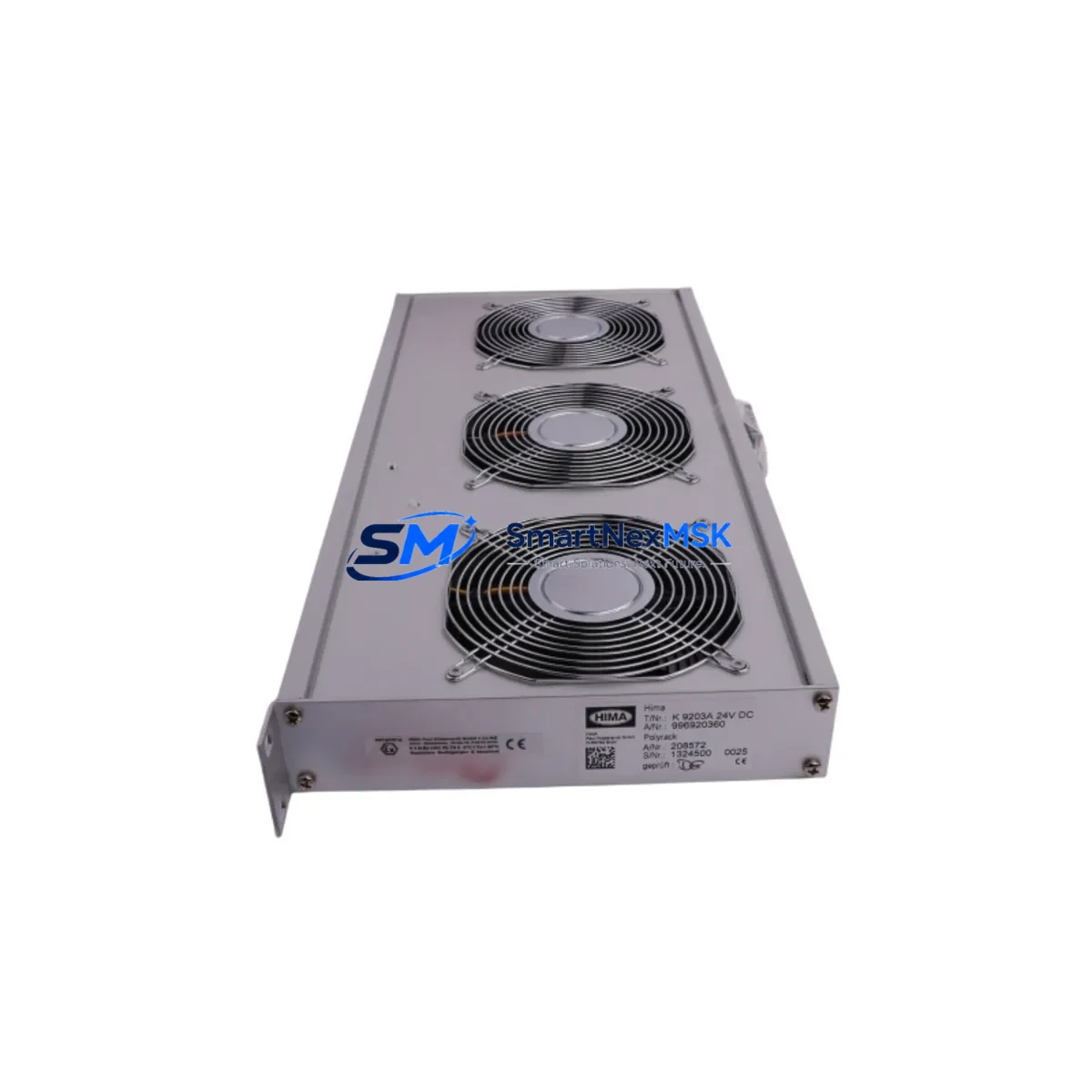
HIMA K9203 Maintenance-Ready Spare for HIMax Automation
The HIMA K9203 is an original cooling fan module designed for HIMA Safety PLC rack systems, including the HIMax and HIMatrix series. In safety-critical industrial environments — oil & gas, chemical processing, power generation, and offshore platforms — thermal management is not optional. A failed cooling module can trigger thermal shutdowns, force unplanned outages, and compromise SIL-rated safety functions. Stocking the K9203 as a verified spare is a fundamental element of any responsible maintenance strategy for HIMA-based control systems.
This unit ships as an original HIMA component, fully tested prior to dispatch, and is backed by a 12-month warranty covering manufacturing defects and functional performance. Each K9203 is inspected for fan blade integrity, bearing condition, connector pin alignment, and rated airflow output before packaging. Fast global shipping ensures that your maintenance team can restore rack thermal performance within the shortest possible window after a fault is identified.
Spare Maintenance Table
| Parameter | Specification / Detail |
|---|---|
| SKU / Part Number | K9203 |
| Brand | HIMA |
| Product Type | Cooling Fan Module |
| Compatible Series | HIMax, HIMatrix Safety PLC Rack Systems |
| Origin | Germany (Original OEM Component) |
| Rated Voltage | 24 VDC (nominal rack supply) |
| Airflow Direction | Forced convection, rack-bottom intake |
| Connector Type | OEM rack-integrated connector (tool-free replacement) |
| Operating Temperature | 0°C to +60°C ambient |
| Installation | Hot-swap capable (system-dependent); refer to HIMA rack documentation |
| Application Environment | Safety PLC control cabinets, SIL 1–3 rated systems, industrial control rooms |
| Maintenance Interval | Inspect every 12 months; replace at first sign of bearing noise or reduced airflow |
| Pre-shipment Testing | Yes — functional run test, airflow verification, connector check |
| Warranty | 12 Months from date of shipment |
| Weight | Approx. 2.0 kg |
Maintenance Planning for Continuous Operation
When a K9203 cooling fan module is flagged during a control cabinet inspection or routine point-check, experienced maintenance engineers know that thermal faults rarely occur in isolation. The cooling module works in concert with the entire rack power and signal environment, and a replacement visit is the right time to audit adjacent components for wear or marginal performance.
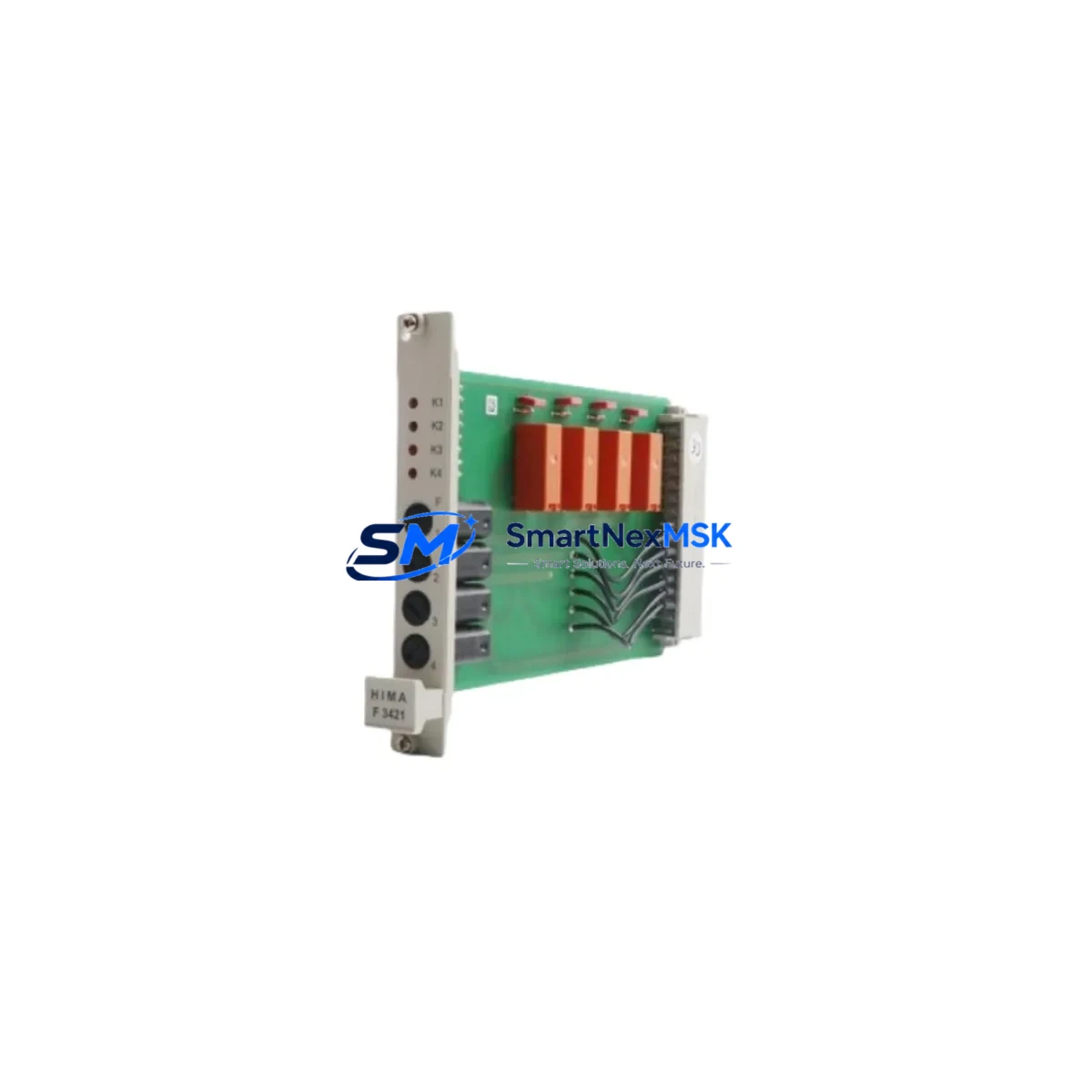
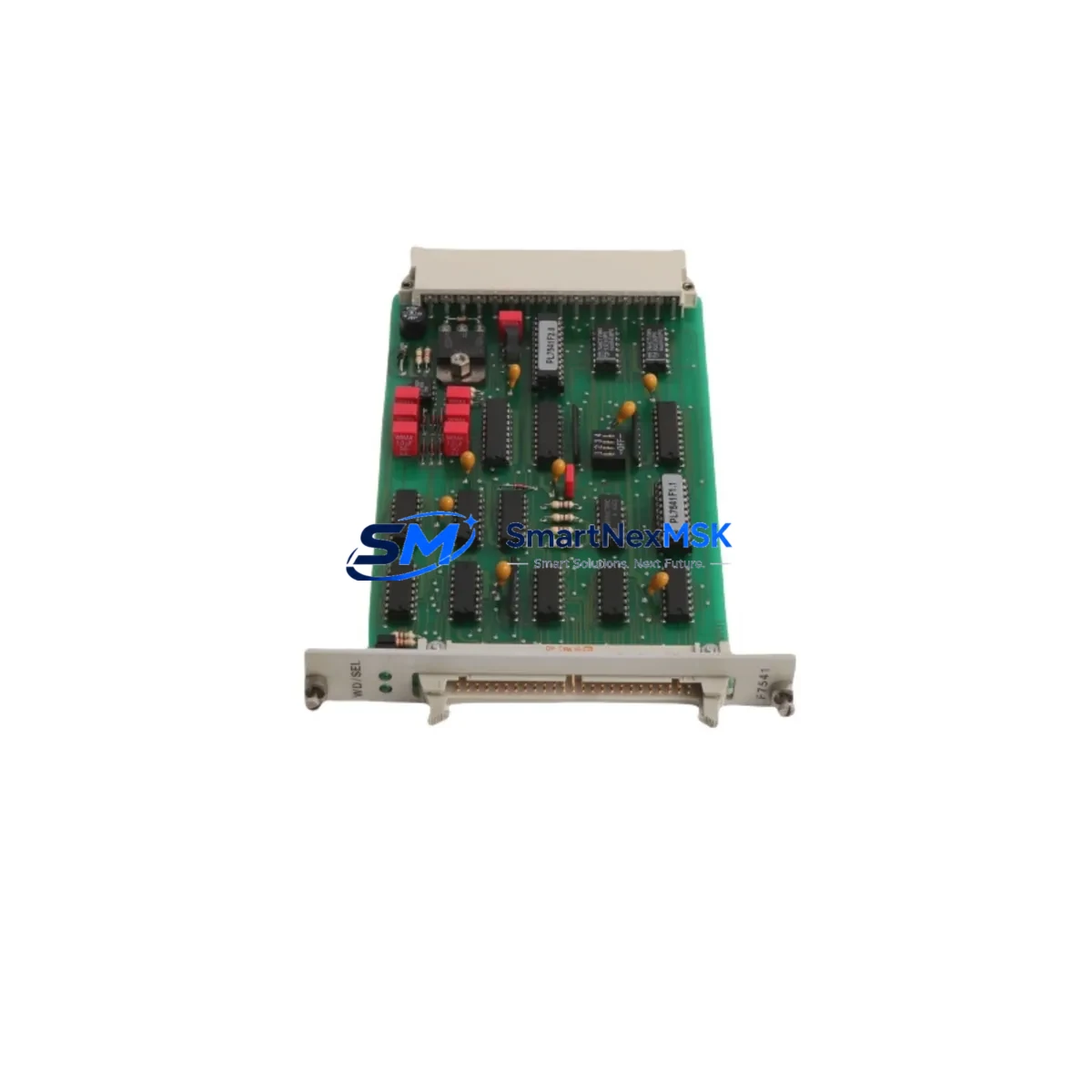
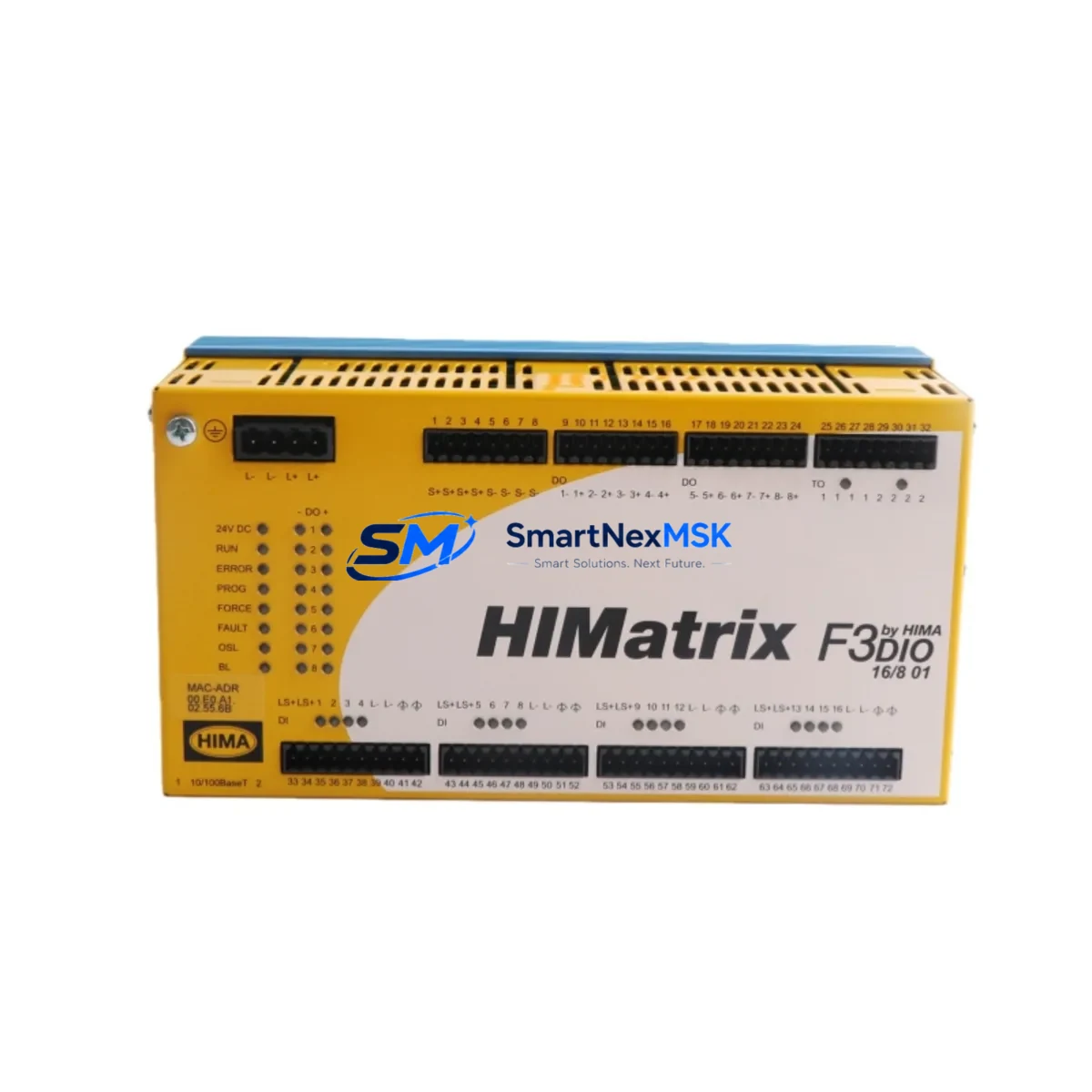
Start with the rack power supply — the HIMA F8652A or equivalent HIMax power module should be checked for output voltage stability and ripple, since a degraded PSU can cause fan speed irregularities that mimic a failing K9203. Inspect the HIMA F8621A CPU module for thermal discoloration or connector oxidation, as sustained overtemperature events leave visible traces on processor boards. Review the HIMA F3 DIO 20/8 01 digital I/O modules for any alarm history linked to thermal warnings — these records help distinguish a one-time event from a developing trend.
For systems with communication-intensive architectures, check the HIMA F8627X SafeEthernet communication module for connector seating and LED status. Communication modules are sensitive to temperature cycling and may develop intermittent faults after prolonged exposure to elevated rack temperatures. Similarly, inspect any installed HIMA F3 AIO 8/4 01 analog I/O modules for signal drift, which can be an indirect indicator of thermal stress on precision components.
Terminal blocks and field wiring connections within the control cabinet should be torque-checked during the same maintenance window — loose terminals on Phoenix Contact or Weidmüller DIN-rail terminal strips are a common source of intermittent faults that are incorrectly attributed to PLC module failures. Inspect fuse holders and miniature circuit breakers protecting the 24 VDC rack supply bus; a marginally rated fuse that has experienced repeated thermal cycling may have degraded interrupting capacity.
If the system includes a local HIMA HMI panel or operator station, verify that display and communication functions are normal after the cooling module replacement — thermal events can corrupt HMI configuration memory in older installations. For systems with signal isolators between field instruments and PLC inputs, check that galvanic isolation barriers (such as those from Pepperl+Fuchs or MTL) are within calibration and showing no leakage current alarms. Documenting all findings in the maintenance log supports long-term system health tracking and justifies spare parts budget requests.
Site Replacement Workflow
Step 1 — Identify and confirm the fault. Use the HIMA system diagnostic software or front-panel LEDs to confirm the K9203 cooling module is the source of the thermal alarm. Cross-reference with rack temperature sensor readings if available. Do not replace the module based on alarm alone without ruling out blocked airflow paths or ambient HVAC failure.
Step 2 — Verify spare compatibility. Confirm that the replacement K9203 matches the rack generation (HIMax vs. HIMatrix) and firmware revision requirements documented in the HIMA system manual. Original OEM parts eliminate compatibility risk that arises with aftermarket alternatives.
Step 3 — Prepare the replacement environment. Ensure the control cabinet is accessible, ESD precautions are in place, and the replacement module is at ambient temperature before installation. For non-hot-swap configurations, coordinate with operations to schedule a controlled shutdown window.
Step 4 — Remove and install. Disconnect the faulty K9203 following the HIMA rack disassembly procedure. Install the replacement unit, verify connector seating, and restore power. Confirm fan operation via system diagnostics before closing the cabinet.
Step 5 — Post-replacement verification. Monitor rack temperature readings for a minimum of 30 minutes post-replacement. Clear any latched thermal alarms in the HIMA safety system and document the replacement in the site maintenance log. Update the spare parts inventory to trigger reorder of a replacement K9203 for the next event.
This workflow minimizes downtime, maintains SIL system integrity, and ensures the replacement is traceable for audit and compliance purposes.
Spare Parts Support FAQ
Q1: What is the recommended spare parts strategy for the HIMA K9203 in a continuous-process plant?
For plants operating 24/7 with no scheduled shutdown windows, we recommend holding a minimum of one K9203 per rack in on-site inventory. Cooling modules are wear items with bearing-limited service life; proactive replacement at 3–5 year intervals (or at first sign of bearing noise) is more cost-effective than emergency sourcing during an unplanned outage. We maintain long-term supply capability for K9203 and can support blanket order arrangements for multi-site operations.
Q2: How is the K9203 tested before shipment?
Every K9203 unit undergoes a functional run test confirming motor start, sustained airflow output, and connector integrity before packaging. Units that fail any test parameter are quarantined and not shipped. A test report is available upon request for quality-critical procurement processes.
Q3: Can the K9203 replace older or discontinued HIMA cooling module variants?
Compatibility depends on the specific rack generation and mechanical form factor. In many cases, the K9203 is a direct replacement for earlier HIMA cooling modules used in HIMax rack assemblies. We recommend confirming the rack part number and generation before ordering. Our technical team can assist with cross-reference verification at no charge.
Q4: What does the 12-month warranty cover?
The 12-month warranty covers manufacturing defects, premature bearing failure, and functional non-performance under normal operating conditions. It does not cover damage resulting from incorrect installation, overvoltage events, or operation outside specified ambient temperature ranges. Warranty claims are processed with priority turnaround to minimize impact on your maintenance schedule.
© 2026 SMARTNEXMSK. All rights reserved.
Original Source: https://smartnexmsk.com
Contact: [email protected] | +86 18259474341