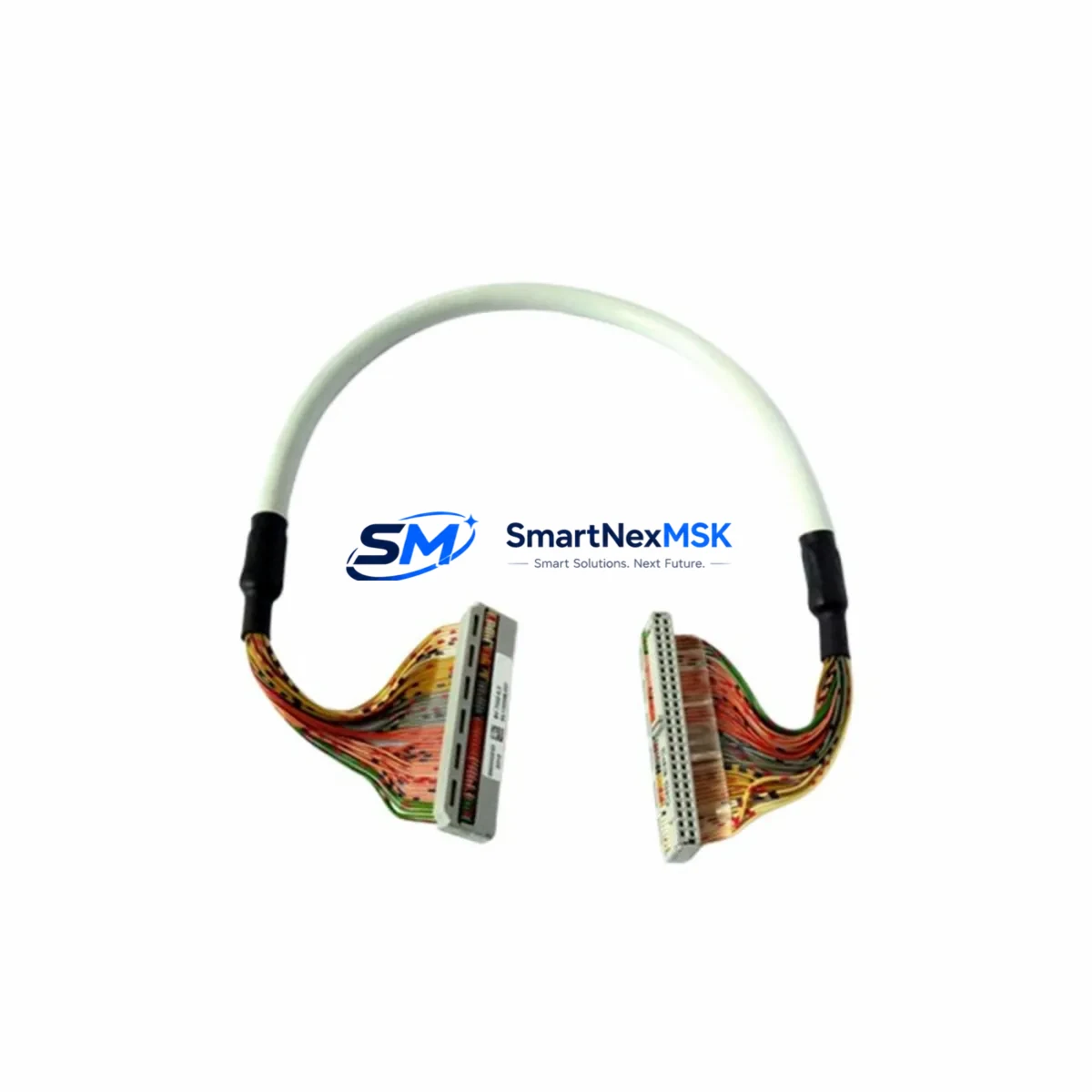
HIMA BV7032-0.5 Retrofit-Ready Analog Output Module: Compatible Upgrade for BV7032 Series Control Systems
The HIMA BV7032-0.5 is a 0–5 V analog output module engineered for seamless integration into HIMA BV7032 series safety PLC platforms. As legacy automation infrastructure ages and OEM support windows close, the BV7032-0.5 has become a critical retrofit component for engineers tasked with extending the operational life of existing safety-instrumented systems (SIS) without triggering a full control-system overhaul. Whether you are replacing a failed output card in a running process line, upgrading a control cabinet to meet revised SIL 2 requirements, or migrating I/O architecture from an end-of-life rack to a current-generation backplane, the BV7032-0.5 provides a verified, drop-in upgrade path that minimises engineering rework and protects your existing program logic investment.
Each unit shipped by SMARTNEXMSK undergoes pre-delivery functional testing against HIMA factory specifications, covering output linearity, channel isolation, and communication handshake with the BV7032 CPU module. Stock is maintained on-hand to support urgent replacement orders, and every module is covered by a 12-month warranty from the date of shipment.
Upgrade Compatibility Table
| Parameter | BV7032-0.5 Specification | Retrofit / Replacement Notes |
|---|---|---|
| Output Signal Range | 0–5 V DC, per channel | Verify field device input range before substitution; 0–10 V variants require separate SKU |
| Backplane Interface | HIMA BV7032 series rack connector | Direct plug-in replacement; no adapter required for same-generation rack |
| Communication Compatibility | HIMA internal bus (HIBUS) | Compatible with BV7032 CPU and co-processor modules; confirm firmware revision ≥ 3.x |
| Installation Requirement | Hot-swap capable (system-dependent) | Confirm hot-swap support in system configuration before live replacement |
| Replacement Recommendation | Direct drop-in for BV7032-0.5 (same revision) | Cross-check module address assignment in ELOP II / ELOP II Factory project |
| Commissioning Focus | Output calibration, channel mapping, SIL loop test | Re-run SIL proof test after installation; update maintenance records |
| Warranty | 12 months from shipment date — SMARTNEXMSK | |
Retrofit Planning for Existing Automation Systems
A successful BV7032-0.5 retrofit begins well before the module arrives on site. Engineers should pull the existing ELOP II Factory project file and verify the module’s rack slot address, channel assignments, and any configured output scaling factors. In multi-rack configurations, the BV7032 backplane and associated BV7032 power supply module must be inspected for available load capacity — adding or replacing output modules can shift the total current draw, and an undersized power supply is a common cause of intermittent faults after a card swap.
Terminal wiring is the next critical checkpoint. The BV7032-0.5 uses the standard HIMA front connector, but field wiring documentation should be reviewed against the as-built drawings to confirm that signal commons, shielding practices, and cable routing comply with the original design intent. Where the original installation used a BV7032 terminal block adapter, the same adapter is typically reused, eliminating the need to re-terminate field cables — a significant time saving during a planned shutdown window.
For sites running PROFIBUS DP or Modbus RTU communication alongside the HIMA safety bus, the BV7032 communication module — such as a BV7032 PROFIBUS gateway card — must remain undisturbed during the analog output swap. Any changes to the communication module configuration, including node address or baud rate, should be treated as a separate change-management item. Similarly, if the control system includes a HIMA HIMatrix or HIQuad controller interfacing with the BV7032 rack via a remote I/O link, the remote I/O configuration in the HIMatrix project must reflect the correct module type at the correct slot position before the new card is powered up.
HMI screens connected to the BV7032 system — whether running on a HIMA-compatible SCADA platform or a third-party HMI panel — should be reviewed to confirm that analog output trend displays and alarm setpoints reference the correct engineering-unit scaling. A module replacement that changes the output range or channel count can silently invalidate HMI tag mappings if the project database is not updated in parallel. Where the site uses a BV7032 programming cable — typically a USB-to-serial adapter with ELOP II driver — for on-site diagnostics, ensure the cable and laptop are available during commissioning to allow live channel monitoring and forced-output testing under controlled conditions.
I/O expansion scenarios — for example, adding a BV7032 digital input module or a BV7032 analog input module to an existing rack alongside the new BV7032-0.5 — require a rack capacity review. The BV7032 rack supports a defined maximum number of I/O slots, and the system integrator should confirm that the new module combination does not exceed the CPU’s I/O point budget or the rack’s power budget. Where expansion is needed beyond the existing rack, a second BV7032 rack with its own power supply and backplane may be required, connected to the primary CPU via the HIMA expansion bus.
Downtime Control During System Migration
Minimising unplanned downtime is the primary concern for any BV7032-0.5 replacement project. The recommended approach is to stage the replacement during a scheduled maintenance window, with the new module pre-tested and pre-configured offline before the shutdown begins. Where the process allows, a partial bypass of the affected analog output loop — using a portable signal generator to hold the downstream actuator at a safe position — can reduce the time the control loop is open to under 15 minutes.
Before powering down the rack slot, the current output values for all channels on the BV7032-0.5 should be recorded from the ELOP II online diagnostic view or from the SCADA historian. These values serve as the baseline for post-replacement verification. After the new module is seated and the rack is powered, the ELOP II project should be downloaded to confirm that the CPU recognises the module at the correct address and that all channel diagnostics report healthy status. A channel-by-channel output verification — stepping each channel through its full 0–5 V range and confirming the corresponding field device response — should be completed before the bypass is removed and the loop is returned to automatic control.
For sites where a cold swap is not feasible and the BV7032 system must remain energised during the replacement, the hot-swap procedure defined in the HIMA system manual must be followed precisely. This includes confirming that the CPU is in RUN mode with the safety application active, that the replacement module has the correct hardware revision, and that the ELOP II project has been compiled with hot-swap support enabled for the target slot. Deviating from this procedure risks a safety system trip, which in a process plant environment can trigger emergency shutdown sequences with significant production impact.
SMARTNEXMSK maintains ready stock of the BV7032-0.5 to support same-week dispatch for urgent replacement orders. For planned maintenance projects, we recommend ordering a spare unit alongside the primary replacement to provide an on-site buffer against the possibility of infant-failure or shipping damage — a standard practice in high-availability SIS environments.
Retrofit Support FAQ
Q1: Is the BV7032-0.5 a direct drop-in replacement for a failed unit of the same model?
Yes, provided the hardware revision of the replacement module matches or is forward-compatible with the revision installed in the rack. Check the revision label on the failed module and confirm with SMARTNEXMSK before ordering if you are unsure. In most cases, current-production BV7032-0.5 units are backward-compatible with earlier rack generations.
Q2: What commissioning steps are required after installing the BV7032-0.5?
At minimum: (1) confirm module address recognition in ELOP II online view, (2) verify all channel diagnostics show no fault, (3) perform a forced-output test on each channel to confirm field device response, and (4) re-run the SIL proof test for any safety loop connected to the module. Update the site maintenance log and the as-built documentation to reflect the replacement date and module serial number.
Q3: Can the BV7032-0.5 be used with a different HIMA CPU, such as a HIMatrix F35 or a BV7032 co-processor?
The BV7032-0.5 is designed for the BV7032 rack and backplane architecture. It is not directly interchangeable with HIMatrix or HIQuad I/O modules, which use a different backplane connector and communication protocol. If you are migrating from a BV7032 platform to a HIMatrix platform, a full I/O re-mapping exercise is required, and SMARTNEXMSK can advise on the appropriate HIMatrix analog output module for your application.
Q4: What does the 12-month warranty cover, and what is the return process?
The 12-month warranty covers manufacturing defects and functional failures under normal operating conditions. It does not cover damage caused by incorrect installation, overvoltage, or environmental conditions outside the module’s rated specification. To initiate a warranty claim, contact SMARTNEXMSK at [email protected] with the order number, module serial number, and a description of the fault. We will arrange return shipping and either repair or replace the unit within the warranty period.
© 2026 SMARTNEXMSK. All rights reserved.
Original Source: https://smartnexmsk.com
Contact: [email protected] | +86 18259474341