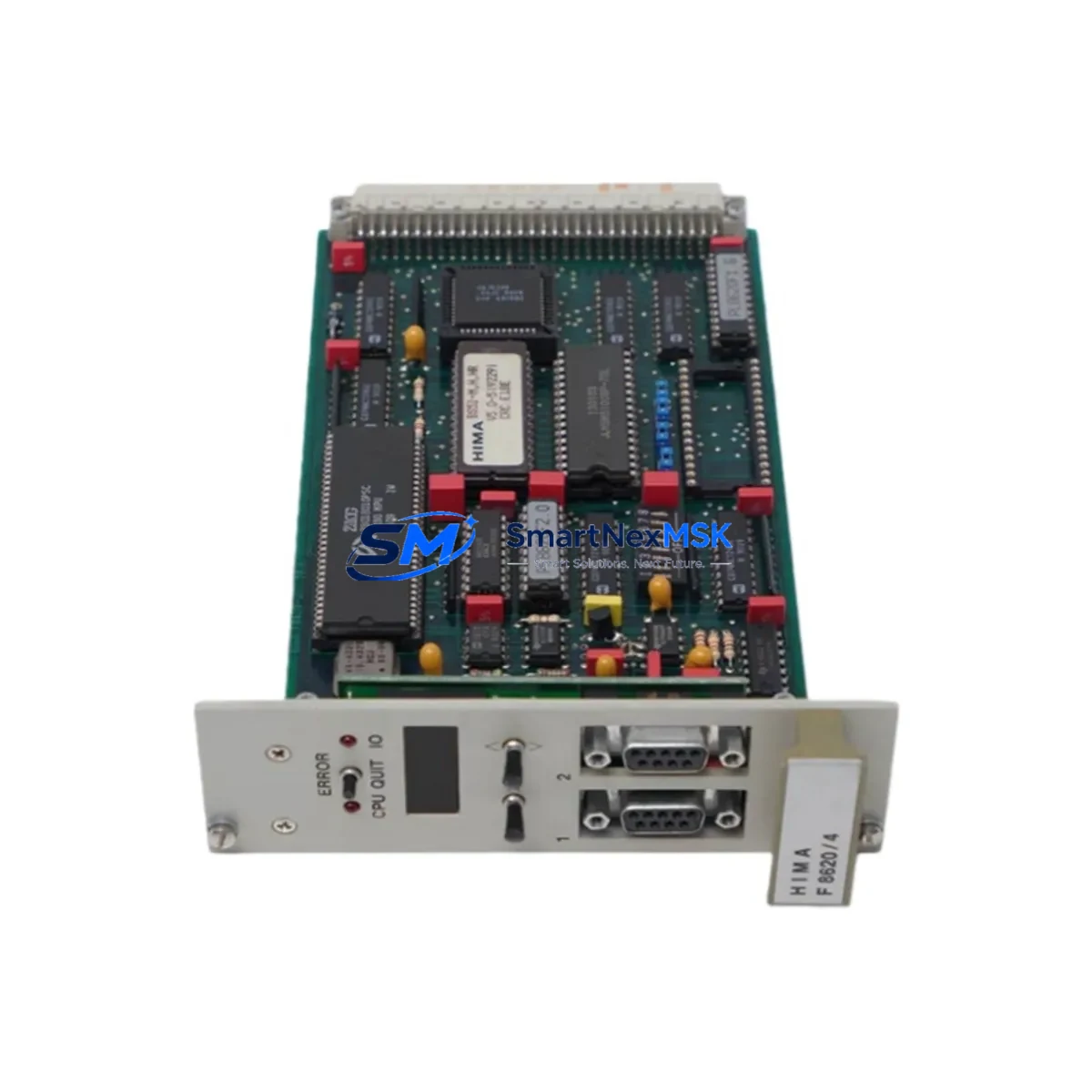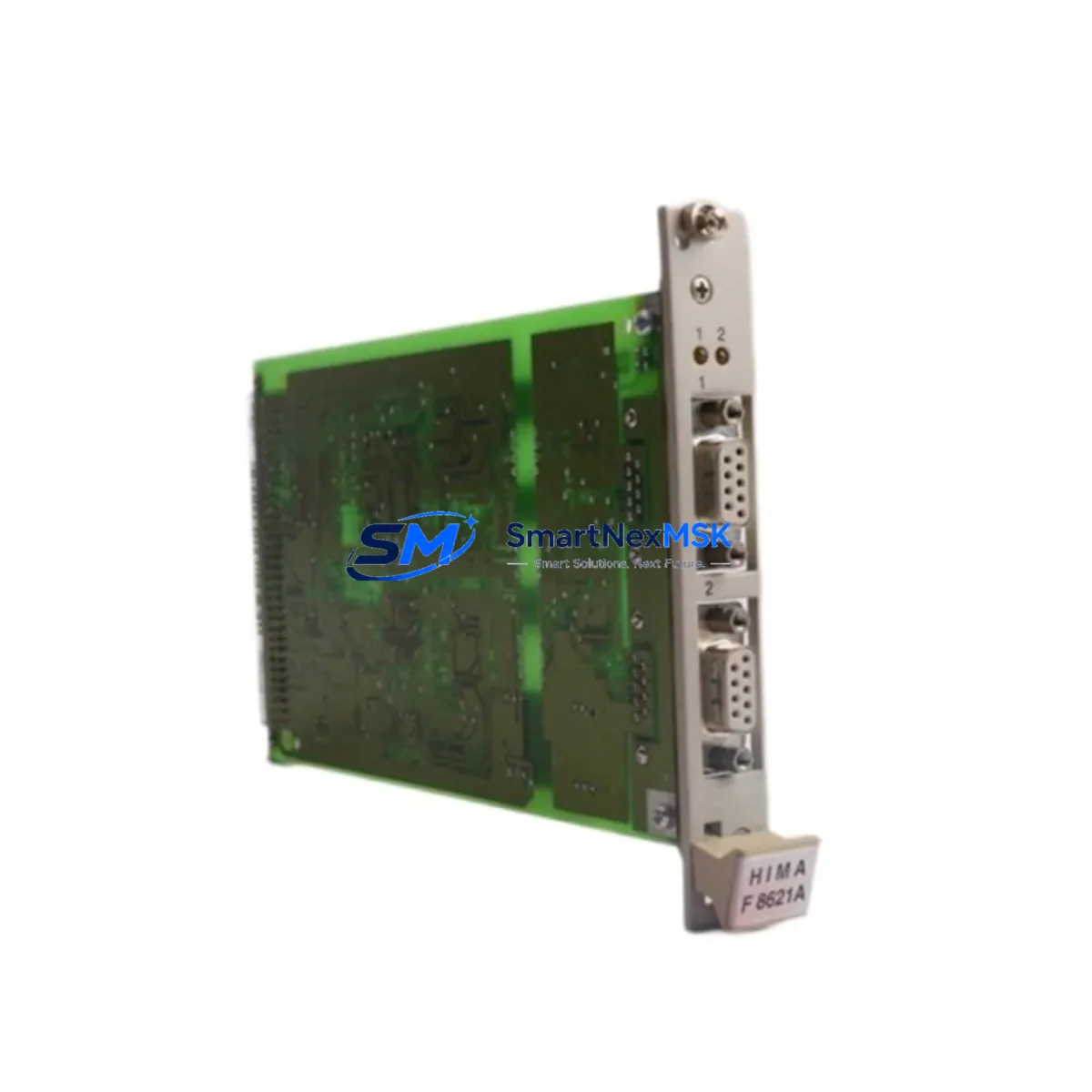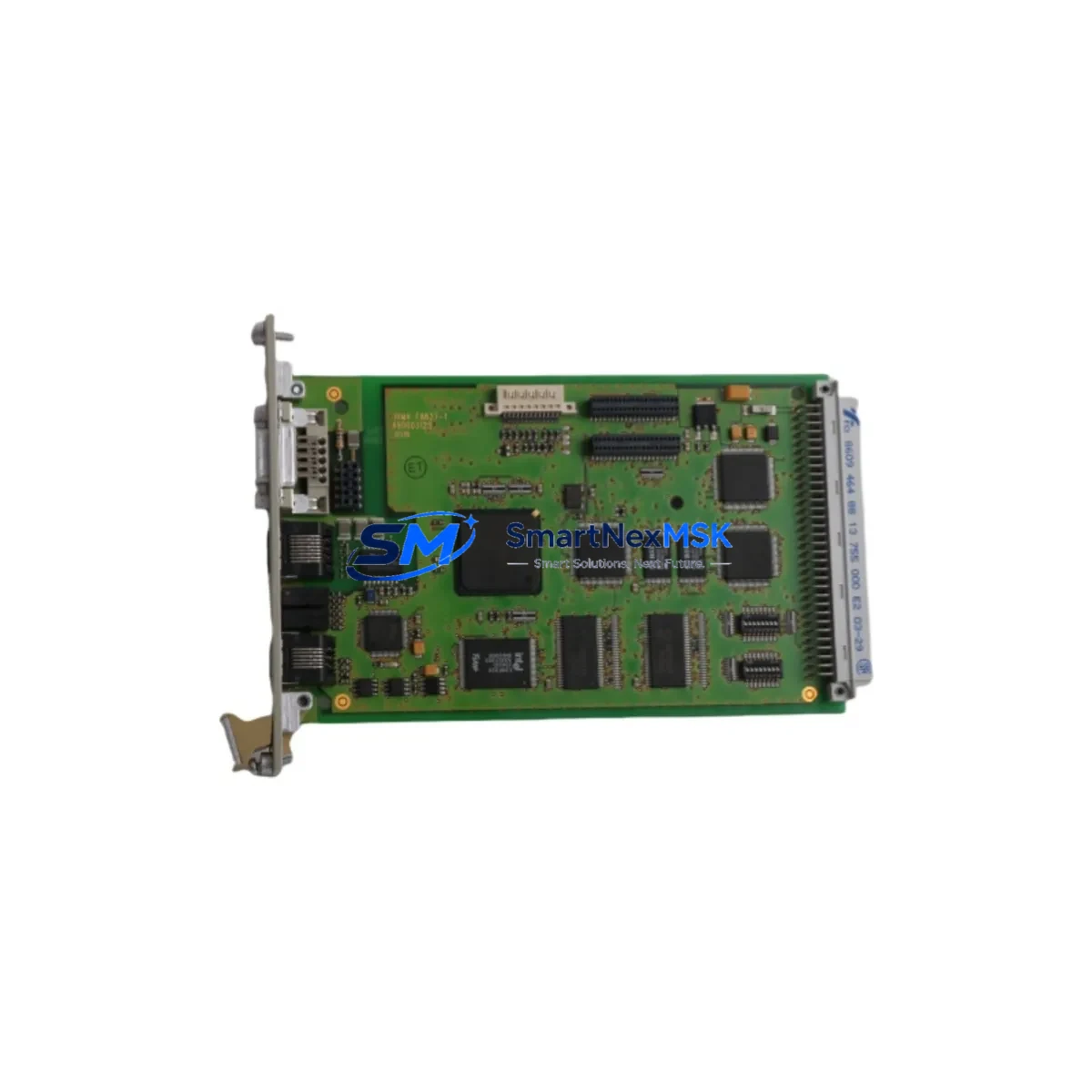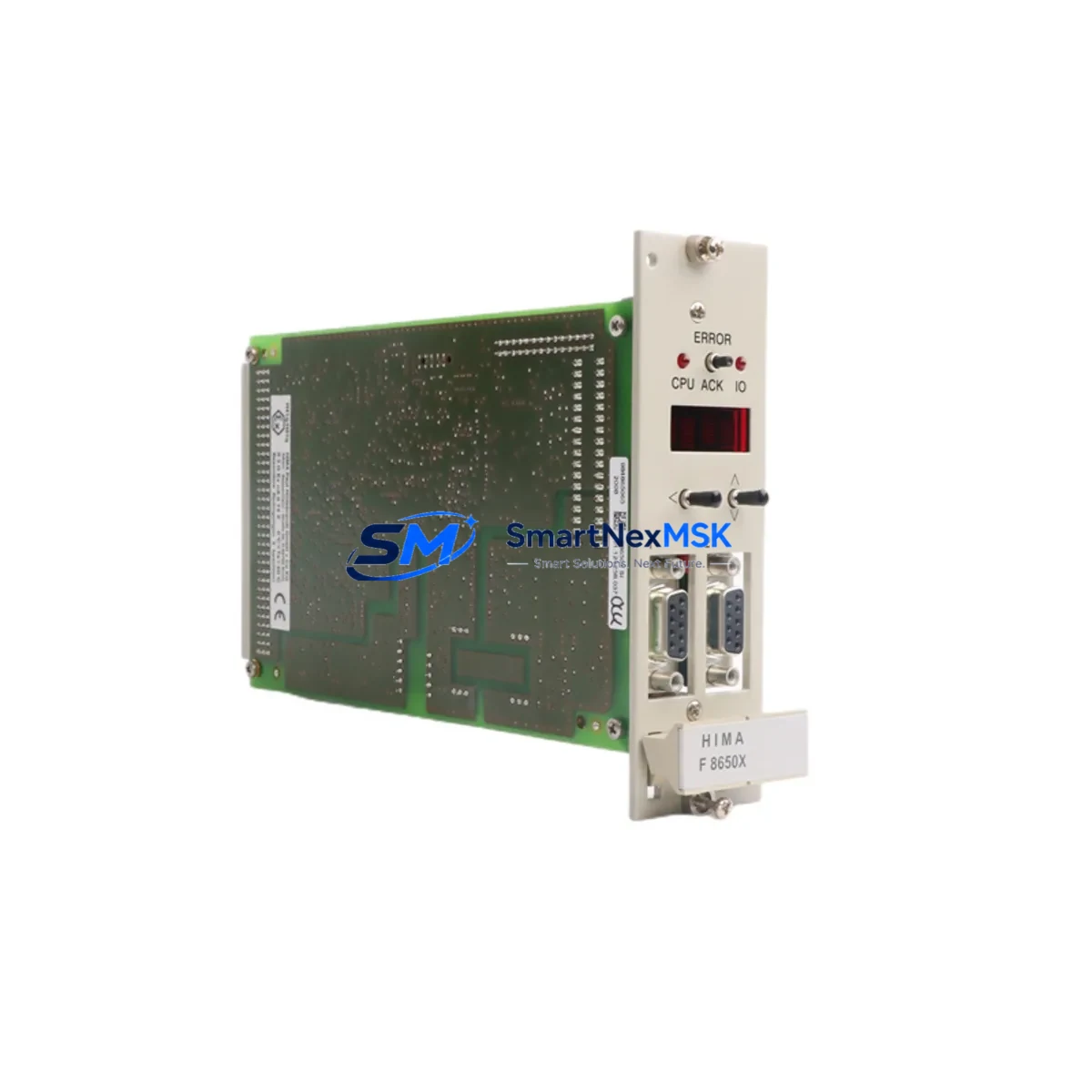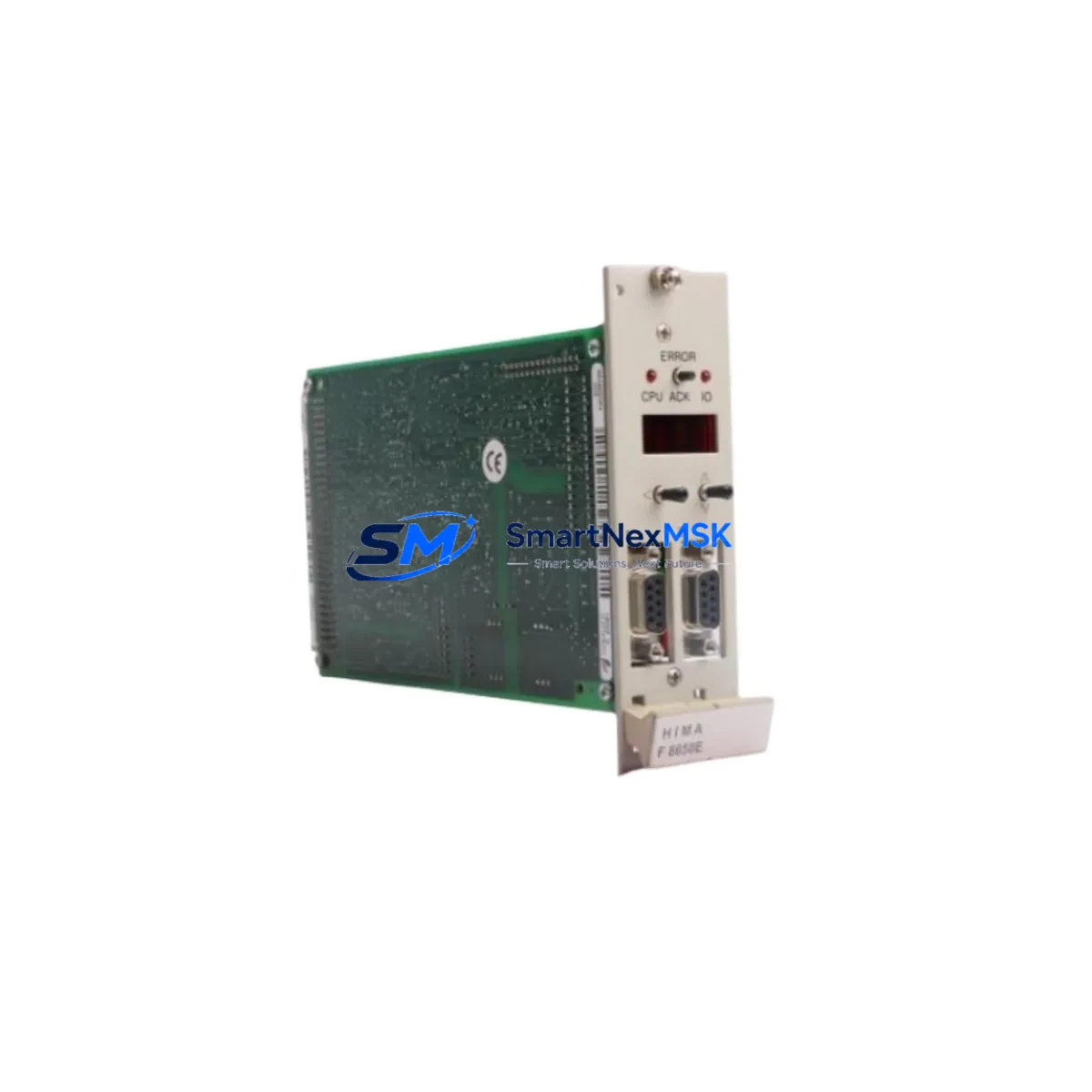
HIMA F8651E Retrofit-Ready Safety CPU for HIMax Control Systems
The HIMA F8651E is a SIL3-certified Safety Central Processing Unit designed for the HIMax distributed safety controller platform. As legacy safety systems age and original spare parts become increasingly scarce, the F8651E has become a critical retrofit component for facilities operating HIMax-based safety instrumented systems (SIS) across oil & gas, chemical processing, power generation, and offshore applications. Whether you are replacing a failed unit, upgrading an end-of-life controller, or migrating from an older HIMA HIMatrix or HIMA H41q architecture, the F8651E delivers a proven, wiring-compatible upgrade path with minimal disruption to your existing safety logic and field wiring.
The F8651E slots directly into the HIMax backplane, supporting the platform’s high-availability redundancy architecture. It communicates natively over SAFEETHERNET for peer-to-peer safety communication and supports PROFIBUS DP for integration with distributed I/O stations and third-party field devices. Engineers migrating from older HIMA F8650E or F8652E central modules will find the F8651E fully compatible with existing rack and backplane wiring, significantly reducing retrofit engineering hours and the risk of wiring errors during changeover.
Before committing to a retrofit, your engineering team should verify the following: confirm available power budget on the HIMax F8621A power supply module or F8622A redundant power supply to support the F8651E’s load; inspect the HIMax F8630A backplane slot assignments and module addressing to ensure no address conflicts with existing I/O modules such as the F8704 digital input module or F8705 digital output module; and validate that the SAFEETHERNET network topology — including switch configuration and IP addressing — is compatible with the replacement CPU firmware version.
Program compatibility is a key concern in any safety CPU swap. HIMA’s SILworX engineering software manages all project configuration, logic compilation, and download procedures for the HIMax platform. Prior to replacement, export and archive the full SILworX project, including all function block libraries, variable tables, and communication configurations. After installing the F8651E, perform a controlled download and verify all I/O force lists, interlock logic, and cause-and-effect matrices against the original validated baseline. If your system includes HIMA F3 DIO 20/8 01 or similar remote I/O modules connected via PROFIBUS, confirm that the GSD file and station addresses remain unchanged in the new CPU configuration.
For facilities running HMI visualization on HIMA HIVision or third-party SCADA systems connected via OPC-DA or OPC-UA, verify that all tag mappings, alarm setpoints, and communication driver configurations remain intact after the CPU swap. Communication links to DCS platforms — including those using Modbus TCP gateways or PROFINET bridges — should be tested in simulation mode before live cutover. Where the existing system includes a HIMA F8627X communication module for redundant Ethernet links, confirm that the module firmware is compatible with the F8651E CPU firmware revision.
Upgrade Compatibility Table
| Parameter | Details |
|---|---|
| Compatible Platform | HIMA HIMax Safety Controller |
| Safety Integrity Level | SIL3 (IEC 61508) |
| Backplane Interface | HIMax F8630A / F8631A Backplane (direct slot-in) |
| Communication Protocols | SAFEETHERNET, PROFIBUS DP, Modbus TCP (via gateway) |
| Common Replacement For | HIMA F8650E, F8652E, F8653E (verify firmware compatibility) |
| Power Supply Compatibility | HIMax F8621A / F8622A Power Supply Modules |
| Engineering Software | HIMA SILworX (project download required after swap) |
| Installation Requirement | Controlled shutdown; SILworX project backup mandatory |
| Commissioning Steps | Address verification, I/O force check, SAFEETHERNET link test |
| Warranty | 12 Months — covers manufacturing defects and functional failure |
Retrofit Planning for Existing Automation Systems
A successful HIMax retrofit begins well before the physical module swap. Start by auditing the full control cabinet: document the slot positions of all installed modules, including the F8704 digital input, F8705 digital output, F8708 analog input, and any F8627X communication modules in use. Confirm that the F8630A backplane has no physical damage to the bus connectors, as backplane integrity is essential for reliable CPU-to-I/O communication after the F8651E is installed.
Power budget validation is non-negotiable. The F8621A and F8622A power supply modules each have defined current output limits per backplane segment. Adding or replacing a CPU module can shift the load distribution, particularly in high-density racks with multiple I/O modules populated. Calculate the total current draw across all installed modules and confirm headroom before proceeding.
For systems that include remote I/O expansion via PROFIBUS, verify that all slave station addresses are correctly mapped in the SILworX project and that the HIMA F3 DIO 20/8 01 or equivalent remote I/O modules are powered and communicating before initiating the CPU download. If the system uses a HIMA F8628X or similar gateway module for protocol conversion, confirm that the gateway configuration is preserved and does not require re-initialization after the CPU replacement.
Where HMI integration is via HIVision or a third-party SCADA, coordinate the cutover window with the control room team to ensure alarm suppression is active during the commissioning phase. This prevents nuisance alarms from propagating to the DCS or safety alarm management system during the brief period when the new CPU is initializing its I/O scan and communication links.
Downtime Control During System Migration
Minimizing unplanned downtime is the primary operational concern when replacing a safety CPU in a live production environment. The recommended approach is to pre-stage the F8651E with the validated SILworX project loaded and verified in a bench test environment before bringing it to site. This allows the field team to confirm that the module powers up correctly, passes its internal self-test, and accepts the project download without errors — all before the production system is touched.
During the physical swap, follow a structured sequence: place the safety system in a defined safe state, inhibit all automatic shutdown functions per your site’s management of change (MOC) procedure, remove the failed or end-of-life CPU, install the F8651E, and perform a controlled SILworX download. After download, verify all I/O channels systematically — do not rely solely on the HMI overview screen. Walk the field and confirm that critical input signals (pressure switches, temperature transmitters, valve position feedback) are reading correctly at the CPU level before releasing the system from inhibit.
For redundant HIMax configurations, the hot-standby architecture allows the standby CPU to take over while the primary is replaced, effectively reducing cutover downtime to near zero. Confirm with your HIMA system integrator that the redundancy switchover has been tested and validated prior to the maintenance window. After the replacement, perform a forced switchover test to confirm that the new F8651E can assume the primary role without logic interruption.
All replacement units supplied by SMARTNEXMSK are function-tested prior to shipment and covered by a 12-month warranty against manufacturing defects and functional failure. Each unit ships with a test report and is packaged in anti-static, shock-protected materials suitable for international freight.
Retrofit Support FAQ
Q1: Is the HIMA F8651E a direct drop-in replacement for the F8650E or F8652E?
The F8651E is mechanically compatible with the HIMax backplane and shares the same slot form factor as the F8650E and F8652E. However, firmware versions must be aligned — ensure that the SILworX project was compiled with a firmware version supported by the F8651E. In most cases, a project recompile and download is required. Consult your SILworX project documentation for the target firmware version before ordering.
Q2: What wiring changes are required when installing the F8651E?
No field wiring changes are required for a like-for-like CPU replacement within the HIMax platform. All I/O wiring connects to the I/O modules (F8704, F8705, F8708, etc.) on the backplane, not directly to the CPU. The F8651E connects to the backplane bus via the module’s rear connector — no terminal block rewiring is needed. Verify that the backplane bus connectors are clean and undamaged before installation.
Q3: How is the F8651E tested before shipment?
Each HIMA F8651E unit supplied by SMARTNEXMSK undergoes a functional power-on test to verify that the module initializes correctly, passes its internal diagnostics, and communicates on the SAFEETHERNET interface. Units that fail any test stage are quarantined and not shipped. A test record is included with each shipment. All units are covered by a 12-month warranty from the date of invoice.
Q4: Can the F8651E be used in a non-redundant HIMax configuration?
Yes. The F8651E operates in both simplex and redundant HIMax configurations. In a simplex setup, it functions as the sole safety CPU. In a redundant setup, two F8651E modules operate in hot-standby mode, with automatic switchover managed by the HIMax platform firmware. Confirm your system’s redundancy configuration in SILworX before ordering to ensure the correct quantity of modules is procured.
© 2026 SMARTNEXMSK. All rights reserved.
Original Source: https://smartnexmsk.com
Contact: [email protected] | +86 18259474341