
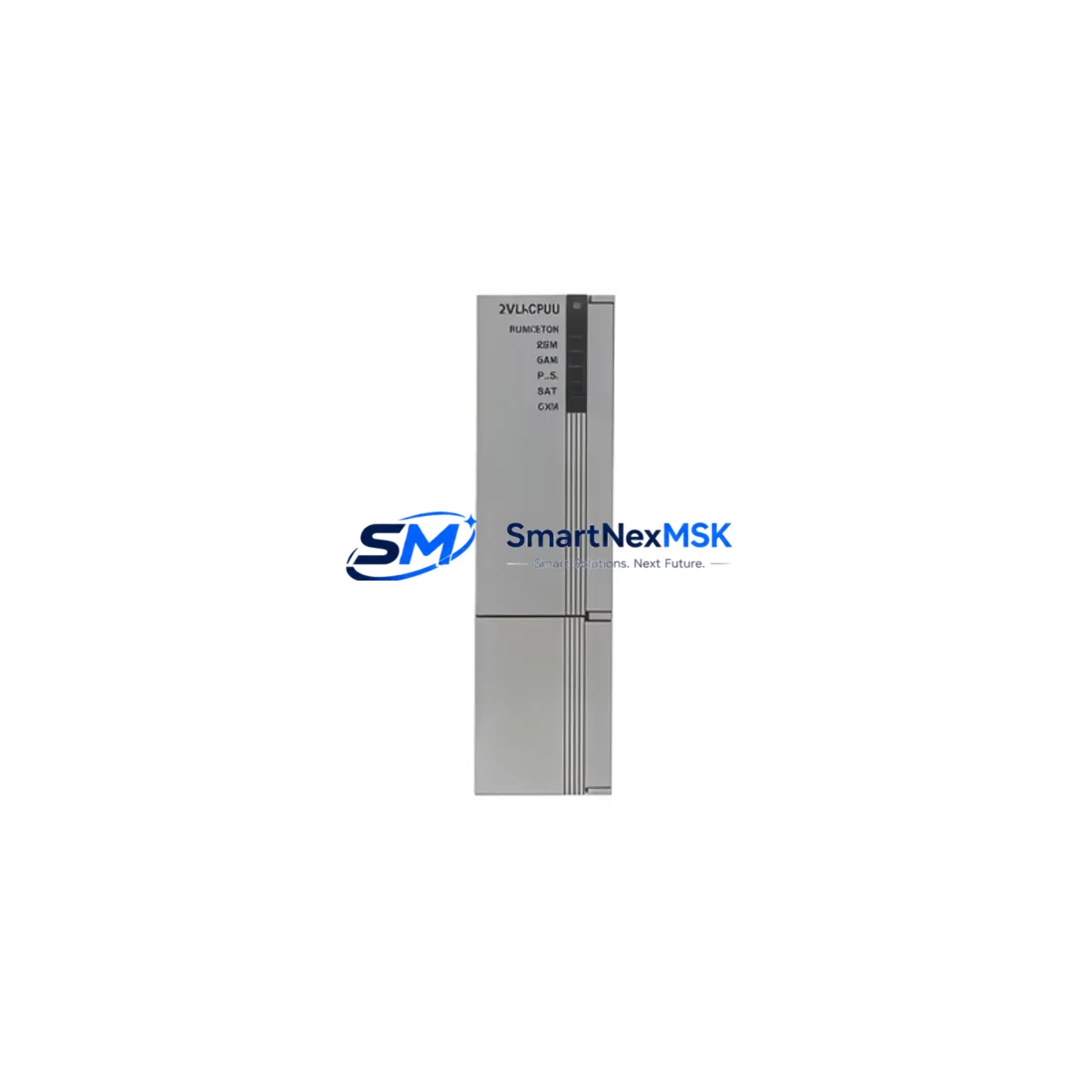
Honeywell 2MLI-CPUZ7 Retrofit-Ready CPU Module for Experion PKS Control Systems
The Honeywell 2MLI-CPUZ7 is a high-performance CPU module engineered for seamless integration into Experion PKS distributed control system architectures. Designed with legacy compatibility at its core, this module serves as a reliable retrofit solution for facilities operating aging Honeywell TDC 3000, PlantScape, or early-generation Experion PKS platforms that require hardware modernization without full system replacement. Whether your objective is to extend the operational life of an existing control cabinet, replace a failed processor, or migrate from an end-of-life controller to a supported platform, the 2MLI-CPUZ7 provides the processing headroom and protocol compatibility required for a smooth transition.
Industrial facilities across oil and gas, chemical processing, power generation, and pharmaceutical manufacturing have relied on the Experion PKS platform for decades. As Honeywell phases out support for earlier CPU generations, the 2MLI-CPUZ7 becomes a critical component in sustaining operational continuity. It supports the standard C300 controller backplane interface, making it compatible with existing rack assemblies without requiring chassis replacement. Engineers planning a retrofit should verify backplane slot assignments, confirm that the existing IOTA terminal assemblies remain compatible, and review the module’s power draw against the available capacity of the installed power supply module — typically a PM-IOLINK or equivalent — before proceeding.
When replacing an older CPU in a live Experion PKS node, the migration sequence matters. The 2MLI-CPUZ7 retains support for FTE (Fault Tolerant Ethernet) dual-redundant communication links, which means existing fiber or copper FTE network infrastructure can remain in place. Engineers should back up the current controller database using Experion Configuration Studio before swapping hardware, and confirm that the replacement module firmware version aligns with the server’s Experion R-series release. Mismatched firmware between the CPU and the Experion PKS server can cause node registration failures and prevent the HMI from displaying live process values.
Upgrade Compatibility Table
| Parameter | Details |
|---|---|
| Model | Honeywell 2MLI-CPUZ7 |
| Series | Experion PKS (C300 Platform) |
| Replaces / Compatible With | C300 CPU variants, TDC 3000 legacy controllers (with migration kit) |
| Backplane Interface | Standard C300 backplane — no chassis replacement required |
| Communication Protocol | FTE (Fault Tolerant Ethernet), HART pass-through via I/O modules |
| Power Requirement | Verify available capacity on installed power supply (e.g. PM-IOLINK) |
| Installation Type | DIN-rail / rack-mount, standard C300 slot |
| Firmware Compatibility | Must match Experion PKS server R-series release |
| Redundancy Support | Yes — dual FTE network links supported |
| Debugging / Commissioning | Experion Configuration Studio; node re-registration required after swap |
| Warranty | 12 Months — covers hardware defects and DOA replacement |
Retrofit Planning for Existing Automation Systems
A successful retrofit begins well before the physical module swap. Start by auditing the existing control cabinet layout: identify the current CPU slot position, document all adjacent I/O modules — such as the Honeywell HC900 analog input cards or HLAI series high-level analog input modules — and confirm that the rack assembly has sufficient clearance for the 2MLI-CPUZ7’s form factor. If the existing system uses a Series C I/O Link module for legacy I/O communication, verify whether the new CPU’s firmware supports the same link protocol or whether an I/O Link adapter will be required.
Communication infrastructure is equally critical. If the plant network uses a mix of ControlNet, Modbus TCP, or PROFIBUS segments feeding into the Experion PKS node, each protocol gateway or communication module — such as a Honeywell ControlEdge RTU or a third-party Modbus gateway — must be re-validated after the CPU swap. The 2MLI-CPUZ7’s FTE ports should be connected to the plant’s FTE switch infrastructure before powering up, and the node IP address must be pre-configured to match the existing Experion server’s node table.
Terminal wiring on the IOTA assemblies does not need to be disturbed during a CPU module replacement, which significantly reduces retrofit risk. However, if the project scope includes expanding I/O capacity — for example, adding a new Honeywell HLAI or LLAI analog input module, or inserting a digital output module such as the DO-IOTA — the backplane must have available slots and the power budget must be recalculated. For projects that also involve HMI upgrades, confirm that existing Experion Station displays and custom faceplate graphics remain compatible with the updated controller database after the CPU replacement. In some cases, a partial HMI rebuild may be required if the tag database structure changes during migration.
For facilities also upgrading their programming environment, the 2MLI-CPUZ7 is fully supported by Honeywell’s Control Builder engineering tool. If the legacy system was programmed using an older version of Control Builder, a project file migration step is required before downloading to the new CPU. Always perform a dry-run download in a test environment or on a spare rack — using a Honeywell programming cable or direct Ethernet connection — before executing the live cutover.
Downtime Control During System Migration
Minimizing unplanned downtime is the primary concern for any CPU retrofit in a live production environment. The 2MLI-CPUZ7 supports hot-standby redundancy when paired with a second CPU module in a redundant controller configuration, which allows the standby unit to take over seamlessly if the primary fails during the migration window. For non-redundant systems, the recommended approach is to schedule the CPU swap during a planned maintenance window, pre-stage the replacement module with the correct firmware and configuration file, and have a trained commissioning engineer on-site to handle node re-registration and process value verification immediately after power-up.
Before initiating the swap, export a full controller checkpoint from Experion Configuration Studio and store it on a local engineering workstation — not solely on the server. This ensures that if the new CPU fails to register correctly, the original configuration can be restored to a spare module without delay. After the swap, monitor the FTE network status indicators on the module faceplate and confirm that all I/O modules report healthy status in the Experion Station system display before releasing the loop to automatic control. For critical loops, consider placing the relevant PID controllers in manual mode during the transition and returning them to automatic only after confirming stable process values.
Facilities that maintain a local spare inventory of compatible modules — including power supply modules, communication cards, and I/O modules from the same Experion PKS platform — are best positioned to execute rapid recovery if unexpected issues arise during the cutover. SMARTNEXMSK maintains in-stock inventory of the 2MLI-CPUZ7 and related Experion PKS components, with same-day shipping available for urgent retrofit projects.
Retrofit Support FAQ
Q: Is the 2MLI-CPUZ7 a direct drop-in replacement for older Experion PKS C300 CPU modules?
A: In most cases, yes. The 2MLI-CPUZ7 uses the standard C300 backplane interface and is physically compatible with existing rack assemblies. However, firmware version alignment with the Experion PKS server is required, and a node re-registration step must be completed after installation. Consult the Experion PKS hardware compatibility matrix for your specific server release before ordering.
Q: Do I need to re-wire the terminal assemblies when replacing the CPU module?
A: No. The IOTA terminal assemblies are field-wired independently of the CPU module and do not need to be disturbed during a CPU swap. This significantly reduces installation time and eliminates the risk of wiring errors during the retrofit.
Q: What commissioning steps are required after installing the 2MLI-CPUZ7?
A: After physical installation, connect the FTE network cables, power up the rack, and use Experion Configuration Studio to register the new node. Download the pre-validated controller configuration file, confirm all I/O modules report healthy status, verify process values against field instruments, and return control loops to automatic mode. A full functional test of all critical loops is recommended before signing off on the retrofit.
Q: What warranty coverage is included with the 2MLI-CPUZ7?
A: All units supplied by SMARTNEXMSK include a 12-month warranty covering hardware defects and dead-on-arrival (DOA) replacement. Each module undergoes pre-shipment functional testing before dispatch. Warranty claims are processed directly through our technical support team at [email protected].
© 2026 SMARTNEXMSK. All rights reserved.
Original Source: https://smartnexmsk.com
Contact: [email protected] | +86 18259474341



