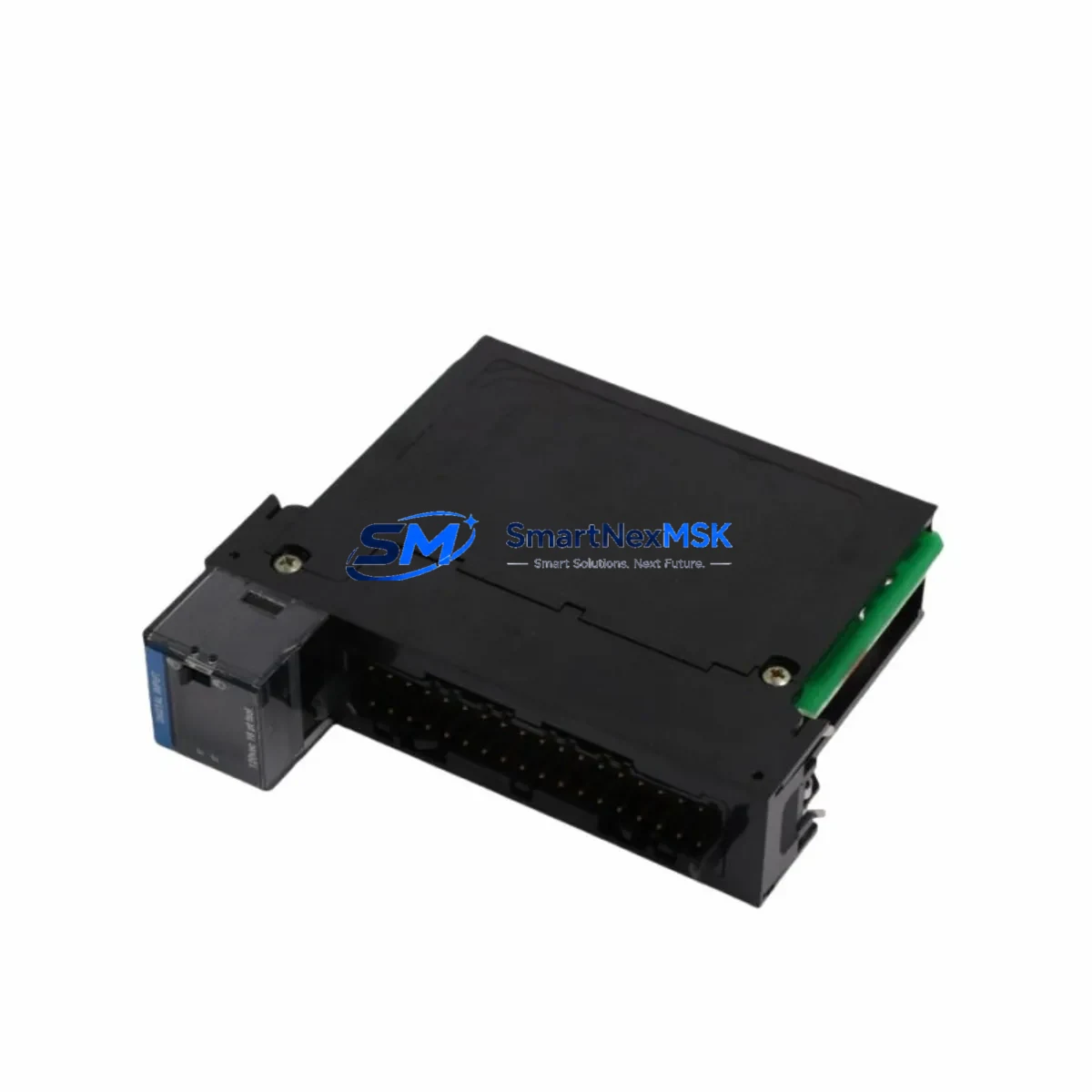
Honeywell HC-DSGRSW Retrofit-Ready DCS Software for HC900 Control Systems
The Honeywell HC-DSGRSW is the dedicated configuration and programming software for the HC900 Series Hybrid Controller platform — one of the most widely deployed distributed control systems in continuous process industries including chemical, oil & gas, power generation, and water treatment. As legacy HC900 installations age and original software licenses expire or become incompatible with modern operating systems, the HC-DSGRSW serves as the authoritative retrofit solution: enabling engineers to restore full configuration capability, migrate archived control strategies, and extend the operational life of existing HC900 hardware without requiring a full system replacement.
For maintenance and automation engineers managing aging DCS infrastructure, the HC-DSGRSW is not simply a software license — it is the gateway to every aspect of the HC900 control architecture. From rack configuration and module addressing to loop tuning, function block programming, and communication link setup, all engineering tasks flow through this tool. When a plant faces an unplanned outage caused by a corrupted configuration database or a failed engineering workstation, having a validated, tested copy of HC-DSGRSW in the spare parts inventory is as critical as stocking physical hardware modules.
Upgrade Compatibility Table
| Parameter | Details |
|---|---|
| SKU | HC-DSGRSW |
| Brand / Series | Honeywell / HC900 Hybrid Controller Series |
| Software Function | DCS Configuration, Programming, Diagnostics & Commissioning |
| Replaces / Upgrades | Older HC-DSGRSW versions, expired licenses, legacy HC Designer installations |
| Compatible Hardware | HC900 Controller (C30, C50, C70, C70R), all HC900 I/O modules and racks |
| Communication Protocols | Ethernet (Modbus TCP), RS-485 Modbus RTU, OPC DA/UA |
| Installation Platform | Windows-based engineering workstation |
| Configuration Capability | Function block programming, loop configuration, rack/slot addressing, peer-to-peer links |
| Commissioning Support | Online monitoring, force outputs, trend display, alarm configuration |
| Warranty | 12-Month Warranty — tested and verified before shipment |
Retrofit Planning for Existing Automation Systems
A successful HC900 retrofit begins well before the engineering workstation is powered on. Procurement and maintenance teams should audit the full control cabinet inventory alongside the HC-DSGRSW order. The HC900 C70R redundant controller module is the most common hardware pairing — its dual-CPU architecture requires careful configuration of the redundancy switchover parameters within HC-DSGRSW, and any software version mismatch between the primary and secondary controllers will prevent redundancy synchronization. Similarly, the HC900 Scanner II remote I/O module demands correct rack addressing and Ethernet subnet configuration, both managed exclusively through the HC-DSGRSW interface.
On the I/O side, analog input modules such as the HC900 AI-16 (16-channel 4–20 mA input) and digital output modules like the HC900 DO-16 must have their channel assignments, engineering unit scaling, and alarm setpoints re-entered or imported from backup files during a retrofit. Engineers should verify that all HC900 power supply modules — typically 24 VDC rack power supplies — are within specification before re-commissioning, as under-voltage conditions during software download can corrupt the controller’s flash memory.
Communication integration is another critical retrofit checkpoint. Many HC900 installations interface with upstream SCADA systems via Modbus TCP or OPC DA. During a software migration, the Modbus register map and OPC tag database must be validated against the existing SCADA configuration to prevent data point mismatches. Where the plant uses a Honeywell Experion PKS or Uniformance historian, the HC-DSGRSW peer-to-peer communication links and data export settings must be reconfigured to match the historian’s polling intervals. For sites using RS-485 Modbus RTU to legacy field devices or remote terminal units, the baud rate, parity, and device address settings stored in HC-DSGRSW must be preserved exactly during the upgrade.
HMI integration is equally important. Plants running Honeywell HC900 alongside a Panel View or third-party HMI panel will need to verify that all tag names, register addresses, and alarm thresholds remain consistent after the software retrofit. Any changes to function block names or loop numbering within HC-DSGRSW will require corresponding updates to the HMI project file. Keeping a full backup of both the HC-DSGRSW configuration database and the HMI project before beginning the retrofit is non-negotiable.
Downtime Control During System Migration
Minimizing unplanned downtime during an HC900 software migration requires a structured, stage-gated approach. The first step is to export and archive the complete HC-DSGRSW configuration database from the existing installation — including all function block programs, loop parameters, alarm setpoints, and communication settings — before any software changes are made. This backup serves as the recovery baseline if the migration encounters unexpected compatibility issues.
Where the HC900 system supports online configuration changes (non-disruptive downloads), engineers should use HC-DSGRSW’s incremental download feature to push parameter updates without halting the controller. Full program downloads that require a controller restart should be scheduled during planned maintenance windows, with field operators placed on standby to monitor process variables manually during the brief control interruption. For redundant C70R systems, the software supports a bumpless switchover procedure that allows the secondary controller to assume control while the primary is updated — effectively reducing the control interruption to milliseconds.
After the software retrofit is complete, a structured commissioning checklist should be executed: verify all I/O channel assignments, confirm communication link status with SCADA and historian systems, validate alarm and interlock logic against the original design documentation, and perform a live trend comparison to confirm that all process variables are reading correctly. SMARTNEXMSK ships every HC-DSGRSW with pre-shipment functional verification, and our technical team can provide configuration backup review support to reduce on-site commissioning risk.
Retrofit Support FAQ
Q1: Is HC-DSGRSW backward compatible with older HC900 controller firmware versions?
HC-DSGRSW maintains backward compatibility with HC900 controller firmware across multiple generations. However, certain advanced features — such as enhanced redundancy management and expanded peer-to-peer link capacity — require minimum firmware versions on the C70R or C50 controller. We recommend confirming your controller’s current firmware revision before ordering, and our team can advise on any version-specific compatibility requirements.
Q2: Can HC-DSGRSW import configuration files from older HC Designer software?
Yes. HC-DSGRSW supports import of legacy HC Designer project files, allowing engineers to migrate existing control strategies without manual re-entry. After import, a full validation pass is recommended to check for deprecated function blocks or parameter format changes that may require manual correction before downloading to the controller.
Q3: What pre-shipment testing is performed on HC-DSGRSW?
Each HC-DSGRSW license and installation package is verified for installation integrity, license activation, and basic connectivity with HC900 hardware prior to shipment. All units are covered by a 12-month warranty from the date of delivery. If any software activation or compatibility issue arises within the warranty period, SMARTNEXMSK provides direct technical support and replacement.
Q4: How quickly can HC-DSGRSW be delivered for emergency retrofit situations?
SMARTNEXMSK maintains ready stock of HC-DSGRSW to support emergency procurement. Express shipping is available globally, with typical delivery to major industrial regions within 3–7 business days. For critical plant outage situations, contact our team directly to confirm current stock availability and expedited dispatch options.
© 2026 SMARTNEXMSK. All rights reserved.
Original Source: https://smartnexmsk.com
Contact: [email protected] | +86 18259474341