
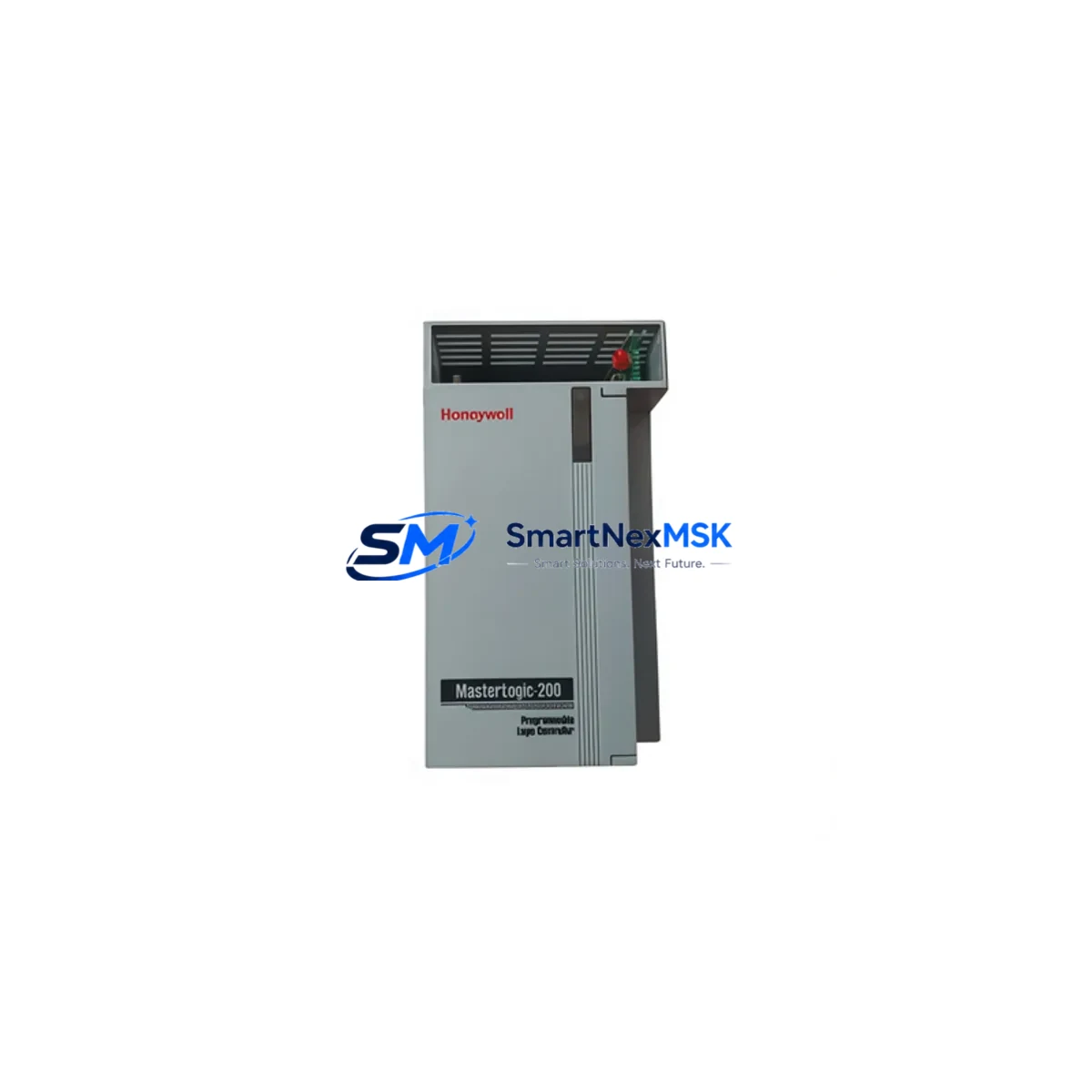
Honeywell 2MLR-DC42-CC Retrofit-Ready DC Power Supply for Experion PKS MLR Control Systems
The Honeywell 2MLR-DC42-CC is a DC power supply module engineered for the Experion PKS Multi-Loop Redundancy (MLR) rack architecture. As legacy Honeywell TDC 3000 and PlantScape systems reach end-of-life, the 2MLR-DC42-CC has become a critical retrofit component for facilities transitioning to or sustaining Experion PKS-based distributed control environments. Whether you are replacing a failed unit, upgrading an aging control cabinet, or executing a planned system modernization, this module provides the electrical foundation that keeps your process control infrastructure running without interruption.
Sourced from verified supply channels, each 2MLR-DC42-CC unit undergoes functional testing prior to shipment. Stock is maintained to support urgent replacement scenarios, and all units ship with a 12-month warranty covering manufacturing defects and operational failures under normal DCS operating conditions.
Upgrade Compatibility Table
| Parameter | Details |
|---|---|
| SKU / Part Number | 2MLR-DC42-CC |
| Brand | Honeywell Process Solutions |
| Compatible Platform | Experion PKS (Process Knowledge System) |
| Rack Compatibility | MLR (Multi-Loop Redundancy) Rack |
| Module Type | DC Power Supply Module |
| Installation Requirement | Backplane slot insertion; no field wiring modification required for direct replacement |
| Communication Compatibility | Compatible with FTE (Fault Tolerant Ethernet) and C300 controller backplane power bus |
| Replacement Recommendation | Direct drop-in replacement for failed or end-of-life 2MLR-DC42-CC units in PKS MLR racks |
| Commissioning Notes | Verify rack address assignment and redundancy switchover behavior post-installation |
| Warranty | 12 Months — covers manufacturing defects and operational failure under standard DCS conditions |
Retrofit Planning for Existing Automation Systems
Integrating the 2MLR-DC42-CC into an existing Experion PKS installation requires a structured approach that accounts for the interdependencies across the control cabinet. The MLR rack typically houses a C300 Controller Module alongside I/O Link Interface Modules (IOLIM) and a series of Series C I/O modules — including AI, AO, DI, and DO cards — all of which depend on stable, regulated DC power from the backplane. Before removing the existing power supply, engineers should confirm that the redundant power path (if a secondary 2MLR-DC42-CC is installed) is active and capable of sustaining the full rack load.
Terminal wiring on the power input side should be documented and photographed before disconnection. The 2MLR-DC42-CC connects to the rack backplane via a direct slot interface, so no field terminal rewiring is typically required for a like-for-like swap. However, if the retrofit is part of a broader cabinet upgrade — for example, migrating from a legacy LCN Node to an Experion PKS C300 node — the power budget across the new rack configuration must be recalculated. Adding additional IOLIM modules or expanding I/O capacity with extra Series C I/O cards will increase the total current draw on the DC bus.
For sites running Profibus DP or HART field devices, the communication modules interfacing with those protocols — such as the Profibus Gateway or HART Multiplexer — must remain powered continuously during the swap to avoid field device timeouts and alarm floods. Coordinating the replacement during a planned maintenance window, with the DCS historian and alarm management system in a suppressed state, significantly reduces the risk of nuisance trips. The Honeywell Experion PKS Control Builder software should be used to verify module health status before and after the swap, and any redundancy group configuration should be re-validated in the system configuration database.
If the retrofit involves replacing multiple rack components simultaneously — for instance, swapping both the power supply and a failed IOLIM, or upgrading the C300 firmware — the sequence of operations matters. Power supply replacement should generally precede controller or I/O module swaps to ensure a stable power environment before re-establishing communication links. After installation, the FTE network switch configuration and IP address assignments for the new module should be confirmed against the site’s network topology documentation.
Downtime Control During System Migration
Minimizing unplanned downtime during a power supply replacement in an Experion PKS MLR rack is achievable with proper pre-staging and a clear execution plan. The most effective strategy is to pre-configure and bench-test the replacement 2MLR-DC42-CC before bringing it to the field. Confirm that the unit powers up correctly and that its output voltage is within specification before installation.
Where redundant power supply slots are available in the MLR rack, a hot-swap replacement can be performed without shutting down the controller or I/O modules — the redundant 2MLR-DC42-CC maintains backplane power while the failed unit is removed and the replacement is inserted. After insertion, monitor the Experion PKS Station for module health alarms and confirm that the new unit has assumed its role in the redundancy pair. The Control Builder’s hardware view will reflect the updated module status within seconds of a successful insertion.
For non-redundant configurations, a controlled shutdown of the affected rack is required. In this case, preserving the original control program logic is critical: ensure that the C300 controller’s configuration is backed up to the Experion PKS server before powering down. HMI displays connected to the affected controller should be placed in manual mode where process safety permits, and operators should be briefed on the expected duration of the outage. After power restoration, verify that all I/O channels are reading correctly and that the controller has re-established communication with all downstream field devices before returning the loop to automatic control.
Retrofit Support FAQ
Q: Is the 2MLR-DC42-CC a direct replacement for the original Honeywell part, or are there wiring or configuration differences?
A: The 2MLR-DC42-CC is a direct slot-compatible replacement for the original Honeywell part of the same SKU. No field wiring changes are required for a like-for-like swap in an MLR rack. If your existing rack uses a different power supply variant, confirm the part number and output voltage rating before installation.
Q: What commissioning steps are required after installing the replacement module?
A: After installation, use Honeywell Control Builder to verify module health status in the hardware tree. Confirm redundancy switchover behavior if a second power supply is present. Check that all I/O modules in the rack are reporting correctly and that no communication faults are active on the FTE network segment serving the affected controller.
Q: Can this module be used in a mixed-vintage Experion PKS system that still includes legacy TDC 3000 components?
A: The 2MLR-DC42-CC is designed for the Experion PKS MLR rack and is not directly compatible with TDC 3000 LCN or HPM rack architectures. In mixed-vintage environments, the PKS and TDC 3000 subsystems typically operate on separate backplane infrastructures. Consult your system architecture documentation to confirm rack type before ordering.
Q: What does the 12-month warranty cover, and what is the return process?
A: The 12-month warranty covers manufacturing defects and operational failures under standard DCS operating conditions. If a unit fails within the warranty period, contact our sales team with the order reference and a description of the fault. We will arrange a replacement or repair at no additional cost. Units damaged by incorrect installation, overvoltage, or environmental factors outside the module’s rated operating range are not covered.
© 2026 SMARTNEXMSK. All rights reserved.
Original Source: https://smartnexmsk.com
Contact: [email protected] | +86 18259474341



