
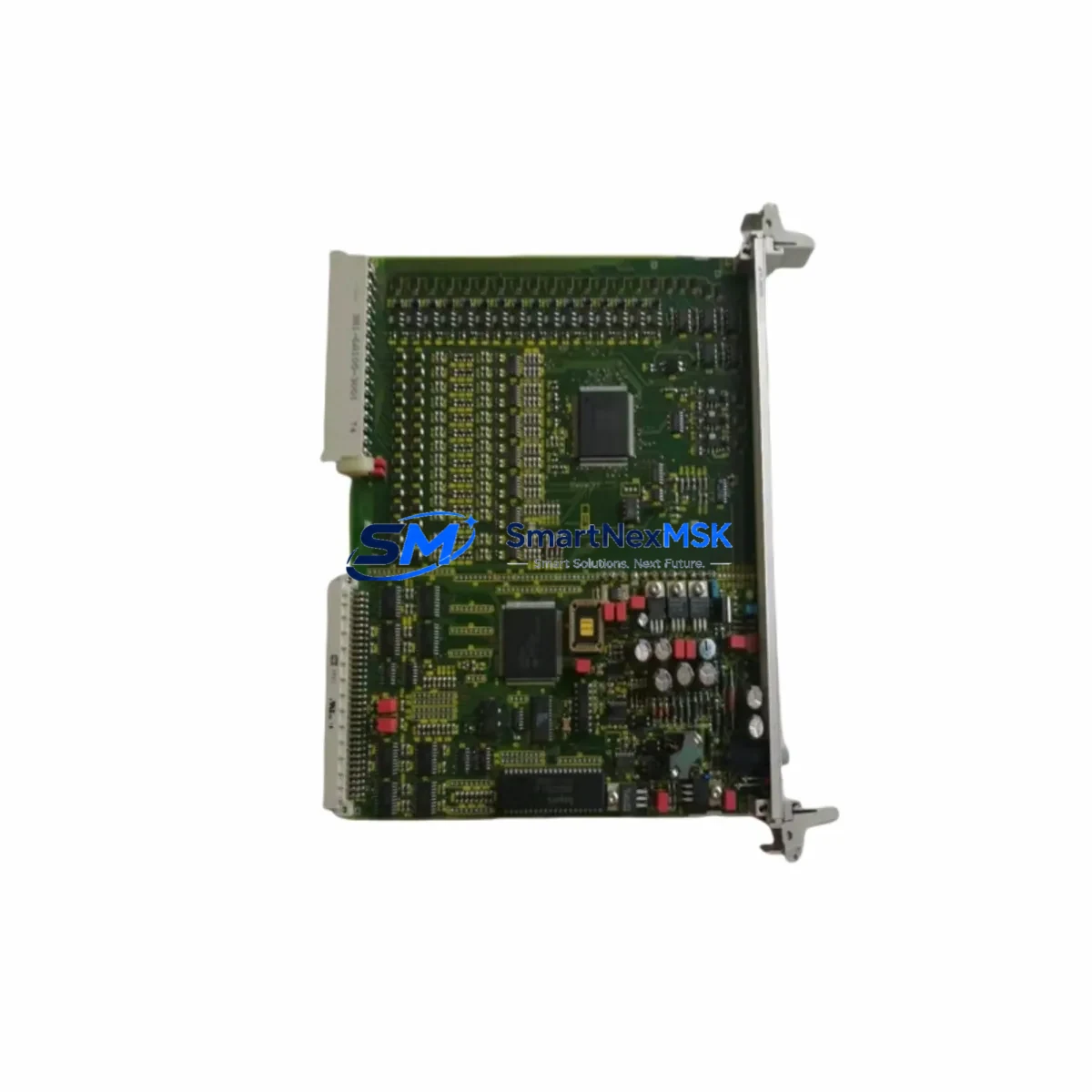
Honeywell 51199947-275 230V Spare for Experion Automation: Spare Replacement & Industrial Downtime Risk Control
The Honeywell 51199947-275 230V is an original cabinet fan assembly designed for use within Honeywell Experion PKS and TDC 3000 distributed control system (DCS) enclosures. In process industries — including oil & gas, petrochemical, power generation, and advanced manufacturing — thermal management inside the control cabinet is a critical but often overlooked maintenance priority. A failed or degraded cabinet fan can lead to overheating of CPU modules, I/O cards, power supply units, and communication interfaces, triggering unplanned shutdowns that cost far more than the spare part itself.
At SMARTNEXMSK, we supply the 51199947-275 230V as a maintenance-ready spare, fully tested before shipment, with a 12-month warranty and long-term stock availability to support your planned maintenance cycles and emergency replacement needs alike.
Spare Maintenance Table
| Parameter | Specification |
|---|---|
| Part Number / SKU | 51199947-275 |
| Voltage Rating | 230V AC |
| Product Type | DCS Cabinet Fan Assembly |
| Compatible Systems | Honeywell Experion PKS, TDC 3000, PlantScape |
| Brand / Manufacturer | Honeywell Process Solutions |
| Origin | United States |
| Application Environment | Industrial DCS control cabinets, process automation enclosures |
| Installation | Direct replacement; matches OEM mounting dimensions and connector interface |
| Thermal Role | Active cooling for CPU, I/O, power supply, and backplane modules |
| Maintenance Interval | Inspect every 6–12 months; replace at first sign of noise, vibration, or reduced airflow |
| Pre-shipment Testing | Yes — electrically tested and verified before dispatch |
| Warranty | 12 Months |
| Lead Time | In stock — ships within 1–3 business days |
| Long-Term Supply | Available for legacy system support and multi-unit procurement |
Maintenance Planning for Continuous Operation
When replacing the 51199947-275 230V fan assembly in an Experion PKS or TDC 3000 cabinet, a thorough maintenance engineer will treat the fan replacement as an opportunity to inspect the entire thermal and electrical ecosystem of the enclosure. Overheating events rarely damage only the fan — they frequently stress adjacent components that may be operating at the edge of their rated temperature range.
Begin by inspecting the Honeywell 51199929-100 or 51199929-200 power supply modules within the same cabinet. A fan that has been running degraded for weeks may have already exposed the power supply to elevated temperatures, shortening its service life. Check output voltage stability and look for any signs of capacitor bulging or discoloration on the PCB.
Next, audit the Experion PKS C200 or C300 controller modules seated in the backplane. These controllers are sensitive to thermal cycling, and repeated heat stress can cause intermittent communication faults or unexpected reboots. While the cabinet is open, verify that all module ejector levers are fully seated and that backplane connector pins show no oxidation.
Inspect the I/O link cables and FTA (Field Termination Assembly) wiring routed through the cabinet. Heat accelerates insulation degradation on signal cables, and a cabinet that has run hot may show early signs of brittleness or discoloration near cable tie points. This is also the right time to verify that Honeywell 51304485-100 or equivalent I/O termination assemblies are securely fastened and that screw terminals show no signs of thermal loosening.
For cabinets running Honeywell HC900 hybrid controllers or legacy TDC 3000 LCN (Local Control Network) nodes, also check the communication interface cards and coaxial or fiber LCN cables. Thermal stress on communication hardware can manifest as intermittent data loss or increased error counts on the network diagnostics screen — symptoms that are easy to misdiagnose as software issues.
If the cabinet includes signal isolators or loop-powered transmitter barriers — such as Honeywell or third-party DIN-rail mounted isolators — verify their operating temperature ratings and inspect for any signs of overheating. These components are often overlooked during fan replacement but are critical to signal integrity in 4–20mA loops.
Finally, check the cabinet door seals, filter mats, and any secondary exhaust fans. A single failed fan in a multi-fan configuration may have been compensated by the remaining units running at higher load — inspect all fan units simultaneously and replace as a set where possible to normalize thermal performance across the enclosure.
Site Replacement Workflow
The 51199947-275 230V is designed as a direct OEM replacement for the original Honeywell cabinet fan assembly used in Experion PKS and TDC 3000 enclosures. The following workflow is recommended for site engineers performing the replacement:
Step 1 — Pre-Replacement Verification: Confirm the part number on the existing fan matches 51199947-275 and that the supply voltage at the cabinet is 230V AC. Cross-reference with the cabinet wiring diagram to verify connector pinout compatibility before removing the old unit.
Step 2 — Safe Isolation: Follow your site’s lockout/tagout (LOTO) procedure. While the Experion system may remain online during a hot-swap in some configurations, always consult the Honeywell cabinet documentation for your specific enclosure model before proceeding without a full shutdown.
Step 3 — Physical Replacement: Remove the failed fan assembly by releasing the mounting screws or snap-fit retainers (configuration varies by cabinet generation). Disconnect the power connector. Install the new 51199947-275 230V unit, reconnect the power harness, and secure all fasteners to the specified torque.
Step 4 — Post-Installation Verification: Restore power and confirm the fan is operating at correct speed. Use a non-contact tachometer or thermal camera to verify airflow and confirm cabinet temperature is returning to normal operating range within 10–15 minutes.
Step 5 — System Health Check: Review Experion PKS system alarms and hardware status screens to confirm no residual faults from the thermal event. Log the replacement in your CMMS (Computerized Maintenance Management System) and update the spare parts inventory accordingly.
This replacement workflow minimizes downtime, maintains system compatibility, and ensures the control cabinet returns to full thermal performance without requiring a full system restart in most configurations.
Spare Parts Support FAQ
Q1: Is the 51199947-275 230V a genuine Honeywell original spare part?
Yes. SMARTNEXMSK supplies original Honeywell spare parts sourced through established industrial distribution channels. Each unit is pre-shipment tested and covered by a 12-month warranty from the date of delivery. We do not supply counterfeit or remanufactured substitutes.
Q2: How do I confirm compatibility with my specific Experion PKS or TDC 3000 cabinet?
The 51199947-275 is compatible with standard Honeywell Experion PKS and TDC 3000 control enclosures that specify 230V AC fan assemblies. To confirm compatibility for your exact cabinet model and revision, share your cabinet part number or system documentation with our technical team at [email protected] and we will verify before shipment.
Q3: What is your recommended spare parts stocking strategy for this component?
For critical process facilities, we recommend maintaining a minimum of one 51199947-275 230V unit per DCS cabinet cluster as a cold standby spare. For plants with multiple Experion PKS cabinets, a ratio of one spare per three to five cabinets is a common industry practice. Given the low cost of this component relative to the downtime risk of a thermal shutdown, proactive stocking is strongly advised.
Q4: What does the 12-month warranty cover, and what is the return process?
The 12-month warranty covers manufacturing defects and functional failures under normal operating conditions. If a unit fails within the warranty period, contact [email protected] with your order reference and a description of the fault. We will arrange a replacement shipment or issue a credit note based on your preference. Units must be returned in their original packaging with the fault clearly documented.
© 2026 SMARTNEXMSK. All rights reserved.
Original Source: https://smartnexmsk.com
Contact: [email protected] | +86 18259474341



