
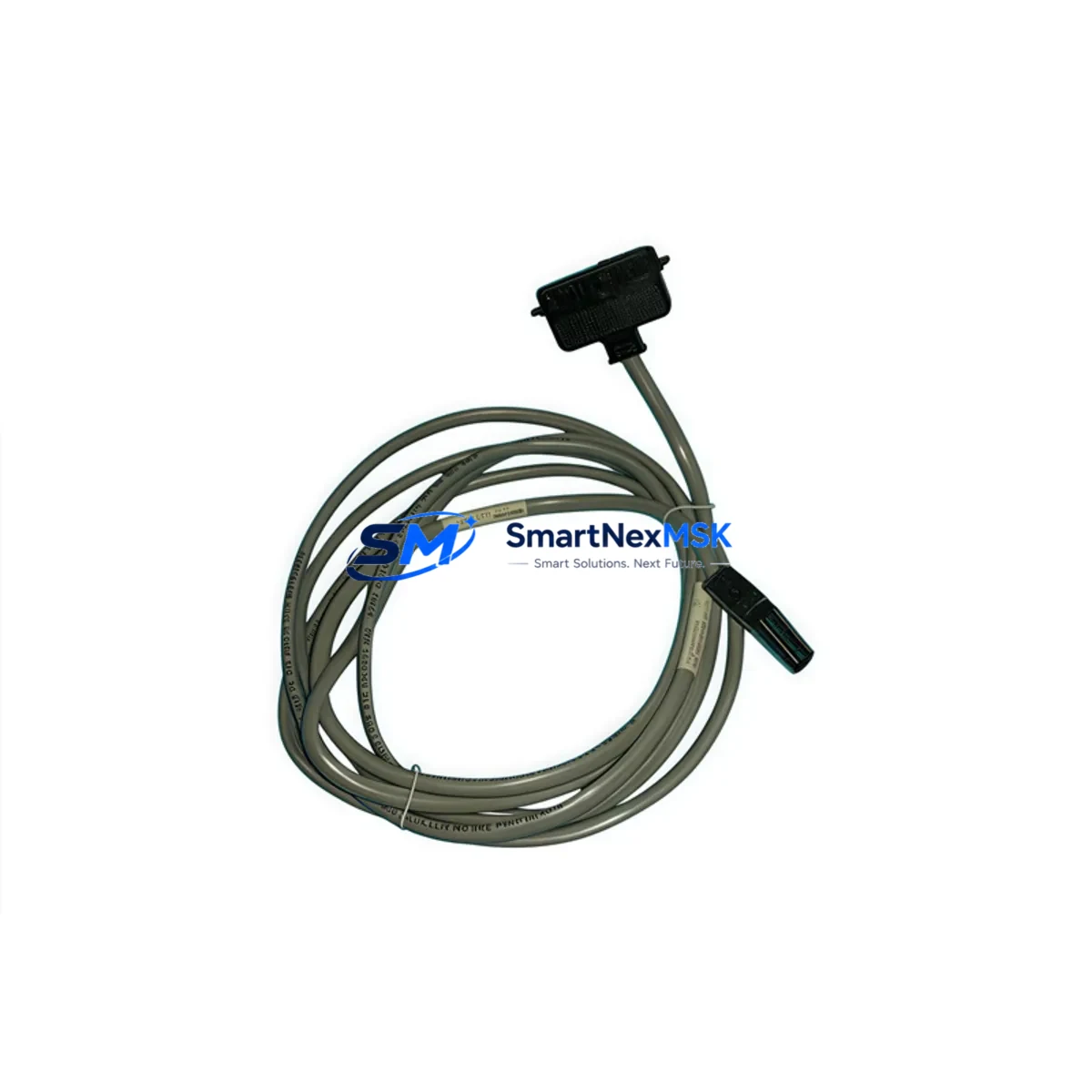
Honeywell 51201420-004 Retrofit-Ready UCN Cable for TDC 3000 Control Systems
The Honeywell 51201420-004 is a UCN (Universal Control Network) Field Termination Cable engineered for seamless integration into legacy TDC 3000 distributed control system architectures and their migration paths toward Experion PKS platforms. As aging TDC 3000 installations approach end-of-support milestones, plant engineers and system integrators increasingly rely on verified drop-in replacement components like the 51201420-004 to extend operational life, reduce unplanned downtime, and protect existing control logic investments. This cable assembly serves as a critical link between UCN-connected controllers, I/O modules, and field termination assemblies, making it indispensable in both maintenance-driven replacements and structured modernization projects.
Whether you are restoring a failed cable in an emergency shutdown scenario or executing a phased control system upgrade, the 51201420-004 delivers the dimensional accuracy, connector compatibility, and signal integrity required to maintain UCN network continuity. Each unit is sourced from verified supply channels, functionally tested prior to shipment, and backed by a 12-month warranty covering manufacturing defects and performance failures under normal operating conditions.
Upgrade Compatibility Table
| Parameter | Details |
|---|---|
| Compatible Platform | Honeywell TDC 3000, Experion PKS (UCN-connected nodes) |
| Replaces / Supersedes | 51201420-004 (direct), compatible with legacy UCN FTA wiring harness assemblies |
| Connector Interface | UCN coaxial termination; verify backplane slot and FTA rail mounting before installation |
| Installation Requirement | Match cable length, shield grounding, and termination resistance (93Ω UCN standard) |
| Communication Compatibility | UCN protocol; confirm node address assignments in NIM (Network Interface Module) configuration |
| Replacement Recommendation | Replace in pairs where redundant UCN paths are configured; inspect FTA connectors for corrosion |
| Commissioning Focus | Verify UCN node status in Honeywell Console Station; run network diagnostics post-installation |
| Warranty | 12 months from shipment date; covers manufacturing defects and functional failures |
Retrofit Planning for Existing Automation Systems
Successful integration of the 51201420-004 into an operating plant environment requires careful pre-installation planning across several interdependent system layers. Before pulling the existing cable, engineers should document the current UCN node topology using the Honeywell Network Manager utility and confirm that the replacement cable matches the original routing path, shield termination points, and connector pinout. In TDC 3000 cabinets, the UCN cable interfaces directly with the Highway Gateway Module (HGM) or the Application Module (AM), and any mismatch in termination impedance can degrade network performance across all connected nodes.
Power budget verification is equally critical. The UCN network draws distributed power through the coaxial cable infrastructure, and adding or replacing cable segments without accounting for total network load can cause intermittent node dropouts. Confirm available power headroom in the UCN Power Supply module before proceeding. In parallel, review the Field Termination Assembly (FTA) rail configuration — the 51201420-004 must seat correctly into the FTA connector block, and worn or oxidized contacts should be cleaned or replaced using compatible FTA hardware before the new cable is installed.
For sites migrating from TDC 3000 toward Experion PKS, the 51201420-004 is frequently used as a bridging component during phased migration, where legacy UCN nodes remain operational alongside new C300 Controllers and EHPM (Ethernet Highways and Process Manager) infrastructure. During this transition, the Honeywell Control Firewall (CF9) and Series C I/O Link modules may be introduced into the same cabinet, requiring careful attention to backplane slot assignments and module addressing to avoid conflicts. The Honeywell 51401288-100 UCN Tap and associated coaxial segment terminators should be inspected and replaced as part of the same maintenance window to ensure network integrity across the full cable run.
I/O expansion during retrofit often involves adding Honeywell PM I/O (Process Manager Input/Output) cards or migrating analog and digital signals to new Series C I/O Carriers. In these scenarios, the 51201420-004 cable must be routed to avoid interference with new 24VDC power distribution wiring and Modbus or HART communication cables that may be introduced as part of the upgrade. Labeling all cable ends with permanent markers and updating the as-built drawings before closing the cabinet is a non-negotiable step for long-term maintainability.
HMI screen updates are another frequently overlooked element of UCN cable replacement projects. When a UCN node is temporarily taken offline for cable replacement, the associated Honeywell GUS (Global User Station) or Experion Station displays will show node fault alarms. Operators should be briefed in advance, and the relevant HMI faceplates should be placed in manual mode or suppressed in the alarm management system to prevent nuisance alerts during the maintenance window. After cable reinstallation, confirm that all associated Honeywell HPM (High-Performance Process Manager) and AM tags return to normal scan status before releasing the node back to automatic control.
Downtime Control During System Migration
Minimizing production impact during UCN cable replacement requires a structured hot-swap protocol where feasible. In redundant UCN configurations, the secondary network path can maintain node communication while the primary cable is replaced, provided the redundancy switchover has been tested and confirmed functional prior to the maintenance window. Always verify redundancy status in the Honeywell Network Manager before beginning work — a failed secondary path that has not been flagged in routine maintenance will eliminate the safety margin entirely.
For non-redundant UCN segments, coordinate with operations to schedule the replacement during a planned low-production period or shift change. Prepare the replacement 51201420-004 cable with connectors pre-terminated and tested on a bench setup if possible, reducing in-cabinet work time to connector swap and torque verification only. Keep the original cable intact until the replacement is confirmed functional — do not cut or discard the old cable until UCN node status is verified green in the Console Station.
Program logic protection is straightforward in TDC 3000 and Experion PKS environments: control logic resides in the AM or C300 Controller, not in the cable or FTA. However, if the UCN node goes offline during replacement, any controllers dependent on that node for setpoint or interlock data will fall back to their configured failsafe states. Review the failsafe configuration for all affected loops before beginning work, and confirm with the process team that the failsafe states are acceptable for the duration of the maintenance window. After cable replacement, perform a full UCN network diagnostic scan and verify that all node communication statistics return to baseline before signing off on the work order.
Retrofit Support FAQ
Q: Is the 51201420-004 a direct drop-in replacement for the original Honeywell UCN cable in TDC 3000 systems?
A: Yes. The 51201420-004 is dimensionally and electrically equivalent to the original Honeywell specification. Verify cable length and connector orientation against your as-built drawings before installation. No firmware or software changes are required for a like-for-like replacement.
Q: What wiring checks should be performed before installing the replacement cable?
A: Inspect the FTA connector block for oxidation or bent pins, verify shield continuity from end to end, confirm termination resistance at both ends of the UCN segment (93Ω), and check that the cable routing does not cross high-voltage power conductors. Document all findings before closing the cabinet.
Q: How do I confirm the replacement cable is compatible with my Experion PKS migration plan?
A: The 51201420-004 is compatible with UCN-connected nodes in both TDC 3000 and Experion PKS environments. Confirm the UCN node type (HGM, AM, HPM) and its role in your migration architecture with your Honeywell system integrator. The cable does not require modification for use in phased migration scenarios.
Q: What does the 12-month warranty cover, and how is a claim initiated?
A: The warranty covers manufacturing defects and functional failures under normal operating conditions for 12 months from the shipment date. To initiate a claim, contact our sales team with your order number, a description of the failure, and photographic evidence of the defect. Replacement units are dispatched within 3 business days of claim approval.
© 2026 SMARTNEXMSK. All rights reserved.
Original Source: https://smartnexmsk.com
Contact: [email protected] | +86 18259474341



