
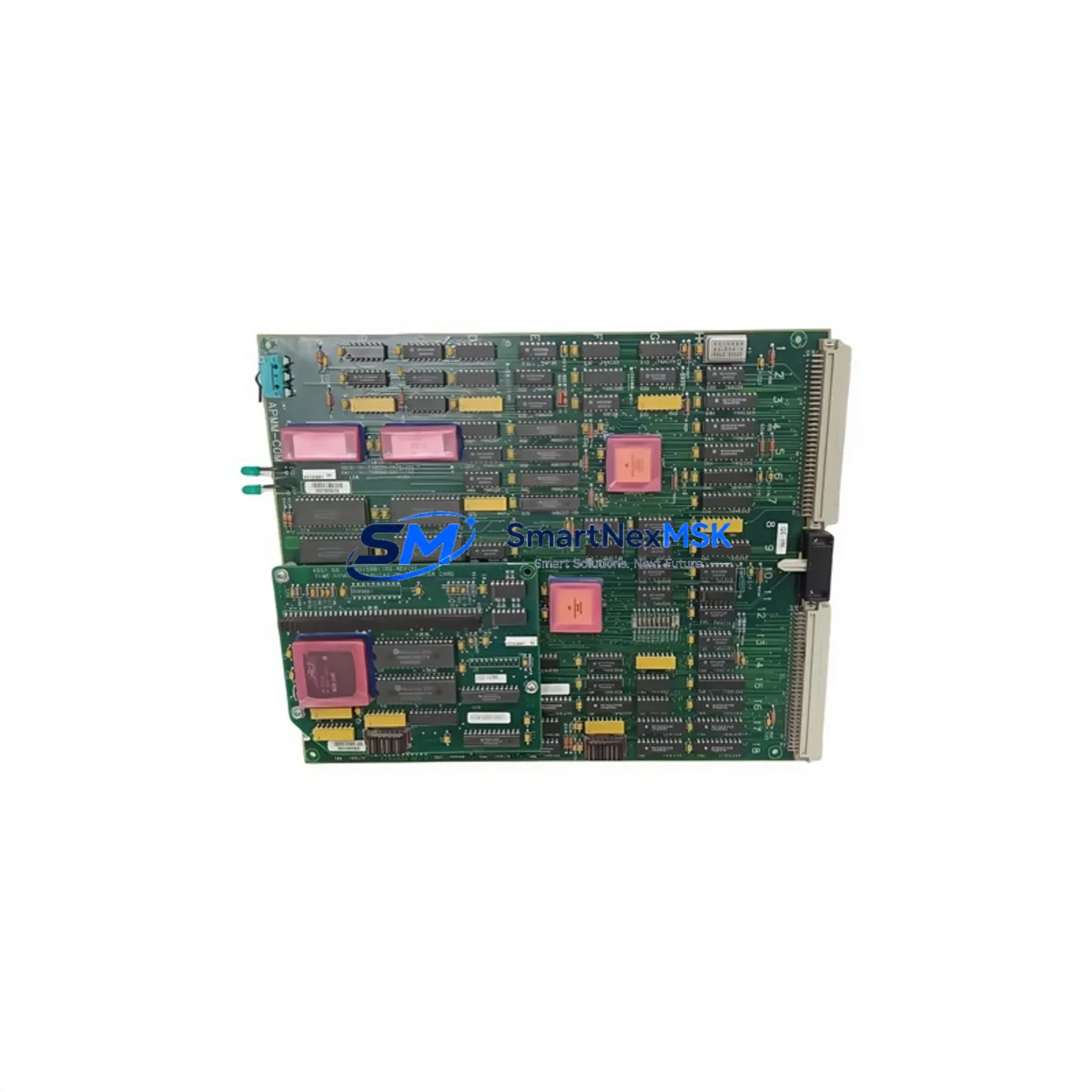
Honeywell 51401598-100 Retrofit-Ready Time Sync for TDC3000 Control Systems
The Honeywell 51401598-100 is a Time Synchronization Daughter Card designed for the TDC3000 Distributed Control System platform. As legacy TDC3000 installations continue to operate across refineries, chemical plants, and power generation facilities worldwide, the demand for verified replacement modules that support smooth system continuity has never been higher. This module provides a direct, retrofit-ready solution for engineers managing aging DCS infrastructure where the original card has failed, degraded, or is no longer available through standard OEM channels.
The 51401598-100 interfaces directly with the Universal Control Network (UCN) backplane and is responsible for maintaining precise time synchronization across all nodes in the TDC3000 architecture. Loss of time sync integrity can cascade into historian data gaps, alarm sequencing errors, and regulatory compliance failures — making a verified replacement critical to plant operations. Our stock is sourced, inspected, and function-tested prior to shipment, with each unit covered by a 12-month warranty.
Upgrade Compatibility Table
| Parameter | Details |
|---|---|
| SKU / Part Number | 51401598-100 |
| Platform Compatibility | Honeywell TDC3000 DCS |
| Module Function | Time Synchronization Daughter Card |
| Backplane Interface | UCN (Universal Control Network) Backplane |
| Installation Type | Daughter card — mounts onto host carrier module |
| Communication Compatibility | UCN, LCN (Local Control Network) |
| Replaces / Supersedes | Discontinued OEM stock; direct form-fit-function replacement |
| Retrofit Recommendation | Verify host carrier module revision before installation |
| Commissioning Notes | Confirm time sync source configuration in NIM/UCN parameters |
| Warranty | 12 Months — covers functional defects under normal operating conditions |
Retrofit Planning for Existing Automation Systems
Replacing the 51401598-100 in an active TDC3000 environment requires careful pre-outage planning. Before scheduling the swap, engineers should audit the full UCN node map to identify which controllers — typically Honeywell PM (Process Manager) or HPM (High-Performance Process Manager) modules — are dependent on the time sync signal. Any HPM or AM (Advanced Manager) modules sharing the same UCN segment will need to be assessed for potential time drift during the changeover window.
On the power side, confirm that the existing Honeywell 51401830-150 or equivalent power supply module is delivering stable voltage to the card cage. Daughter cards are sensitive to supply ripple, and an aging power supply can cause intermittent failures that are misdiagnosed as module faults. Similarly, inspect the backplane connector on the host carrier for pin corrosion or mechanical wear before seating the replacement 51401598-100.
For sites running Honeywell’s History Module (HM) or the Plant Information Network (PIN), time synchronization accuracy directly affects historian timestamp integrity. Coordinate with the DCS engineer to verify that the NIM (Network Interface Module) configuration reflects the correct time source — whether GPS-referenced, NTP-based, or derived from the plant’s master clock system. If the site is also upgrading from older LCN-based nodes to UCN, this is an ideal opportunity to review the Honeywell 51401196-100 NIM module configuration alongside the time sync replacement.
Wiring and termination work is minimal for this daughter card, as it connects via the host carrier’s internal bus rather than field terminals. However, if the host carrier itself — such as a Honeywell 51401535-100 or similar carrier assembly — shows signs of wear, consider replacing the carrier simultaneously to avoid a second outage. Document the module slot address and any jumper settings on the outgoing card before removal, as these must be replicated on the replacement unit.
Sites integrating with third-party SCADA or historian platforms via OPC should also verify that the time sync restoration does not create timestamp discontinuities in the OPC server data stream. A brief hold on historian archiving during the swap, followed by a controlled restart, is recommended practice. If the plant uses Honeywell’s Experion PKS as an overlay or migration target, confirm that the TDC3000 gateway configuration — often managed through a Honeywell 51304485-100 or equivalent server node — remains unaffected during the module exchange.
Downtime Control During System Migration
Minimizing unplanned downtime is the primary concern when replacing any module in an operating TDC3000 system. The 51401598-100 replacement can typically be executed within a planned maintenance window of two to four hours, provided all pre-checks are completed in advance. The key steps are: isolate the affected UCN node, confirm that redundant control paths are active for any critical loops, remove the failed daughter card, seat the replacement, and restore the node to service before verifying time sync status across the network.
To protect existing program logic, ensure that a current backup of the TDC3000 database — including all CL (Control Language) programs, point configurations, and UCN node parameters — is archived before beginning work. This backup should be stored on a separate engineering workstation or the site’s DCS backup server, not solely on the system being serviced. If the site uses Honeywell’s Universal Station (US) or Global User Station (GUS) as the operator interface, confirm that HMI displays remain in a safe fallback state during the node isolation period.
After the replacement module is installed and the UCN node is restored, allow a minimum of five minutes for the time sync signal to stabilize before re-enabling historian archiving and alarm management. Verify synchronization status through the system’s diagnostic displays and confirm that all dependent nodes — including any co-located Honeywell Data Hiway (DHwy) gateways — are reporting correct timestamps. A post-maintenance functional test, including a simulated alarm event and historian query, should be completed before signing off on the work order.
Retrofit Support FAQ
Q: Is the 51401598-100 a direct drop-in replacement for the original Honeywell part?
A: Yes. The 51401598-100 is a form-fit-function replacement for the original OEM module. It uses the same backplane interface, occupies the same slot on the host carrier, and requires no firmware changes or configuration modifications in the TDC3000 database. Verify the host carrier revision for full compatibility confirmation.
Q: What commissioning steps are required after installation?
A: After seating the module, restore power to the card cage and monitor the UCN node status from the operator station. Confirm that the time sync source is correctly configured in the NIM parameters and that all UCN nodes are reporting synchronized timestamps within the expected tolerance. No special programming tools are required for the daughter card itself.
Q: How do I verify wiring and termination compatibility?
A: The 51401598-100 connects via the host carrier’s internal bus — there are no field wiring terminals on the daughter card itself. Ensure the host carrier’s backplane connector is clean and undamaged. If the carrier is also being replaced, match the carrier part number to the original to maintain slot addressing and backplane signal routing.
Q: What does the 12-month warranty cover?
A: The 12-month warranty covers functional defects under normal operating conditions, including failure to synchronize, communication faults, and hardware defects identified during commissioning or operation. Units damaged by incorrect installation, overvoltage, or environmental factors outside specified ratings are not covered. Each unit is function-tested prior to shipment to minimize field failures.
© 2026 SMARTNEXMSK. All rights reserved.
Original Source: https://smartnexmsk.com
Contact: [email protected] | +86 18259474341



