
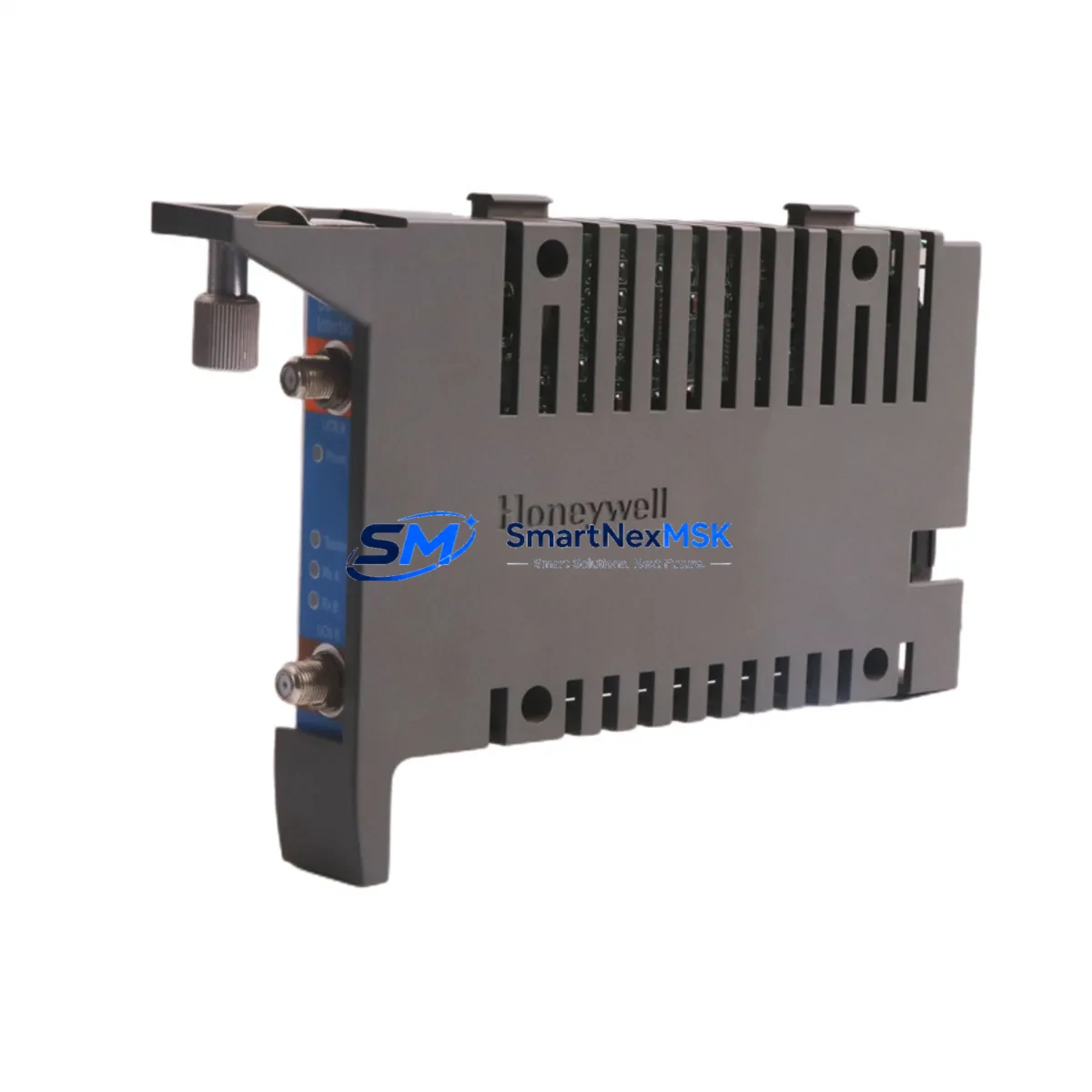
Honeywell 51402573-150 Retrofit-Ready UCN Interface for HPM Control Systems
The Honeywell 51402573-150 is a UCN (Universal Control Network) Interface Module designed for use within the TotalPlant Solution (TPS) and High-Performance Process Manager (HPM) distributed control system architecture. As legacy DCS installations across petrochemical, refining, power generation, and pulp-and-paper industries reach end-of-life milestones, the 51402573-150 has become one of the most sought-after retrofit and replacement components for engineers tasked with extending the operational life of existing Honeywell TPS/HPM control systems without committing to a full platform migration.
This module serves as the critical communication bridge between the HPM controller and the UCN data highway, enabling real-time process data exchange across the plant control network. When the original 51402573-150 fails or becomes unavailable through standard channels, production continuity depends entirely on sourcing a verified, tested replacement that meets the original hardware specification. Our inventory is drawn from decommissioned systems, factory-surplus stock, and certified refurbishment pipelines — each unit undergoes functional verification prior to shipment.
Upgrade Compatibility Table
| Parameter | Specification / Retrofit Note |
|---|---|
| Part Number | 51402573-150 |
| Compatible Platform | Honeywell TPS / HPM DCS |
| Module Function | UCN Interface — process data highway communication |
| Backplane Interface | HPM card file backplane (standard HPM slot) |
| Communication Protocol | UCN (Universal Control Network), proprietary Honeywell highway |
| Installation Requirement | Direct card-slot replacement; no hardware modification required |
| Address Configuration | Module address set via DIP switch or software node assignment — verify against existing HPM configuration |
| Power Supply Compatibility | Powered via HPM card file; confirm card file PSU capacity before insertion |
| Firmware / Software | Compatible with existing HPM control strategy; no re-download required in most cases |
| Replacement Scope | Direct drop-in for failed or end-of-life 51402573-150 units |
| Pre-shipment Testing | Functional verification completed; burn-in tested |
| Warranty | 12-Month Warranty — covers manufacturing defects and functional failure |
Retrofit Planning for Existing Automation Systems
Replacing the 51402573-150 in an active HPM system requires careful pre-work to avoid unplanned downtime. Before pulling the existing module, engineers should document the current node address assignments visible in the Honeywell Configuration Studio or the legacy NIM (Network Interface Module) configuration utility. The HPM card file — typically a 15-slot or 30-slot chassis — must have its power supply capacity confirmed, particularly if additional I/O modules such as the 51304485-100 analog input module or the 51304516-100 digital output module have been added since the original system commissioning.
UCN highway integrity should be verified using the UCN diagnostic tools available through the Honeywell Application Station (AS) or the Global User Station (GUS) HMI platform. If the plant is running an older TPS console environment, the operator display pages tied to the HPM controller should be reviewed to confirm that no dynamic data links will be interrupted during the module swap. In systems where the HPM communicates upstream to a Honeywell LCN (Local Control Network) via an NIM or a Highway Gateway Module (HGM), the gateway configuration should be backed up before any hardware change.
For sites migrating from TPS toward the Experion PKS platform, the 51402573-150 replacement is often a bridge step — maintaining UCN-based HPM operation while Experion C300 controllers and EHPM migration kits are staged for a phased cutover. During this transition period, the existing HPM card file, UCN coax cabling, and termination panels remain in service, making a reliable 51402573-150 supply critical to the migration schedule. Ancillary components commonly required during this phase include the 51401642-150 power supply module, UCN tap assemblies, and HPM personality modules matched to the specific I/O mix of the process unit.
Wiring adaptation is generally not required for a like-for-like 51402573-150 swap, as the module interfaces exclusively through the backplane. However, if the replacement is part of a broader I/O expansion — adding 51304453-150 analog output channels or 51309276-175 LLMUX multiplexer modules — the field termination assemblies (FTAs) and marshalling cabinet layouts must be reviewed against the new I/O count before the HPM control strategy is modified in the engineering workstation.
Downtime Control During System Migration
Minimizing process disruption during a 51402573-150 replacement begins with scheduling the swap during a planned maintenance window aligned with the process unit’s turnaround or a low-demand production period. Where the HPM supports redundant UCN interface configurations, the standby module path should be confirmed active before the primary card is removed, allowing the UCN highway to remain online throughout the exchange.
Prior to removal, the current HPM control strategy should be uploaded from the controller to the engineering workstation to preserve the live program state. This protects against configuration loss in the event that the replacement module initializes with default parameters. After insertion of the 51402573-150 replacement, the module should be allowed to complete its self-diagnostic cycle — typically indicated by status LEDs on the faceplate — before the HPM is commanded to resume normal scan execution.
HMI alarm suppression on the GUS or Experion Operator Station should be applied selectively to the affected HPM node during the swap window to prevent nuisance alarms from propagating to the control room. Once the replacement module is confirmed online and UCN communication is re-established, alarm suppression should be lifted and the operator should verify that all process variable displays are updating correctly before returning the loop to automatic control. Full commissioning documentation, including the module serial number, installation date, and post-swap diagnostic results, should be recorded in the plant maintenance management system.
Retrofit Support FAQ
Q: Is the 51402573-150 a direct drop-in replacement for my existing HPM UCN Interface Module?
A: Yes. The 51402573-150 is a direct card-slot replacement within the standard HPM card file. No wiring changes or backplane modifications are required. Node address settings should be verified against your existing HPM configuration before powering the replacement module.
Q: Has this unit been tested before shipment?
A: Every 51402573-150 unit we supply undergoes functional verification and burn-in testing prior to dispatch. A test report is available upon request. All units are covered by a 12-Month Warranty against manufacturing defects and functional failure from the date of shipment.
Q: Will I need to re-download the HPM control strategy after replacing this module?
A: In most like-for-like replacement scenarios, the HPM controller retains its loaded control strategy in battery-backed memory and does not require a full re-download. However, we recommend uploading the current strategy to your engineering workstation before the swap as a precaution, and confirming strategy integrity after the replacement module comes online.
Q: What if my UCN highway shows communication errors after installation?
A: UCN communication errors post-installation are most commonly caused by incorrect node address settings or UCN termination issues rather than module defects. Verify the DIP switch or software node address matches the original configuration, check UCN coax termination at both highway ends, and use the HPM diagnostic display to confirm highway status. Our technical support team is available to assist with commissioning questions.
© 2026 SMARTNEXMSK. All rights reserved.
Original Source: https://smartnexmsk.com
Contact: [email protected] | +86 18259474341



