
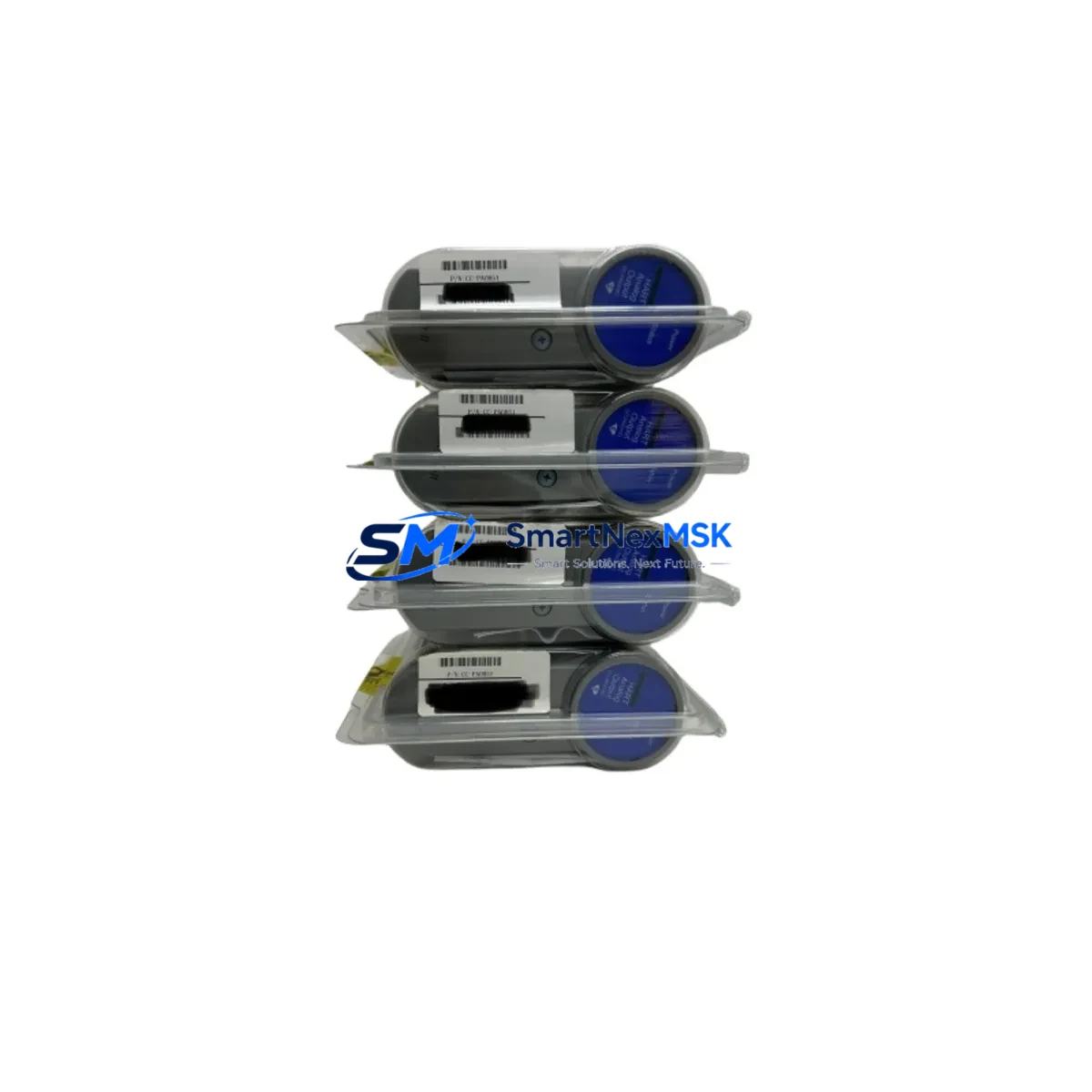
Honeywell 51410070-275 CC-PA0H51 Spare Experion PKS Automation: Spare Parts Replacement & Downtime Risk Control
The Honeywell 51410070-275 CC-PA0H51 is an original analog output module designed for the Experion PKS distributed control system (DCS). As a critical CC Series I/O component, this module delivers precision analog signal output to field devices including control valves, variable frequency drives, and positioners. For maintenance engineers managing aging Experion PKS installations, maintaining a verified spare of the CC-PA0H51 is a fundamental strategy for minimizing unplanned downtime and protecting process continuity.
Each unit supplied by SMARTNEXMSK is sourced from authorized channels, individually tested prior to shipment, and covered by a 12-month warranty. Whether you are executing a planned turnaround, responding to an emergency fault, or building a long-term spare parts inventory, the 51410070-275 CC-PA0H51 is available for immediate dispatch.
Spare Maintenance Table
| Parameter | Specification |
|---|---|
| Part Number | 51410070-275 |
| Model | CC-PA0H51 |
| Brand | Honeywell |
| Series | CC Series (Experion PKS) |
| Module Type | Analog Output Module |
| Output Channels | 8-channel, 4–20 mA analog output (typical for CC-PA0H51 class) |
| Signal Range | 4–20 mA / 0–20 mA (field-configurable) |
| Communication Interface | C300 Controller / SCADA backplane compatible |
| Mounting | CC Series I/O chassis / backplane rail |
| Operating Temperature | 0°C to 60°C (industrial environment rated) |
| Compatibility | Experion PKS R400 and above; CC-PCNT01, CC-PDOB01, CC-PDIL01 chassis |
| Origin | USA |
| Condition | Original, tested before shipment |
| Warranty | 12 Months |
| Lead Time | In stock — same-day or next-day dispatch available |
| Application | Process control, valve positioner output, VFD speed reference, DCS analog loop |
Maintenance Planning for Continuous Operation
When replacing the CC-PA0H51 analog output module in an Experion PKS cabinet, a thorough maintenance inspection of the surrounding I/O infrastructure is strongly recommended. Maintenance engineers should treat this replacement as an opportunity to audit the full analog output loop and associated control hardware.
Begin by verifying the integrity of the CC Series I/O chassis and backplane — a degraded backplane connector can cause intermittent signal faults that mimic module failure. Inspect the CC-TCFF01 or CC-TCNT01 field termination assemblies (FTAs) for corrosion, loose screw terminals, and wiring insulation condition. These termination assemblies are the interface between the module and field wiring, and their condition directly affects output signal accuracy.
Check the 24 VDC power supply modules feeding the I/O chassis — Honeywell CC Series systems typically use dedicated power conditioners, and a marginal power supply can cause analog output drift or module resets. If the cabinet houses a C300 Controller module, verify its firmware version is compatible with the replacement CC-PA0H51 and that no pending controller faults are masking deeper system issues.
For cabinets with mixed I/O, also inspect adjacent CC-PDIL01 digital input modules and CC-PDOB01 digital output modules for signs of heat stress or connector wear. In older Experion PKS installations, the IOLIM (I/O Link Interface Module) connecting the C300 to the CC Series I/O bus should be checked for communication error counts — elevated error rates often precede module failures.
Where analog signals pass through signal isolators or loop-powered barriers before reaching field instruments, verify isolator output ranges match the new module’s configured output. Mismatched signal ranges are a common source of post-replacement calibration errors. Finally, confirm that the Experion PKS SCADA historian and alarm configuration reflects the correct engineering units and output limits for the replaced channel — this is frequently overlooked during emergency replacements and can trigger nuisance alarms during restart.
For sites running legacy Experion PKS versions, SMARTNEXMSK also maintains stock of related CC Series components including CC-PCNT01 process controller modules, CC-TAIX51 analog input termination assemblies, and CC-PDOB01 digital output modules to support comprehensive cabinet restores.
Site Replacement Workflow
The CC-PA0H51 is a direct replacement for the 51410070-275 module in all compatible Experion PKS CC Series I/O chassis. The replacement procedure is designed to minimize downtime and maintain system compatibility without requiring controller reconfiguration in most cases.
Step 1 — Pre-replacement verification: Confirm the replacement module’s firmware label and hardware revision match or are compatible with the installed Experion PKS version. Cross-reference the Honeywell Experion PKS I/O compatibility matrix if the site is running a non-standard software release.
Step 2 — Safe isolation: Place the affected analog output channels in manual mode at the DCS operator station before removing the module. This prevents uncontrolled output changes to field devices during the swap.
Step 3 — Hot-swap or cold-swap: The CC Series I/O architecture supports hot-swap replacement in most configurations. Slide the faulty module out of the chassis slot, insert the replacement CC-PA0H51, and allow the C300 controller to automatically re-establish communication and download the channel configuration.
Step 4 — Post-replacement loop check: Verify each analog output channel against its field device. Use a calibrated loop tester to confirm 4–20 mA output accuracy at 0%, 50%, and 100% span. Document results in the site maintenance log.
Step 5 — Return to automatic control: Once all channels are verified, return the outputs to automatic mode at the DCS. Monitor the historian for the first 30 minutes to confirm stable signal behavior.
This workflow applies equally to planned maintenance replacements and emergency fault recovery scenarios. SMARTNEXMSK ships all CC-PA0H51 units with pre-shipment test records available on request, reducing the risk of installing a defective spare during a critical outage.
Spare Parts Support FAQ
Q1: Is the 51410070-275 CC-PA0H51 compatible with all Experion PKS versions?
The CC-PA0H51 is designed for Experion PKS CC Series I/O systems and is compatible with R400 and later releases. For sites running earlier versions, please contact our technical team with your controller firmware version for compatibility confirmation before ordering.
Q2: What testing is performed before shipment?
Every 51410070-275 CC-PA0H51 unit is functionally tested prior to dispatch. Test records confirming power-on, communication, and analog output channel performance are available on request. Units are shipped in anti-static packaging with inspection labels intact.
Q3: What does the 12-month warranty cover?
The 12-month warranty covers manufacturing defects and functional failures under normal operating conditions. It does not cover damage resulting from incorrect installation, overvoltage events, or physical mishandling. Warranty claims are processed with return authorization — contact [email protected] to initiate.
Q4: Can SMARTNEXMSK support long-term supply for ongoing maintenance programs?
Yes. SMARTNEXMSK maintains standing inventory of CC-PA0H51 and related Honeywell Experion PKS CC Series components to support scheduled maintenance programs, annual turnarounds, and emergency procurement. Framework agreements with reserved stock allocation are available for sites with recurring spare parts requirements.
© 2026 SMARTNEXMSK. All rights reserved.
Original Source: https://smartnexmsk.com
Contact: [email protected] | +86 18259474341



