
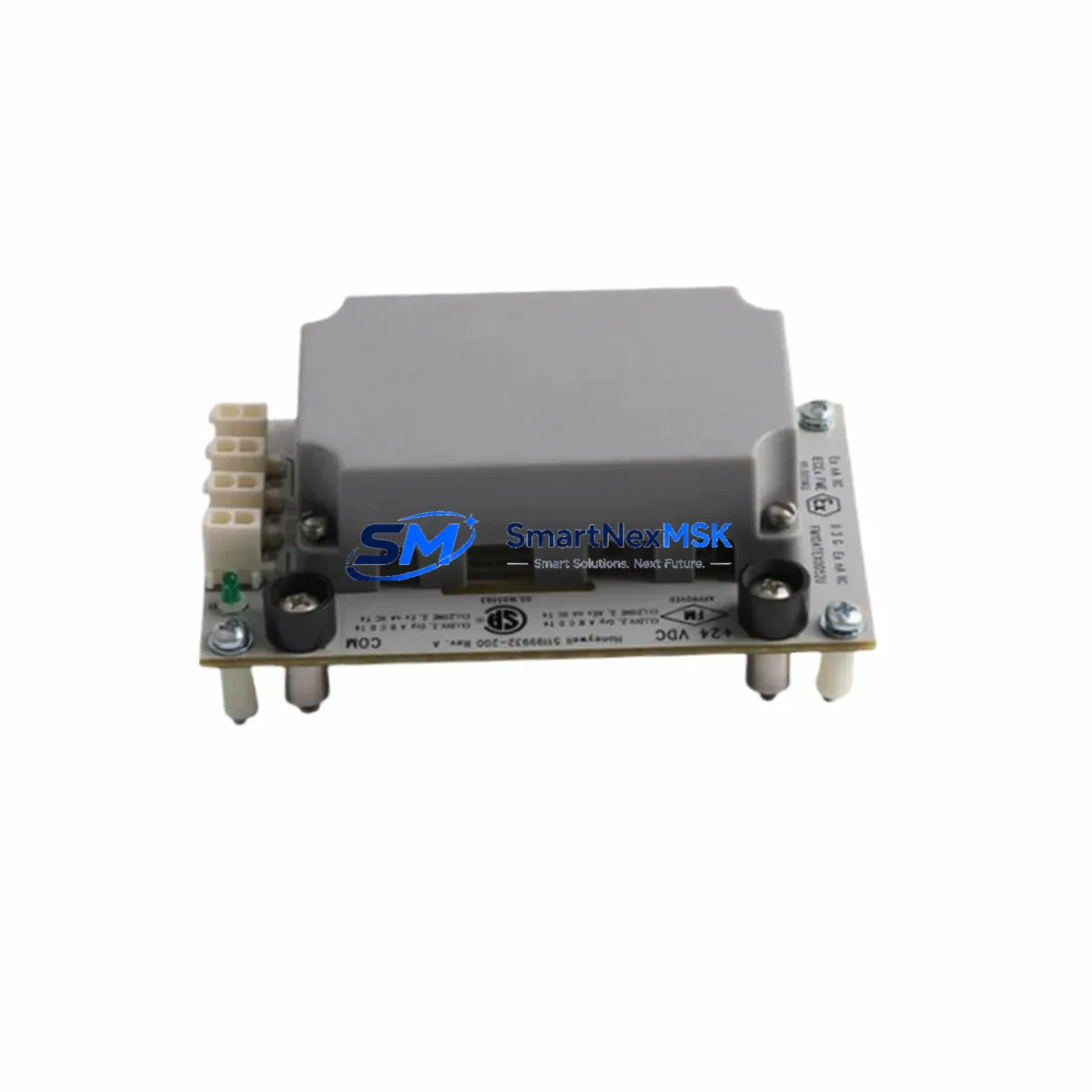
Honeywell 51454475-100 CC-SCMB02 Spare for C300 Automation: Spare Replacement & Industrial Downtime Risk Control
The Honeywell 51454475-100 (CC-SCMB02) is an original digital output module engineered for the Experion PKS C300 distributed control system. As a maintenance-ready spare, this module is a critical component in sustaining continuous process control across petrochemical, power generation, pulp & paper, and general manufacturing facilities. When a digital output channel fails or a module reaches end-of-life, rapid replacement with a verified original spare is the fastest path to restoring full system availability and preventing cascading process shutdowns.
Sourced directly from authorized supply chains, each unit undergoes pre-shipment functional verification to confirm output channel integrity, backplane communication, and firmware compatibility with the C300 controller. With a 12-month warranty and documented test records available upon request, procurement and maintenance engineers can confidently add this module to their critical spare inventory without qualification risk.
Spare Maintenance Table
| Parameter | Specification |
|---|---|
| Part Number | 51454475-100 |
| Alternate SKU | CC-SCMB02 / 51199942-300 |
| Module Type | DCS Digital Output Module |
| Compatible Platform | Honeywell Experion PKS C300 DCS |
| Series | C300 Controller Series |
| Output Type | Digital (Discrete) Output |
| Backplane Interface | C300 Series I/O Link |
| Operating Voltage | 24 VDC (nominal, field-side) |
| Operating Temperature | 0°C to 60°C (32°F to 140°F) |
| Mounting | C300 I/O Chassis / Backplane Slot |
| Origin | USA (Original Honeywell) |
| Weight | 650 g |
| Warranty | 12 Months from date of shipment |
| Condition | Original, tested, ready to ship |
| Application Environment | Industrial process control, DCS cabinets, hazardous area panels |
| Maintenance Recommendation | Replace on first output channel fault; inspect backplane connector pins and field wiring terminations during swap |
Maintenance Planning for Continuous Operation
A planned maintenance strategy for the CC-SCMB02 / 51454475-100 should extend beyond the module itself. When scheduling a replacement or responding to an unplanned output fault, maintenance engineers should simultaneously inspect the surrounding system components to prevent repeat failures and ensure the restored loop performs reliably.
Begin with the C300 controller module (e.g., CC-PCF901 or CC-PCF902 processor cards) to confirm the controller is not generating spurious output commands that could damage the replacement module. Check the C300 I/O chassis backplane for bent connector pins, corrosion, or contamination — a damaged backplane slot will cause the same fault on a new module within hours. Inspect the field terminal assembly (FTA) associated with this output module, as loose or corroded screw terminals are a leading cause of intermittent digital output faults that are often misdiagnosed as module failures.
Review the 24 VDC field power supply feeding the output circuits — voltage sag or ripple outside specification will cause erratic output behavior. If the cabinet uses a CC-PWR001 or equivalent C300 power module, verify its output voltage and load capacity under full I/O load. For output loops driving solenoid valves or motor starters, inspect the interposing relay modules (such as Phoenix Contact or Weidmüller relay bases) for contact wear, coil resistance drift, or arc damage.
During the same maintenance window, check the C300 communication cables — both the FTE (Fault Tolerant Ethernet) network cables and the I/O link cables — for physical damage, improper bend radius, or loose RJ45/connector seating. A degraded FTE link can cause the controller to lose redundancy and increase the risk of a full process shutdown. If the cabinet includes a CC-SCMB01 or CC-SCMB04 series module in adjacent slots, inspect those for similar output channel health using the Experion PKS Station diagnostic screens.
For facilities running aging C300 systems, consider stocking a CC-TCNT01 termination carrier and a spare CC-SCMB02 as a matched pair — this allows a complete field-side swap without rewiring, dramatically reducing mean time to repair (MTTR). Maintenance planners should also verify that the Experion PKS R500 or later server has the correct I/O module firmware version loaded, as firmware mismatches can prevent a newly installed module from coming online automatically.
Site Replacement Workflow
Replacing the Honeywell 51454475-100 CC-SCMB02 on a live C300 system follows a structured hot-swap or cold-swap procedure depending on whether the output channels are in a safe state. For planned maintenance, place the affected output channels in manual mode at the Experion PKS operator station before initiating the swap. This prevents process upsets caused by the brief loss of output signal during module removal.
Remove the field wiring termination assembly (FTA) or disconnect the field cable connector from the module face before sliding the module out of the chassis. Inspect the backplane connector on the removed module for damage and compare it with the replacement unit. Insert the new CC-SCMB02 firmly into the chassis slot until the locking tab engages, then reconnect the field terminations. The Experion PKS system will automatically detect the new module and perform a self-check — monitor the module status LED and the Experion Station alarm summary for any configuration mismatch alarms.
If replacing an older 51199942-300 revision with the current 51454475-100, confirm backward compatibility in the Experion PKS hardware compatibility matrix. In most C300 installations, these revisions are drop-in compatible, but always verify the I/O module configuration in the Control Builder application before returning the loop to automatic mode. Document the replacement in the plant CMMS (Computerized Maintenance Management System) with the new module serial number and test date to maintain traceability for audit and warranty purposes.
Spare Parts Support FAQ
Q1: Is the 51454475-100 a direct replacement for the CC-SCMB02 and 51199942-300?
Yes. The part numbers 51454475-100, CC-SCMB02, and 51199942-300 refer to the same Honeywell C300 digital output module family. Minor revision differences exist but are generally backward compatible within the C300 platform. Always verify the revision level against your Experion PKS hardware compatibility documentation before installation in safety-critical loops.
Q2: What is included in the 12-month warranty and pre-shipment testing?
Every unit is functionally tested prior to shipment to verify output channel operation, backplane communication integrity, and LED status indication. The 12-month warranty covers manufacturing defects and module failure under normal operating conditions. Test records and traceability documentation are available upon request for quality-controlled procurement processes.
Q3: How quickly can this spare be dispatched for emergency downtime recovery?
Stock units are available for same-day or next-business-day dispatch depending on destination. For emergency orders, contact our sales team directly to confirm real-time stock availability and expedited freight options. We support both standard and urgent industrial procurement timelines.
Q4: How should this module be stored as a long-term spare in a parts inventory?
Store in original anti-static packaging in a dry, temperature-controlled environment (10°C–40°C, <85% RH non-condensing). Avoid storing near strong magnetic fields or in areas with high vibration. Inspect the module annually for any signs of corrosion on connector pins. Modules stored correctly retain full functionality for 5+ years, making them suitable for long-term lifecycle extension of aging C300 DCS installations.
© 2026 SMARTNEXMSK. All rights reserved.
Original Source: https://smartnexmsk.com
Contact: [email protected] | +86 18259474341



