
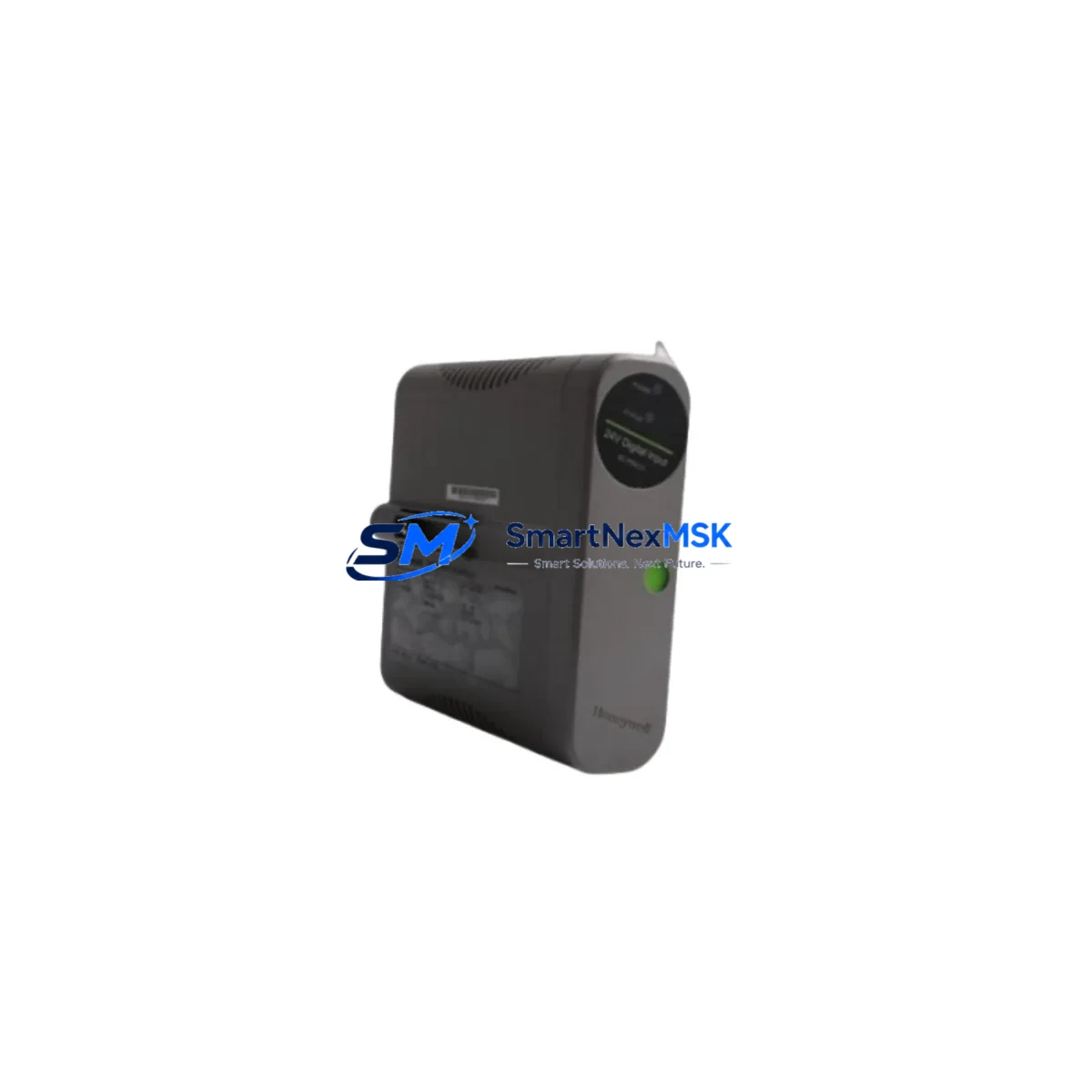
Honeywell 8C-TCNT01 Maintenance-Ready Spare C300 Automation
The Honeywell 8C-TCNT01 (also catalogued as 8U-TCNT01 and Honeywell part number 51307032-175) is the C300 I/O Link Interface Module at the heart of the Experion PKS distributed control architecture. In process plants, refineries, power generation facilities, and chemical complexes, this module serves as the critical communication bridge between the C300 Controller and field-mounted CIOM-A or FIM I/O assemblies. When this interface fails or degrades, the entire I/O link segment goes dark — triggering unplanned shutdowns, loss of process visibility, and costly production interruptions.
Sourced directly from verified industrial channels, each 8C-TCNT01 unit we supply is an original Honeywell component — not a clone, not a refurbished substitute. Every module undergoes pre-shipment functional verification covering communication handshake, firmware revision confirmation, and physical connector integrity. We maintain ready stock to support emergency call-outs, planned turnarounds, and long-term MRO procurement programs. A 12-month warranty is included with every shipment.
Spare Maintenance Table
| Parameter | Specification / Detail |
|---|---|
| Part Number (Primary SKU) | 8C-TCNT01 |
| Alternate SKU | 8U-TCNT01 |
| Honeywell Catalog Number | 51307032-175 |
| Module Function | C300 I/O Link Interface Module (IOLIM) |
| Compatible Controller | Honeywell C300 Process Controller |
| Compatible System | Experion PKS (Process Knowledge System) |
| Compatible I/O Assemblies | CIOM-A, FIM (Flexible I/O Module) series |
| Communication Protocol | Honeywell I/O Link (proprietary high-speed serial) |
| Mounting | C300 Controller Carrier / Backplane slot |
| Power Supply | Supplied via controller carrier backplane |
| Operating Temperature | 0°C to 60°C (32°F to 140°F) |
| Humidity | 5% to 95% RH, non-condensing |
| Certifications | CE, UL (per Honeywell Experion PKS system certification) |
| Origin | Original Honeywell manufacture |
| Condition | New / Surplus New (original packaging where available) |
| Pre-Shipment Test | Communication handshake, firmware check, connector inspection |
| Warranty | 12 Months from date of shipment |
| Lead Time | In stock — ships within 1–3 business days |
Maintenance Planning for Continuous Operation
Replacing the 8C-TCNT01 is rarely an isolated event. In a well-structured Experion PKS maintenance program, the I/O Link Interface Module sits at the junction of several interdependent subsystems — and a thorough site inspection should address each of them before and after the swap.
Begin with the C300 Controller itself. Confirm that the controller firmware is at a revision level compatible with the replacement module, and check the controller carrier for any signs of backplane connector wear or corrosion. The 51307032-175 module seats directly into the carrier, so backplane integrity is a prerequisite for reliable operation.
Next, inspect the power distribution assembly feeding the controller cabinet. The Honeywell CC-PWR01 or equivalent 24 VDC power supply module should be verified for output voltage stability and ripple within specification. A marginal power supply is a common root cause of intermittent I/O link faults that are misdiagnosed as module failures.
Trace the I/O Link cable from the 8C-TCNT01 to the remote CIOM-A chassis. Inspect the CC-TCF901 or equivalent fiber-optic or copper link cable for physical damage, tight bend radii, and secure termination at both ends. A degraded cable will cause the replacement module to report link errors immediately after installation, wasting valuable recovery time.
At the remote I/O chassis, verify the condition of the CIOM-A backplane and the individual I/O modules seated within it — including analog input modules such as the CC-TAIX01, analog output modules like the CC-TAOX01, and digital I/O modules such as the CC-TDIL01 or CC-TDOB01. A failed I/O link interface can mask underlying faults in these field modules; once the link is restored, latent alarms may surface.
For installations using redundant I/O links, confirm that the redundant 8C-TCNT01 (or its 8U-TCNT01 variant) on the partner controller is healthy and that automatic failover is functioning correctly. Redundancy testing should be part of every planned maintenance window, not just emergency responses.
Finally, review the Experion PKS Station (operator workstation or engineering station) event log for any pre-existing communication fault codes, module health warnings, or diagnostic alarms associated with the I/O link segment. Clearing these alarms after module replacement confirms a successful restoration and provides a clean baseline for ongoing condition monitoring.
Site Replacement Workflow
Step 1 — Compatibility Confirmation: Verify that the replacement 8C-TCNT01 / 51307032-175 matches the firmware baseline of the installed C300 system. Cross-reference the Honeywell Experion PKS release notes for your site’s software version. If the site runs an older PKS release, confirm backward compatibility before proceeding.
Step 2 — Safe State Preparation: Coordinate with the control room to place the affected I/O link segment in a safe, controlled state. For critical loops, engage manual control at the field device level before removing the module. Document all active alarms and suppressed points.
Step 3 — Module Removal: Power down the controller carrier if required by site safety procedures. Carefully extract the existing 8C-TCNT01 from its backplane slot, noting the slot position for correct reinstallation of the replacement. Inspect the vacated slot for debris or damaged connector pins.
Step 4 — Replacement Installation: Seat the new 8C-TCNT01 firmly into the carrier slot. Reconnect the I/O Link cable. Apply power and observe the module status LEDs — a solid green RUN indicator confirms successful initialization and I/O link establishment.
Step 5 — System Verification: From the Experion PKS engineering station, confirm that all I/O points on the restored link segment are communicating correctly. Clear any residual fault alarms, verify process variable readings against field instrumentation, and return all loops to automatic control. Document the replacement in the site maintenance management system (CMMS).
This structured workflow minimizes mean time to repair (MTTR), reduces the risk of secondary faults during the recovery window, and ensures full system compatibility — protecting both production continuity and personnel safety.
Spare Parts Support FAQ
Q1: Is the 8C-TCNT01 interchangeable with the 8U-TCNT01?
Yes. The 8U-TCNT01 is the updated catalog designation for the same C300 I/O Link Interface Module. Both part numbers reference Honeywell catalog number 51307032-175 and are functionally and physically interchangeable within the Experion PKS C300 architecture. Always confirm the firmware revision compatibility with your site’s PKS software version before installation.
Q2: What does the 12-month warranty cover?
Our 12-month warranty covers manufacturing defects and functional failures under normal operating conditions from the date of shipment. Each unit is pre-tested prior to dispatch. In the event of a warranty claim, we provide a replacement unit or full refund — whichever resolves your production situation fastest. Warranty claims are processed within 5 business days of receiving the returned module.
Q3: Can you support long-term or blanket purchase orders for MRO stock programs?
Yes. We support scheduled delivery agreements, consignment stock arrangements, and blanket PO programs for maintenance teams managing Experion PKS installations. Long-term supply commitments help ensure you maintain the recommended on-hand spare quantity (typically one module per I/O link segment) without tying up capital in excess inventory. Contact our sales team to discuss your site’s specific requirements.
Q4: How do you verify authenticity of Honeywell spare parts?
All modules are sourced through verified industrial supply channels. We perform physical inspection of part markings, label authenticity, PCB revision codes, and firmware version confirmation where accessible. We do not supply counterfeit, cloned, or unauthorized reproduction components. Documentation including part traceability records is available upon request for regulated industries.
© 2026 SMARTNEXMSK. All rights reserved.
Original Source: https://smartnexmsk.com
Contact: [email protected] | +86 18259474341



