
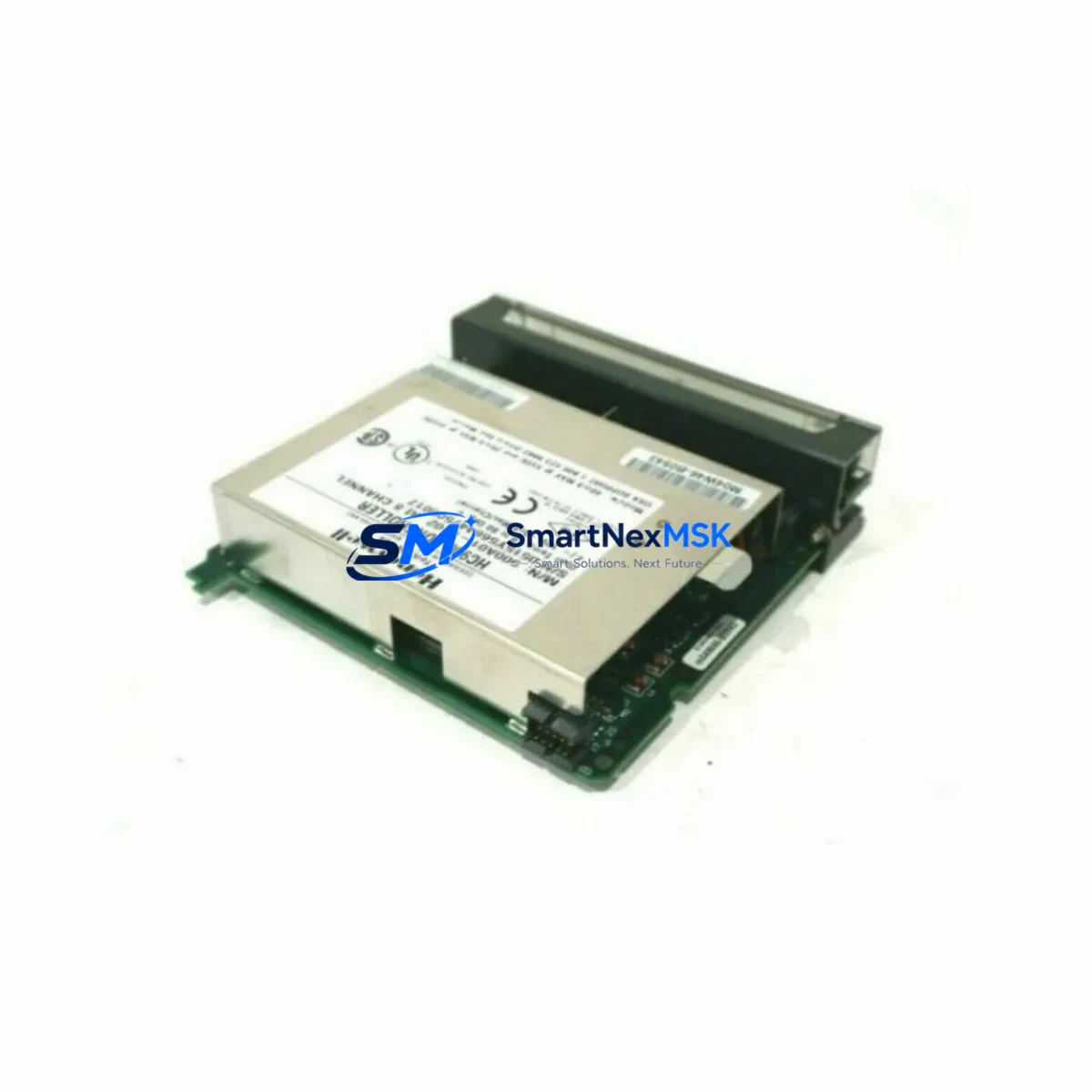
Honeywell 900A01-0102 Maintenance-Ready Spare HC900 Automation
The Honeywell 900A01-0102 is an original 8-channel analog input module designed for the HC900 Hybrid Controller series. In industrial maintenance environments — from chemical processing and power generation to oil & gas and advanced manufacturing — this module serves as a critical interface between field instrumentation and the HC900 control system. Whether you are executing a planned shutdown, responding to an unplanned fault, or building a strategic spare parts inventory, the 900A01-0102 is a high-priority line item for any HC900-based control cabinet.
Sourced as an original Honeywell component, each unit undergoes pre-shipment functional testing to verify channel integrity, signal accuracy, and backplane communication before dispatch. A 12-month warranty is included with every order, providing procurement engineers with the confidence needed for long-term asset management and lifecycle planning.
Spare Maintenance Table
| Parameter | Specification |
|---|---|
| Part Number / SKU | 900A01-0102 |
| Brand | Honeywell |
| Series | HC900 Hybrid Controller |
| Module Type | Analog Input Module |
| Number of Channels | 8 Channels |
| Input Signal Types | 4–20 mA, 0–10 V, Thermocouple, RTD (configurable per channel) |
| Resolution | 16-bit A/D conversion |
| Compatibility | HC900 C30, C50, C70, C75 Controllers |
| Backplane Interface | HC900 I/O Rack (direct slot mounting) |
| Operating Temperature | 0°C to 55°C |
| Power Consumption | Supplied via HC900 backplane |
| Isolation | Channel-to-channel and channel-to-backplane isolation |
| Certifications | CE, UL (per HC900 system certification) |
| Mounting | HC900 I/O Expansion Rack, direct plug-in |
| Application Environment | Industrial process control, DCS hybrid systems, batch processing |
| Maintenance Recommendation | Inspect annually; replace on channel drift >0.1% FS or communication fault |
| Warranty | 12 Months from date of shipment |
| Condition | Original, new or refurbished-tested (specify at order) |
| Pre-Shipment Test | Full functional test: all 8 channels verified, backplane communication confirmed |
Maintenance Planning for Continuous Operation
When a maintenance or reliability engineer identifies a fault or degradation in the 900A01-0102, the replacement workflow rarely ends with the module itself. The HC900 control architecture integrates multiple interdependent components, and a thorough site inspection should accompany any analog input module swap.
Begin by verifying the HC900 Power Supply Module (e.g., 900P01-0001 or 900P02-0001) — an aging or undersized power supply is a common root cause of intermittent analog channel errors. Next, inspect the HC900 I/O Expansion Rack and backplane connectors for oxidation, bent pins, or mechanical damage that could cause poor module seating and signal noise.
Field wiring terminations at the HC900 I/O Terminal Assembly should be checked for loose screws, corroded terminals, and correct shielding practices — particularly for low-level thermocouple and RTD inputs where signal integrity is critical. If the system uses signal isolators or signal conditioners between field transmitters and the 900A01-0102 inputs, these should be tested for output accuracy and loop integrity.
For systems with mixed I/O, also inspect adjacent modules in the rack: the HC900 Analog Output Module (900B01-0102) and HC900 Digital Input/Output Modules (such as 900G01-0001 or 900H01-0001) should be checked for alarm states or communication errors that may indicate a broader rack-level issue rather than an isolated module failure.
Communication health is equally important. Verify the HC900 Controller CPU Module (C30, C50, C70, or C75 variant) is running the correct firmware and that the I/O scan cycle is within specification after module replacement. If the HC900 system communicates upstream via Modbus, PROFIBUS, or Ethernet/IP, confirm that the HC900 Communication Module (e.g., 900CS-0001) is operating normally and that the new module’s channel configuration has been correctly downloaded from the engineering workstation.
For facilities managing aging HC900 installations, maintaining a minimum stock of one 900A01-0102 per control cabinet — alongside a spare CPU module, power supply, and at least one digital I/O module — is a widely adopted best practice for reducing mean time to repair (MTTR) and protecting production continuity.
Site Replacement Workflow
Step 1 — Pre-Replacement Verification: Confirm the replacement 900A01-0102 matches the existing module’s hardware revision. Check the HC900 engineering software (HC Designer) to export the current I/O channel configuration, tag assignments, and scaling parameters before powering down.
Step 2 — Safe Isolation: Follow site LOTO (Lockout/Tagout) procedures. De-energize the I/O rack slot. Disconnect field wiring from the terminal assembly, labeling each wire for accurate reconnection.
Step 3 — Module Swap: Remove the faulty 900A01-0102 by releasing the module latch and sliding it from the backplane slot. Insert the replacement module firmly until the backplane connector is fully engaged and the latch clicks into position.
Step 4 — Configuration Restore: Power up the rack. Using HC Designer, download the saved I/O configuration to the new module. Verify all 8 channels report correct process values against known field instrument readings. Check for any diagnostic alarms in the HC900 controller status display.
Step 5 — Loop Verification: Perform a live loop check on all connected field instruments — transmitters, RTDs, or thermocouples — to confirm signal accuracy within specification. Document the replacement in the site maintenance log with the new module’s serial number and test results.
This workflow minimizes downtime, ensures system compatibility, and provides a clear audit trail for regulatory and quality management requirements.
Spare Parts Support FAQ
Q1: Is the 900A01-0102 compatible with all HC900 controller variants?
Yes. The 900A01-0102 is designed for use across the HC900 family, including the C30, C50, C70, and C75 controller variants. It is slot-compatible with all standard HC900 I/O expansion racks. Always verify the hardware revision against your system’s installed base to ensure full compatibility.
Q2: What pre-shipment testing is performed on each unit?
Every 900A01-0102 dispatched from our inventory undergoes a full functional test: all 8 analog input channels are verified for signal accuracy, channel isolation is confirmed, and backplane communication is tested. A test report is available upon request. Units are shipped in anti-static packaging with protective covers on all connectors.
Q3: How should the 900A01-0102 be stored as a long-term spare?
Store in a dry, temperature-controlled environment (10°C–40°C, <85% RH non-condensing) in the original anti-static bag. Avoid proximity to strong magnetic fields or high-vibration areas. Inspect annually for connector oxidation. Shelf life for properly stored modules is typically 5–10 years without performance degradation.
Q4: What is covered under the 12-month warranty?
The 12-month warranty covers manufacturing defects, component failures under normal operating conditions, and any fault confirmed to be present at the time of shipment. It does not cover damage from incorrect installation, overvoltage, or unauthorized modification. Warranty claims are processed with a return authorization; replacement or repair is completed within 10 business days of receipt.
© 2026 SMARTNEXMSK. All rights reserved.
Original Source: https://smartnexmsk.com
Contact: [email protected] | +86 18259474341



