
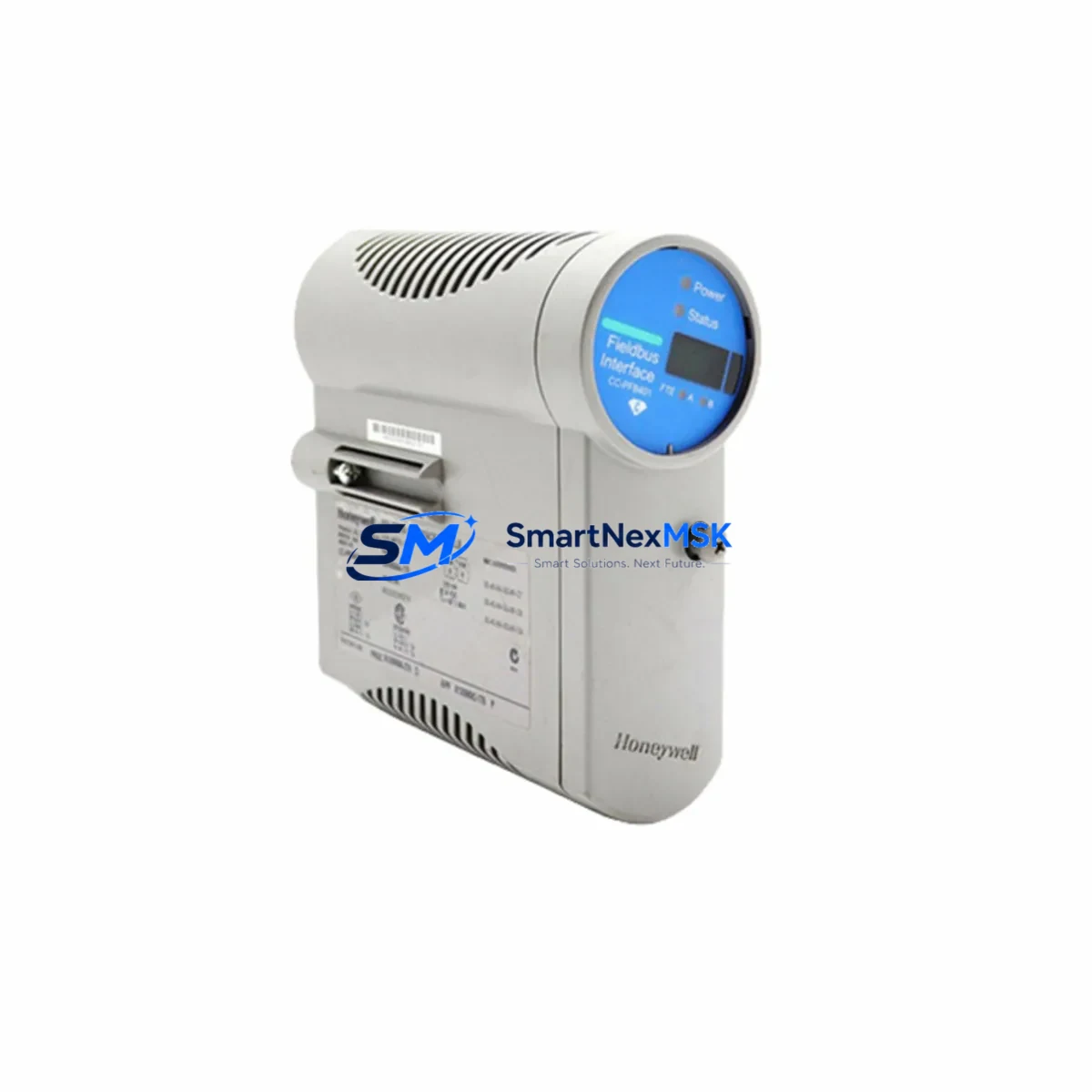
Honeywell 900P01-0601 Spare for C300 DCS Automation
The Honeywell 900P01-0601 is a DC power supply module engineered for the Experion PKS C300 distributed control system — one of the most widely deployed DCS platforms in refining, petrochemical, power generation, and continuous process industries. When this module fails or degrades, the consequences extend beyond a single cabinet: the entire C300 controller node loses regulated power, triggering unplanned shutdowns, process upsets, and costly recovery cycles. Stocking a verified original 900P01-0601 spare is the single most effective step a maintenance team can take to protect uptime in a C300-based control architecture.
This listing supplies the 900P01-0601 as a maintenance-ready original spare — inspected, function-tested prior to dispatch, and backed by a 12-month warranty. Each unit is sourced through verified industrial channels, ensuring authentic Honeywell manufacture and full compatibility with the C300 controller chassis without firmware conflicts or derating concerns.
Spare Maintenance Table
| Parameter | Specification / Detail |
|---|---|
| Part Number | 900P01-0601 |
| Brand | Honeywell |
| Series | Experion PKS C300 |
| Module Type | DC Power Supply Module |
| Compatibility | Honeywell C300 Controller, Experion PKS R400–R520+ |
| Input Voltage | 24 V DC nominal (18–32 V DC operating range) |
| Output | Regulated DC power to C300 controller backplane |
| Redundancy Support | Supports 1+1 redundant power configuration |
| Mounting | C300 controller chassis / backplane slot |
| Operating Temperature | 0 °C to 60 °C |
| Relative Humidity | 5–95 % non-condensing |
| Protection Class | IP20 (panel-mount, control cabinet installation) |
| Origin | Original Honeywell manufacture |
| Pre-shipment Test | Function-tested, power-on verified |
| Warranty | 12 Months |
| Lead Time | Ships within 1–3 business days from confirmed stock |
Maintenance Planning for Continuous Operation
Replacing the 900P01-0601 in a live C300 system is rarely an isolated task. Maintenance engineers and procurement teams should treat this event as a structured inspection opportunity across the entire controller node and associated power distribution circuit. The following components warrant simultaneous review:
Begin with the 24 V DC bulk power supply feeding the C300 cabinet — a degraded upstream supply is frequently the root cause of premature 900P01-0601 failure. Inspect the C300 controller backplane for corrosion, bent connector pins, or heat discoloration that could indicate sustained overload. If the site runs a redundant power configuration, verify that the companion power module (same 900P01-0601 slot on the redundant chassis) is also within its service life.
Check the C300 I/O Link cables and IOTA (I/O Termination Assembly) boards connected downstream — a power interruption can cause latent connector damage that only manifests under load. Review the Series C FIM (Fieldbus Interface Module) or PROFIBUS/FOUNDATION Fieldbus segment couplers for communication errors logged during the power event; these modules are sensitive to supply transients and may require reconfiguration or replacement.
Inspect 24 V DC terminal blocks and fuse holders on the power distribution rail — blown fuses or loose terminals are common co-failures. If the cabinet includes a Honeywell C300 redundancy module or SCM (System Connectivity Module), verify its status LEDs and event log for fault codes generated during the outage. For sites running Experion PKS Safety Manager integration, confirm that the safety network communication link was not interrupted and that the SM module’s own power supply is within specification.
Finally, review the UPS (uninterruptible power supply) feeding the control cabinet — battery capacity and transfer time directly determine whether a 900P01-0601 swap can be performed without a full process shutdown. Documenting all findings in the site CMMS alongside the 900P01-0601 replacement record creates a traceable maintenance history that supports future planned outage scheduling and spare parts budget justification.
Site Replacement Workflow
Step 1 — Verify compatibility before removal. Confirm the installed unit’s label matches 900P01-0601 and that the Experion PKS software revision is within the supported range for this module. Cross-reference the C300 hardware compatibility matrix if the site has been upgraded beyond R400.
Step 2 — Isolate power safely. If the system is not running a redundant power pair, coordinate with the control room for a controlled shutdown of the affected C300 node. If redundancy is active, the standby module can assume load while the primary is swapped — confirm switchover status in Experion Station before proceeding.
Step 3 — Remove and inspect. Extract the 900P01-0601 using the module ejector levers. Inspect the backplane connector for damage. Record the module’s serial number and failure mode in the site maintenance log.
Step 4 — Install the replacement. Seat the new 900P01-0601 firmly until the locking tab engages. Restore power and observe the module status LED — a steady green indicates normal operation. Verify in Experion Station that the controller node has resumed full communication with all associated I/O modules.
Step 5 — Functional verification. Run a loop check on critical I/O points served by the restored C300 node. Confirm that no latent alarms remain active and that historian data continuity has been restored. Update the CMMS record with the replacement date, new module serial number, and post-installation test results.
This workflow minimizes mean time to repair (MTTR), preserves system compatibility, and creates the documentation trail required for regulatory compliance in process safety environments.
Spare Parts Support FAQ
Q1: Is the 900P01-0601 compatible with all Experion PKS C300 revisions?
The 900P01-0601 is designed for the Honeywell C300 controller platform across Experion PKS releases R400 through R520 and later. For sites running very early or heavily customized firmware, we recommend confirming the hardware revision against Honeywell’s compatibility matrix before installation. Our technical team can assist with compatibility verification prior to order confirmation.
Q2: What pre-shipment testing is performed on each unit?
Every 900P01-0601 dispatched from our stock undergoes a power-on functional test to verify output voltage regulation, inrush current behavior, and status LED operation. Units that do not pass are quarantined and not offered for sale. A test record is available upon request for quality-critical procurement processes.
Q3: How should the 900P01-0601 be stored as a long-term spare?
Store in original anti-static packaging in a dry, temperature-controlled environment (10–35 °C, <70 % RH). Avoid proximity to strong magnetic fields or vibration sources. Inspect the module annually if held in long-term storage — check connector contacts for oxidation and verify that the unit powers on correctly before committing it to a live system. Shelf life under proper storage conditions is typically 5–7 years.
Q4: What does the 12-month warranty cover?
The 12-month warranty covers manufacturing defects and functional failure under normal operating conditions as specified in the Honeywell 900P01-0601 datasheet. It does not cover damage resulting from incorrect installation, overvoltage events, or physical mishandling. Warranty claims are processed with a return authorization; replacement or repair is completed within an agreed lead time to minimize site downtime impact.
© 2026 SMARTNEXMSK. All rights reserved.
Original Source: https://smartnexmsk.com
Contact: [email protected] | +86 18259474341



