
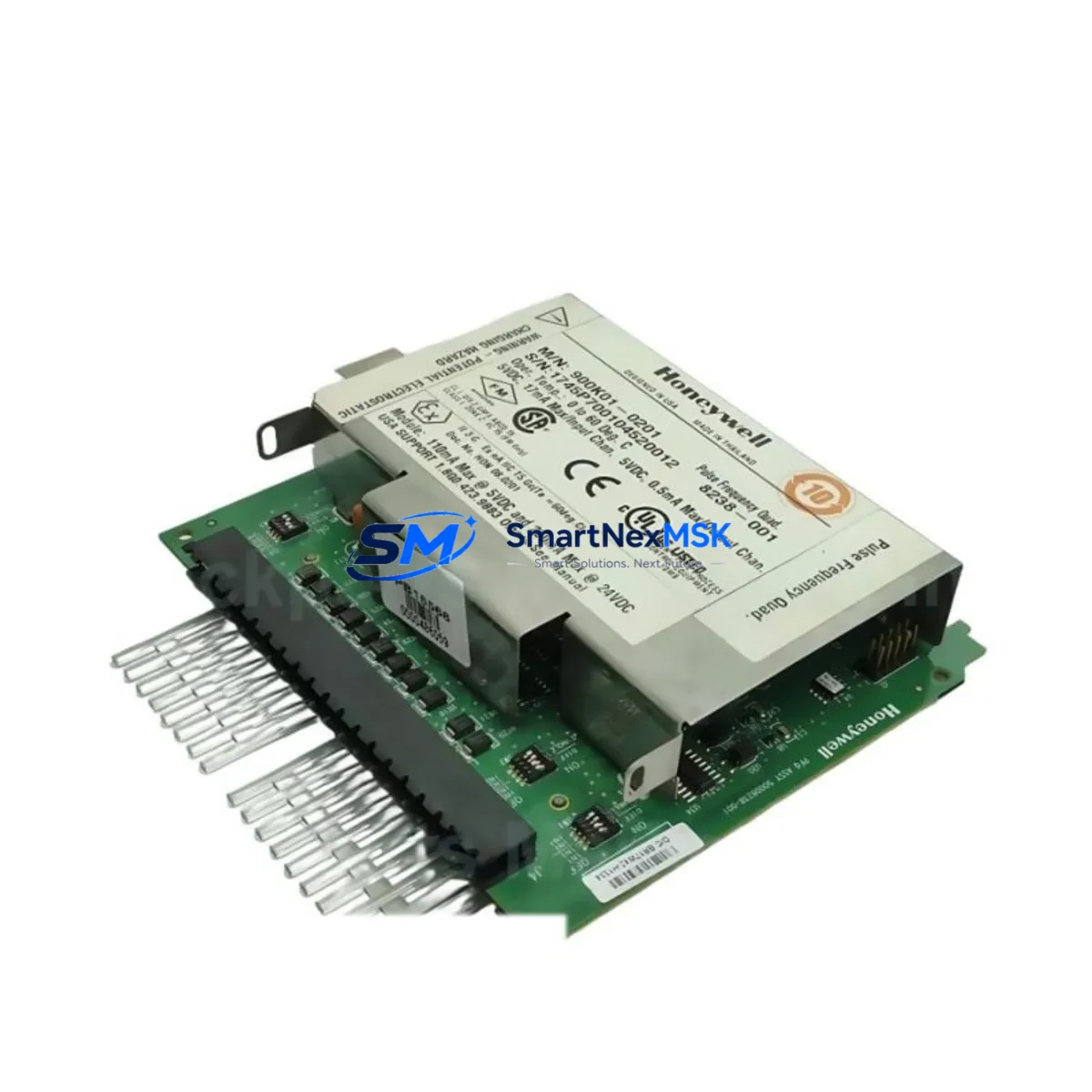
Honeywell 900RTC-BA10 Spare for HC900 Automation: Spare Replacement & Industrial Downtime Risk Control
The Honeywell 900RTC-BA10 is an original RTP (Remote Termination Panel) termination cable designed for the HC900 Hybrid Controller platform. It serves as the critical wiring interface between the HC900 analog output (AO) I/O modules and field-side termination panels, supporting 16-channel AO signal routing in process control and industrial automation environments. Maintaining a verified spare of the 900RTC-BA10 in your parts inventory is a fundamental step in protecting continuous operation across DCS-integrated control cabinets, batch processing systems, and hybrid automation architectures.
For maintenance engineers managing HC900-based control systems, cable integrity is often overlooked until a fault occurs. The 900RTC-BA10 is subject to mechanical wear, connector fatigue, and signal degradation over extended service cycles — particularly in high-vibration or thermally variable environments. Proactive replacement during scheduled shutdowns, rather than reactive replacement during unplanned downtime, is the recommended maintenance posture for any facility operating HC900 controllers in critical loops.
Spare Maintenance Table
| Parameter | Specification |
|---|---|
| Part Number | 900RTC-BA10 |
| Brand | Honeywell |
| Series | HC900 Hybrid Controller |
| Function | RTP Termination Cable — 16-Channel Analog Output |
| Compatible Modules | HC900 AO I/O Modules (16-Ch), HC900 RTP Panels |
| Signal Type | Analog Output (4–20 mA / 0–10 V) |
| Connector Type | Proprietary HC900 I/O-to-RTP interface |
| Cable Length | Approx. 1.0 m (standard configuration) |
| Operating Temperature | 0°C to 60°C (standard industrial range) |
| Application Environment | Control cabinet, DCS panel, process automation rack |
| Installation | Direct plug-in to HC900 AO module and RTP panel |
| Condition | Original, new or refurbished-to-spec |
| Pre-shipment Testing | Continuity, connector integrity, signal path verification |
| Warranty | 12 Months |
| Origin | USA |
Maintenance Planning for Continuous Operation
When replacing the 900RTC-BA10 termination cable during a planned or emergency maintenance event, a thorough inspection of the surrounding HC900 subsystem is strongly recommended. Maintenance engineers should treat cable replacement as an opportunity to audit the full signal chain and associated components within the control cabinet.
Begin by verifying the condition of the HC900 Analog Output I/O module (such as the 900G32-0101) that the cable connects to. Connector pins on the module side should be inspected for oxidation, bent contacts, or mechanical damage. If the AO module shows any sign of output drift or channel failure, it should be replaced concurrently with the cable to avoid repeat downtime.
The HC900 Power Supply module (e.g., 900P01-0001 or 900P02-0001) feeding the I/O rack should be checked for output voltage stability. A degraded power supply can cause intermittent AO signal errors that are often misdiagnosed as cable faults. Procurement engineers should maintain at least one spare power supply module alongside termination cables in the site spare parts kit.
Inspect the HC900 RTP panel (Remote Termination Panel) for terminal block integrity, screw torque, and wiring insulation condition. Loose field wiring at the RTP is a common source of AO signal noise and should be re-torqued to specification during any cable replacement event. Terminal blocks from the HC900 RTP series should be included in the annual inspection checklist.
For facilities using HC900 Communication Modules (such as the 900CS-0001 Ethernet module or 900RCS-0001 redundancy module), verify that the controller’s communication status remains stable after cable replacement. Any disruption to the I/O bus during maintenance can trigger communication alarms that require a controller restart to clear.
If the HC900 system interfaces with a Honeywell Experion PKS or third-party SCADA/HMI platform, confirm that AO channel assignments and engineering unit scaling are correctly restored after the replacement. HMI faceplate values should be cross-checked against field instrument readings before returning the loop to automatic control.
Signal isolators or loop-powered signal conditioners installed between the HC900 AO output and field actuators (control valves, variable frequency drives, or positioners) should also be inspected. These devices are often overlooked during cable replacement but can mask underlying signal integrity issues if they are aging or out of calibration.
Finally, review the HC900 chassis backplane and I/O rack mounting hardware for any signs of corrosion, loose rack screws, or thermal stress. A well-maintained backplane ensures reliable module seating and reduces the risk of intermittent faults that are difficult to diagnose remotely.
Site Replacement Workflow
The 900RTC-BA10 is a direct plug-in replacement for the original Honeywell HC900 RTP termination cable. No firmware changes, address reconfiguration, or software updates are required for a like-for-like cable swap. The replacement procedure is as follows:
Step 1 — Preparation: Place the affected AO channels in manual mode at the DCS or SCADA level before disconnecting the cable. Notify the process team of the planned loop interruption and confirm that all downstream actuators are in a safe state.
Step 2 — Disconnection: Carefully disconnect the 900RTC-BA10 from both the HC900 AO module and the RTP panel. Avoid pulling on the cable body — grip the connector housing firmly and release any locking tabs before extraction.
Step 3 — Inspection: Inspect the module-side and RTP-side connectors for pin damage, debris, or moisture ingress. Clean connector faces with dry compressed air if required.
Step 4 — Installation: Insert the replacement 900RTC-BA10 cable into the AO module connector until the locking tab engages. Connect the RTP panel end and verify that all field wiring terminals are secure.
Step 5 — Verification: Return AO channels to automatic mode and verify output values against process setpoints. Confirm signal integrity at the field instrument or actuator before closing out the work order.
This workflow minimizes loop downtime to under 15 minutes for a single cable replacement and can be performed without a full controller shutdown, making the 900RTC-BA10 one of the most maintenance-friendly spare components in the HC900 platform.
Spare Parts Support FAQ
Q1: Is the 900RTC-BA10 compatible with all HC900 AO module variants?
The 900RTC-BA10 is designed for use with HC900 16-channel Analog Output I/O modules and their corresponding RTP panels. It is not interchangeable with HC900 AI, DI, or DO termination cables, which use different connector configurations. Always verify the module part number before ordering to ensure cable compatibility.
Q2: What is the recommended spare inventory strategy for HC900 termination cables?
For facilities with 10 or more HC900 AO modules in service, maintaining a minimum of 2–3 spare 900RTC-BA10 cables on-site is recommended. Cables in high-vibration or high-cycle environments should be inspected annually and replaced proactively every 5–7 years regardless of visible condition.
Q3: How is the 900RTC-BA10 tested before shipment?
Each unit undergoes continuity testing across all signal conductors, connector insertion/extraction force verification, and visual inspection of cable jacket and connector housing integrity. Units that do not meet specification are rejected before packaging. A 12-month warranty covers all shipped units against manufacturing defects and premature failure under normal operating conditions.
Q4: Can the 900RTC-BA10 replace older or discontinued Honeywell HC900 cable variants?
The 900RTC-BA10 is the current Honeywell-specified termination cable for HC900 16-Ch AO RTP panels. It is backward compatible with earlier HC900 system revisions that use the same RTP panel interface. For legacy systems where the original cable part number differs, cross-reference the HC900 system documentation or contact our technical team to confirm compatibility before installation.
© 2026 SMARTNEXMSK. All rights reserved.
Original Source: https://smartnexmsk.com
Contact: [email protected] | +86 18259474341



