
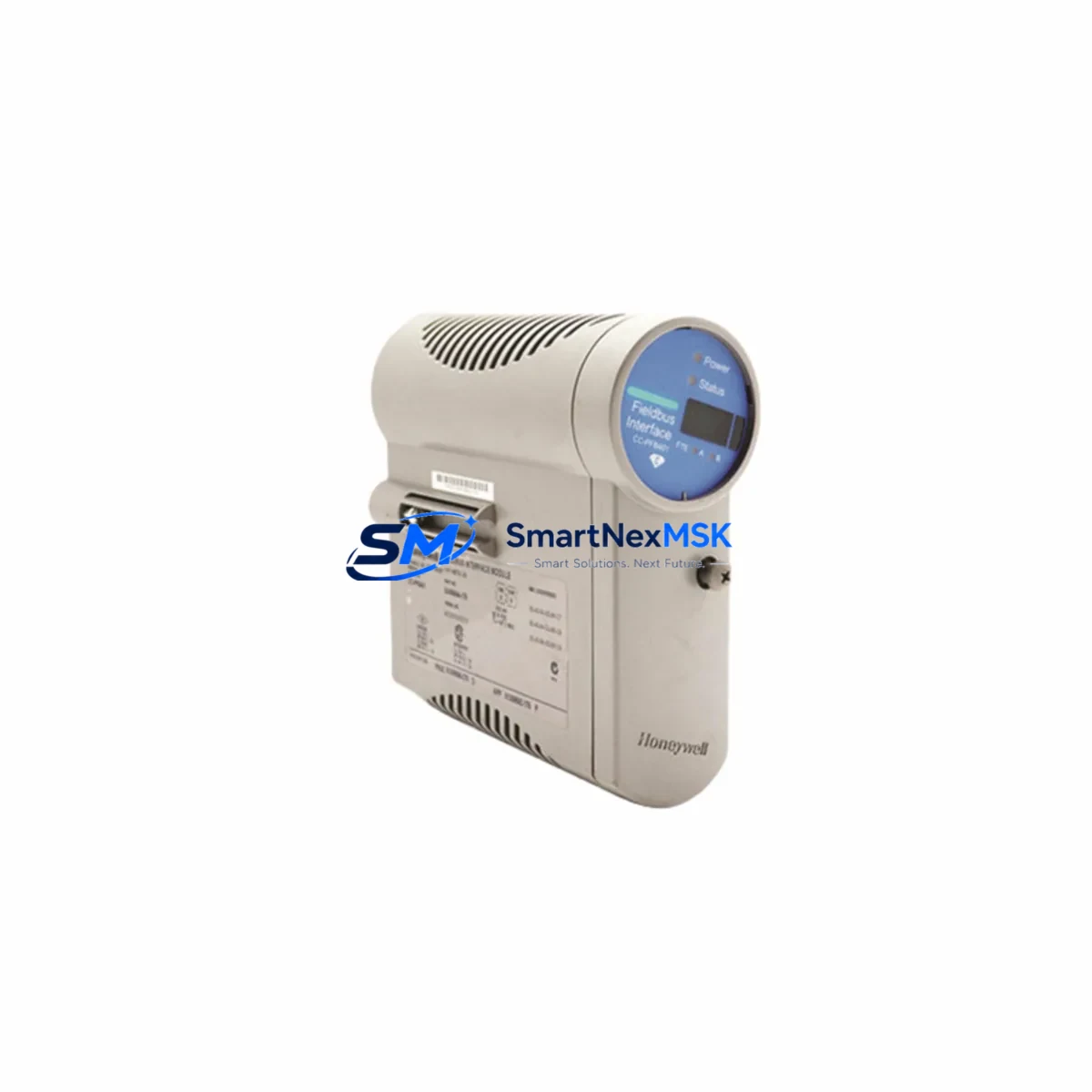
Honeywell 900S50-0460 Retrofit-Ready I/O Scanner for HC900 Control Systems
The Honeywell 900S50-0460 is a Remote I/O Scanner Module engineered for the HC900 Hybrid Controller platform — one of Honeywell’s most widely deployed process control architectures in refining, chemical, power generation, and discrete manufacturing environments. As legacy HC900 installations age and OEM support windows narrow, the 900S50-0460 has become a critical retrofit component for engineers tasked with extending system life, replacing failed scanners, or migrating from older HC900 rack configurations to modernized control cabinets without full DCS replacement.
This module serves as a direct drop-in replacement for failed or end-of-life 900S50-0460 units already installed in HC900 remote I/O racks. It restores full scanner functionality — including cyclic I/O polling, module health diagnostics, and rack-level communication — without requiring changes to the existing HC900 controller program, HMI tag database, or field wiring terminations. For retrofit projects where minimizing engineering rework is a priority, this compatibility profile is a decisive advantage.
Upgrade Compatibility Table
| Parameter | Details |
|---|---|
| Compatible Platform | Honeywell HC900 Hybrid Controller Series |
| Module Function | Remote I/O Scanner — manages cyclic polling of I/O modules in remote rack |
| Communication Protocol | Modbus TCP / Ethernet (HC900 proprietary rack bus) |
| Rack Interface | HC900 Remote I/O Rack backplane — compatible with 4-slot and 12-slot chassis |
| Replaces / Supersedes | Earlier 900S50-0460 revisions; compatible with same rack slot position |
| Installation Requirement | No hardware modification required; slot-for-slot replacement |
| Address Configuration | Module address set via rotary switch on faceplate — verify match to original before power-up |
| Program Compatibility | Fully compatible with existing HC900 Designer ladder/function block programs |
| HMI Compatibility | No tag remapping required when replacing same-revision scanner |
| Commissioning Note | Perform I/O force test and rack health check via HC900 Designer after installation |
| Warranty | 12-Month Warranty — covers manufacturing defects and functional failures |
Retrofit Planning for Existing Automation Systems
A successful 900S50-0460 retrofit begins well before the module arrives on site. Engineers should start by auditing the existing HC900 rack layout — identifying the chassis type (4-slot or 12-slot), the current scanner address setting, and the revision level of the installed module. The HC900 system supports multiple remote racks connected to the HC900 Controller (900C50E or 900C52E) via Ethernet, and each remote rack requires its own scanner module to maintain communication with the controller CPU.
During pre-retrofit planning, verify the power supply capacity of the remote rack. The 900P01 or 900P02 rack power supply must be confirmed to support the full I/O load of the installed modules — including any 900G01 analog input modules, 900B01 digital input modules, 900B08 digital output modules, or 900G08 analog output modules populating the rack slots. If the rack is near its power budget limit, a power supply upgrade should be scheduled alongside the scanner replacement to avoid nuisance trips after commissioning.
Terminal wiring on the I/O modules themselves does not need to be disturbed during a scanner swap, which is one of the key advantages of this replacement path. Field cables remain connected to their respective 900TB01 terminal bases or direct-wire I/O modules throughout the procedure. This significantly reduces the risk of wiring errors and shortens the commissioning window.
For sites running HC900 Designer software, the existing program file (.cde) should be backed up before any hardware change. After installing the 900S50-0460, reconnect HC900 Designer to the controller via Ethernet, navigate to the rack configuration view, and confirm that the new scanner is recognized at the correct rack address. If the system uses a 900CS5 Communications Server for OPC data exchange with SCADA or historian platforms, verify that the OPC tag list remains intact and that no communication alarms are generated after the scanner comes online.
Sites that have integrated HC900 with third-party HMI platforms — such as Wonderware InTouch, FactoryTalk View, or Ignition — should confirm that the Modbus TCP register map used by the HMI driver has not shifted. Because the 900S50-0460 replacement preserves the original rack address and I/O module slot assignments, the Modbus register map is typically unchanged, eliminating the need for HMI screen modifications or tag re-binding.
Downtime Control During System Migration
Minimizing production downtime is the central concern in any HC900 scanner replacement. The recommended approach is a planned maintenance window of 2–4 hours, during which the remote rack is de-energized, the failed 900S50-0460 is removed, the replacement module is installed and address-verified, and the rack is re-energized under controlled conditions.
Before initiating the shutdown, place all HC900 control loops in manual mode via the operator station or HMI. This prevents process upsets caused by loss of I/O feedback during the swap. If the HC900 controller is managing critical interlock logic through the affected remote rack, coordinate with the safety team to confirm that hardwired safety circuits remain active and independent of the scanner communication path.
After power restoration, the HC900 controller will automatically attempt to re-establish communication with the remote rack. Monitor the controller’s rack status display in HC900 Designer — all I/O modules should report healthy within 30–60 seconds of scanner initialization. Perform a systematic I/O force test on representative digital and analog channels to confirm signal integrity before returning loops to automatic control. Document the commissioning results, including scanner firmware version, rack address, and I/O health status, as part of the site’s maintenance record.
For sites where a cold standby spare is not available, SMARTNEXMSK maintains in-stock inventory of the 900S50-0460 to support emergency dispatch requirements. All units are function-tested prior to shipment and covered by a 12-month warranty, providing assurance that the replacement module will perform to specification from day one of installation.
Retrofit Support FAQ
Q1: Is the 900S50-0460 a direct replacement for the unit currently installed in my HC900 remote rack?
Yes. The 900S50-0460 is a slot-for-slot replacement for existing HC900 remote I/O scanner installations. No rack modification, wiring change, or program edit is required, provided the replacement module is configured to the same rack address as the original unit.
Q2: Do I need to re-download the HC900 program after replacing the scanner?
In most cases, no. The HC900 controller retains the program in non-volatile memory and will re-establish communication with the remote rack automatically after the scanner is replaced and powered. A program download is only required if the controller has lost its configuration due to a separate fault condition.
Q3: How do I verify correct wiring and backplane seating after installation?
Confirm that the module is fully seated in the rack backplane by pressing firmly until the locking tabs engage. Check the faceplate LEDs — the RUN LED should illuminate green and the COMM LED should flash during active polling. Use HC900 Designer’s rack diagnostics view to confirm all I/O modules in the rack are reporting healthy status.
Q4: What does the 12-month warranty cover, and what is the return process?
The 12-month warranty covers manufacturing defects and functional failures under normal operating conditions. If a warranty claim is required, contact SMARTNEXMSK at [email protected] with the order number and a description of the fault. A replacement or repair will be arranged with minimal lead time to protect your production continuity.
© 2026 SMARTNEXMSK. All rights reserved.
Original Source: https://smartnexmsk.com
Contact: [email protected] | +86 18259474341



