
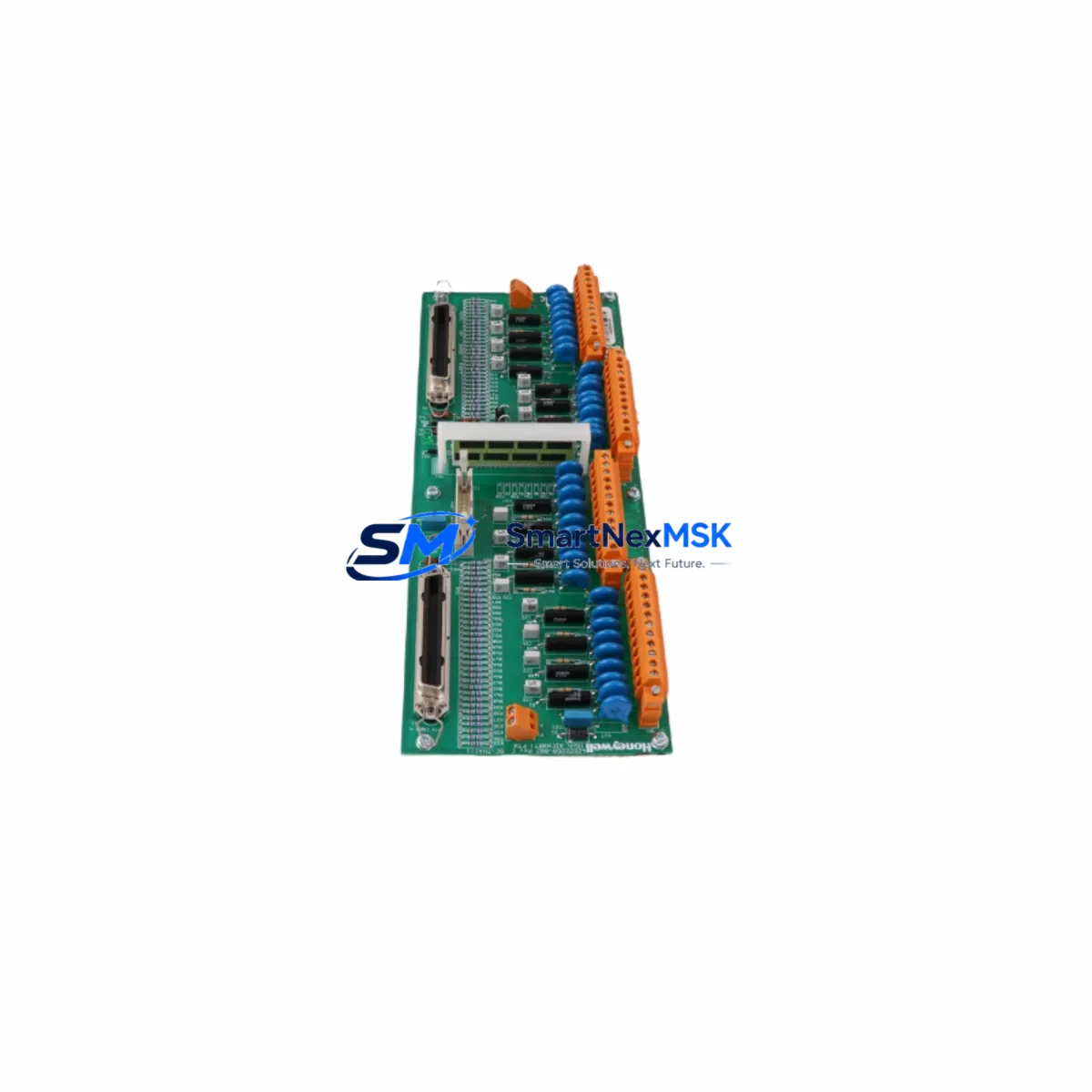
Honeywell BC-THAI11 42622268-002 Retrofit-Ready Digital Output for Experion PKS Control Systems
The Honeywell BC-THAI11 (part number 42622268-002) is a high-reliability digital output module engineered for the Experion PKS distributed control system platform. As legacy DCS installations age and OEM support windows close, the BC-THAI11 has become one of the most sought-after retrofit components for engineers tasked with modernizing control cabinets without full system replacement. Whether you are replacing a failed unit on an active production line, sourcing a long-lead discontinued spare, or executing a phased migration from an older TDC 3000 or PlantScape architecture, this module delivers the I/O performance and backplane compatibility required for a smooth, low-risk transition.
Upgrade Compatibility Table
| Parameter | Details |
|---|---|
| Module SKU | BC-THAI11 / 42622268-002 |
| Platform Compatibility | Honeywell Experion PKS (C200, C300 controllers) |
| Module Type | Digital Output (DO), 24 VDC / 120 VAC field-side |
| Backplane Interface | Series C I/O Link — compatible with BC-PCIC01, BC-PCIC02 carrier cards |
| Installation Requirement | Mounts on standard Experion Series C I/O carrier; no chassis modification required |
| Communication Compatibility | FTE (Fault Tolerant Ethernet) via C300 controller; HART pass-through not applicable for DO type |
| Replacement Recommendation | Direct drop-in for BC-THAI11 variants; verify carrier card revision before installation |
| Commissioning Notes | Module address auto-assigned via I/O Link; confirm channel assignments in Experion Builder |
| Warranty | 12-Month Warranty — covers functional defects under normal operating conditions |
| Lead Time | In-stock; same-day dispatch available on confirmed orders |
Retrofit Planning for Existing Automation Systems
Successful integration of the BC-THAI11 into an existing Experion PKS cabinet begins well before the module arrives on site. Engineers should start by auditing the current I/O carrier configuration — specifically confirming that the BC-PCIC01 or BC-PCIC02 carrier card is seated correctly and that the backplane ribbon connector shows no signs of corrosion or mechanical damage. Power budget verification is equally critical: the Series C I/O subsystem draws regulated 24 VDC from the cabinet power supply, and adding or replacing output modules may push total draw close to the supply’s rated capacity if the cabinet has been incrementally expanded over the years.
Terminal wiring on the BC-THAI11 follows the standard Experion Series C field termination layout. If the original module was installed with a BC-TPDO01 or BC-TPDO02 termination panel, the replacement will accept the same field wiring harness without re-termination — a significant advantage when minimizing downtime on a live process. For installations where the termination panel has been customized or where field cables were landed directly on screw terminals, a wiring diagram review against the original loop drawings is mandatory before energizing the replacement module.
Module address configuration in Experion PKS is handled automatically through the I/O Link protocol once the module is seated and powered. However, engineers should open Experion Builder and verify that the channel-to-tag mapping matches the original configuration before releasing the loop to automatic control. In systems where the C300 controller manages redundant I/O links, the secondary I/O Link path should also be validated to ensure failover behavior is preserved. If the plant runs a parallel Honeywell Safety Manager or Safety Builder environment, confirm that any cross-references to the DO channels in the safety logic are not affected by the module swap.
For sites migrating from older TDC 3000 hardware — including legacy HPM (High-Performance Process Manager) racks and associated AM (Application Module) nodes — the BC-THAI11 represents a forward-compatible output solution when paired with a C300 controller migration kit. The migration typically also involves replacing the associated BC-SDCS01 or BC-SDCS02 Series C DCS I/O carrier assemblies, updating the Experion server’s hardware configuration database, and re-validating HMI faceplates in Experion Station or the newer Experion Orion HMI environment. Operators should be briefed on any faceplate changes before cutover.
Communication link integrity is another key checkpoint. In Experion PKS architectures using FTE (Fault Tolerant Ethernet), the C300 controller communicates with I/O modules over a dual-ring Ethernet topology. After replacing the BC-THAI11, confirm that both FTE network paths show green status in the Experion System Display and that no I/O Link communication faults are logged. If the cabinet also houses Profibus DP or Modbus RTU gateways — such as the Honeywell HC-TDIL01 or third-party communication bridges — verify that their polling cycles are not disrupted by the I/O reconfiguration.
Sites that operate Honeywell Experion alongside legacy Yokogawa CENTUM VP or ABB System 800xA nodes in a hybrid control architecture should pay particular attention to OPC DA/UA data exchange paths. A module replacement that triggers a tag rename or address shift can silently break historian connections and third-party SCADA subscriptions. Coordinate with the DCS vendor’s field service team or a qualified system integrator to perform a pre-cutover simulation in a staging environment where possible.
Downtime Control During System Migration
Minimizing unplanned downtime is the primary concern for any control system retrofit. For the BC-THAI11 replacement, the recommended approach is a hot-standby swap procedure: with the C300 controller in manual mode and field outputs confirmed in a safe state, the failed module is removed and the replacement seated within the same maintenance window. Because the Experion PKS I/O Link protocol supports module-level redundancy on select carrier configurations, some installations can perform the swap without interrupting the controller scan cycle at all — provided the redundant I/O path remains active throughout.
Before beginning the physical swap, export a full backup of the Experion server configuration database, including the hardware configuration, control strategy, and alarm configuration. This backup serves as the recovery baseline if the replacement module triggers unexpected behavior during commissioning. The Experion Configuration Studio and Control Builder tools both support offline configuration validation, allowing engineers to pre-load and verify the new module’s channel assignments before the physical installation begins.
For plants where a cold swap is unavoidable — such as single-path I/O architectures or safety-instrumented loops — schedule the maintenance window during a planned production break and prepare a manual override procedure for all affected output channels. Document the pre-swap output states for each DO channel so that operators can restore field device positions immediately after the module is commissioned. Keep the original BC-THAI11 unit on the bench for comparison testing until the replacement has completed a full 24-hour burn-in period under normal process conditions.
Post-swap validation should include a channel-by-channel functional test of all digital outputs, a review of the Experion alarm summary for any new or suppressed alarms, and a confirmation that the 12-month warranty seal on the replacement module is intact and documented in the plant’s maintenance management system (CMMS). All test results should be recorded in the site’s change management log to satisfy audit and compliance requirements.
Retrofit Support FAQ
Q1: Is the BC-THAI11 42622268-002 a direct drop-in replacement for all BC-THAI11 variants?
A: The 42622268-002 revision is compatible with the standard Experion Series C I/O carrier and BC-PCIC01/BC-PCIC02 carrier cards. Minor hardware revisions between BC-THAI11 variants do not affect functional compatibility in most installations, but we recommend confirming the carrier card firmware revision with your Honeywell system documentation before installation.
Q2: What commissioning steps are required after installing the replacement module?
A: After seating the module, power up the I/O subsystem and confirm that Experion Builder shows the module online with no communication faults. Verify channel-to-tag assignments in Control Builder, perform a channel-by-channel output test, and confirm FTE network status in the Experion System Display. For redundant I/O configurations, test the failover path before returning the loop to automatic control.
Q3: How is field wiring handled during the swap?
A: If the original installation used a BC-TPDO01 or BC-TPDO02 termination panel, the field wiring harness can be transferred directly to the replacement module without re-termination. For direct-wired installations, reference the original loop drawings and verify terminal assignments against the BC-THAI11 wiring diagram before energizing.
Q4: What does the 12-month warranty cover, and what is the return process?
A: The 12-month warranty covers functional defects arising under normal operating conditions, including I/O channel failures, communication faults, and power regulation issues attributable to the module itself. Physical damage caused by incorrect installation, overvoltage, or environmental factors is excluded. To initiate a warranty claim, contact our technical support team with the module serial number, purchase order reference, and a description of the fault. Replacement units are dispatched within 3 business days of claim approval.
© 2026 SMARTNEXMSK. All rights reserved.
Original Source: https://smartnexmsk.com
Contact: [email protected] | +86 18259474341



