
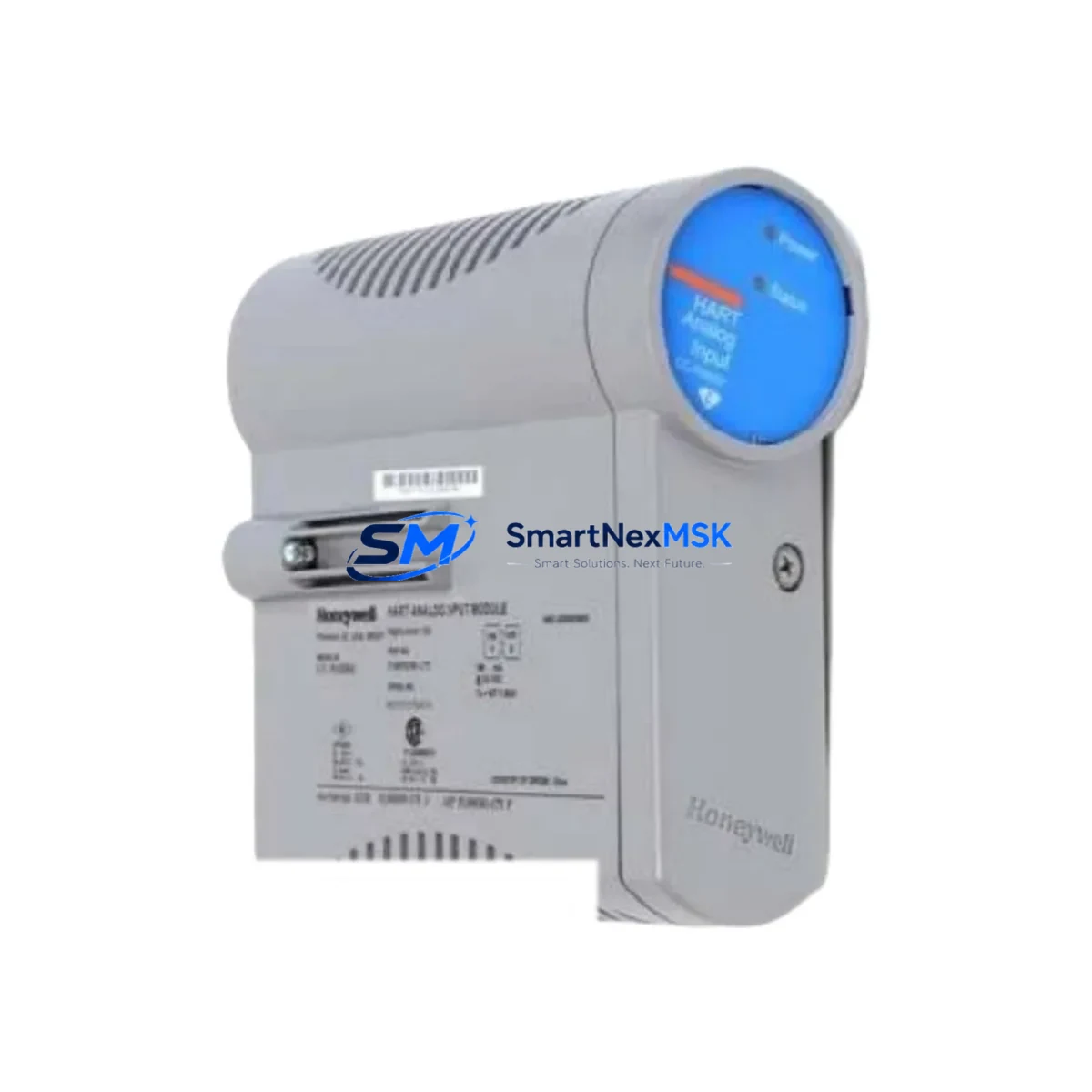
Honeywell CC-GDIL11 Retrofit-Ready DI Module for Experion PKS C300 Control Systems
The Honeywell CC-GDIL11 is a 32-channel, 24VDC Digital Input (DI) module engineered for the Experion PKS C300 distributed control system platform. Designed for seamless integration into existing IOTA-based I/O subsystems, this module is a proven retrofit solution for facilities managing aging DCS infrastructure, discontinued spare parts shortages, or planned control system upgrades. Whether you are replacing a failed module on an active production line or executing a phased migration from an older Honeywell TDC 3000 or PlantScape system, the CC-GDIL11 delivers the signal integrity, backplane compatibility, and firmware alignment required for uninterrupted process control.
Upgrade Compatibility Table
| Parameter | CC-GDIL11 Specification | Retrofit Notes |
|---|---|---|
| Channel Count | 32 Channels | Verify field wiring density before swap |
| Input Voltage | 24VDC | Confirm field device supply voltage matches |
| IOTA Compatibility | CC-TDIL11 / CC-TDIL01 IOTA | No IOTA replacement required for like-for-like swap |
| Backplane Interface | C300 FIM / CIOM-A backplane | Slot assignment must match original module address |
| Communication Protocol | FTE (Fault Tolerant Ethernet) via C300 controller | No protocol migration required |
| Firmware Compatibility | Experion PKS R310 and above | Confirm Control Builder version before commissioning |
| Installation Type | Hot-swap capable (with proper procedure) | Follow Honeywell EP-DS-CC-GDIL11 datasheet procedure |
| Replacement For | CC-GDIL01, legacy TDC 3000 DI cards | Address remapping may be required for CC-GDIL01 swap |
| Warranty | 12-Month Warranty | Covers manufacturing defects; includes pre-shipment test report |
Retrofit Planning for Existing Automation Systems
Successful integration of the CC-GDIL11 into a brownfield Experion PKS environment requires systematic pre-installation planning. Before removing the legacy module, engineers should document the existing module slot address within the CIOM-A chassis and verify that the replacement module’s hardware revision is compatible with the installed C300 Controller firmware. In many retrofit projects, the CC-GDIL11 is installed alongside a CC-PDIL01 Power Distribution Module to ensure stable 24VDC field power distribution across all 32 input channels.
Terminal wiring on the associated CC-TDIL11 IOTA (I/O Termination Assembly) should be photographed and labeled before disconnection. Each of the 32 field terminals must be verified against the original loop drawings to prevent mis-wiring during reinstallation. Where field devices use NAMUR-compatible proximity sensors or dry-contact switches, confirm that the CC-GDIL11’s input threshold settings are correctly configured in Honeywell Control Builder prior to energizing the field loop.
For facilities migrating from older Honeywell FSC (Fail Safe Controller) safety systems or HPM (High-Performance Process Manager) I/O subsystems, the CC-GDIL11 represents a forward-compatible upgrade path within the Experion PKS architecture. Integration with the Experion PKS SCADA Server and associated HMIWeb Display Builder screens should be validated to ensure that point names, alarm limits, and display faceplates correctly reflect the new module’s channel assignments. In multi-cabinet installations, the CC-LINK2 FTE Switch and associated network topology should be reviewed to confirm that the C300 controller’s FTE communication path remains intact after the module swap.
Where I/O expansion is required as part of the upgrade, the CC-GDIL11 can be paired with CC-GAOL11 Analog Output Modules, CC-GDOL11 Digital Output Modules, and CC-PAIN01 Analog Input Modules within the same CIOM-A chassis, enabling a consolidated I/O upgrade without requiring additional rack infrastructure. For projects involving communication protocol migration from legacy Modbus RTU or HART field devices, the CC-PCF901 Field Interface Module provides the necessary protocol bridging within the Experion PKS framework.
Downtime Control During System Migration
Minimizing unplanned downtime is the primary operational concern during any DCS module replacement. For the CC-GDIL11, the recommended approach is to pre-configure the replacement module offline using a Control Builder engineering workstation before the scheduled maintenance window. This includes loading the correct module type definition, verifying channel count and I/O assignment, and performing a simulated download to confirm that the configuration file matches the installed C300 controller’s database.
During the physical swap, the C300 controller should be placed in a controlled state that preserves the last known output values for all associated analog and digital output modules — particularly any CC-GDOL11 or CC-GAOL11 modules sharing the same CIOM-A chassis. Field operators should be notified to monitor process variables manually during the transition window. Once the CC-GDIL11 is seated and the IOTA terminal block is reconnected, the module will perform an automatic self-test sequence. Engineers should monitor the module’s LED status indicators and confirm a healthy status in the Experion PKS Station Display before releasing the control loop back to automatic mode.
For critical process applications where zero-downtime is required, a parallel hot-standby configuration using a redundant C300 controller pair can maintain process control continuity throughout the module replacement. All replacement modules supplied by SMARTNEXMSK are pre-tested prior to shipment and include a test report confirming channel-level functionality, ensuring that field commissioning time is minimized and production restart is as rapid as possible.
Retrofit Support FAQ
Q1: Is the CC-GDIL11 a direct drop-in replacement for the CC-GDIL01?
The CC-GDIL11 and CC-GDIL01 share the same IOTA (CC-TDIL11 / CC-TDIL01) and backplane interface, making physical installation straightforward. However, the CC-GDIL11 uses a different module type identifier in Control Builder. Engineers must update the module type definition in the C300 controller database and perform a controlled download before the replacement module will be recognized correctly by the Experion PKS system.
Q2: What commissioning steps are required after installing the CC-GDIL11?
After physical installation, verify module LED status (green = healthy), confirm module address in Control Builder matches the original slot assignment, perform a channel-level I/O checkout against loop drawings, validate alarm setpoints in the HMIWeb display, and confirm FTE communication link status on the C300 controller. A full functional test of all 32 input channels is recommended before returning the loop to automatic control.
Q3: Can the CC-GDIL11 be used with field devices wired for 120VAC input signals?
No. The CC-GDIL11 is rated for 24VDC field input signals only. For 120VAC digital input applications within the Experion PKS C300 platform, the appropriate module is the CC-GDIL31 (120VAC Digital Input Module). Confirm field device voltage specifications before selecting the replacement module to avoid damage to the module or field wiring.
Q4: What does the 12-month warranty cover, and is a test report included?
All CC-GDIL11 modules supplied by SMARTNEXMSK carry a 12-month warranty covering manufacturing defects and functional failures under normal operating conditions. Each unit is tested prior to shipment with a channel-level functional test report included in the package. Warranty claims are supported by our technical team at [email protected]. Modules showing physical damage caused by incorrect installation, overvoltage, or field wiring errors are excluded from warranty coverage.
© 2026 SMARTNEXMSK. All rights reserved.
Original Source: https://smartnexmsk.com
Contact: [email protected] | +86 18259474341



