
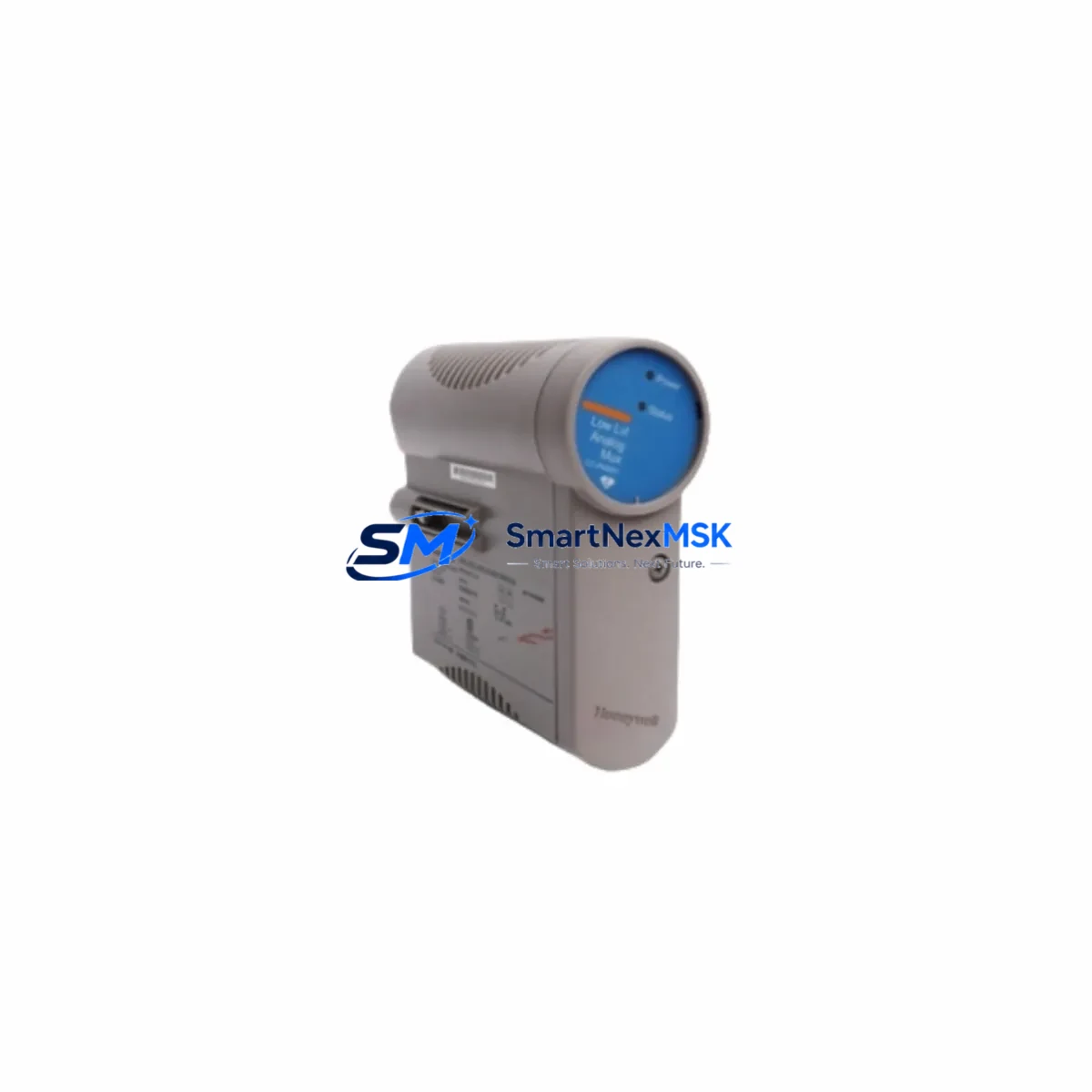
Honeywell CC-PAON01 Maintenance-Ready Spare for C300 Automation
The Honeywell CC-PAON01 (paired with CC-PAIN01) is a critical analog output and analog input module designed for the Experion PKS C300 DCS platform. In continuous-process industries — refining, petrochemical, power generation, and specialty chemicals — unplanned downtime caused by a failed analog I/O module can cost tens of thousands of dollars per hour. Maintaining a verified, tested spare of the CC-PAON01 / CC-PAIN01 in your site inventory is one of the most cost-effective insurance policies a maintenance or reliability engineer can implement.
This listing supplies an original Honeywell CC-PAON01 / CC-PAIN01 module, sourced through authorized industrial channels, pre-shipment tested, and backed by a 12-month warranty. Every unit is inspected for firmware revision compatibility, connector integrity, and channel-level signal accuracy before dispatch. Orders are processed within 24 hours, with express freight options available for emergency breakdown situations.
Spare Maintenance Table
| Parameter | Specification / Detail |
|---|---|
| Part Numbers | CC-PAON01 / CC-PAIN01 |
| Brand | Honeywell |
| Series / Platform | Experion PKS — C300 Controller Series |
| Module Function | Analog Output (CC-PAON01) / Analog Input (CC-PAIN01) |
| Signal Type | 4–20 mA, 0–10 V (configurable per channel) |
| Channel Count | 8 channels per module (typical C300 IOTA configuration) |
| Communication Bus | C300 FIM / IOTA backplane interface |
| Power Supply | Supplied via IOTA backplane (24 VDC nominal) |
| Operating Temperature | 0 °C to 60 °C (32 °F to 140 °F) |
| Mounting | IOTA carrier rail — plug-in, hot-swap capable |
| Compatibility | Experion PKS R310 and above; C300 FIM backplane |
| Country of Origin | United States |
| Condition | Original / New-surplus / Refurbished (specify at order) |
| Pre-shipment Test | Channel-level signal verification, firmware check |
| Warranty | 12 Months — covers functional failure under normal operating conditions |
| Lead Time | In-stock: ships within 24 hours; Express freight available |
Maintenance Planning for Continuous Operation
When a CC-PAON01 or CC-PAIN01 module is flagged during a routine control-cabinet inspection or triggers a channel-fault alarm in Experion PKS, the replacement workflow rarely ends with the module alone. Experienced maintenance engineers know that a failed analog I/O module is often a symptom of broader stress in the I/O subsystem. Before returning the loop to service, the following components in the same control cabinet or electrical circuit should be inspected or tested:
- CC-PWRR01 / CC-PWRS01 Power Supply Modules — Verify 24 VDC rail stability. A sagging power supply is a leading cause of intermittent analog channel faults and can damage replacement modules if not corrected first.
- CC-TCNT01 C300 Controller Module — Confirm the controller firmware revision is compatible with the replacement I/O module. Mismatched firmware can prevent channel recognition after hot-swap.
- CC-FIM (Field Interface Module) — Inspect the FIM backplane connectors for oxidation or mechanical damage. A degraded FIM-to-IOTA interface will cause recurring faults even with a new CC-PAON01 installed.
- IOTA Carrier / Backplane Assembly — Check the IOTA rail for bent pins, corrosion, or cracked PCB traces. The IOTA is a common wear item in high-vibration or high-humidity environments.
- CC-SCMB01 / CC-SCMB02 Signal Conditioner / Marshalling Blocks — Inspect field-side terminal blocks and signal conditioners for loose wiring, moisture ingress, or insulation breakdown, particularly on 4–20 mA loops.
- Fuse Assemblies and Circuit Protection — Verify field-loop fuses on the marshalling panel. A blown fuse on a 4–20 mA loop can mimic an analog module failure and is frequently overlooked during fault isolation.
- CC-PDOB01 / CC-PDIB01 Digital I/O Modules — If the analog fault coincides with digital I/O alarms, inspect adjacent digital modules sharing the same backplane segment for common-mode power issues.
- Honeywell HC900 or Safety Manager Interface Modules — In hybrid DCS/SIS architectures, confirm that safety-rated I/O modules interfacing with the C300 system are not affected by the same power or grounding anomaly.
- Communication and Redundancy Cables (FTE / Fault-Tolerant Ethernet) — Inspect FTE switch connections and redundancy cables. A degraded FTE link can cause the C300 to misreport I/O module status, leading to false fault diagnostics.
- Experion PKS HMI Station / Station Server — After module replacement, verify that the HMI correctly reflects the restored channel status and that no latched alarms remain that could mask future faults.
Building a structured spare-parts kit around the CC-PAON01 / CC-PAIN01 — including at minimum one power supply module, one FIM, and a set of IOTA carriers — reduces mean-time-to-repair (MTTR) from hours to under 30 minutes for most analog loop restoration scenarios.
Site Replacement Workflow
Step 1 — Fault Isolation: Use Experion PKS Station to identify the specific channel and module address reporting the fault. Document the IOTA slot number, FIM address, and controller tag before touching hardware.
Step 2 — Safety Isolation: Follow site LOTO (Lockout/Tagout) procedures for the affected field loop. For hot-swap-capable IOTA configurations, confirm with your site safety plan whether live removal is permitted.
Step 3 — Module Removal: Disengage the CC-PAON01 / CC-PAIN01 from the IOTA carrier. Inspect the ejected module’s connector pins and the IOTA socket for damage before inserting the replacement.
Step 4 — Replacement Installation: Insert the new CC-PAON01 / CC-PAIN01. The Experion PKS C300 platform supports hot-swap; the controller will automatically recognize the module and download the channel configuration within seconds if firmware versions match.
Step 5 — Loop Verification: Apply a calibrated 4–20 mA signal source to each replaced channel and verify the engineering-unit reading in Experion PKS Station matches the expected value within the module’s specified accuracy band.
Step 6 — Documentation: Record the replacement in your CMMS (Computerized Maintenance Management System), update the spare-parts inventory, and flag the removed module for bench testing or return-to-vendor evaluation.
This workflow is compatible with both planned outage windows and emergency breakdown scenarios. For aging C300 systems operating beyond their original design life, we recommend maintaining a minimum of two CC-PAON01 and two CC-PAIN01 modules on-site to support back-to-back failures without waiting for international freight.
Spare Parts Support FAQ
Q1: Is this CC-PAON01 / CC-PAIN01 compatible with all Experion PKS C300 revisions?
The CC-PAON01 and CC-PAIN01 are designed for the Experion PKS C300 platform and are compatible with R310 and later software releases. For systems running earlier firmware, a firmware upgrade on the C300 controller may be required before the replacement module is recognized. We recommend confirming your Experion PKS release version before ordering if your system predates R310.
Q2: What does the 12-month warranty cover?
The 12-month warranty covers functional failure of the module under normal operating conditions — including channel signal accuracy, backplane communication, and power integrity. It does not cover damage resulting from incorrect installation, overvoltage events, or physical mishandling. Warranty claims are processed within 5 business days, with advance replacement available for critical-process customers.
Q3: Can I order a tested spare without committing to immediate installation?
Yes. Many maintenance and procurement engineers order CC-PAON01 / CC-PAIN01 spares specifically for inventory staging rather than immediate use. Each unit is pre-shipment tested and packaged in anti-static ESD-safe materials suitable for long-term storage. We recommend storing modules in a climate-controlled environment (15–30 °C, <70% RH) and performing a bench power-on test annually if the spare remains unused for more than 12 months.
Q4: How do I verify compatibility before installation on a live system?
Compatibility verification involves three checks: (1) confirm the IOTA carrier part number matches the CC-PAON01 / CC-PAIN01 IOTA specification; (2) verify the C300 controller firmware revision in Experion PKS Station under the Hardware Inventory view; (3) cross-reference the module’s label firmware version against the Honeywell compatibility matrix for your PKS release. If you require assistance with compatibility verification, contact our technical support team with your system’s PKS release number and IOTA carrier part number.
© 2026 SMARTNEXMSK. All rights reserved.
Original Source: https://smartnexmsk.com
Contact: [email protected] | +86 18259474341



