
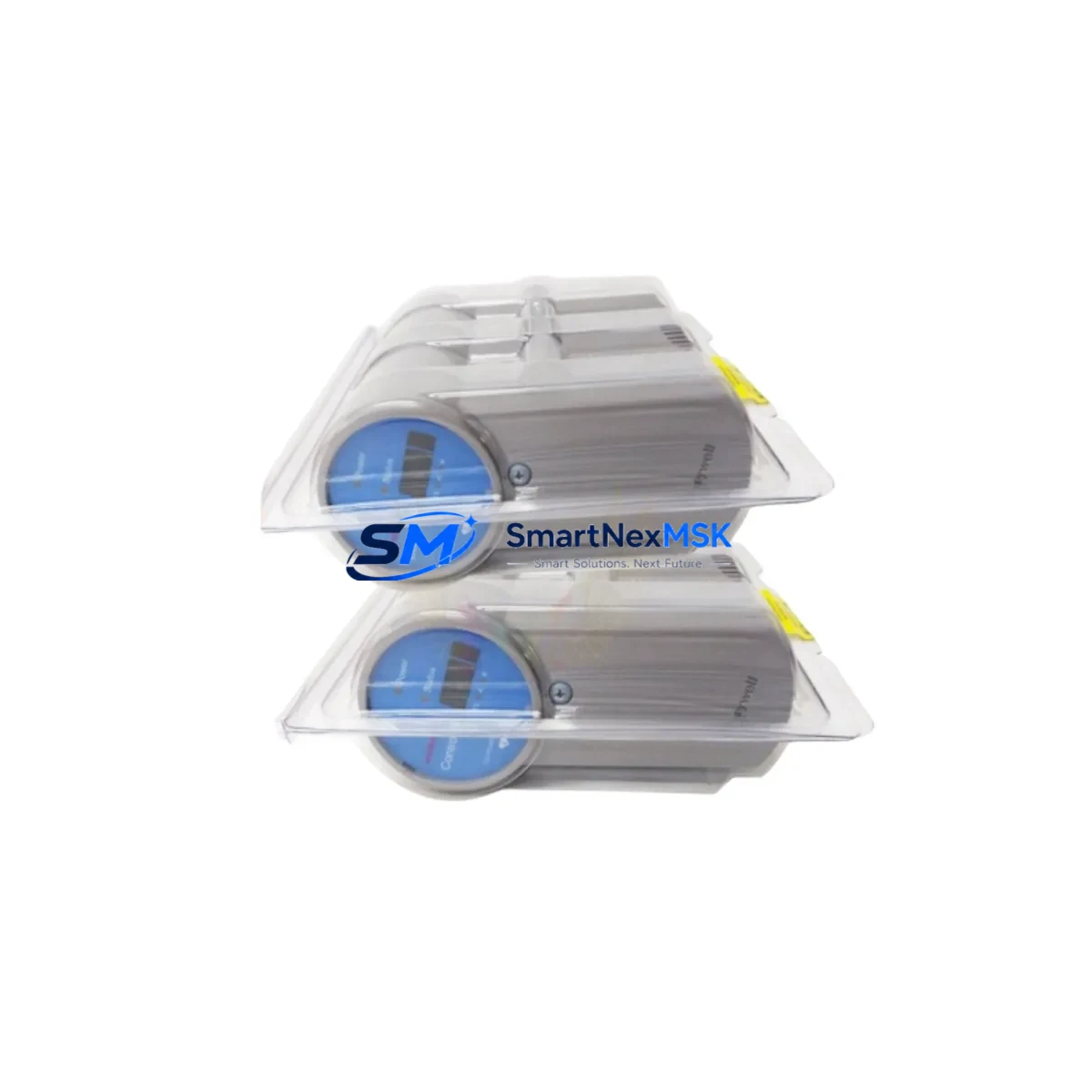
Honeywell FC-SSWM01 Maintenance-Ready Spare for Safety Manager SC Automation
The Honeywell FC-SSWM01 is an original safety digital I/O module designed for the Safety Manager SC (SMSC) platform — one of the most widely deployed safety instrumented systems (SIS) in process automation, oil & gas, chemical, and power generation facilities. Maintaining an on-hand spare of the FC-SSWM01 is a critical element of any SIL 2 or SIL 3 maintenance strategy. Unplanned failure of a safety I/O module can trigger a full process shutdown, and without a pre-tested replacement unit available on-site, recovery time can extend from hours to days.
This listing provides a genuine, original Honeywell FC-SSWM01 module — not a third-party substitute — sourced through established industrial supply channels, individually inspected, and shipped with a 12-month warranty. Each unit undergoes pre-shipment functional verification to confirm signal integrity, channel isolation, and communication handshake with the Safety Manager SC controller before dispatch.
Spare Maintenance Table
| Parameter | Specification |
|---|---|
| Part Number / SKU | FC-SSWM01 |
| Brand | Honeywell |
| Compatible Platform | Safety Manager SC (SMSC) |
| Module Type | Safety Digital I/O Module |
| Safety Integrity Level | SIL 2 / SIL 3 (IEC 61508) |
| I/O Channel Configuration | Mixed digital safety I/O (per SMSC backplane assignment) |
| Communication Interface | Internal SMSC backplane bus |
| Operating Voltage | 24 VDC (supplied via SMSC chassis) |
| Operating Temperature | 0°C to +60°C |
| Mounting | SMSC chassis slot (hot-swap capable per system configuration) |
| Certifications | IEC 61508, IEC 61511, TÜV-certified safety module |
| Application Environment | Process automation, oil & gas, chemical, power generation |
| Replacement Compatibility | Direct drop-in for FC-SSWM01 in all SMSC chassis revisions |
| Pre-Shipment Testing | Yes — functional verification completed before dispatch |
| Warranty | 12 Months |
| Condition | Original, unused or fully refurbished to OEM specification |
Maintenance Planning for Continuous Operation
When a maintenance or reliability engineer schedules a planned inspection or responds to a fault alarm on the Safety Manager SC, the FC-SSWM01 is rarely the only component that warrants attention. A thorough maintenance review of the SMSC cabinet should include the following associated components:
The FC-SMSC01 Safety Manager SC controller module is the logical partner to the FC-SSWM01 — any I/O fault that cannot be isolated to a single channel should prompt a controller diagnostic review. Alongside the controller, the FC-PSU24 or equivalent SMSC power supply module should be checked for output voltage stability and ripple, as degraded power delivery is a common root cause of intermittent I/O faults that are incorrectly attributed to the I/O module itself.
The SMSC backplane and chassis termination assemblies — including the FC-TBIO terminal block I/O assemblies — should be inspected for loose field wiring, corrosion on screw terminals, and insulation degradation, particularly in high-humidity or chemically aggressive environments. Field wiring connected to the FC-SSWM01 channels should be continuity-tested and insulation-resistance checked before the replacement module is inserted.
For facilities running hybrid SIS/DCS architectures, the FC-SDIL01 safety digital input module and FC-SDOL01 safety digital output module are frequently installed in adjacent slots and share the same field junction boxes and marshalling cabinets as the FC-SSWM01. These should be included in any slot-by-slot inspection during a planned outage.
Communication health between the SMSC and the supervisory DCS — often a Honeywell Experion PKS system — should be verified via the FC-ELNK Ethernet link module or equivalent communication interface. A replacement I/O module will not restore full system functionality if the communication path between the SIS and the DCS historian or operator station is degraded.
Signal isolators and barriers installed between the FC-SSWM01 field channels and field instruments — such as Zener barriers or galvanic isolators from the Honeywell SPS series — should be tested for loop resistance and isolation integrity. Faulty isolators can cause false diagnostics that mimic I/O module failure. Finally, the FC-RLYMOD relay output modules and associated fuse assemblies in the output circuit should be checked for contact wear and fuse continuity before the system is returned to service.
Site Replacement Workflow
Step 1 — Permit and Isolation: Obtain a valid work permit and confirm the process unit is in a safe state for SIS maintenance. Verify that the safety function covered by the FC-SSWM01 channels is either bypassed under management of change (MOC) or that the process is shut down.
Step 2 — Fault Confirmation: Use the Safety Manager SC engineering workstation to confirm the fault is isolated to the FC-SSWM01 module and not to field wiring, terminal blocks, or upstream power. Review the SMSC diagnostic log for channel-level fault codes before removing the module.
Step 3 — Module Removal: Follow the SMSC hardware manual procedure for module extraction. If the chassis supports hot-swap, confirm the system configuration permits it before proceeding. Label all field wiring connections before disconnecting terminal blocks.
Step 4 — Replacement Installation: Insert the new FC-SSWM01 into the correct chassis slot. Reconnect terminal blocks and verify torque on all field wiring terminations. The SMSC controller will automatically detect the new module and perform a self-test sequence.
Step 5 — Functional Verification: From the engineering workstation, confirm all channels report healthy status. Perform a channel-by-channel loop test for critical safety functions before releasing the bypass or returning the process to operation.
Step 6 — Documentation: Update the maintenance management system (CMMS) with the replacement record, module serial number, and test results. Replenish the spare parts inventory immediately to maintain site readiness for the next event.
This workflow is compatible with IEC 61511 maintenance requirements and supports audit-ready documentation for functional safety assessments.
Spare Parts Support FAQ
Q1: Is this FC-SSWM01 an original Honeywell module or a compatible substitute?
This is an original Honeywell FC-SSWM01 module. We do not supply third-party clones or unlicensed compatible substitutes. Each unit is sourced from authorized industrial supply channels and verified against OEM part markings before shipment.
Q2: What pre-shipment testing is performed on the FC-SSWM01?
Each module undergoes a functional verification process that includes power-on self-test confirmation, backplane communication handshake simulation, and channel signal integrity checks. A test report is available upon request for quality-critical procurement.
Q3: How do I confirm compatibility with my specific Safety Manager SC chassis revision?
The FC-SSWM01 is compatible with all standard SMSC chassis revisions. Please provide your chassis part number and firmware version when placing your order and our technical team will confirm compatibility before shipment.
Q4: What does the 12-month warranty cover?
The 12-month warranty covers manufacturing defects and functional failure under normal operating conditions as specified in the Honeywell SMSC hardware manual. It does not cover damage resulting from incorrect installation, overvoltage events, or operation outside the specified environmental range. Warranty claims are processed with a replacement-first policy to minimize your downtime.
© 2026 SMARTNEXMSK. All rights reserved.
Original Source: https://smartnexmsk.com
Contact: [email protected] | +86 18259474341



