
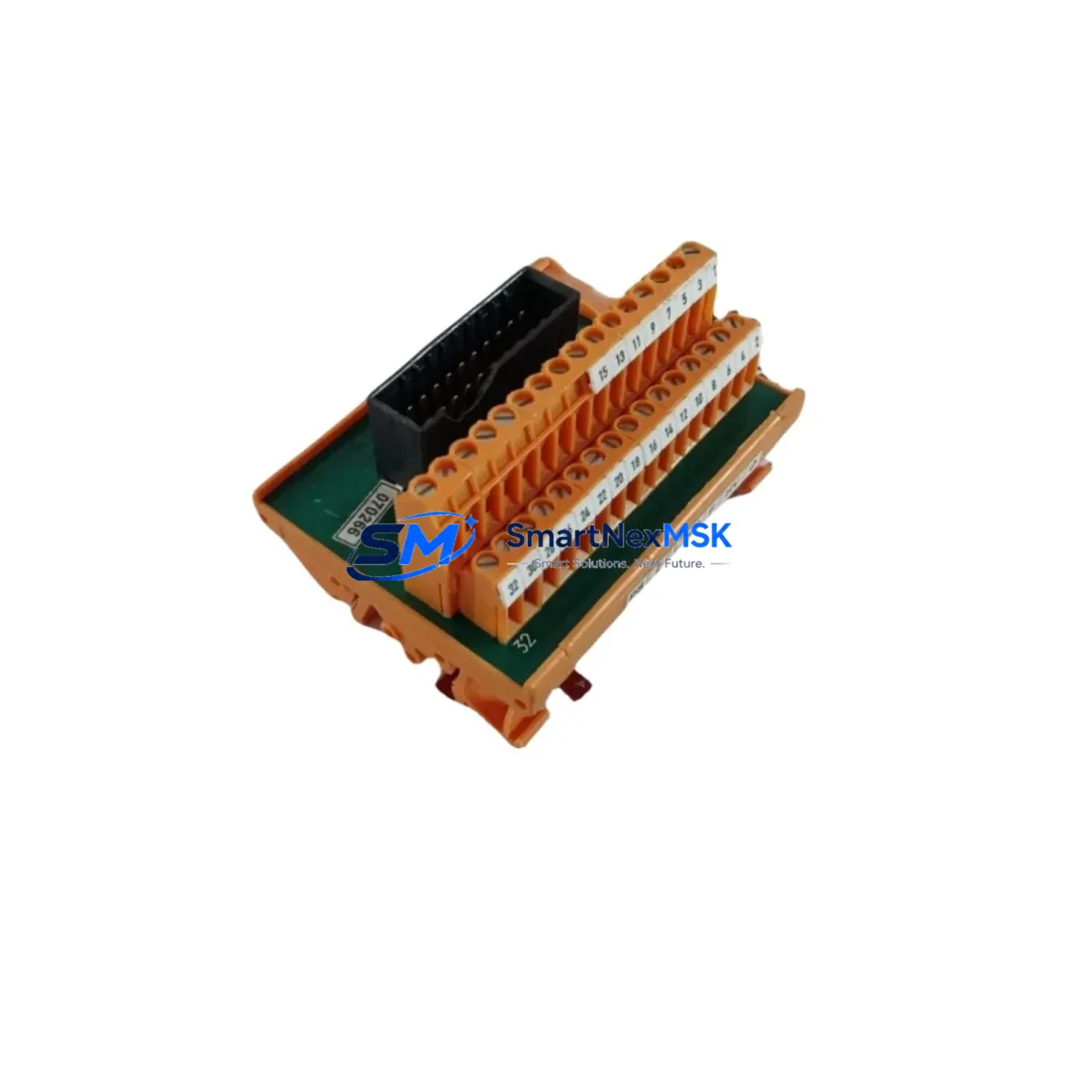
Honeywell FC-TDO-1624 Spare for Trusted Series Automation
The Honeywell FC-TDO-1624 is a Trusted Series 16-channel digital output module designed for safety-critical and process-critical applications within the Experion PKS distributed control system architecture. As a maintenance-ready spare, this module supports rapid field replacement to minimize unplanned downtime in continuous process industries including oil & gas, petrochemical, power generation, and advanced manufacturing. Each unit is sourced as an original Honeywell component, tested prior to dispatch, and backed by a 12-month warranty — giving maintenance engineers and procurement teams the confidence to hold it as a live standby spare.
For facilities operating Trusted Safety Manager or Experion PKS platforms, the FC-TDO-1624 is a critical node in the digital output subsystem. Its 24VDC output architecture interfaces directly with field actuators, solenoid valves, motor starters, and relay-driven loads. When this module degrades or fails, the downstream impact can cascade across an entire control loop — making fast, compatible replacement the top priority for site reliability engineers.
Spare Maintenance Table
| Parameter | Specification |
|---|---|
| SKU / Part Number | FC-TDO-1624 |
| Brand | Honeywell |
| Series | Trusted Series (Safety & Process Control) |
| Module Type | Digital Output (DO) Module |
| Output Channels | 16 Channels |
| Output Voltage | 24VDC |
| Compatible Platform | Honeywell Experion PKS, Trusted Safety Manager |
| Installation | Backplane-mounted, hot-swap capable (system-dependent) |
| Application Environment | Industrial process control, SIS, DCS cabinets |
| Certifications | SIL 2/3 rated (Trusted platform) |
| Maintenance Role | Field replacement spare, standby inventory |
| Warranty | 12 Months from date of shipment |
| Pre-shipment Testing | Functional test performed on every unit |
| Origin | United States (Original Honeywell) |
Maintenance Planning for Continuous Operation
Replacing the FC-TDO-1624 in a live Trusted system requires a structured approach to avoid introducing new faults during the maintenance window. Maintenance engineers should treat this module replacement as part of a broader cabinet inspection, not an isolated swap. Before pulling the failed module, verify that the FC-TSDI-1624 digital input module on the same I/O rack is operating within spec — input/output module pairs often share common power rails and backplane segments, and a fault in one can stress the other.
Check the FC-PSU-1620 or FC-PSU-2400 power supply module output voltage under load. A sagging 24VDC rail is a common root cause of intermittent DO module faults and will cause a replacement FC-TDO-1624 to fail prematurely if not corrected. Inspect the Trusted chassis backplane for bent pins, corrosion, or contamination at the module slot before re-seating the new unit.
For the field wiring side, inspect the terminal blocks and marshalling panels connected to the 16 output channels. Loose terminations, corroded lugs, or undersized conductors can cause output channel faults that are misdiagnosed as module failures. If the system uses relay output expansion cards or interposing relay modules between the FC-TDO-1624 and field devices, verify relay coil continuity and contact condition — worn relay contacts are a frequent cause of spurious DO faults.
Review the Experion PKS controller node (C300 or equivalent) event log for any communication errors or module health alarms logged in the 30 days prior to failure. If the system uses FOUNDATION Fieldbus or HART communication modules alongside the digital output subsystem, confirm that the communication module firmware is current and that no bus conflicts exist. For older installations, inspect the FC-TSIM signal isolator modules if fitted — degraded isolation can introduce ground loops that corrupt DO channel states.
Finally, confirm that the Experion PKS HMI workstation reflects the correct module status after replacement and that all 16 output channels are acknowledged in the system configuration. A full loop test on each channel before returning the system to automatic mode is strongly recommended.
Site Replacement Workflow
Step 1 – Confirm Compatibility: Verify the replacement FC-TDO-1624 matches the firmware revision and hardware revision of the installed base. Cross-reference the module label against the Experion PKS system build record. Trusted Series modules are revision-sensitive; mismatched hardware revisions may require a configuration download.
Step 2 – Isolate and De-energize: Follow site LOTO (Lockout/Tagout) procedures. For hot-swap capable slots, confirm the system is in a safe state before extraction. Do not remove the module under load unless the Trusted platform explicitly supports online replacement for this slot type.
Step 3 – Physical Replacement: Extract the failed module using the ejector levers. Inspect the backplane connector. Insert the FC-TDO-1624 spare firmly until the locking tabs engage. Restore power and observe the module status LEDs — a solid green RUN indicator confirms successful initialization.
Step 4 – System Verification: From the Experion PKS engineering station, confirm the module is recognized and all 16 DO channels are mapped correctly. Force-test each output channel against the field device response. Log the replacement in the site maintenance management system (CMMS) with the new module serial number.
Step 5 – Spare Replenishment: Immediately initiate a purchase order for a replacement spare to restore your standby inventory. For critical Trusted Series installations, a minimum of one FC-TDO-1624 per installed chassis is the recommended spare holding strategy.
Spare Parts Support FAQ
Q1: Is the FC-TDO-1624 compatible with all Experion PKS system versions?
The FC-TDO-1624 is designed for the Honeywell Trusted Series platform integrated with Experion PKS. Compatibility depends on the specific system release and hardware revision. We recommend confirming the hardware revision (HR) against your system build record before ordering. Our technical team can assist with revision matching prior to shipment.
Q2: What pre-shipment testing is performed on each unit?
Every FC-TDO-1624 unit undergoes functional verification testing before dispatch. This includes power-on self-test confirmation, output channel continuity checks, and visual inspection of the backplane connector and module housing. A test report is available upon request.
Q3: What is the warranty coverage and what does it include?
All units are covered by a 12-month warranty from the date of shipment. The warranty covers manufacturing defects and functional failures under normal operating conditions. It does not cover damage resulting from incorrect installation, overvoltage events, or physical mishandling. Warranty claims are processed with a replacement unit dispatched upon fault confirmation.
Q4: Can you support long-term or blanket spare parts orders for Trusted Series modules?
Yes. We support scheduled spare parts programs for maintenance teams managing aging Trusted Series and Experion PKS installations. Long-term supply agreements, consignment stock arrangements, and multi-SKU spare kits (including FC-TSDI-1624, FC-PSU-1620, and related Trusted I/O modules) can be arranged. Contact our sales team to discuss your site’s specific requirements.
© 2026 SMARTNEXMSK. All rights reserved.
Original Source: https://smartnexmsk.com
Contact: [email protected] | +86 18259474341



