
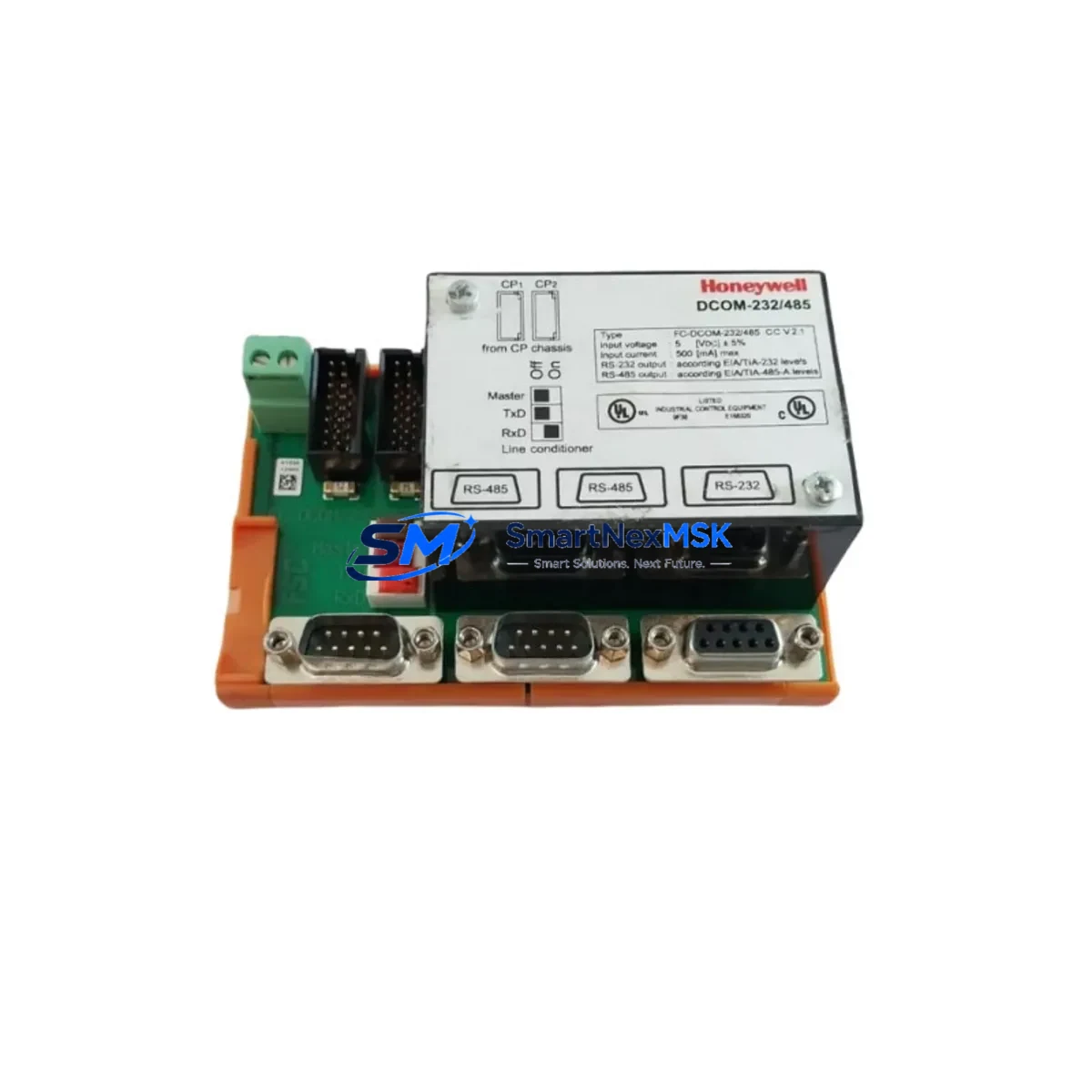
Honeywell FC-TIDI-1624 Retrofit-Ready Digital Input FTA for TDC 3000 Control Systems
The Honeywell FC-TIDI-1624 is a 16-channel Digital Input Field Termination Assembly (FTA) engineered for seamless integration within the Honeywell TDC 3000 and TPS (Total Plant Solution) distributed control system platforms. As legacy TDC 3000 installations approach end-of-support milestones, plant engineers and automation managers increasingly rely on verified retrofit-ready components like the FC-TIDI-1624 to extend operational life, reduce unplanned downtime, and defer full system overhauls. This module provides a direct, wiring-compatible replacement path for aging or discontinued digital input termination assemblies, making it a critical asset in any brownfield modernization project.
The FC-TIDI-1624 interfaces directly with the High-Performance Process Manager (HPM) and Advanced Process Manager (APM) controller families via the standard TDC 3000 backplane and UCN (Universal Control Network) architecture. Its 16-channel discrete input capacity supports 24 VDC field signals, and the terminal block layout is fully compatible with existing field wiring, eliminating the need for rewiring during replacement. Engineers replacing a failed or end-of-life FTA can restore I/O functionality without modifying the control database or reloading application logic, provided the module address and slot assignment are preserved during installation.
Before deploying the FC-TIDI-1624 in a retrofit scenario, site engineers should verify the following: the power supply module (such as the MC-PDOY22 or equivalent HPM power supply) provides adequate current budget for the expanded I/O load; the FTA mounting channel and cabinet rail dimensions are compatible with the replacement assembly; and the I/O Link cable connecting the FTA to the I/O processor card is undamaged and correctly seated. Confirming the module’s hardware address via the Honeywell Engineering Workstation (EWS) or Station HMI before powering up prevents address conflicts that could disrupt adjacent I/O modules on the same I/O Link segment.
Upgrade Compatibility Table
| Parameter | FC-TIDI-1624 Specification | Retrofit Notes |
|---|---|---|
| Platform Compatibility | TDC 3000, TPS (HPM / APM) | Verify controller firmware revision supports FTA type |
| Channel Count | 16 Digital Inputs | Map to existing CL program point assignments |
| Field Signal Voltage | 24 VDC nominal | Confirm field device output voltage before wiring |
| Terminal Block Interface | Screw-type, standard TDC pitch | Existing field cables connect without modification |
| Backplane / I/O Link | Standard TDC 3000 I/O Link | Seat I/O Link cable firmly; inspect for pin damage |
| Module Address | Configurable via hardware jumpers | Match address to original module before power-up |
| Communication Protocol | UCN / I/O Link (proprietary TDC) | No protocol migration required for like-for-like swap |
| HMI / Station Compatibility | Honeywell GUS / Station / Experion PKS | Point tags remain valid; no HMI rebuild required |
| Installation Form Factor | Standard FTA mounting channel | Confirm rail and channel dimensions in cabinet |
| Warranty | 12-Month Warranty | Covered from date of shipment; includes functional test |
Retrofit Planning for Existing Automation Systems
A successful FC-TIDI-1624 retrofit begins well before the replacement module arrives on site. The first step is a thorough audit of the existing I/O cabinet: document the current FTA slot position, I/O Link segment number, and module hardware address. Cross-reference these against the HPM I/O processor card (such as the MC-HIOM11 or MC-HIOM12) to confirm the I/O Link segment has available capacity and that the processor firmware is compatible with the FC-TIDI-1624 FTA type identifier.
In parallel, review the Control Language (CL) program loaded in the HPM to identify all point references tied to the 16 digital input channels. If the plant has migrated to Experion PKS supervision while retaining TDC 3000 field I/O, confirm that the Server-Controller Interface (SCI) or C300 controller bridge configuration correctly maps the legacy I/O points to the Experion database. This is especially important in hybrid architectures where older LCN (Local Control Network) nodes coexist with newer FTE (Fault Tolerant Ethernet) segments.
Cabinet-level preparation should include inspecting the FTA mounting channel for corrosion or mechanical damage, verifying that the 24 VDC field power distribution bus is within tolerance, and confirming that the I/O Link termination resistor at the end of the segment is correctly installed. If the retrofit involves replacing multiple FTAs simultaneously — for example, combining the FC-TIDI-1624 with a FC-TIDO-0824 digital output FTA or an FC-TAIM-0422 analog input FTA — plan the sequence to minimize the number of I/O Link segments taken offline at any one time. Where possible, use the HPM’s I/O Bypass function to hold the last known output state on unaffected channels while the replacement FTA is seated and addressed.
For sites also upgrading their operator interface, the FC-TIDI-1624 replacement is an ideal opportunity to audit Honeywell GUS (Global User Station) or Station HMI faceplates associated with the affected digital input points. Confirm that alarm limits, point descriptors, and engineering unit labels are correctly configured in the Honeywell UCN Database before returning the module to service. If the plant is transitioning to Experion PKS R500 or later, this is also a good time to verify that the SCADA historian tag mappings for the affected points are intact.
Downtime Control During System Migration
Minimizing production interruption during an FC-TIDI-1624 swap requires a structured hot-swap or controlled-outage procedure. Where the process permits, use the HPM’s built-in I/O Bypass capability to freeze the digital input states at their last valid values before removing the failed FTA. This preserves interlock logic integrity and prevents spurious trips on downstream equipment controlled by the affected input signals.
Prepare the replacement FC-TIDI-1624 off-line: set the hardware address jumpers to match the original module, perform a bench-level continuity check on the terminal block, and confirm the FTA type label matches the I/O processor’s expected configuration. Having a Honeywell programming cable (such as the MC-CABLE1 or equivalent) and a laptop with the Control Builder or HPM Engineering Tool available on-site allows rapid verification of point status immediately after module insertion.
Once the replacement module is seated and the I/O Link cable is reconnected, release the I/O Bypass and monitor the HPM diagnostic display for any fault codes. Confirm that all 16 digital input channels report the correct field state before releasing the process to automatic control. Document the replacement in the plant’s maintenance management system, including the new module serial number, installation date, and the technician’s sign-off — this record supports the 12-month warranty claim process if a defect is identified post-installation.
For multi-FTA retrofit campaigns involving several cabinets or I/O Link segments, stagger the replacement schedule across shifts to limit the number of bypassed points at any one time. Coordinate with the control room operator to confirm that no critical interlocks depend solely on the bypassed digital inputs before proceeding with each swap.
Retrofit Support FAQ
Q1: Is the FC-TIDI-1624 a direct drop-in replacement for the original Honeywell digital input FTA in TDC 3000 systems?
Yes. The FC-TIDI-1624 is designed as a form-fit-function replacement for the standard 16-channel digital input FTA used in TDC 3000 and TPS HPM/APM I/O cabinets. Existing field wiring, I/O Link cables, and FTA mounting channels are fully compatible. No modifications to the control database or CL program are required for a like-for-like swap, provided the hardware address is set to match the original module.
Q2: What wiring checks should be performed before installing the FC-TIDI-1624?
Before installation, verify that the 24 VDC field power supply is within the specified voltage range (typically 18–30 VDC), inspect all field cable terminations at the screw-type terminal block for loose connections or corrosion, and confirm that the I/O Link cable connector is undamaged. If the cabinet has been in service for more than 10 years, consider replacing the I/O Link cable as a precaution to prevent intermittent communication faults after the FTA swap.
Q3: How is compatibility with Experion PKS verified when the FC-TIDI-1624 is used in a hybrid TDC 3000 / Experion architecture?
In hybrid architectures, the FC-TIDI-1624 communicates with the HPM via the standard I/O Link; the HPM then reports point data to Experion PKS through the SCI or C300 bridge. Compatibility is verified by confirming that the HPM firmware version supports the FC-TIDI-1624 FTA type code and that the Experion point database contains valid tag references for all 16 channels. No changes to the Experion configuration are required for a like-for-like FTA replacement.
Q4: What does the 12-month warranty cover, and how is a warranty claim initiated?
The 12-month warranty covers manufacturing defects and functional failures under normal operating conditions, effective from the date of shipment. Each FC-TIDI-1624 unit undergoes a functional test prior to dispatch. To initiate a warranty claim, contact SMARTNEXMSK with the original order number, module serial number, and a description of the fault. Replacement or repair will be arranged promptly to minimize impact on plant operations.
© 2026 SMARTNEXMSK. All rights reserved.
Original Source: https://smartnexmsk.com
Contact: [email protected] | +86 18259474341



