
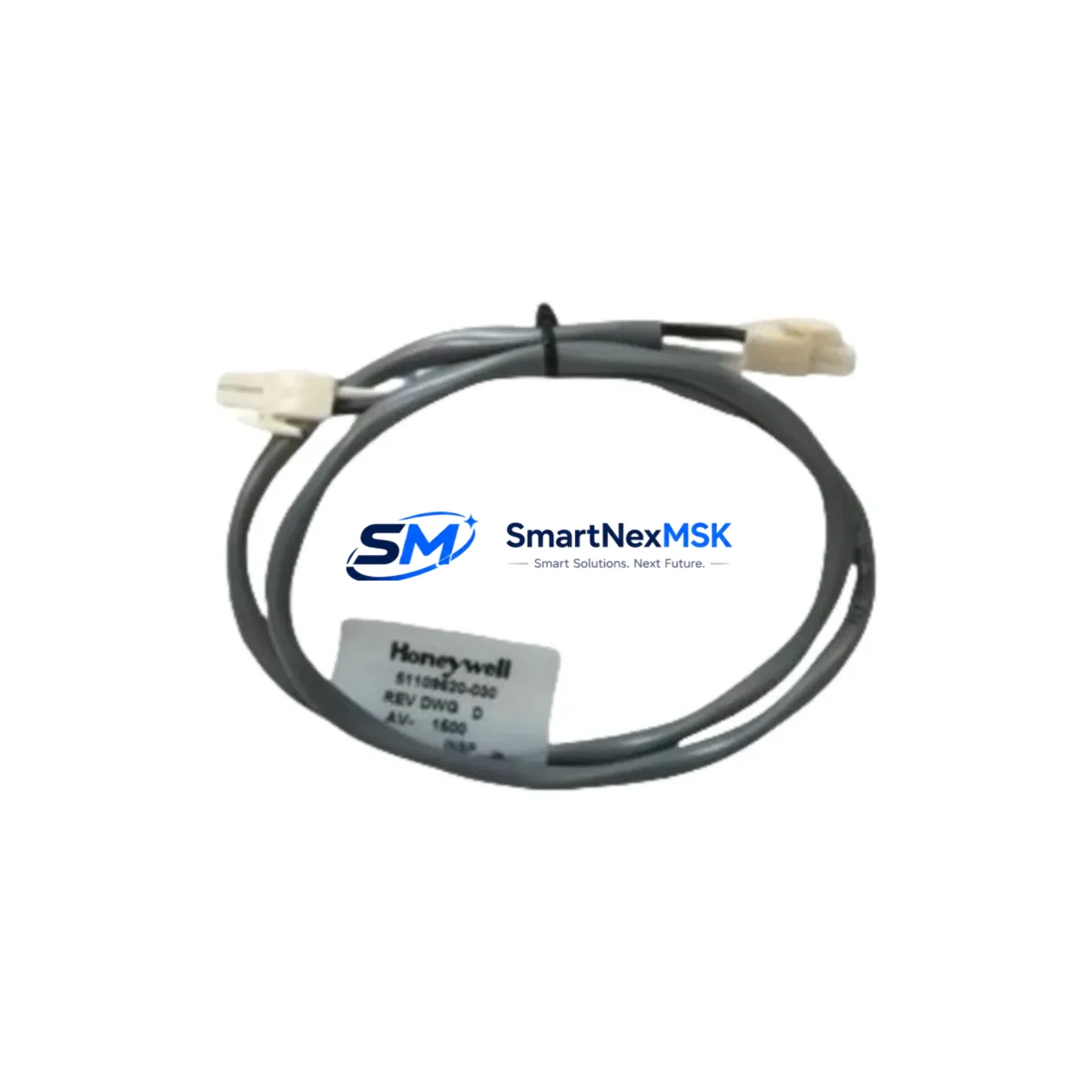
Honeywell FS-SCSBE212 Retrofit-Ready Communication Module for Fire Sentry Control Systems
The Honeywell FS-SCSBE212 is a retrofit-ready communication module engineered for seamless integration into legacy Fire Sentry series fire and gas detection control systems. As industrial facilities face increasing pressure to modernize aging safety infrastructure without full system overhauls, the FS-SCSBE212 provides a validated, drop-in upgrade path that preserves existing wiring topology, backplane addressing, and communication protocol configurations. Whether you are replacing a failed unit, sourcing a discontinued spare, or executing a phased control cabinet upgrade, the FS-SCSBE212 delivers the compatibility and reliability that industrial safety engineers demand.
Designed to operate within the Fire Sentry distributed control architecture, this module supports the serial and network communication links that connect field detectors, I/O expansion racks, and the central controller. Its compatibility with the Fire Sentry backplane interface means that module slot addressing and rack configuration do not require reprogramming during a like-for-like swap. Engineers performing a retrofit can retain the existing Honeywell FS-SCMB001 main controller board configuration and avoid costly re-engineering of the control logic layer.
Before committing to a replacement installation, site engineers should verify the following parameters against the existing system documentation: power supply rail capacity (typically 24 VDC from the FS-PSU series power supply module), terminal block wiring assignments on the communication bus, backplane slot position and module address DIP switch settings, and the firmware revision of the host controller. Mismatched firmware between the FS-SCSBE212 and the FS-SCMB001 controller can cause communication faults that appear as network timeout alarms on the operator HMI panel. Always confirm firmware compatibility before energizing the replacement module.
For facilities running Modbus RTU or proprietary Fire Sentry serial protocols, the FS-SCSBE212 supports both communication modes without requiring protocol bridge adapters. This is particularly valuable in retrofit scenarios where the existing Honeywell FS-SCADA gateway or third-party SCADA integration relies on a fixed baud rate and device address scheme. Changing the communication module should not alter the device address visible to the SCADA host, provided the address jumpers on the FS-SCSBE212 are configured to match the outgoing unit.
In multi-rack installations, the FS-SCSBE212 coordinates with the Honeywell FS-SCEXP expansion rack interface to maintain I/O continuity across distributed detector zones. Technicians should document the zone mapping table from the existing HMI graphic screens before beginning the swap, as zone label assignments are stored in the controller database rather than the communication module itself. This ensures that after replacement, the HMI displays for each fire zone, gas detection loop, and suppression output remain accurate without requiring a full database reload.
Downtime planning is critical for safety-critical systems. The FS-SCSBE212 replacement procedure is designed to be completed within a single maintenance window. With the system placed in maintenance mode and all field devices acknowledged, the physical swap of the communication module takes approximately 15 to 30 minutes. The Honeywell FS-SCPROG programming cable and associated configuration software should be on-site to perform a post-installation communication link test and verify that all detector nodes, including any Honeywell FS-SCDET series point detectors, are reporting correctly before returning the system to active monitoring status.
Each FS-SCSBE212 unit supplied by SMARTNEXMSK undergoes pre-shipment functional testing to verify communication port integrity, power consumption within specification, and correct response to module reset commands. Units are shipped with original or equivalent connector hardware and are covered by a 12-month warranty against manufacturing defects. Inventory is maintained to support urgent replacement orders with fast dispatch for global destinations.
Upgrade Compatibility Table
| Parameter | Details |
|---|---|
| Compatible Series | Honeywell Fire Sentry FS Series Control Systems |
| Replaces / Supersedes | FS-SCSBE212 (direct replacement for failed or end-of-life units) |
| Backplane Interface | Fire Sentry standard backplane slot; address configurable via DIP switch |
| Communication Protocol | Modbus RTU, Fire Sentry proprietary serial protocol |
| Power Requirement | 24 VDC from FS-PSU series power supply; verify rail capacity before installation |
| Installation Requirement | Slot-compatible with existing Fire Sentry rack; no mechanical modification required |
| Firmware Compatibility | Verify against FS-SCMB001 controller firmware revision prior to installation |
| Wiring Adaptation | Terminal block assignments match original; no rewiring required for like-for-like swap |
| Commissioning Tool | Honeywell FS-SCPROG programming cable + configuration software |
| Pre-Shipment Testing | Communication port integrity, power consumption, reset response verified |
| Warranty | 12 months against manufacturing defects |
| Availability | In stock; fast global dispatch |
Retrofit Planning for Existing Automation Systems
A successful FS-SCSBE212 retrofit begins with a thorough audit of the existing control cabinet. The Fire Sentry rack assembly typically houses the FS-SCMB001 main controller, one or more FS-SCSBE212 communication modules, the FS-PSU power supply module, and FS-SCEXP expansion interface cards for remote I/O zones. Before ordering a replacement communication module, engineers should photograph the existing rack layout, record all DIP switch positions, and export the current controller configuration database using the FS-SCPROG programming cable.
In systems where the Fire Sentry controller interfaces with a building management system or plant-wide SCADA via an FS-SCADA gateway, the communication module replacement must be coordinated with the SCADA administrator to avoid false alarm events during the maintenance window. The gateway’s polling cycle should be suspended and the device address of the FS-SCSBE212 confirmed before the new module is inserted into the backplane slot.
For facilities that have already migrated portions of their safety system to newer Honeywell platforms, the FS-SCSBE212 can serve as a bridging component, maintaining communication continuity between legacy Fire Sentry field devices — including FS-SCDET point detectors and FS-SCEXP expansion racks — and a modernized control layer. This hybrid approach reduces the capital cost of a full system replacement while extending the operational life of validated field wiring and detector infrastructure.
Technicians should also verify that the Honeywell FS-SCPROG programming cable driver is installed on the commissioning laptop before arriving on site, as driver installation may require administrator privileges not available in some plant IT environments. Having the correct cable and software version confirmed in advance is one of the most effective ways to prevent extended downtime during a communication module swap.
Downtime Control During System Migration
Minimizing downtime during a Fire Sentry communication module replacement requires careful pre-planning and a structured handover protocol. The recommended approach is to place the system in maintenance mode through the operator HMI panel, acknowledge all active alarms, and notify the site safety officer before beginning any physical work in the control cabinet. This prevents spurious alarm activations from reaching the fire suppression or emergency shutdown systems during the module swap.
The physical replacement of the FS-SCSBE212 is a hot-swap-aware procedure in some Fire Sentry configurations, but site-specific system documentation should always be consulted to confirm whether the controller supports live module replacement or requires a full rack power-down. In most legacy installations, a controlled power-down of the affected rack, followed by module swap and power restoration, is the safest approach. The entire sequence — power-down, swap, power-up, communication link verification, and return to active monitoring — can typically be completed within 30 to 45 minutes by a qualified technician with the correct tools on hand.
After the replacement module is installed and the rack is powered, the FS-SCMB001 controller will perform an automatic module recognition sequence. The technician should monitor the controller status LEDs and the HMI communication status screen to confirm that all detector nodes and I/O zones are reporting correctly. Any communication faults at this stage are most commonly caused by DIP switch address mismatches or firmware version incompatibilities, both of which can be resolved without additional hardware.
Preserving the original program logic is straightforward in a like-for-like FS-SCSBE212 replacement, as the control program resides in the FS-SCMB001 controller memory rather than the communication module. No program reload is required unless the controller itself has been replaced as part of the same maintenance event. This significantly reduces the risk of introducing configuration errors during the retrofit and allows the system to return to its pre-maintenance operational state with minimal verification steps.
Retrofit Support FAQ
Q: Is the FS-SCSBE212 a direct drop-in replacement for the original unit?
A: Yes. The FS-SCSBE212 is designed as a direct slot-compatible replacement for the original communication module in Fire Sentry series control systems. No mechanical modification, rewiring, or rack reconfiguration is required for a like-for-like swap, provided the DIP switch address settings are matched to the outgoing unit.
Q: What commissioning steps are required after installation?
A: After installing the replacement module, connect the Honeywell FS-SCPROG programming cable to the controller and launch the Fire Sentry configuration software. Verify that the communication link status shows all expected detector nodes and I/O zones as online. Confirm that the HMI graphic screens display correct zone status before returning the system to active monitoring mode.
Q: How do I verify wiring and terminal compatibility before installation?
A: Compare the terminal block pinout diagram of the replacement FS-SCSBE212 against the existing wiring documentation for the outgoing module. In standard Fire Sentry installations, the communication bus terminal assignments are consistent across module revisions. If the existing wiring documentation is unavailable, photograph the terminal connections before disconnecting the old module.
Q: What does the 12-month warranty cover?
A: All FS-SCSBE212 units supplied by SMARTNEXMSK are covered by a 12-month warranty against manufacturing defects, including communication port failure, power regulation faults, and component failures under normal operating conditions. Each unit is pre-tested before shipment to verify functional integrity. Warranty claims are supported by our technical team at [email protected].
© 2026 SMARTNEXMSK. All rights reserved.
Original Source: https://smartnexmsk.com
Contact: [email protected] | +86 18259474341



