
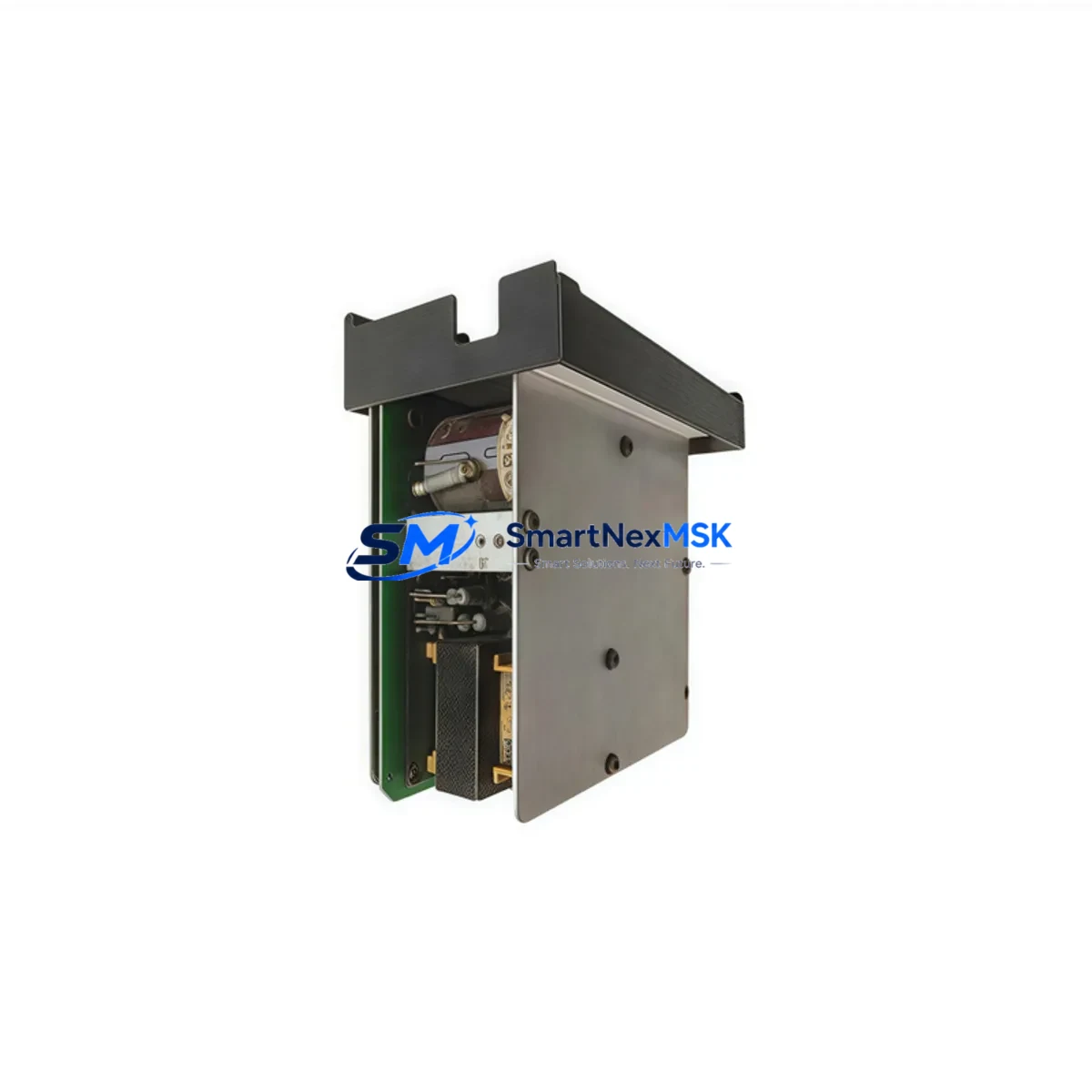
Honeywell HC-PBUTSW Maintenance-Ready Spare HC900: Spare Replacement & Industrial Downtime Risk Control
The Honeywell HC-PBUTSW is an original pushbutton switch module designed for the HC900 Hybrid Controller platform — one of Honeywell’s most widely deployed process automation systems in chemical, oil & gas, power generation, and water treatment facilities. When a pushbutton switch module fails or degrades, operators lose critical manual override and local control capability, directly threatening safe shutdown procedures and emergency response workflows. Stocking a verified HC-PBUTSW spare is a fundamental element of any responsible maintenance strategy for HC900-based control systems.
This module is sourced as an original Honeywell component, fully tested prior to shipment, and backed by a 12-month warranty. It is suitable for both planned maintenance replacement cycles and emergency breakdown recovery. Whether you are managing a scheduled turnaround, responding to an unplanned trip, or building out your critical spare inventory, the HC-PBUTSW delivers the compatibility and reliability your HC900 system demands.
Spare Maintenance Table
| Parameter | Specification / Detail |
|---|---|
| Part Number / SKU | HC-PBUTSW |
| Brand | Honeywell |
| Series | HC900 Hybrid Controller |
| Module Type | Pushbutton Switch Module |
| Application | Local manual control, operator interface, emergency override on HC900 controller chassis |
| Compatibility | HC900 Hybrid Controller series; compatible with HC900 rack/chassis configurations |
| Installation | Direct module replacement; no special tools required; follow HC900 hardware installation guide |
| Operating Environment | Industrial control panel; standard DCS/PLC cabinet conditions |
| Origin | USA (Honeywell OEM) |
| Condition | Original new / tested surplus (clearly stated at order confirmation) |
| Pre-shipment Testing | Functional verification performed before dispatch |
| Warranty | 12 months from date of shipment |
| Lead Time | In-stock: ships within 1–3 business days |
| Maintenance Recommendation | Inspect every 12–24 months; replace immediately upon contact wear, intermittent response, or mechanical failure |
Maintenance Planning for Continuous Operation
A pushbutton switch module failure on the HC900 platform rarely occurs in isolation. Maintenance engineers conducting root-cause analysis or planning a preventive replacement of the HC-PBUTSW should simultaneously inspect the surrounding components that share the same electrical circuit and control cabinet environment.
Begin with the HC900 power supply module (such as the HC-PWRSUPP or equivalent) — voltage instability is a leading cause of premature switch contact wear and intermittent module response. Verify that the HC900 CPU module (e.g., HC-CTLR series) is logging no communication faults that could be misattributed to the pushbutton interface. Check the HC900 I/O modules connected to the same rack, particularly any digital input modules receiving signals from the pushbutton circuit, as contact bounce or wiring degradation can corrupt DI readings.
Inspect the terminal blocks and field wiring at the cabinet backplane — loose terminations are a frequent cause of intermittent pushbutton response that is often misdiagnosed as module failure. Review the condition of any signal isolators or relay output modules in the same control loop; a degraded relay coil or isolation barrier can mask the true source of a control fault. If the HC900 system interfaces with an HC900 communication module (Modbus, Profibus, or Ethernet variants), confirm that the module’s status LEDs show no fault conditions that could indicate broader rack-level issues.
For cabinets with HC900 analog I/O modules handling process variable feedback, verify signal integrity at the field terminal end — a drifting 4–20 mA signal can trigger spurious operator interventions that accelerate pushbutton wear. Also inspect any fuse holders and circuit protection devices on the 24 VDC control circuit feeding the pushbutton module; a marginal fuse or corroded fuse clip introduces resistance that degrades switch performance over time. Finally, if the HC900 system is paired with a Honeywell HMI or operator station, confirm that the HMI is correctly reflecting pushbutton state changes — a display discrepancy may indicate a wiring or configuration issue rather than a hardware fault in the HC-PBUTSW itself.
Building a structured spare parts kit around the HC-PBUTSW — including at minimum one spare power supply, one spare CPU, and a set of critical I/O modules — is the most effective strategy for reducing mean time to repair (MTTR) on HC900-based systems.
Site Replacement Workflow
Step 1 — Verify compatibility: Confirm the installed HC900 firmware version and chassis revision against the HC-PBUTSW hardware compatibility matrix in the Honeywell HC900 Hardware Installation and Maintenance Guide. The HC-PBUTSW is designed as a direct drop-in replacement for the same module position within the HC900 chassis.
Step 2 — Safe isolation: Follow your site’s lockout/tagout (LOTO) procedure. De-energize the relevant control circuit. Do not remove the module under live conditions unless the HC900 chassis supports hot-swap for this module type — consult the hardware guide to confirm.
Step 3 — Physical replacement: Remove the failed HC-PBUTSW by releasing the module locking mechanism. Seat the replacement module firmly until the locking tab engages. Inspect the connector pins for corrosion or deformation before re-seating.
Step 4 — Functional verification: Re-energize the circuit. Confirm that the HC900 CPU recognizes the module without fault codes. Test each pushbutton function through the HMI or local operator panel to verify correct state change response.
Step 5 — Documentation: Record the replacement in your CMMS or maintenance log, including the date, technician, module serial number, and any observations about the failed unit. Retain the failed module for failure analysis if required by your reliability program.
This workflow minimizes downtime, preserves system compatibility, and ensures the HC900 platform returns to full operational status with no configuration changes required.
Spare Parts Support FAQ
Q1: Is the HC-PBUTSW a direct replacement for the original Honeywell module, or does it require reconfiguration?
The HC-PBUTSW is a direct hardware replacement for the same module position in the HC900 chassis. No software reconfiguration is required. The HC900 CPU automatically recognizes the module upon power-up. Always verify against your specific HC900 firmware version and chassis revision before installation.
Q2: How do you verify the module is genuine and functional before shipment?
Every HC-PBUTSW unit undergoes a pre-shipment functional check. We verify module identity, inspect connector integrity, and confirm basic switching function. A 12-month warranty is provided from the date of shipment. If the module fails within the warranty period under normal operating conditions, we provide a replacement or full refund.
Q3: What is your recommended inventory strategy for HC900 spare parts?
For facilities running HC900 systems in critical process applications, we recommend maintaining at minimum one HC-PBUTSW on the shelf alongside spares for the power supply module, CPU module, and the most-used I/O module types in your installation. A 12–24 month replenishment cycle is typical for switch modules in moderate-use environments. High-cycle applications (frequent manual interventions) may warrant a shorter replacement interval.
Q4: Can you supply HC-PBUTSW for legacy HC900 systems that are no longer in active Honeywell support?
Yes. We specialize in long-term supply of spare parts for legacy and end-of-life automation systems. The HC-PBUTSW is available from our inventory for HC900 installations regardless of system age. Contact us with your chassis revision and firmware version for compatibility confirmation before ordering.
© 2026 SMARTNEXMSK. All rights reserved.
Original Source: https://smartnexmsk.com
Contact: [email protected] | +86 18259474341



