
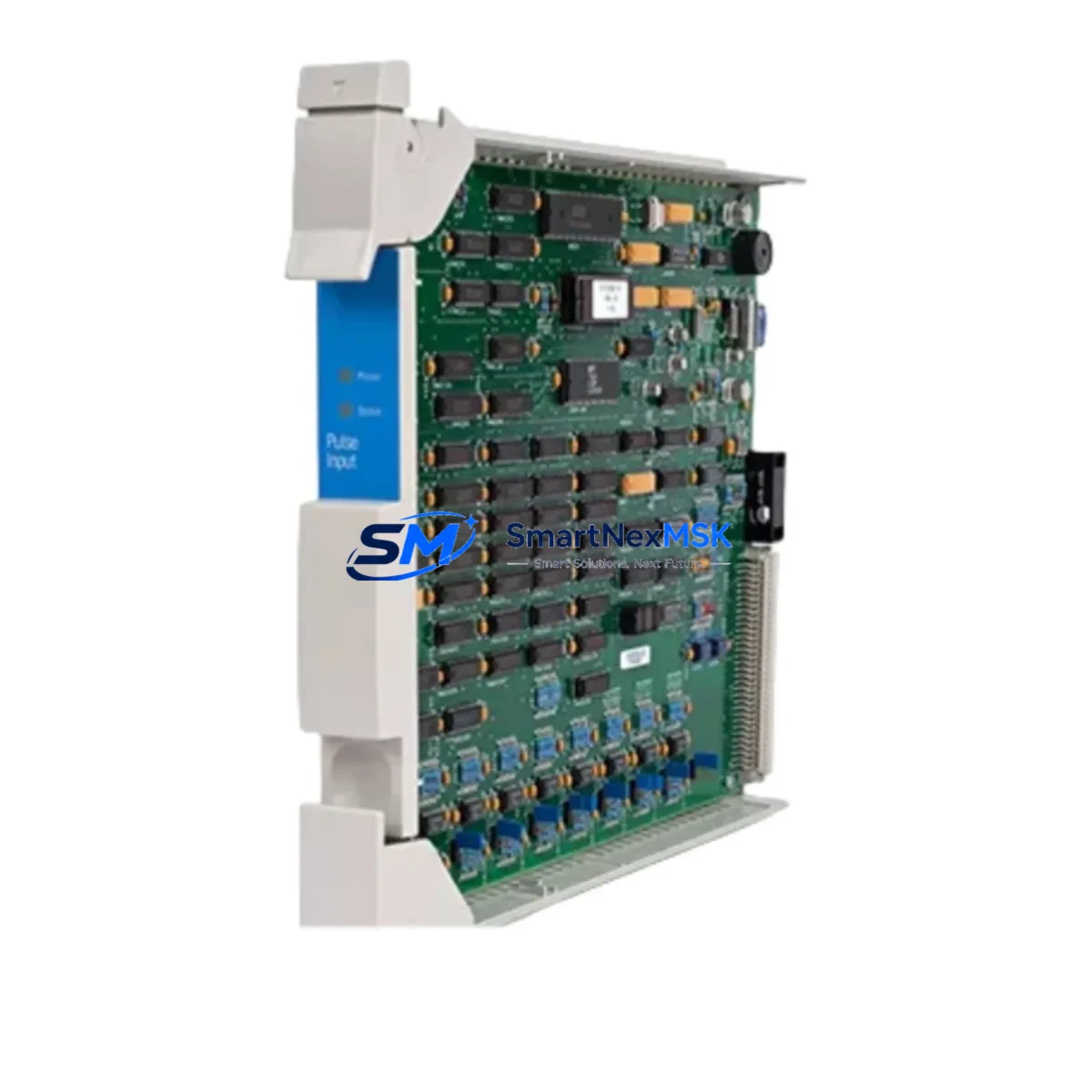
Honeywell MC-PPIX02 51304386-100 Retrofit-Ready I/O Interface for Experion PKS Control Systems
The Honeywell MC-PPIX02 (Part No. 51304386-100) is a process I/O interface module engineered for the Experion PKS (Process Knowledge System) distributed control platform. As legacy Honeywell TDC 3000 and PlantScape systems reach end-of-life, the MC-PPIX02 serves as a critical bridge component in phased migration projects — enabling engineers to retain existing field wiring, terminal blocks, and marshalling cabinets while upgrading the control backbone to a current Experion PKS architecture.
This module is fully compatible with the C300 Controller and integrates directly into the standard Experion PKS I/O chassis and backplane. It supports the FTE (Fault Tolerant Ethernet) communication protocol used across the Experion PKS network, ensuring seamless data exchange with the Experion Server and Experion Station HMI without requiring protocol conversion hardware.
For facilities running mixed-generation control rooms, the MC-PPIX02 is frequently deployed alongside the MC-TAIH02 Analog Input Module, MC-TAOX12 Analog Output Module, and MC-TDID12 Digital Input Module to complete a full I/O complement within a single chassis. Engineers replacing older HPM (High-Performance Process Manager) nodes will find the MC-PPIX02 essential for re-mapping legacy I/O addresses to the new Experion PKS tag database.
Upgrade Compatibility Table
| Parameter | Details |
|---|---|
| Part Number | 51304386-100 |
| Model | MC-PPIX02 |
| Platform | Honeywell Experion PKS |
| Compatible Controller | C300 Process Controller |
| Backplane Interface | Experion PKS I/O Chassis (standard slot) |
| Communication Protocol | FTE (Fault Tolerant Ethernet) |
| Legacy System Replaced | Honeywell TDC 3000, PlantScape, HPM nodes |
| Field Wiring Compatibility | Existing terminal blocks and marshalling retained |
| Module Addressing | Configurable via Experion Control Builder |
| Power Supply Requirement | Supplied via chassis backplane (verify PSU capacity) |
| Installation Type | Hot-swap capable (chassis-dependent) |
| Commissioning Tool | Honeywell Experion Control Builder R500+ |
| Warranty | 12 Months — covers manufacturing defects and functional failure |
| Condition | New / Refurbished (tested and certified) |
| Origin | Xiamen, China |
Retrofit Planning for Existing Automation Systems
A successful MC-PPIX02 retrofit begins with a thorough audit of the existing control cabinet. Engineers must verify that the installed Experion PKS Power Supply Module (MC-PSIM02 or equivalent) can support the additional load introduced by the new I/O interface module. Undersized power supplies are a leading cause of intermittent faults during commissioning and must be addressed before module installation.
Terminal block mapping is the next critical step. When migrating from a legacy HPM I/O Link architecture, field signal cables connected to the original FTA (Field Termination Assembly) panels must be re-verified against the new Experion PKS I/O channel assignments. In many cases, the existing MC-TAIH02 Analog Input FTA wiring can be retained with only minor jumper adjustments, significantly reducing field re-wiring time and cost.
For facilities using HART-enabled field instruments, confirm that the replacement I/O modules in the same chassis — such as the MC-TAIH02 for analog inputs or the MC-TDID12 for digital inputs — support HART pass-through. This is essential for maintaining instrument diagnostics and calibration access through the Experion HMI without installing a separate HART multiplexer.
Backplane slot assignment must be configured in Experion Control Builder prior to physical installation. Each MC-PPIX02 requires a unique module address within the chassis, and address conflicts with adjacent modules — including MC-TAOX12 Analog Output Modules or MC-TDOD12 Digital Output Modules — will prevent the controller from scanning the I/O correctly. Always perform a full I/O scan simulation in Control Builder before powering the live chassis.
Where the retrofit involves replacing an entire HPM cabinet with a new Experion PKS enclosure, the C300 Controller redundancy pair should be installed and verified on the FTE network before any I/O modules are added. This ensures the control backbone is stable and that the Experion Server has established communication with both primary and secondary controllers before field I/O is brought online.
Downtime Control During System Migration
Minimizing production downtime during a control system migration requires a structured cutover strategy. For plants that cannot afford extended shutdowns, a parallel run approach is strongly recommended: the new Experion PKS chassis with the MC-PPIX02 is installed and configured in shadow mode alongside the legacy system, with I/O signals split or mirrored using temporary junction boxes until the new system is fully validated.
Before the final cutover, all control logic must be verified in Experion Control Builder using the exported tag database from the legacy system. Engineers should confirm that every analog loop — including PID tuning parameters previously configured in the HPM Application Module — has been correctly imported and tested in simulation. HMI faceplates on the Experion Station should be reviewed to ensure all display tags resolve correctly to the new I/O channel addresses.
During the live cutover window, the recommended sequence is: (1) transfer field wiring from legacy FTA to new Experion PKS terminal blocks, (2) power the new chassis and confirm MC-PPIX02 module status LEDs indicate healthy communication, (3) perform a live I/O force test on all critical channels before releasing control to the new system, and (4) monitor the Experion Server alarm summary for the first 30 minutes of live operation. Having a pre-staged spare MC-PPIX02 on-site during cutover eliminates the risk of extended downtime caused by a DOA module.
All units supplied by SMARTNEXMSK are pre-tested under simulated load conditions prior to shipment, with a full functional test report available on request. This pre-shipment verification step is designed to eliminate field failures caused by transit damage or latent manufacturing defects, and is backed by our 12-month warranty covering all functional failures under normal operating conditions.
Retrofit Support FAQ
Q1: Is the MC-PPIX02 (51304386-100) a direct drop-in replacement for older Honeywell I/O interface modules?
The MC-PPIX02 is designed for the Experion PKS platform and is the correct replacement for I/O interface modules used in legacy Experion and PlantScape architectures. It is not a direct plug-in replacement for TDC 3000 HPM I/O Link modules, which use a different backplane and communication protocol. A chassis and wiring adapter assessment is required when migrating from TDC 3000 to Experion PKS.
Q2: What commissioning steps are required after installing the MC-PPIX02?
After physical installation, the module must be assigned a slot address in Experion Control Builder and downloaded to the C300 Controller. An I/O channel scan should be performed to verify all field signals are reading correctly. HART instrument diagnostics should be confirmed through the Experion HMI, and all PID loops should be placed in manual mode during initial commissioning before returning to automatic control.
Q3: Can the existing field wiring and terminal blocks be reused with the MC-PPIX02?
In most Experion PKS retrofit scenarios, existing marshalling cabinet wiring and FTA terminal blocks can be retained. Signal cable re-termination is typically limited to the FTA-to-chassis interface. However, wiring compatibility must be verified against the MC-PPIX02 channel specifications, particularly for thermocouple and RTD inputs where cold junction compensation and input range settings differ between module generations.
Q4: What does the 12-month warranty cover, and what is the return process?
The 12-month warranty covers all functional failures under normal operating conditions, including communication faults, channel failures, and backplane interface errors. It does not cover damage caused by incorrect installation, overvoltage, or physical impact. To initiate a warranty claim, contact [email protected] with the order number and a description of the fault. A replacement unit will be dispatched within 3 business days of fault confirmation.
© 2026 SMARTNEXMSK. All rights reserved.
Original Source: https://smartnexmsk.com
Contact: [email protected] | +86 18259474341



