
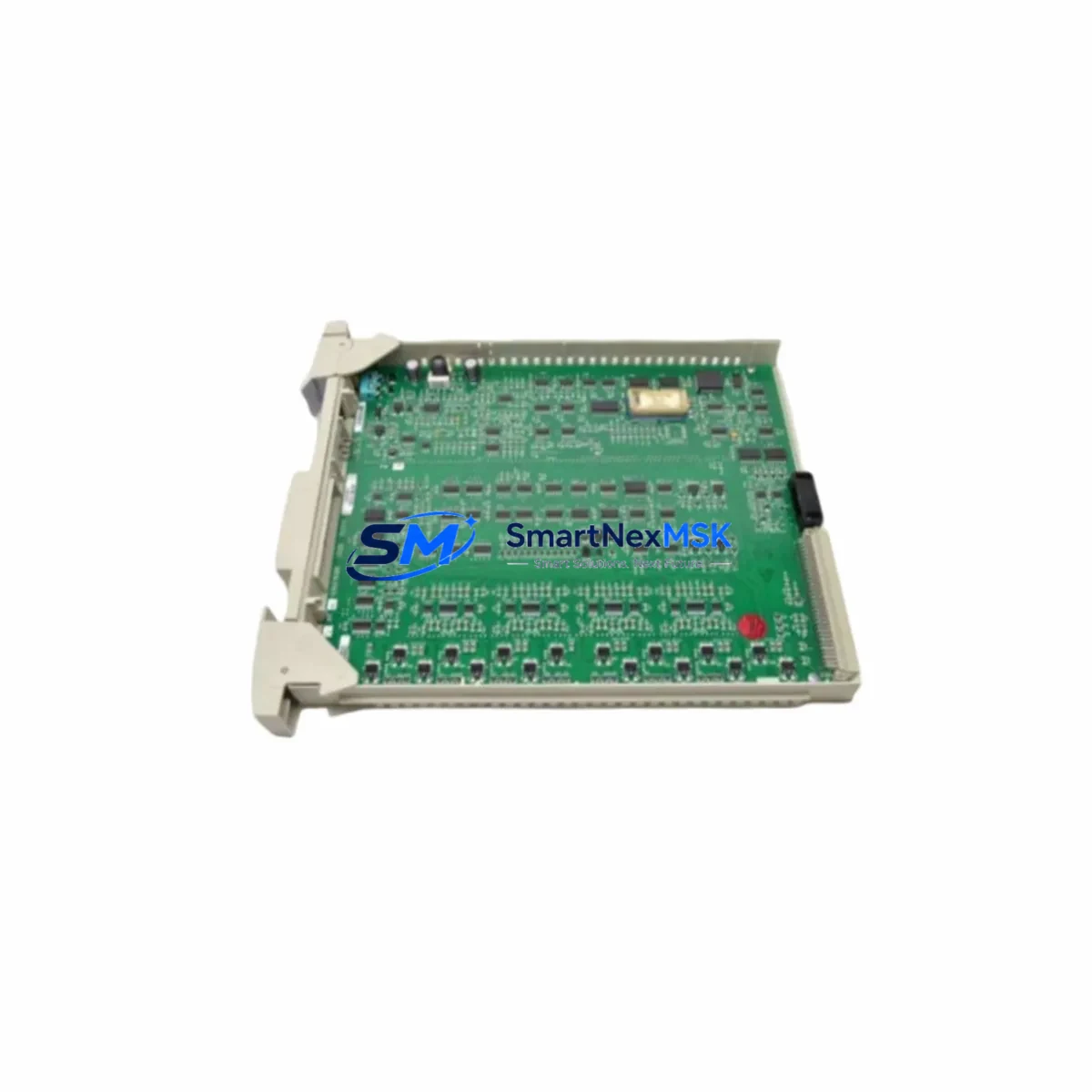
Honeywell MU-PAS221 Spare for Experion PKS Automation: Spare Replacement & Industrial Downtime Risk Control
The Honeywell MU-PAS221 is a 24VDC Digital Input Module designed for the Experion PKS Series C Distributed Control System (DCS). As a critical field I/O component within the C300 controller architecture, this module handles discrete signal acquisition from field devices including limit switches, proximity sensors, valve position feedback, and process interlocks. When this module fails or degrades, the consequences extend beyond a single I/O channel — the entire control loop dependent on its inputs becomes blind, triggering unplanned shutdowns, false alarms, or unsafe process states.
For maintenance engineers managing aging Experion PKS installations, keeping a verified MU-PAS221 spare on the shelf is not optional — it is a fundamental element of any credible downtime recovery plan. This listing provides an original Honeywell MU-PAS221 unit, sourced from authorized industrial supply channels, pre-tested before shipment, and backed by a 12-month warranty covering manufacturing defects and functional failure under normal operating conditions.
Spare Maintenance Table
| Parameter | Specification |
|---|---|
| Part Number / SKU | MU-PAS221 |
| Brand | Honeywell |
| Series | Experion PKS Series C |
| Module Type | 24VDC Digital Input Module |
| Input Channels | 32 channels (typical for MU-PAS series) |
| Input Voltage | 24VDC nominal |
| Signal Type | Discrete / Digital (dry contact or sourcing) |
| Backplane Compatibility | Experion PKS Series C I/O Chassis |
| Controller Compatibility | C300 Process Controller |
| Mounting | DIN rail / I/O chassis slot |
| Operating Temperature | 0°C to 60°C |
| Application Environment | Industrial process control, oil & gas, power, chemical |
| Condition | Original / New surplus / Tested |
| Origin | United States |
| Warranty | 12 Months – functional defect coverage |
| Lead Time | In stock – ships within 1–3 business days |
Maintenance Planning for Continuous Operation
Replacing the MU-PAS221 in an Experion PKS Series C cabinet is rarely an isolated task. Experienced maintenance engineers know that a failed digital input module is often a symptom of broader electrical stress in the I/O subsystem. Before returning the loop to service, a thorough inspection of the surrounding components is essential to prevent repeat failures and ensure system integrity.
Begin with the 24VDC field power supply feeding the input module. Voltage ripple, transient spikes, or marginal output from the power supply — such as the Honeywell CC-PWR01 or equivalent Series C power module — can accelerate input circuit degradation. Verify output voltage under load and check for signs of thermal stress on the supply housing.
Next, inspect the terminal blocks and field wiring connected to the MU-PAS221 input channels. Loose terminations, corroded contacts, or undersized conductors are common causes of intermittent input faults that are misdiagnosed as module failure. Pay particular attention to channels connected to high-cycle devices such as solenoid valve feedback or conveyor limit switches.
The I/O chassis backplane and its connector interface should be inspected for bent pins, contamination, or mechanical damage before seating the replacement module. A damaged backplane connector can destroy a new module within hours of installation. If the chassis is a shared rack hosting other Series C modules — such as the MU-TAIH02 analog input module or MU-TAOX12 analog output module — verify that adjacent modules are functioning correctly and that the chassis power bus is stable.
For installations where the MU-PAS221 interfaces with signal isolators or signal conditioners between field devices and the DCS input, inspect these intermediate devices for output drift or failure. Signal isolators protecting against ground loops or high-voltage transients are consumable components that should be part of any planned maintenance cycle.
Review the C300 controller fault logs and I/O diagnostic screens in Experion Station before and after module replacement. If the controller has logged persistent communication faults with the I/O link — particularly on the FTE (Fault Tolerant Ethernet) network connecting the C300 to the I/O chassis — investigate the FTE switch, fiber patch cables, and network interface cards before concluding the module was the sole fault source.
For cabinets with relay output modules such as the MU-TDOR02 in the same control loop, verify relay coil continuity and contact resistance. A failed relay in the output path can create feedback conditions that stress the input module’s diagnostic circuits. Similarly, if the loop includes a Honeywell Safety Manager or SIS interface, confirm that the safety system’s I/O status is consistent with the DCS view after replacement.
Finally, update your spare parts inventory record to reflect the consumed MU-PAS221 unit and initiate a replenishment order. Best practice for Experion PKS Series C installations is to maintain a minimum of one spare per installed module type, with higher quantities for high-density or critical-loop applications. Proactive spare stocking of the MU-PAS221 alongside companion modules — including the MU-TAIH02, MU-TAOX12, MU-TDOR02, and the CC-TCNT01 communication module — ensures that any single-point failure can be resolved within one shift without waiting for emergency procurement.
Site Replacement Workflow
Step 1 – Pre-replacement verification. Confirm the fault is isolated to the MU-PAS221 by reviewing Experion Station I/O diagnostics. Document all channel assignments, tag names, and field wiring labels before removing the module. Photograph the wiring if terminal labels are worn or absent.
Step 2 – Safe isolation. Follow your site’s LOTO (Lockout/Tagout) procedure for the affected I/O chassis slot. De-energize the 24VDC field power circuit feeding the module’s input channels. Do not remove the module under live field voltage unless your site procedure explicitly permits hot-swap for this chassis type.
Step 3 – Module removal and inspection. Extract the MU-PAS221 from the chassis slot. Inspect the backplane connector on both the module and the chassis for damage. Clean the slot with dry compressed air if contamination is present.
Step 4 – Replacement module installation. Seat the new MU-PAS221 firmly into the chassis slot until the locking tab engages. Restore field power and observe the module’s status LED. A solid green LED indicates successful initialization and communication with the C300 controller.
Step 5 – Functional verification. From Experion Station, confirm all input channels are reading correctly against known field device states. Perform a point-by-point check for critical interlock inputs before returning the loop to automatic control.
Step 6 – Documentation and close-out. Record the replacement in your CMMS (Computerized Maintenance Management System), update the spare parts log, and file the removed module for failure analysis if required by your maintenance program.
This workflow applies equally to planned maintenance windows and emergency breakdown recovery. The MU-PAS221’s plug-in form factor and automatic configuration download from the C300 controller make it one of the faster field replacements in the Experion PKS architecture — typical swap time under 30 minutes for a prepared technician.
Spare Parts Support FAQ
Q1: Is this MU-PAS221 unit compatible with all Experion PKS Series C chassis configurations?
The MU-PAS221 is designed for the Experion PKS Series C I/O architecture and is compatible with standard Series C I/O chassis used with C300 controllers. Compatibility with Series A or Series B hardware should be verified against your system’s I/O link configuration. If you are unsure, provide your chassis part number and controller firmware version when inquiring — our technical team will confirm fit before shipment.
Q2: What pre-shipment testing is performed on this unit?
Each MU-PAS221 unit undergoes functional verification prior to dispatch, including power-on self-test confirmation, channel continuity checks, and backplane connector inspection. Units that do not pass functional verification are not listed for sale. A test report is available upon request for critical applications.
Q3: What does the 12-month warranty cover, and how is a warranty claim processed?
The 12-month warranty covers functional failure under normal operating conditions — including module communication faults, channel failure, and power circuit defects — arising from manufacturing or component quality issues. Physical damage caused by incorrect installation, overvoltage, or environmental contamination is excluded. To initiate a warranty claim, contact [email protected] with your order number, fault description, and site photos. Replacement or repair is arranged within 5 business days of claim approval.
Q4: Can you support long-term or blanket purchase orders for MU-PAS221 and related Experion PKS spare parts?
Yes. We support scheduled delivery agreements, blanket POs, and annual spare parts contracts for Experion PKS Series C components. This is particularly valuable for facilities managing multiple C300 controller cabinets or operating under a planned maintenance program with fixed annual budgets. Contact our procurement team to discuss volume pricing, lead time commitments, and consignment stocking options for the MU-PAS221 and companion modules.
© 2026 SMARTNEXMSK. All rights reserved.
Original Source: https://smartnexmsk.com
Contact: [email protected] | +86 18259474341



