
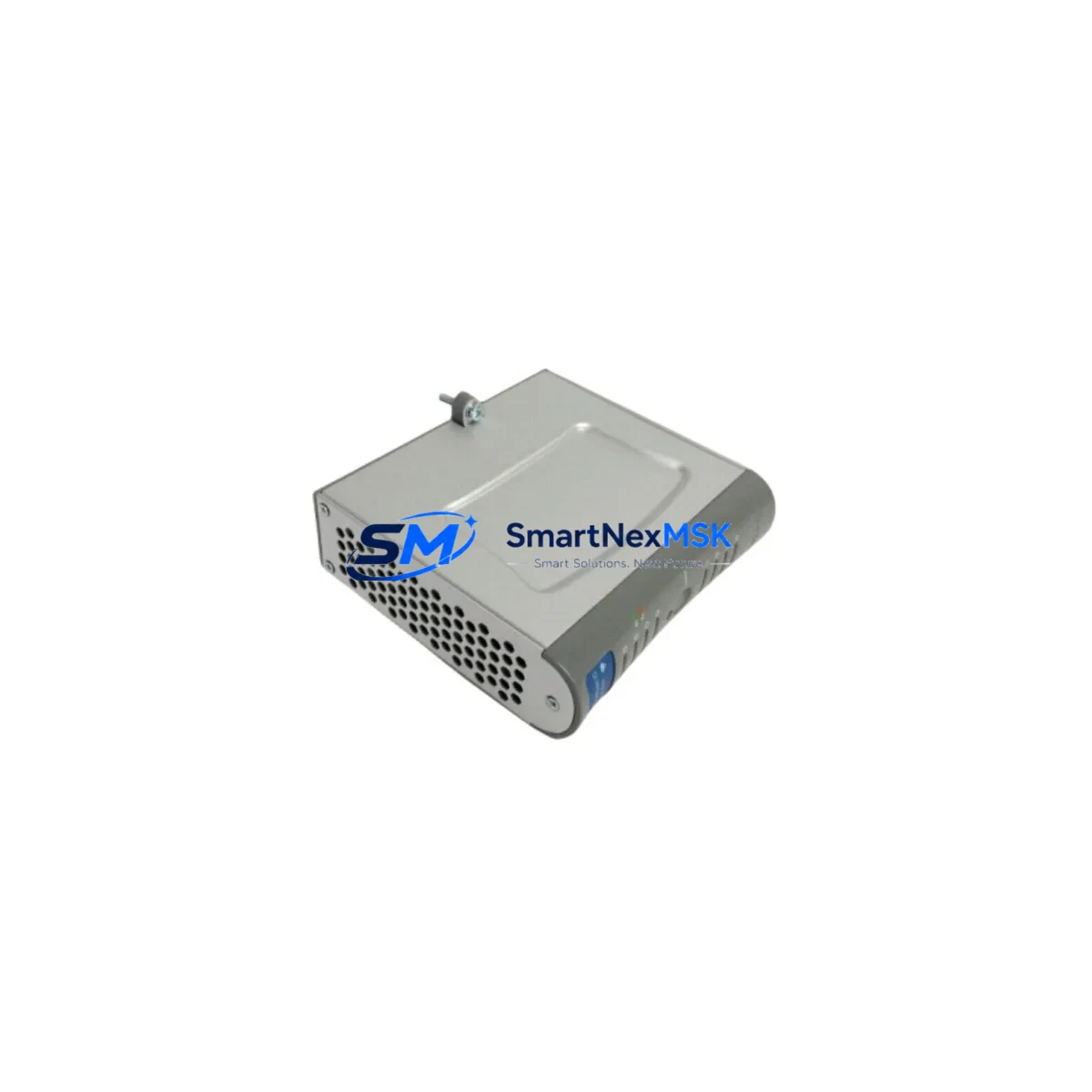
Honeywell SC-UCMX01 51307195-175 Retrofit-Ready CPM for Safety Manager Control Systems
The Honeywell SC-UCMX01 (part number 51307195-175) is a Central Processing Module (CPM) designed for the Honeywell Safety Manager (SM) series safety instrumented system. As legacy safety PLC platforms approach end-of-life or face discontinued spare parts availability, the SC-UCMX01 has become a critical retrofit and replacement component for facilities operating SM-series safety loops in oil & gas, petrochemical, power generation, and chemical processing environments.
This module is SIL 2-rated per IEC 61508 and is engineered for direct installation into existing SM-series backplanes without requiring rack replacement or major rewiring. For engineers managing aging safety systems, the SC-UCMX01 provides a validated upgrade path that preserves existing I/O wiring, terminal block assignments, and safety logic while restoring full processor redundancy and diagnostic coverage.
Upgrade Compatibility Table
| Parameter | Details |
|---|---|
| Part Number | SC-UCMX01 / 51307195-175 |
| Compatible Series | Honeywell Safety Manager (SM) Series |
| Backplane Interface | SM-series standard backplane connector; compatible with SC-BPSX01 and SC-BPSX02 backplanes |
| Communication Compatibility | Supports Modbus RTU, HART pass-through, and Safety Manager proprietary bus; compatible with SC-NMEC01 and SC-NMEC02 network modules |
| Power Requirements | 24 VDC via SM-series power supply module (SC-PSSU01 or equivalent); verify rail capacity before installation |
| Installation Type | Hot-swap capable in redundant CPM configurations; cold-swap recommended for single-CPM systems |
| Replacement Recommendation | Direct replacement for SC-UCMX01 variants; verify firmware revision compatibility with existing SM application logic |
| Commissioning Notes | Reload safety application via Safety Builder engineering workstation; verify I/O module addresses and watchdog timer settings post-swap |
| Warranty | 12-Month Warranty — covers manufacturing defects and functional failures under normal operating conditions |
Retrofit Planning for Existing Automation Systems
Successful integration of the SC-UCMX01 into an existing safety system begins well before the module arrives on-site. Engineers should start by auditing the current SM-series rack configuration, confirming the backplane model (SC-BPSX01 or SC-BPSX02), the number of occupied I/O slots, and the installed power supply capacity. The SC-PSSU01 power supply module must be verified to support the additional load of the replacement CPM, particularly in racks where SC-AI01 analog input modules, SC-DO01 digital output modules, or SC-AO01 analog output modules are densely populated.
Terminal block wiring should be documented and photographed before any module removal. In most SM-series installations, field wiring connects to marshalling cabinets via SC-TBIX01 or equivalent terminal interface modules, which remain undisturbed during a CPM swap. This significantly reduces retrofit risk and eliminates the need to re-terminate field cables.
For facilities running redundant CPM configurations, the SC-UCMX01 supports bumpless switchover when the standby module is pre-loaded with the current safety application. The Safety Builder engineering software (running on a dedicated workstation connected via the SM engineering port) is used to download the validated safety logic, configure module addresses, and verify the integrity of the safety function prior to returning the loop to service.
Communication link continuity is another key consideration. If the existing system uses SC-NMEC01 or SC-NMEC02 network communication modules to interface with a DCS — such as a Honeywell Experion PKS or a third-party SCADA — the network module configuration and Modbus register mapping must be preserved and re-verified after the CPM replacement. Any changes to module slot addressing can shift register offsets and disrupt DCS read/write operations.
HMI faceplate integrity should also be confirmed. Operators relying on Safety Manager status displays integrated into Experion HMI graphics or standalone operator panels need to verify that all safety function status tags, bypass indicators, and trip outputs continue to map correctly after the CPM is replaced and the application is reloaded.
For sites performing a broader control system modernization — moving from an aging SM platform toward a newer Honeywell Safety Manager SC architecture — the SC-UCMX01 can serve as an interim solution, maintaining SIL 2 compliance while a phased migration plan is developed. This approach avoids a full system cutover and allows production to continue with minimal interruption.
Downtime Control During System Migration
Minimizing unplanned downtime is the primary concern for any safety system retrofit. The SC-UCMX01 supports a structured hot-swap procedure in redundant CPM configurations, allowing the failed or aging primary CPM to be replaced while the standby module maintains safety function execution. This procedure requires that the standby CPM is confirmed healthy and synchronized before initiating the swap — a status that can be verified through the Safety Manager diagnostic display or the Safety Builder online monitoring interface.
For single-CPM installations, a controlled shutdown window must be planned. The recommended approach is to place all safety functions in a defined safe state (bypassed or de-energized to trip, depending on process design), remove the existing CPM, install the SC-UCMX01, reload the safety application from a verified backup, and perform a full I/O checkout before releasing the system back to automatic control. This process typically requires two to four hours for a well-prepared team with access to the Safety Builder workstation and current application backup files.
Pre-staging the replacement module — including firmware verification, application pre-load where supported, and bench-level functional testing — can reduce on-site commissioning time significantly. Shipping the SC-UCMX01 with a factory test report and a 12-month warranty certificate provides additional assurance that the module will perform correctly from first power-on.
Maintaining a documented rollback plan — including a backup of the current safety application, a record of all module addresses, and a copy of the current I/O configuration — ensures that any unexpected issue during commissioning can be resolved quickly without extended process downtime.
Retrofit Support FAQ
Q: Is the SC-UCMX01 (51307195-175) a direct drop-in replacement for my existing Safety Manager CPM?
A: In most SM-series installations, yes. The SC-UCMX01 is designed for direct backplane installation without rack modification. However, you should verify the firmware revision of the replacement module against your current safety application version in Safety Builder to ensure compatibility before going live.
Q: What wiring changes are required when replacing the CPM?
A: In standard SM-series configurations, field wiring connects to I/O modules and terminal interface assemblies — not directly to the CPM. A CPM swap typically requires no field wiring changes. Only the CPM module itself is removed and replaced, and the safety application is reloaded via the engineering workstation.
Q: How do I verify the replacement module before installing it in a live system?
A: We recommend bench-testing the SC-UCMX01 in a spare rack or test fixture with a copy of your safety application loaded. Verify that all I/O modules are recognized, communication links are established, and diagnostic LEDs indicate healthy status before scheduling the on-site installation window.
Q: What does the 12-month warranty cover?
A: The 12-month warranty covers manufacturing defects and functional failures under normal operating conditions from the date of shipment. Modules that fail to power on, exhibit communication faults, or show diagnostic errors on arrival are eligible for immediate replacement or full refund. Warranty claims are processed within 5 business days of receiving the returned unit.
© 2026 SMARTNEXMSK. All rights reserved.
Original Source: https://smartnexmsk.com
Contact: [email protected] | +86 18259474341



