
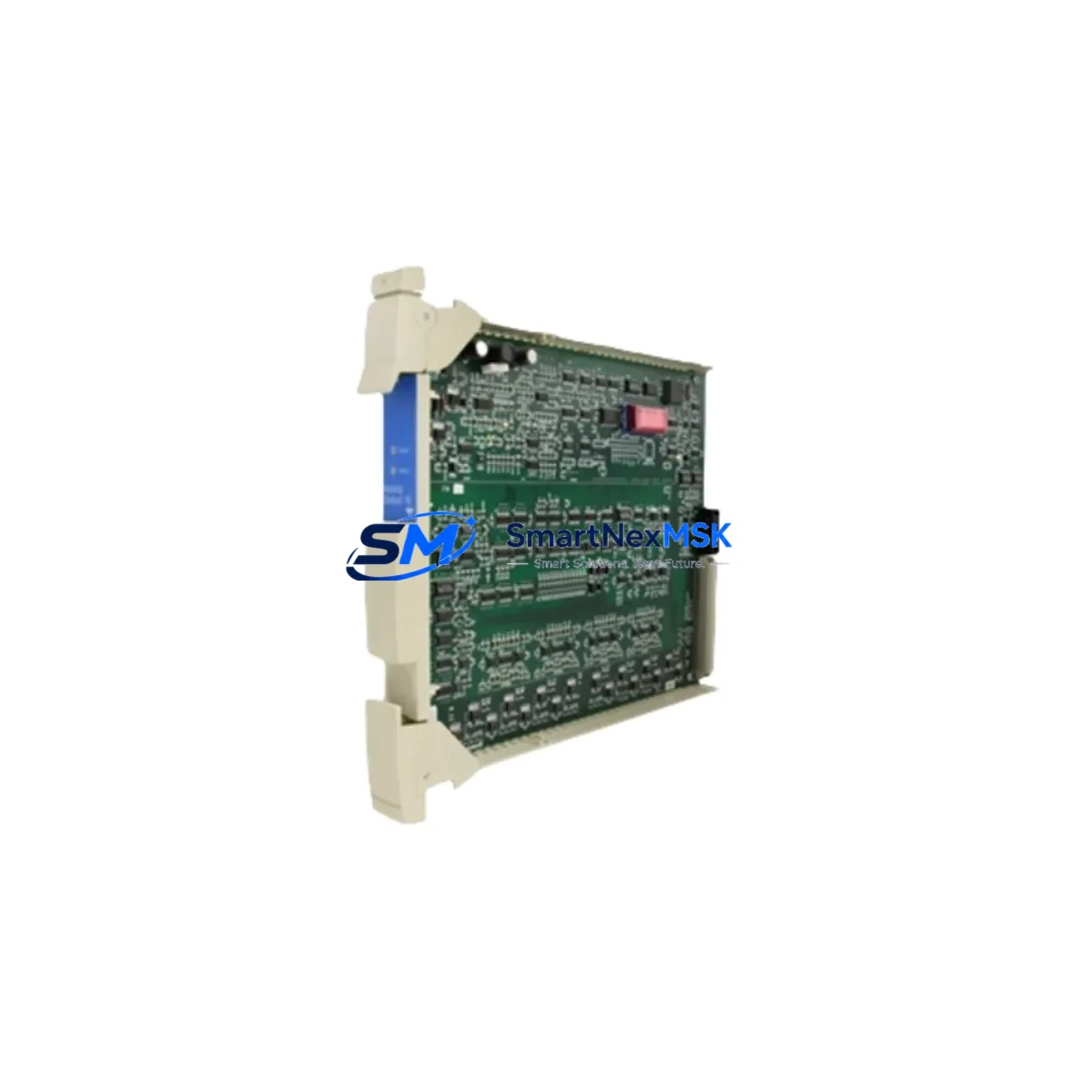
Honeywell SP-EMD170-ESD Spare for ControlEdge R170 Automation: Rapid Replacement for Safety-Critical Downtime Recovery
The Honeywell SP-EMD170-ESD is the original engineering and configuration software package for the ControlEdge Builder R170 platform — a cornerstone tool in Honeywell’s integrated safety and process automation architecture. For maintenance engineers managing ESD (Emergency Shutdown) systems, DCS-integrated safety loops, and hybrid process control environments, having a validated, licensed spare of SP-EMD170-ESD on hand is not optional — it is a fundamental element of any serious spare parts strategy.
When a workstation running ControlEdge Builder becomes corrupted, a license server fails, or a software environment must be rebuilt after a hardware replacement, the absence of a verified SP-EMD170-ESD spare can extend planned maintenance windows into unplanned multi-day outages. This listing provides an original, tested, and warranty-backed spare unit, ready for immediate deployment to restore engineering access to your ControlEdge R170 safety and process controllers.
Spare Maintenance Table
| Parameter | Specification / Detail |
|---|---|
| Part Number | SP-EMD170-ESD |
| Brand | Honeywell |
| Series / Platform | ControlEdge Builder R170 |
| Product Type | ESD Engineering & Configuration Software |
| Application | Emergency Shutdown (ESD), Safety Instrumented Systems (SIS), Process Control Integration |
| Compatibility | Honeywell ControlEdge HC900, ControlEdge PLC, ControlEdge RTU, R170 firmware controllers |
| Installation Environment | Windows-based engineering workstation; compatible with Experion PKS integration environments |
| License Type | Original OEM software license (node-locked or floating, per original order configuration) |
| Functional Scope | ESD logic configuration, safety loop programming, I/O mapping, diagnostic access, firmware management |
| Origin | USA (Honeywell OEM) |
| Condition | Original, unused / re-licensed spare |
| Testing | Activation and compatibility verified prior to shipment |
| Warranty | 12 Months from date of shipment |
| Lead Time | In stock — ships within 3–5 business days |
| Support | Pre-sale compatibility consultation available; post-sale technical guidance included |
Maintenance Planning for Continuous Operation
Replacing or restoring SP-EMD170-ESD is rarely an isolated task. In a well-structured ControlEdge R170 environment, the engineering software interfaces directly with the controller hardware, I/O subsystems, and safety network infrastructure. Maintenance engineers should treat a software spare replacement as an opportunity to audit the broader system health.
When rebuilding or migrating an SP-EMD170-ESD engineering environment, verify the status of the ControlEdge HC900 controller module and its associated HC900 redundancy module — software restoration is only effective if the underlying controller hardware is operating within specification. Simultaneously, inspect the Honeywell ControlEdge I/O modules (digital input, digital output, and analog I/O cards) for firmware version alignment with R170, as mismatched firmware can prevent successful project downloads after a software reinstallation.
The ControlEdge communication module (Ethernet or serial gateway variants) should be checked for configuration integrity, particularly if the engineering workstation was replaced rather than repaired. Safety loop integrity depends on verified communication between the ESD controller and field devices — any interruption in the HART signal conditioner or signal isolator modules in the marshalling cabinet should be documented and resolved before recommissioning.
For sites running Experion PKS integration, confirm that the Experion server node and associated C300 controller or EPKS communication interface remain synchronized with the restored ControlEdge Builder project. Terminal blocks, Honeywell STI series safety barriers, and zener barriers in the intrinsically safe circuits should be inspected for continuity and correct labeling during any planned maintenance window that involves software restoration.
Procurement engineers building a resilient spare parts inventory for ControlEdge R170 sites should also consider stocking the ControlEdge Builder standard license (SP-EMD170) alongside the ESD variant, ensuring that both safety and standard process control engineering capabilities remain available without dependency on a single workstation or license server.
Site Replacement Workflow
Step 1 — Pre-Replacement Verification: Before installing SP-EMD170-ESD, confirm the target workstation meets Honeywell’s minimum OS and hardware requirements for ControlEdge Builder R170. Export and archive the existing project database from the current (or failed) engineering station if any recoverable data remains.
Step 2 — License Deactivation (if applicable): If replacing a node-locked license on a failed workstation, contact Honeywell license management or use the offline deactivation procedure to release the license seat before activating the spare. This prevents license conflicts during commissioning.
Step 3 — Software Installation and Activation: Install SP-EMD170-ESD on the replacement workstation following Honeywell’s installation guide. Activate the license using the provided credentials. Verify that all ESD function blocks, safety logic libraries, and R170 device drivers load correctly.
Step 4 — Project Restore and Controller Connection: Restore the archived project or load the most recent backup from the site’s configuration management system. Establish communication with the ControlEdge R170 controller and perform a full project comparison to confirm configuration integrity before any download.
Step 5 — Functional Test and Recommission: Execute a loop check on critical ESD inputs and outputs. Verify safety function response times against the SIL validation records. Document the replacement in the site’s maintenance management system (CMMS) and update the spare parts register.
This structured workflow minimizes downtime, preserves safety system integrity, and ensures full auditability — critical requirements for sites operating under IEC 61511 or ISA 84 safety lifecycle standards.
Spare Parts Support FAQ
Q1: Is SP-EMD170-ESD compatible with all ControlEdge R170 controller variants?
SP-EMD170-ESD is designed for use with Honeywell ControlEdge controllers running R170 firmware, including HC900 and ControlEdge PLC hardware platforms. Compatibility with earlier firmware revisions (R160, R150) should be verified against Honeywell’s release notes before deployment. We recommend confirming your controller firmware version prior to ordering — our technical team can assist with compatibility verification at no charge.
Q2: How is the spare tested and verified before shipment?
Each SP-EMD170-ESD spare undergoes activation verification and functional testing on a compatible workstation environment prior to shipment. License validity, software integrity, and installation package completeness are confirmed. A test report is available upon request. All units ship with a 12-month warranty covering software activation failures and license defects.
Q3: What is the recommended inventory strategy for ESD engineering software spares?
For sites with a single engineering workstation, maintaining one licensed spare of SP-EMD170-ESD is the minimum recommended posture. Sites with multiple ControlEdge R170 controllers or geographically distributed facilities should consider a floating license arrangement or a dedicated offline spare workstation pre-loaded with the software. Pairing the software spare with a spare engineering workstation (pre-configured and tested) reduces mean time to recovery (MTTR) to under two hours in most scenarios.
Q4: Can this spare replace an older ControlEdge Builder version (e.g., R160 or R150)?
SP-EMD170-ESD (R170) can typically open and migrate projects from earlier R160 and R150 versions, but a project migration and validation step is required. Honeywell’s migration utility within ControlEdge Builder guides engineers through the upgrade process. We recommend performing a migration test on a non-production copy of the project before deploying to the live system. Contact our team for guidance on cross-version migration scenarios specific to your site configuration.
© 2026 SMARTNEXMSK. All rights reserved.
Original Source: https://smartnexmsk.com
Contact: [email protected] | +86 18259474341



