
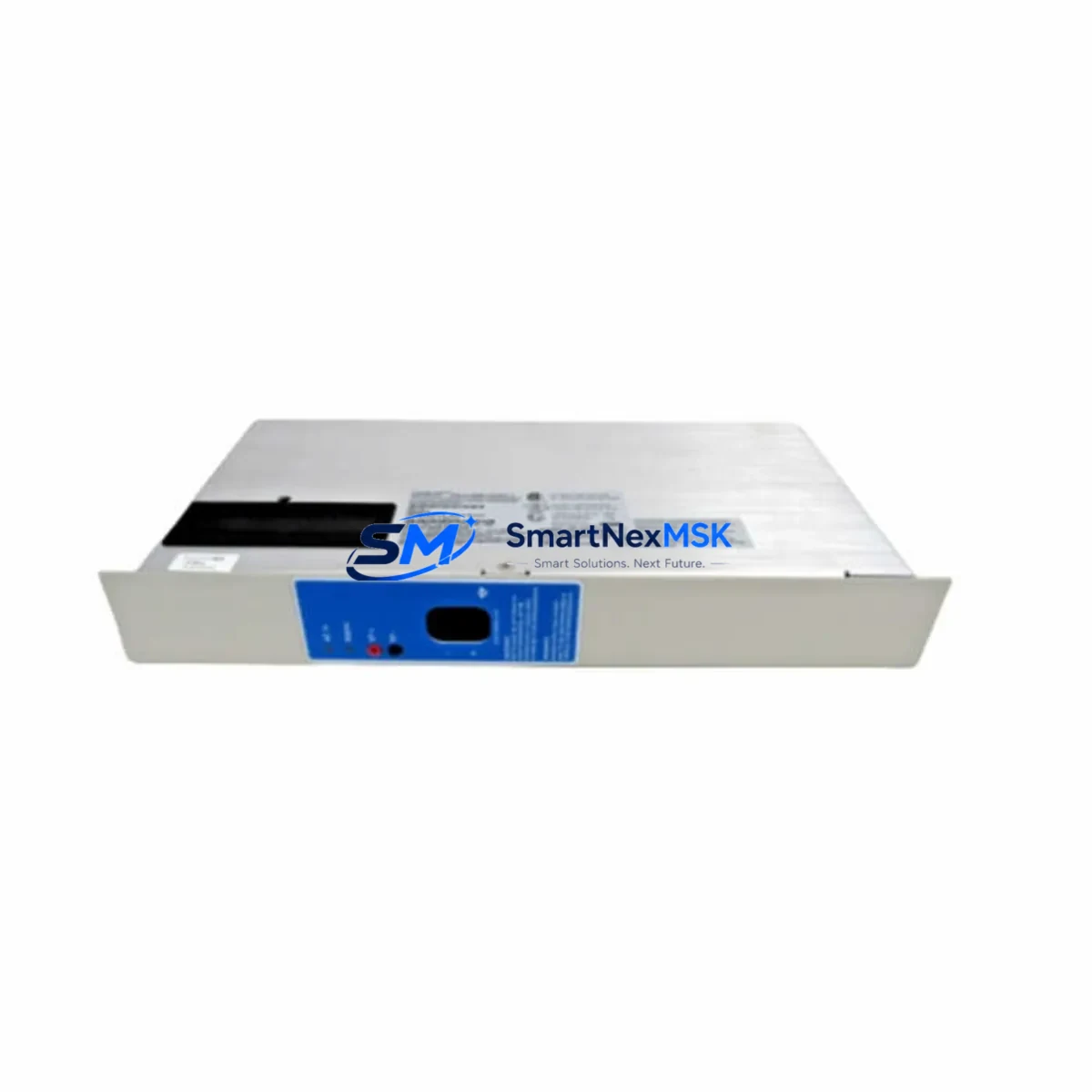
Honeywell SPS5710 51198685-100 Maintenance-Ready Spare for SM Automation
The Honeywell SPS5710 (part number 51198685-100) is an original power supply module engineered for the Honeywell Safety Manager (SM) series — a safety instrumented system (SIS) platform widely deployed in oil & gas, petrochemical, power generation, and continuous process industries. As a maintenance-ready spare, this module is sourced, inspected, and dispatched to support rapid fault recovery and planned preventive maintenance cycles, minimizing unplanned downtime in safety-critical control environments.
For maintenance engineers managing aging Safety Manager cabinets, power supply integrity is the foundation of system availability. The SPS5710 51198685-100 delivers regulated DC power to the SM processor, I/O, and communication backplane. A degraded or failed power supply is one of the most common root causes of nuisance trips, partial shutdowns, and SIS diagnostic failures. Stocking a verified spare eliminates the lead-time risk associated with OEM procurement channels and keeps your safety loop operational during scheduled turnarounds or emergency callouts.
Procurement engineers sourcing this module should confirm compatibility with the installed Safety Manager chassis revision and firmware baseline. The SPS5710 is designed for direct drop-in replacement within SM cabinets without requiring configuration changes, making it an efficient choice for both corrective and preventive maintenance strategies.
Spare Maintenance Table
| Parameter | Specification / Detail |
|---|---|
| Part Number | 51198685-100 |
| Model | SPS5710 |
| Brand | Honeywell |
| Series | Safety Manager (SM) SIS Platform |
| Module Type | Power Supply Module |
| Application | Safety Instrumented System (SIS) — IEC 61511 / IEC 61508 |
| Compatible Systems | Honeywell Safety Manager SM series cabinets |
| Output | Regulated DC power to SM processor, I/O backplane, and communication modules |
| Installation | Direct drop-in replacement; no firmware reconfiguration required |
| Origin | United States (OEM) |
| Condition | Original spare — inspected and tested before shipment |
| Environmental Rating | Industrial control cabinet environment; suitable for process plant conditions |
| Warranty | 12 Months |
| Lead Time | In-stock — same-day or next-business-day dispatch available |
| Maintenance Recommendation | Replace during scheduled turnaround or immediately upon diagnostic fault indication |
Maintenance Planning for Continuous Operation
When replacing the SPS5710 51198685-100 power supply in a Safety Manager cabinet, a disciplined maintenance engineer will treat the intervention as an opportunity for a broader cabinet health check. Power supply failures rarely occur in isolation — they are often preceded or accompanied by stress on adjacent components.
Begin by verifying the incoming AC supply quality and checking the cabinet’s surge protection and fusing. Inspect the SM redundant power supply module (if a redundant PSU is installed) to confirm it is carrying load correctly and has no latent faults. Check the SM processor module (SPM) for any logged diagnostic alarms that may have been masked by the power event. Review the Safety Manager I/O modules — particularly digital input and digital output cards — for any indication of undervoltage-induced state changes during the fault window.
Examine the SM communication module (Modbus, PROFIBUS, or Ethernet gateway, depending on your architecture) to confirm that the network link to the DCS or SCADA layer was restored cleanly after power recovery. If the cabinet includes a Honeywell SM backplane, inspect the backplane connectors for signs of arcing or thermal stress caused by the power anomaly.
For sites running Honeywell’s broader control architecture, cross-check the Experion PKS controller or C300 controller module event logs to confirm no cascading faults were triggered in the process control layer. If signal isolators or Honeywell SLIO signal conditioning modules are present in the same cabinet, verify their output integrity, as power transients can shift calibration baselines. Inspect terminal blocks and field wiring terminations for any signs of loose connections that may have contributed to intermittent power draw. Finally, confirm that the UPS or battery backup system feeding the SM cabinet performed correctly during the outage interval and that its battery health is within specification.
This holistic approach — replacing the SPS5710 and simultaneously auditing the surrounding power, I/O, communication, and signal chain — is the standard practice for reducing repeat callouts and extending the operational life of legacy Safety Manager installations.
Site Replacement Workflow
Step 1 — Pre-replacement verification: Confirm the installed part number matches 51198685-100. Check the SM system’s safety function status and obtain a permit-to-work before opening the cabinet. Document the current diagnostic status of all SM modules via the Safety Builder engineering workstation.
Step 2 — Safe isolation: If the system is not redundant, coordinate with operations to place the safety function in a safe state or bypass per your site Management of Change (MOC) procedure. For redundant PSU configurations, switch load to the standby supply before removing the faulty unit.
Step 3 — Module swap: Remove the SPS5710 by releasing the module locking mechanism. Insert the replacement 51198685-100 module, ensuring full backplane engagement. The module requires no DIP switch or jumper configuration — it is a direct functional replacement.
Step 4 — Power-up and diagnostics: Restore power and observe the SM system’s self-test sequence. Confirm all module status LEDs return to normal operating state. Clear any latched diagnostic alarms via Safety Builder and verify that all safety functions are back in service.
Step 5 — Documentation: Record the replacement in your CMMS (Computerized Maintenance Management System), update the spare parts register, and reorder a replacement SPS5710 51198685-100 to restore your buffer stock. Maintaining at least one spare on-site is the recommended strategy for SIS power supply modules given their criticality to safety loop availability.
Spare Parts Support FAQ
Q1: Is the SPS5710 51198685-100 compatible with all Safety Manager cabinet revisions?
The SPS5710 is designed for the Honeywell Safety Manager SM series platform. Compatibility should be verified against your specific cabinet hardware revision and Safety Builder project configuration. Contact our technical team with your cabinet serial number and SM firmware version for confirmation before ordering if you have any uncertainty.
Q2: What testing is performed before shipment?
Every SPS5710 51198685-100 unit is functionally inspected and tested prior to dispatch. We verify power output regulation, module self-test pass status, and physical connector integrity. A 12-month warranty is provided from the date of shipment, covering manufacturing defects and functional failures under normal operating conditions.
Q3: How should we manage spare parts inventory for Safety Manager power supplies?
For SIS applications, the industry best practice is to maintain a minimum of one on-site spare for each critical module type. Given that the SPS5710 is a single point of failure in non-redundant SM configurations, we recommend holding one unit in your local spare parts store and establishing a replenishment trigger to reorder within 30 days of consuming your buffer stock. We support long-term supply agreements for customers requiring guaranteed availability.
Q4: Can this module replace older or superseded Honeywell Safety Manager power supply part numbers?
The 51198685-100 is the current OEM part number for the SPS5710. If your existing installation uses an earlier revision of the SM power supply, cross-reference compatibility should be confirmed with Honeywell’s parts interchangeability documentation or through our technical support team. We maintain records of common supersession paths for legacy SM hardware and can advise on direct or equivalent replacement options.
© 2026 SMARTNEXMSK. All rights reserved.
Original Source: https://smartnexmsk.com
Contact: [email protected] | +86 18259474341



