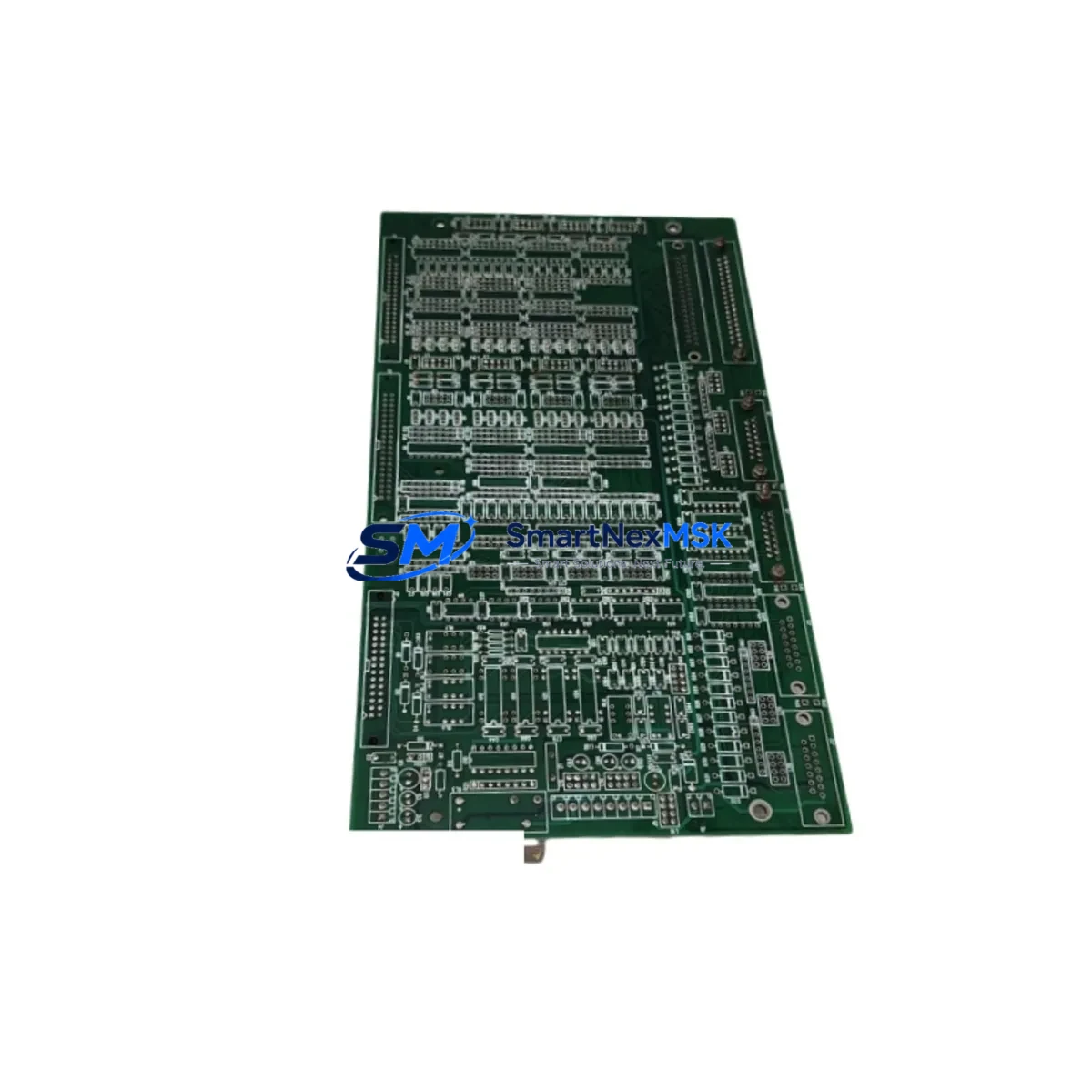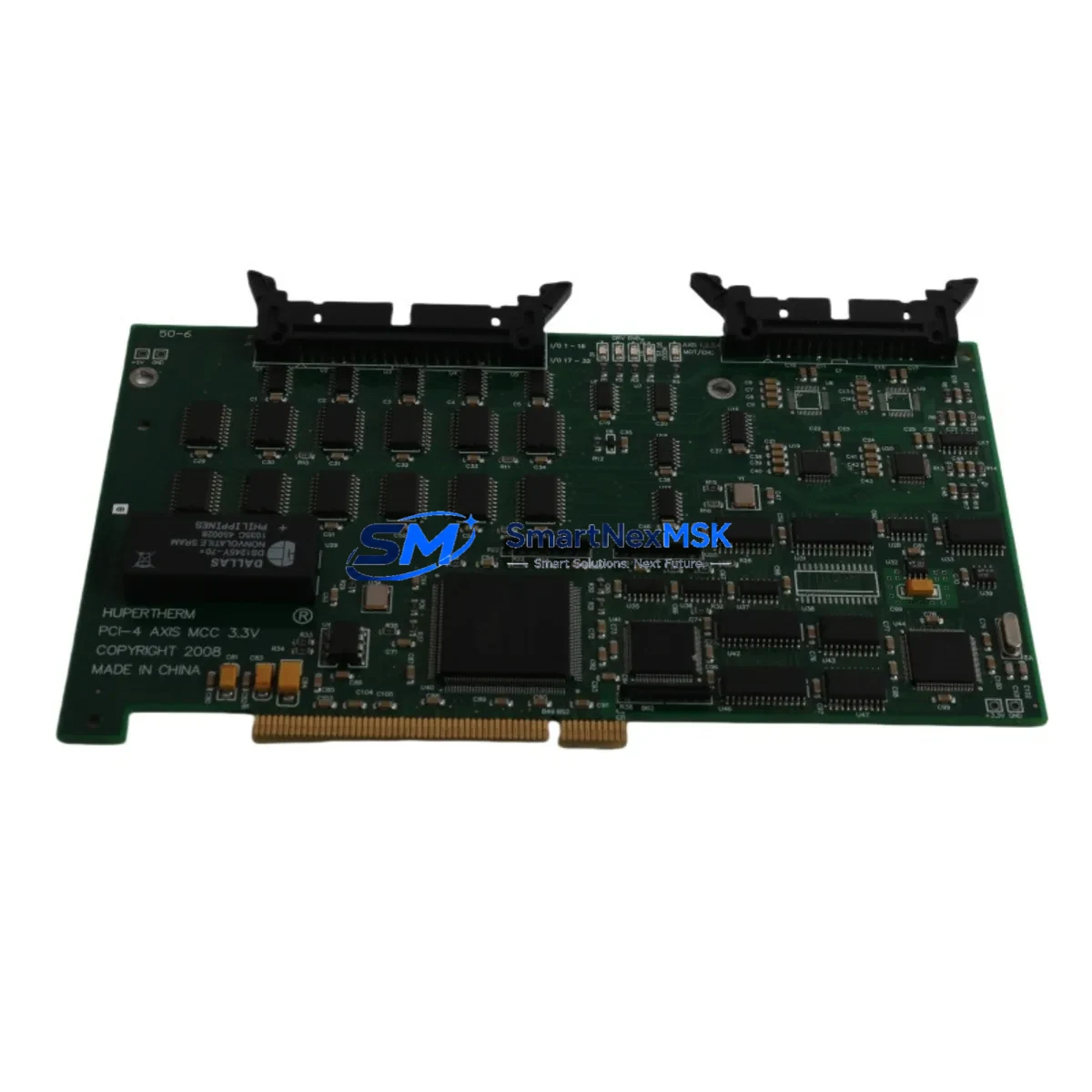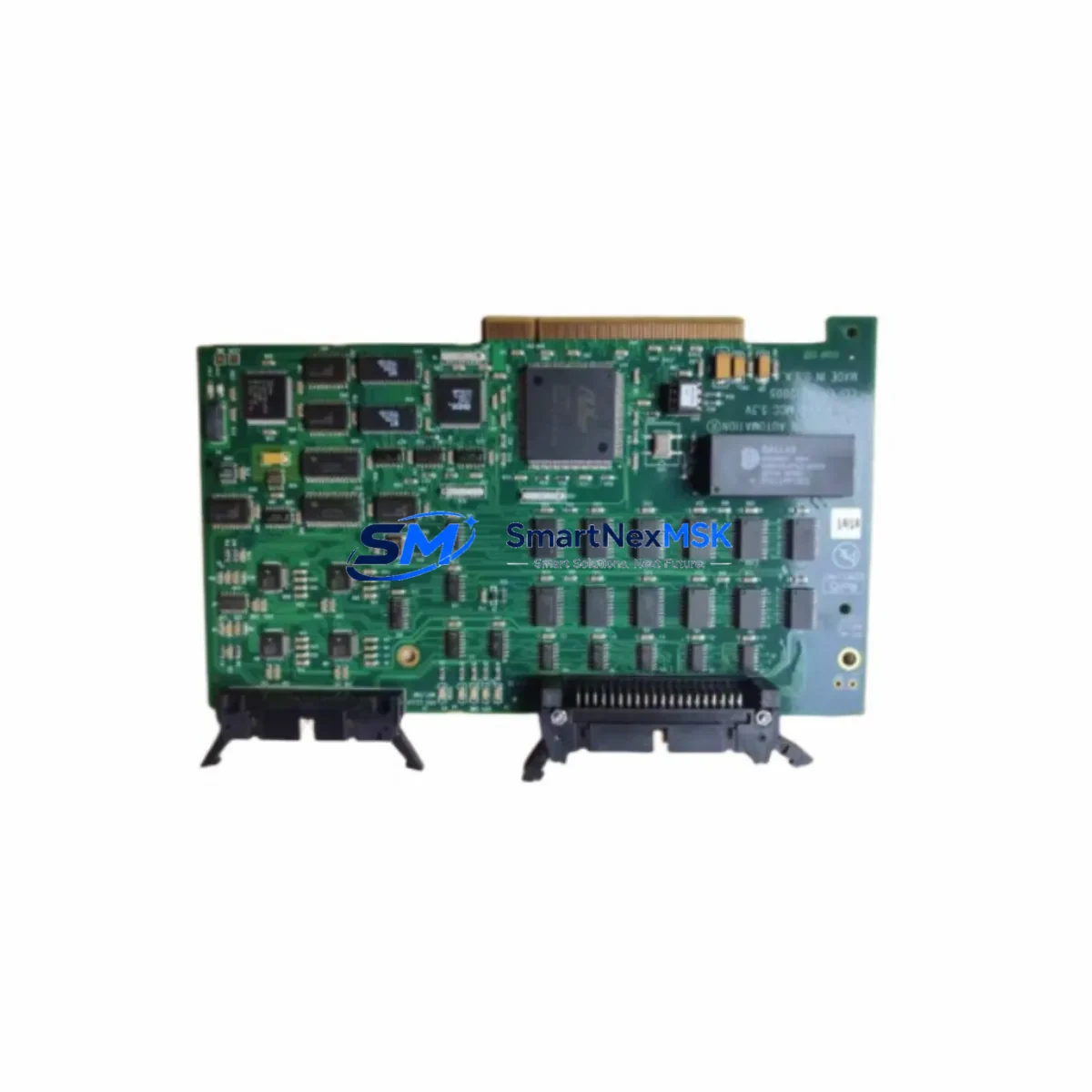
Hypertherm PCI-4 AXIS MCC 3.3V Retrofit-Ready Motion Control for EDGE Pro Control Systems
The Hypertherm PCI-4 AXIS MCC 3.3V is a retrofit-ready 4-axis motion control card engineered for seamless integration into Hypertherm EDGE Pro CNC plasma cutting systems. As legacy EDGE Pro installations age and original motion control hardware becomes increasingly difficult to source, this card provides a verified drop-in replacement path that preserves existing machine geometry, axis calibration data, and cutting program libraries without requiring a full controller overhaul. Whether you are managing a planned upgrade cycle or responding to an unplanned failure on the shop floor, the PCI-4 AXIS MCC 3.3V delivers the electrical and firmware compatibility needed to restore full 4-axis coordinated motion with minimal downtime.
Industrial automation engineers and maintenance teams working on EDGE Pro platforms will recognize the PCI-4 AXIS MCC 3.3V as the core motion arbitration component responsible for coordinating X, Y, Z, and rotational axis signals between the EDGE Pro controller chassis and the servo drive stack. When replacing this card, technicians must verify the 3.3V logic rail supply from the EDGE Pro power supply module — typically the Hypertherm PS-10 or equivalent internal PSU — is within tolerance before seating the new card. A voltage deviation of more than ±5% on the 3.3V rail can cause initialization failures or erratic axis behavior post-installation.
Upgrade Compatibility Table
| Parameter | Specification / Recommendation |
|---|---|
| Compatible Platform | Hypertherm EDGE Pro CNC Controller |
| Axis Support | 4-Axis Coordinated Motion (X, Y, Z + Rotational) |
| Logic Voltage | 3.3V PCI Bus |
| Interface | Standard PCI Slot (32-bit, 33 MHz) |
| Replaces | Legacy Hypertherm MCC cards in EDGE Pro chassis |
| Firmware Compatibility | Compatible with EDGE Pro software v3.x and above |
| Installation Requirement | Verify 3.3V rail; re-map axis addresses in EDGE Pro config |
| Communication Link | Internal PCI bus; no external fieldbus required |
| Commissioning Note | Re-run axis calibration and torch height control (THC) setup after swap |
| Warranty | 12-Month Warranty — Covered against manufacturing defects |
Retrofit Planning for Existing Automation Systems
A successful EDGE Pro motion control card retrofit begins well before the card is physically installed. Maintenance planners should start by documenting the current axis parameter file stored in the EDGE Pro controller, including acceleration ramps, velocity limits, and home position offsets for each axis. This file, typically accessible through the EDGE Pro operator interface or via the Hypertherm ProNest programming environment, serves as the baseline for post-swap verification.
During the physical swap, technicians should power down the EDGE Pro controller chassis completely and discharge any residual voltage on the backplane before removing the existing MCC card. The PCI slot keying on the EDGE Pro chassis is standard, but care must be taken to ensure the card is fully seated — partial seating is a common cause of intermittent axis faults that are difficult to diagnose under production pressure. After reseating, reconnect the internal ribbon cable that links the MCC to the EDGE Pro I/O expansion board, which manages discrete input signals from limit switches, home sensors, and the operator pendant.
For systems that also include a Hypertherm THC (Torch Height Control) module, the THC communication link to the MCC must be re-established after the card swap. The THC module communicates arc voltage feedback to the MCC via a dedicated analog signal line; if this link is not verified, the Z-axis height control will operate in open-loop mode, risking torch crashes on uneven plate surfaces. Similarly, if the cutting system uses a rotary axis drive for pipe or tube cutting, the 4th axis encoder feedback cable must be re-terminated and the axis address re-mapped in the EDGE Pro configuration utility.
Shops running multi-table or multi-torch configurations should also verify that the EDGE Pro network interface card (NIC) and the associated Ethernet switch settings remain unchanged after the MCC swap, as some EDGE Pro software versions tie axis licensing to the controller’s MAC address. If the system uses a Hypertherm HMI panel — such as the EDGE Pro touch-screen operator station — the HMI screen layouts and cutting parameter libraries are stored independently of the MCC and will not be affected by the card replacement, which significantly reduces re-commissioning time.
For facilities managing multiple EDGE Pro units, it is advisable to maintain at least one spare PCI-4 AXIS MCC 3.3V card in inventory alongside spare servo drive modules, the EDGE Pro power supply unit, and a set of pre-terminated I/O wiring harnesses. This spare-parts strategy, combined with a documented axis parameter backup, allows most EDGE Pro motion control failures to be resolved within a single shift without requiring external service intervention.
Downtime Control During System Migration
Minimizing production downtime during an EDGE Pro motion control card replacement requires a structured pre-outage preparation protocol. Before scheduling the maintenance window, technicians should export the full axis configuration file from the EDGE Pro controller and store it on an external USB drive or network share. This backup ensures that even if the new MCC card requires a firmware re-flash or the EDGE Pro software prompts for a full reconfiguration, the original axis parameters can be restored in minutes rather than hours.
During the swap window, the recommended sequence is: power down → discharge backplane → remove old MCC → inspect PCI slot for debris or bent pins → seat new PCI-4 AXIS MCC 3.3V → reconnect all internal cables → power up → verify 3.3V rail → launch EDGE Pro software → import axis parameter file → run axis jog test at reduced velocity → verify limit switch response → run THC calibration cycle → execute a test cut on scrap plate. Following this sequence consistently reduces the risk of post-swap faults and ensures the system is returned to full production capability in a controlled, verifiable manner.
For facilities where continuous operation is critical, a parallel-commissioning approach can be used: a second EDGE Pro chassis is pre-configured with the new PCI-4 AXIS MCC 3.3V card and tested offline before the production unit is taken down. This approach is particularly effective in high-volume plasma cutting operations where even a two-hour unplanned outage has significant cost implications. The pre-configured spare chassis can be swapped into the cutting table’s controller cabinet in under 30 minutes, with the original unit then used as the test bed for future upgrades.
Retrofit Support FAQ
Q: Is the PCI-4 AXIS MCC 3.3V a direct drop-in replacement for all EDGE Pro motion control cards?
A: The PCI-4 AXIS MCC 3.3V is designed as a compatible replacement for EDGE Pro systems using a standard 32-bit PCI slot and 3.3V logic supply. Before installation, confirm your EDGE Pro chassis revision and software version. Systems running EDGE Pro software v3.x and above are fully supported. Earlier revisions may require a firmware update via the Hypertherm service utility before the new card is recognized.
Q: Do I need to re-wire the terminal blocks or I/O connections after replacing the MCC card?
A: No field wiring changes are required at the terminal block level. The PCI-4 AXIS MCC 3.3V interfaces with the EDGE Pro I/O expansion board via the internal backplane and ribbon cable, not through external terminal wiring. However, you must verify that the internal ribbon cable connector is fully seated and that the axis encoder feedback cables are correctly re-terminated at the MCC card edge connector.
Q: How do I verify the replacement card is functioning correctly before returning the machine to production?
A: After installation, perform the following commissioning checks: (1) Confirm the EDGE Pro software recognizes the MCC card on startup with no axis fault codes. (2) Jog each axis individually at 10% velocity and verify correct direction and encoder count response. (3) Run the THC calibration routine and confirm arc voltage feedback is within the expected range. (4) Execute a dry-run cut cycle with the torch disabled and verify all axis moves complete without position errors. Each unit shipped from our facility has been bench-tested prior to dispatch.
Q: What warranty coverage applies to this replacement card?
A: All PCI-4 AXIS MCC 3.3V cards supplied by SMARTNEXMSK are covered by a 12-month warranty against manufacturing defects and functional failures under normal operating conditions. Warranty claims are processed within 5 business days of receipt of the returned unit. Coverage does not extend to damage caused by incorrect installation, overvoltage events, or physical impact. Our technical support team is available to assist with installation verification and commissioning questions throughout the warranty period.
© 2026 SMARTNEXMSK. All rights reserved.
Original Source: https://smartnexmsk.com
Contact: [email protected] | +86 18259474341