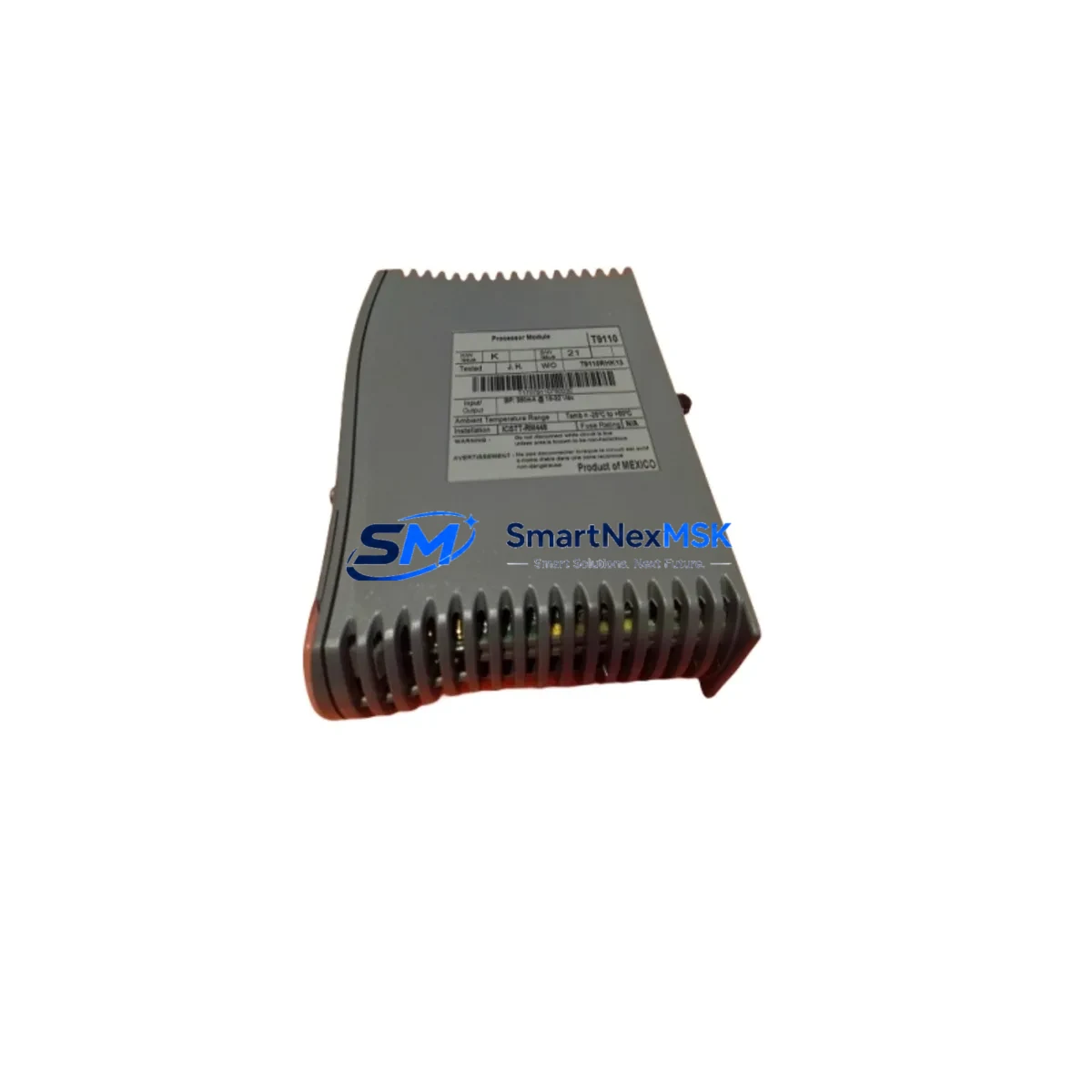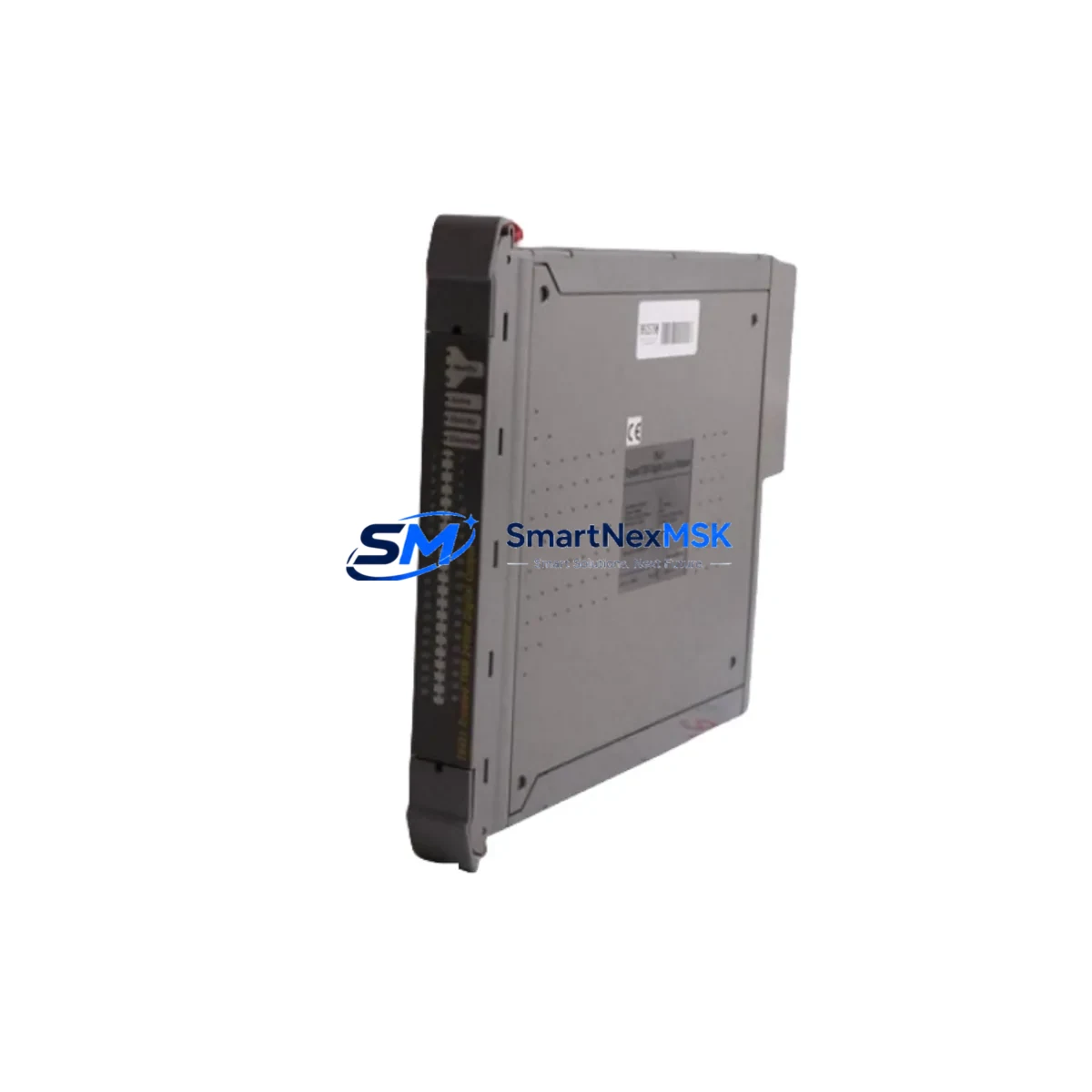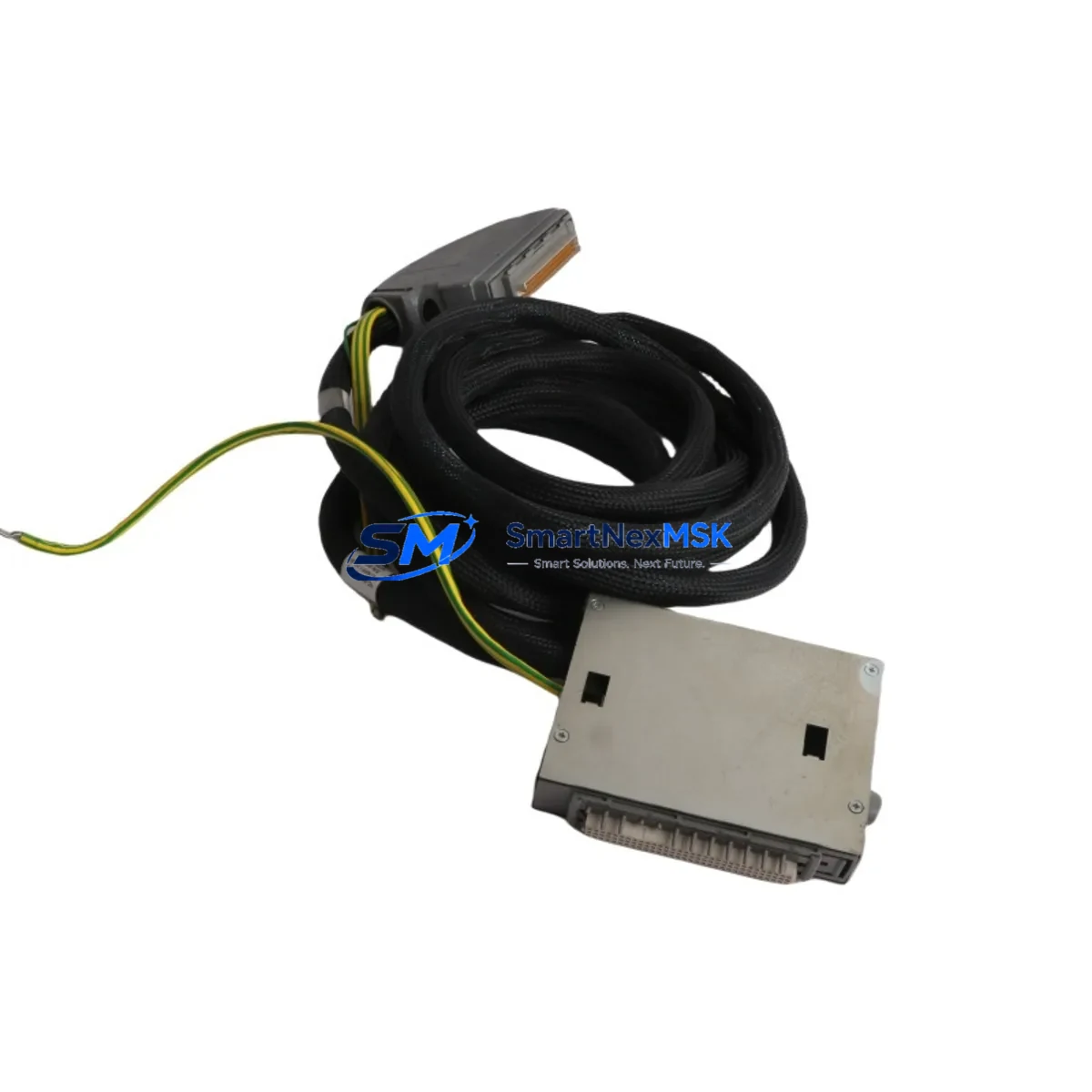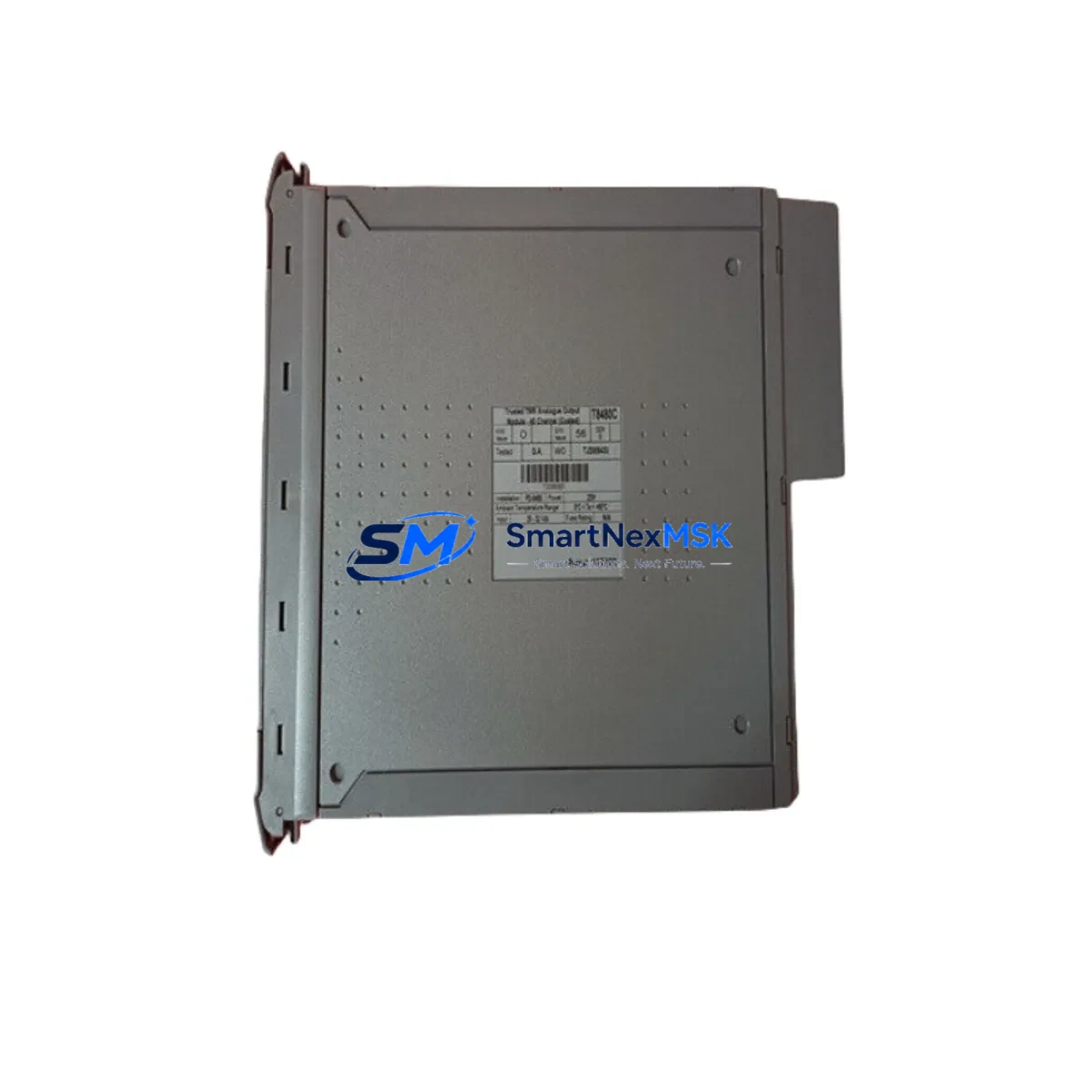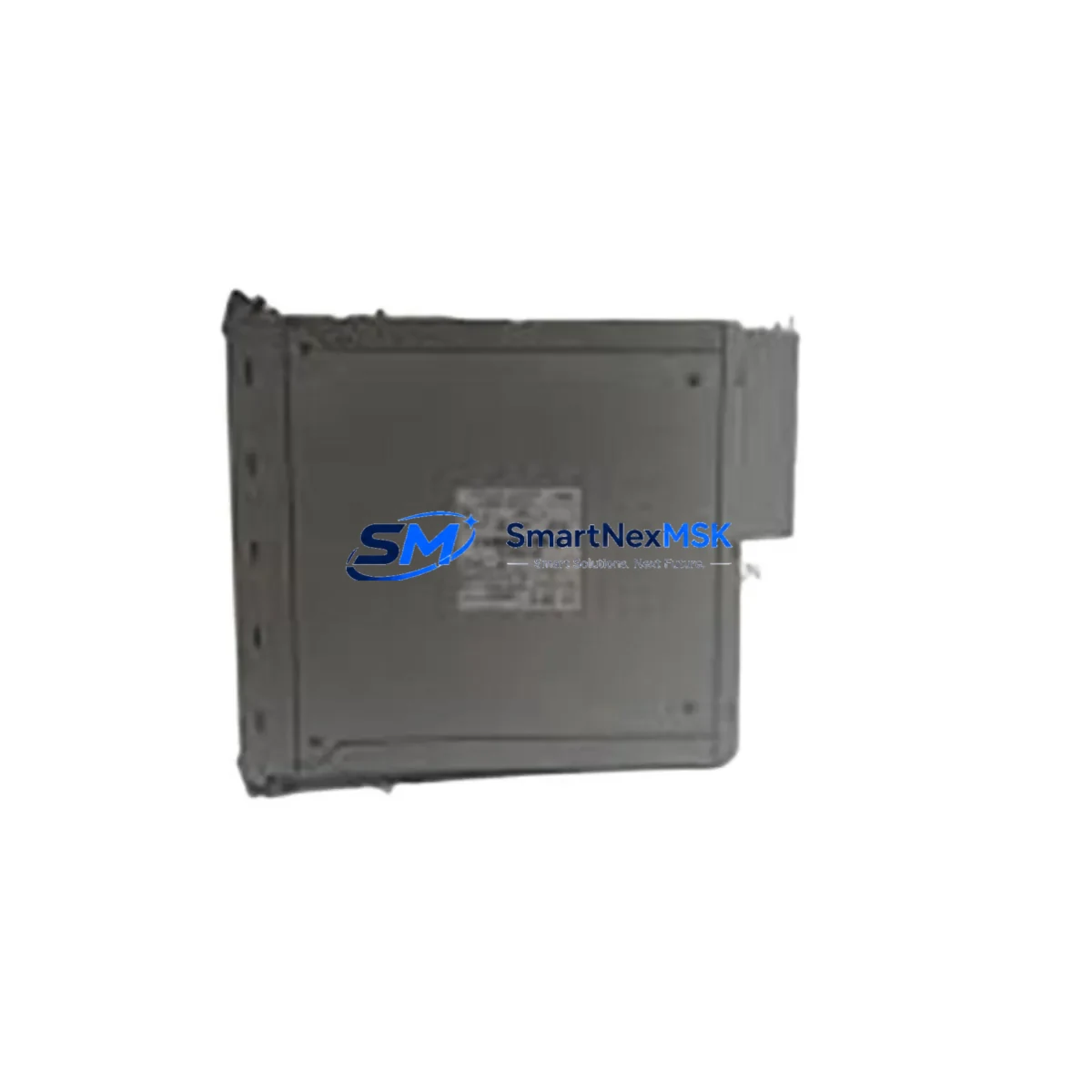
ICS Triplex T8122 Maintenance-Ready Spare for TMR Automation
The ICS Triplex T8122 is a Communications Interface Module designed for use within the Trusted TMR (Triple Modular Redundancy) safety PLC platform — one of the most widely deployed fault-tolerant control architectures in oil & gas, petrochemical, power generation, and offshore processing facilities. When a T8122 module fails or degrades in service, the impact on process safety and system availability can be immediate. Holding a verified original spare in your maintenance inventory is the most effective strategy for minimizing unplanned downtime and protecting SIL-rated control loops.
This listing supplies the T8122 as a tested, original-specification replacement unit. Each module is inspected prior to dispatch, function-verified against Trusted TMR compatibility requirements, and shipped with a 12-month warranty. Whether you are executing a planned turnaround, responding to a fault alarm, or building out your critical spare parts register, the T8122 is a high-priority line item for any facility running the ICS Triplex Trusted platform.
Spare Maintenance Table
| Parameter | Specification / Detail |
|---|---|
| Part Number / SKU | T8122 |
| Manufacturer | ICS Triplex |
| Module Type | Communications Interface Module |
| Platform Compatibility | ICS Triplex Trusted TMR Safety PLC Series |
| Architecture | Triple Modular Redundancy (TMR) |
| Communication Protocol Support | Modbus, proprietary Trusted backplane bus |
| Backplane Interface | Trusted TMR chassis backplane (direct slot insertion) |
| Operating Voltage | Supplied via chassis backplane (24 VDC nominal) |
| Operating Temperature | 0°C to +60°C (industrial panel environment) |
| Mounting | Trusted TMR chassis slot — hot-swap capable (verify with site procedure) |
| Certification / Safety Rating | SIL 2 / SIL 3 capable within Trusted TMR architecture |
| Country of Origin | United Kingdom |
| Condition | Original spare — tested and function-verified |
| Warranty | 12 Months |
| Shipping | Worldwide — EMS / DHL / FedEx with tracking |
| Lead Time | In-stock units ship within 1–3 business days |
Maintenance Planning for Continuous Operation
Replacing a T8122 Communications Interface Module is rarely an isolated task. Maintenance engineers and procurement teams working on Trusted TMR systems should treat a T8122 replacement as a trigger for a broader control cabinet inspection. The communications module sits at the intersection of the PLC backplane, field wiring, and supervisory network — meaning adjacent components are subject to the same thermal cycling, vibration, and electrical stress.
During a T8122 replacement, it is best practice to simultaneously inspect the T8110 Power Supply Module and T8111 Power Distribution Module, which feed the chassis and can cause intermittent communications faults if their output rails are degraded. The T8100 Main Processor Module and T8101 Coprocessor should be checked for firmware currency and diagnostic fault logs, as a failing communications module can mask underlying processor errors. Inspect all T8120-series I/O modules in the same chassis for loose backplane connectors and verify that terminal block wiring on associated T8190 I/O Termination Assemblies is secure and corrosion-free.
For facilities using the Trusted TMR platform in a networked SCADA or DCS environment, the T8151 Ethernet Communications Module and any installed Modbus gateway cards should be tested for link integrity after a T8122 swap, as communications topology changes can affect polling cycles. Signal isolators and surge protection devices on 4–20 mA analog loops connected through the T8122’s associated I/O should also be verified — degraded signal isolators are a common secondary fault source in aging control cabinets. Finally, check chassis fuse assemblies and DIN rail terminal blocks for signs of overheating or loose terminations, which can introduce ground faults that mimic module failures.
Building a structured spare parts kit around the T8122 — including at least one spare processor module, one power supply module, and a set of I/O termination assemblies — is the most cost-effective approach to reducing mean time to repair (MTTR) for Trusted TMR systems operating beyond their original design lifecycle.
Site Replacement Workflow
Step 1 — Pre-replacement verification: Confirm the T8122 fault using the Trusted TMR diagnostic software. Log the fault code and affected channel. Verify that the replacement T8122 carries the same firmware revision or a compatible upgrade path approved by your site engineering team.
Step 2 — Safety isolation: Follow your site’s Management of Change (MOC) and Permit to Work (PTW) procedures. For hot-swap capable slots, confirm the chassis is operating in TMR mode with all three legs healthy before proceeding. Do not attempt hot-swap if the system is already in degraded (dual or simplex) mode.
Step 3 — Module extraction and installation: Remove the faulty T8122 by releasing the front-panel locking mechanism. Insert the replacement module firmly until the backplane connector is fully seated. Confirm the module status LED transitions from fault to healthy within the expected initialization window (typically 30–90 seconds).
Step 4 — Post-replacement functional test: Use the Trusted TMR engineering workstation to verify all communications channels are active, I/O scan rates are nominal, and no new fault codes have been generated. Confirm SCADA or DCS polling has resumed on all associated tags.
Step 5 — Documentation and spare replenishment: Record the replacement in your CMMS (Computerized Maintenance Management System). Immediately initiate a purchase order for a replacement T8122 spare to restore your inventory buffer. Systems running legacy Trusted TMR hardware should maintain a minimum of one spare communications module per chassis in service.
Spare Parts Support FAQ
Q1: Is the T8122 still available as a new original part, or is it only available as a refurbished unit?
The T8122 has been out of active production for several years as ICS Triplex (now part of Rockwell Automation’s safety portfolio) has transitioned to newer platforms. Units supplied through specialist distributors like SMARTNEXMSK are sourced from verified original stock — not refurbished or remanufactured. Each unit is tested prior to shipment and covered by a 12-month warranty.
Q2: How do I confirm compatibility between a replacement T8122 and my existing Trusted TMR chassis?
Compatibility is determined by chassis generation and firmware revision. Provide your chassis model number and current firmware version when placing your order. Our technical team will cross-reference the replacement unit’s firmware and hardware revision to confirm a compatible match before dispatch.
Q3: What pre-shipment testing is performed on the T8122?
Each T8122 undergoes power-on functional verification, backplane communication self-test, and visual inspection for connector integrity and component condition. Units that do not pass all test criteria are not dispatched. A test report is available on request for critical safety applications.
Q4: What is the recommended spare holding strategy for facilities with multiple Trusted TMR systems?
For facilities operating two or more Trusted TMR chassis, we recommend holding a minimum of one T8122 per site, with a second unit on order lead-time standby. For critical SIL 3 applications or remote sites with extended logistics lead times, a two-unit on-site buffer is advisable. Annual spare parts audits aligned with planned turnaround schedules are the most effective way to maintain inventory without excessive capital tie-up.
© 2026 SMARTNEXMSK. All rights reserved.
Original Source: https://smartnexmsk.com
Contact: [email protected] | +86 18259474341