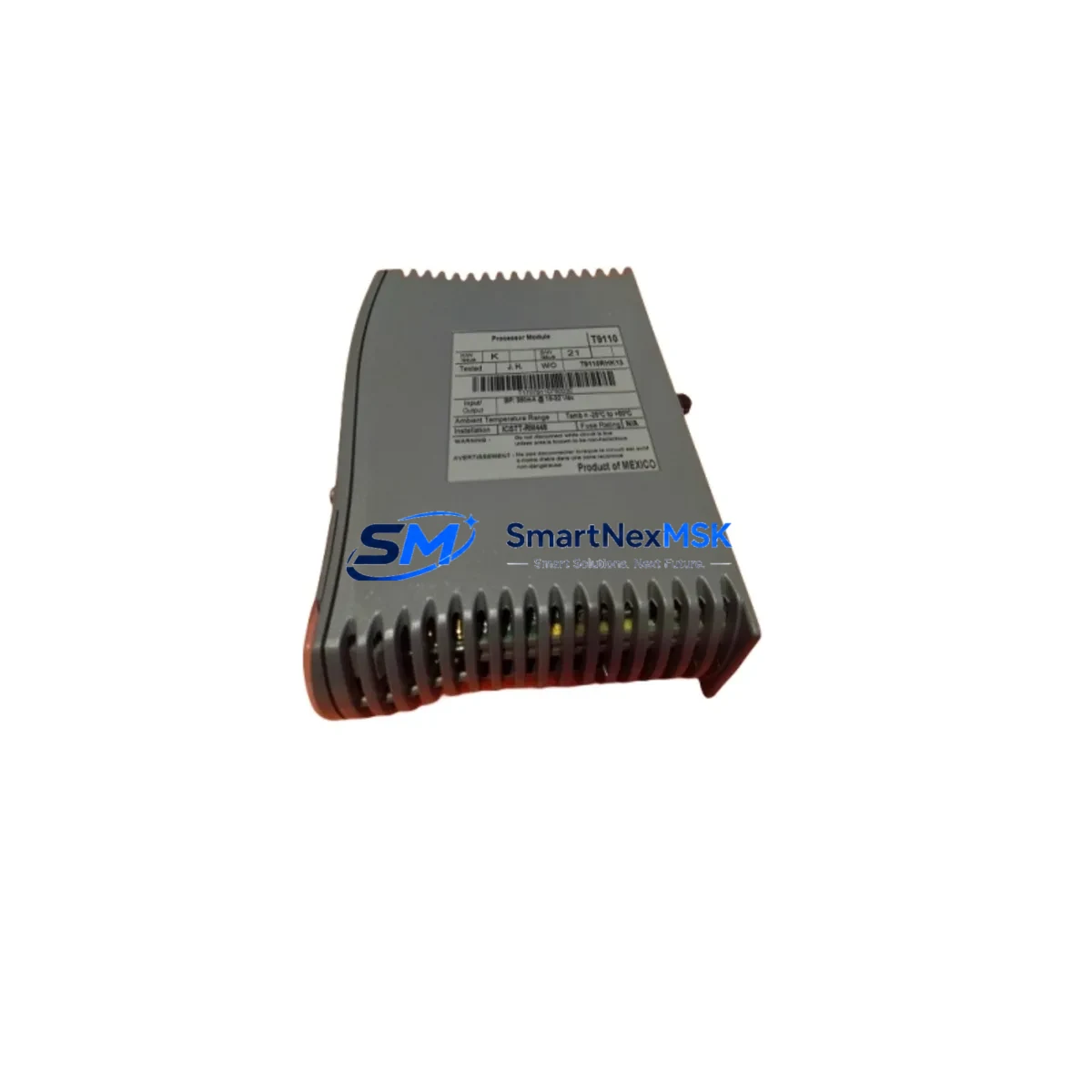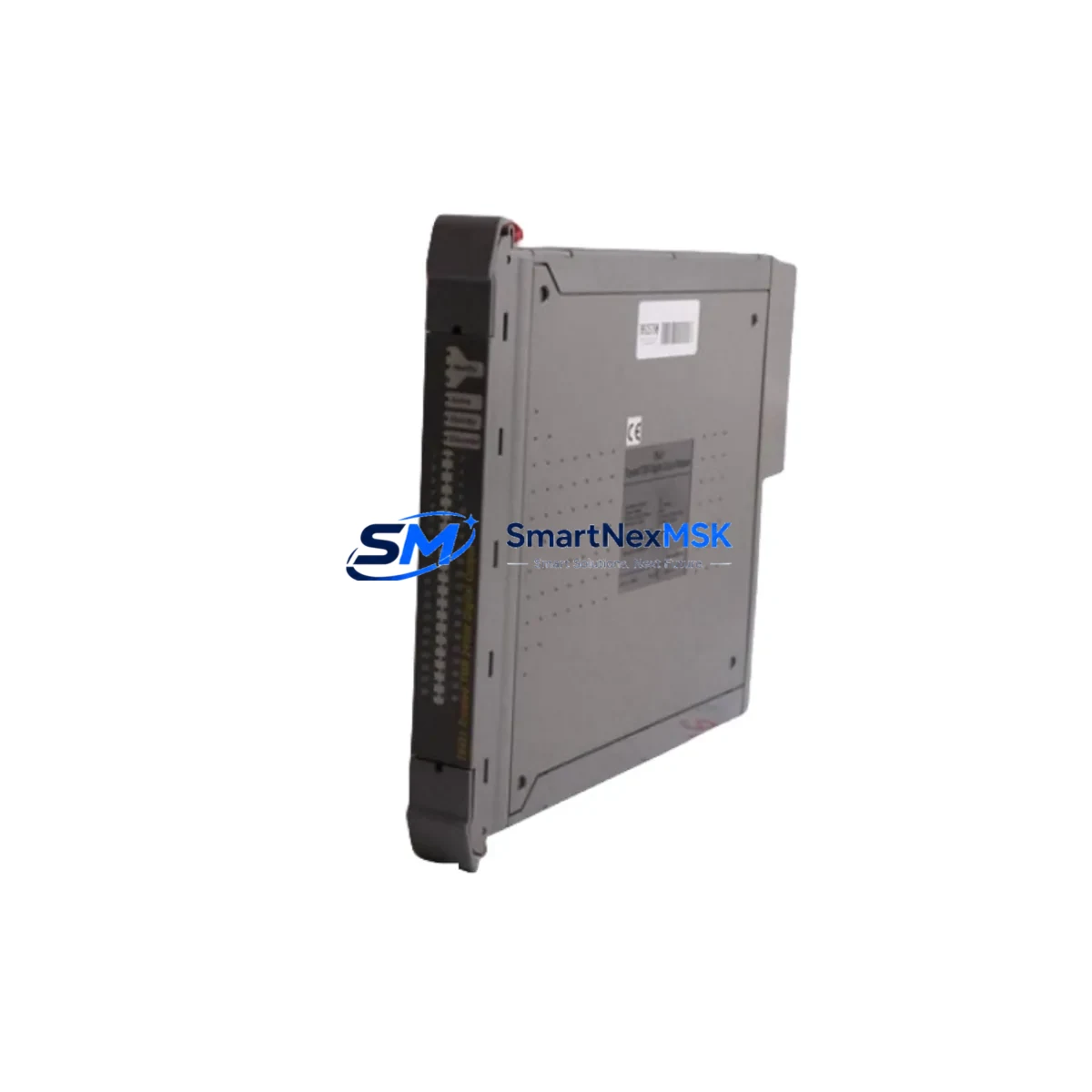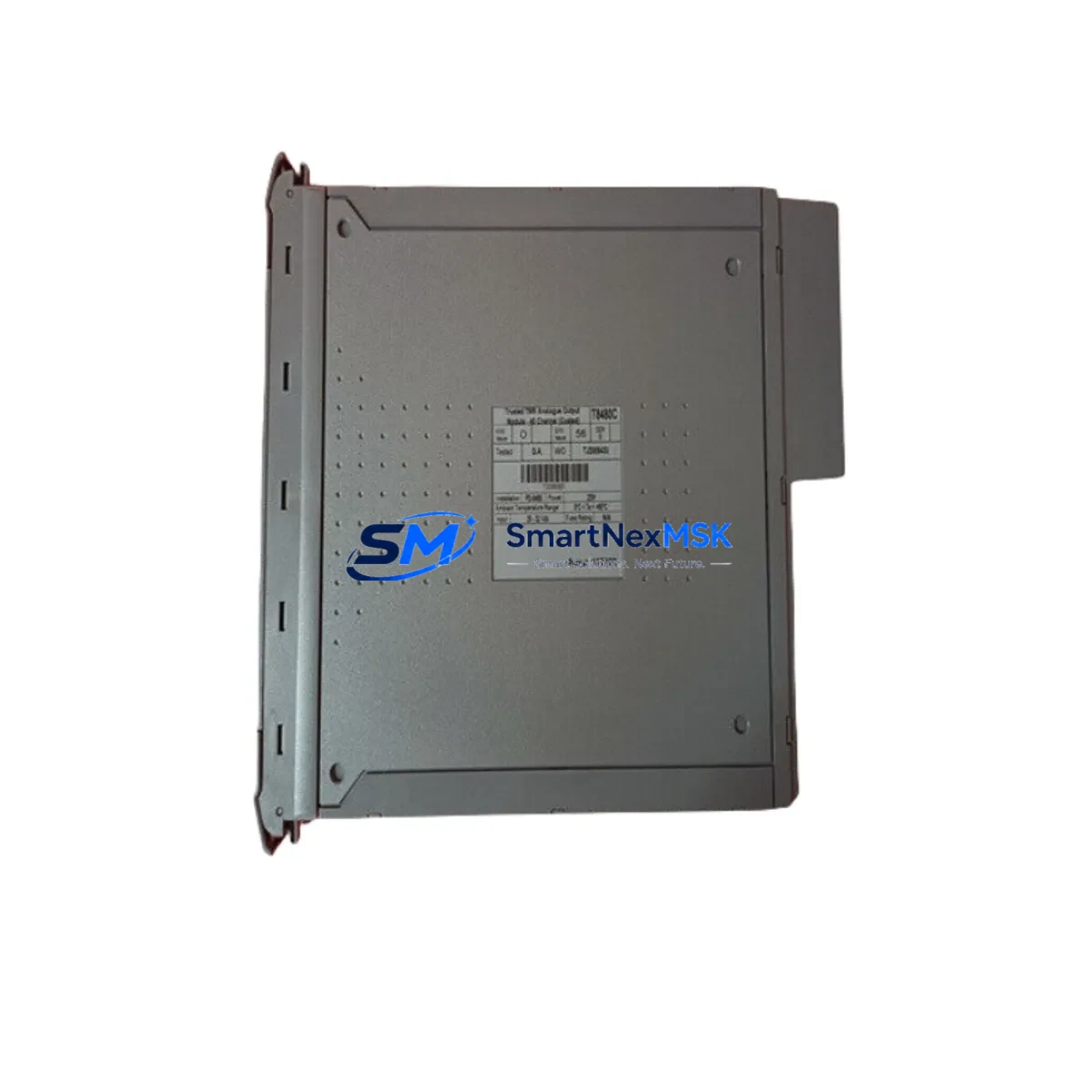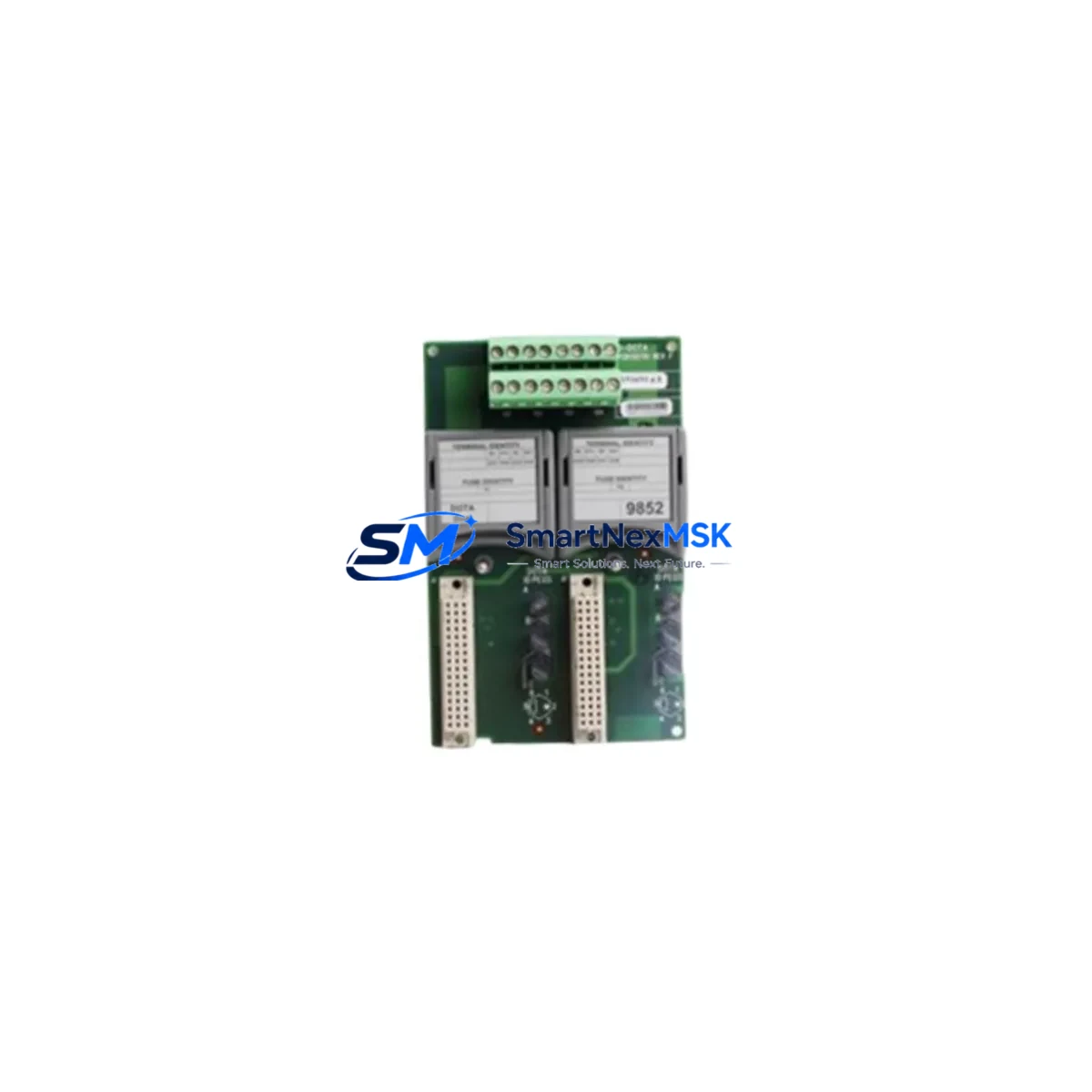
ICS Triplex T8243 Retrofit-Ready Power Port Module for Trusted TMR Control Systems
The ICS Triplex T8243 is a Power Port Module engineered for the Trusted TMR (Triple Modular Redundancy) safety control platform — one of the most widely deployed SIL2/SIL3-rated architectures in oil & gas, petrochemical, power generation, and offshore process industries. As legacy Trusted TMR installations age and OEM support windows close, the T8243 has become a critical retrofit and replacement component for engineers tasked with extending system life, restoring redundancy, and maintaining functional safety certification without a full control system overhaul.
Whether you are replacing a failed unit in an emergency shutdown system (ESD), upgrading power distribution within an existing Trusted chassis, or migrating from an earlier-generation ICS Triplex power architecture, the T8243 provides a direct-fit solution that preserves your existing backplane wiring, module addressing, and safety logic without requiring re-engineering of the control program.
Upgrade Compatibility Table
| Parameter | Details |
|---|---|
| Compatible Platform | ICS Triplex Trusted TMR Safety System |
| Module Type | Power Port Module |
| Safety Integrity Level | SIL 2 / SIL 3 (IEC 61508) |
| Backplane Interface | Trusted TMR standard backplane connector — direct replacement, no adapter required |
| Installation Requirement | Hot-swap capable in redundant configurations; cold-swap recommended for single-power-path systems |
| Communication Compatibility | Compatible with Trusted TMR internal communication bus; no protocol reconfiguration required |
| Replacement Recommendation | Direct replacement for failed or end-of-life T8243 units; verify firmware revision compatibility with system integrator |
| Commissioning Notes | Confirm module address assignment via Trusted ToolSuite; validate power rail voltages post-installation; check TMR voting logic integrity |
| Warranty | 12 Months — covers manufacturing defects, functional failure, and DOA units |
Retrofit Planning for Existing Automation Systems
A successful T8243 retrofit begins well before the module arrives on-site. Engineers should start by auditing the existing Trusted TMR chassis and backplane configuration to confirm slot availability, power rail loading, and the current firmware version running on the Trusted TMR Main Processor. In many aging installations, the T8243 shares a control cabinet with companion modules including the T8110 Trusted TMR I/O Module, T8151 Digital Input Module, T8161 Digital Output Module, and T8431 Analogue Input Module — all of which should be inspected for wear and thermal stress during the same maintenance window to avoid repeat outages.
Power capacity is a primary concern during any Trusted TMR retrofit. Before installing the T8243, calculate the total current draw of all installed I/O modules, communication modules, and processor cards against the rated output of the existing Trusted Power Supply Module. If the system has been expanded since original commissioning — for example, through the addition of T8310 Communication Interface Modules for Modbus RTU or PROFIBUS DP integration — the power budget may be tighter than the original design documents indicate.
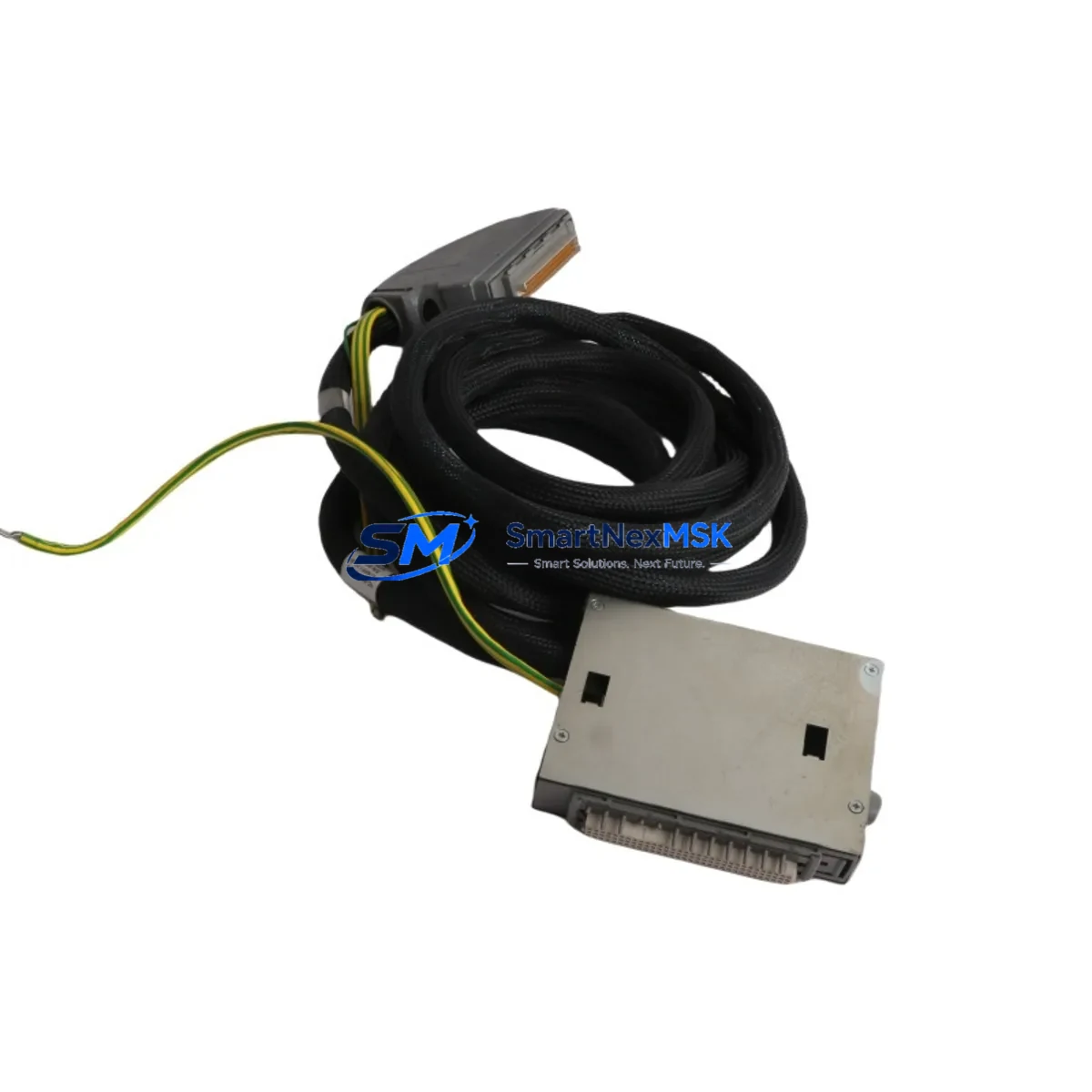
Terminal wiring should be verified against the original as-built drawings. The T8243 uses the standard Trusted TMR power port connector scheme, but field wiring terminations on the Trusted Field Termination Assembly (FTA) must be checked for corrosion, loose ferrules, and correct torque values — particularly in offshore or high-humidity environments where terminal degradation accelerates. If the installation includes T8920 Trusted Expander Chassis units for extended I/O capacity, confirm that the power distribution path to each expander is correctly rated and that the T8243 replacement does not alter the load balance across the primary and expander racks.
For sites running Trusted ToolSuite as the engineering workstation software, module address configuration is handled through the hardware configuration editor. After physical installation, the new T8243 must be recognized by the system and its module address confirmed before the TMR voting logic resumes normal operation. In systems where the Trusted Communications Module (TCM) handles OPC DA/UA data exchange with the DCS or SCADA layer, verify that the communication link remains stable throughout the power module swap and that no spurious alarms are generated on the historian or HMI screens.
Downtime Control During System Migration
Minimizing unplanned downtime is the primary operational constraint in any Trusted TMR power module replacement. Because the Trusted platform is designed around TMR architecture, a single-module failure does not immediately compromise system safety — the remaining two channels continue to vote and maintain control output. This window of degraded-but-operational status is the recommended time to plan and execute a T8243 replacement under controlled conditions rather than under emergency pressure.
Before beginning the physical swap, export a full system snapshot from Trusted ToolSuite, including the current hardware configuration, I/O mapping, and safety function logic. This snapshot serves as the restoration baseline if any unexpected behavior occurs during or after module replacement. Confirm that the HMI operator screens — whether running on a Wonderware, iFIX, or AVEVA System Platform — are displaying correct process values and that no latent faults are masked by the current alarm suppression configuration.
During the swap, maintain communication with the control room operator to monitor process variables in real time. If the system includes a Trusted Diagnostic Module, use its live diagnostic output to confirm that the replacement T8243 is correctly recognized and that all three TMR channels return to a healthy voting state within the expected initialization window. After installation, conduct a full power-on self-test (POST) verification and document the results in the site maintenance log before returning the system to normal operational status. Ship-tested and pre-verified units — such as those supplied by SMARTNEXMSK — significantly reduce the risk of DOA failures during critical maintenance windows.
Retrofit Support FAQ
Q1: Is the T8243 a direct drop-in replacement for the original ICS Triplex unit?
Yes. The T8243 is designed as a direct physical and functional replacement for the original ICS Triplex Trusted TMR Power Port Module. It uses the same backplane connector, module form factor, and power port interface. However, we recommend confirming the firmware revision of your existing Trusted TMR system with your system integrator before installation, as some early-generation chassis may require a firmware update to recognize newer hardware revisions.
Q2: What commissioning steps are required after installing the T8243?
After physical installation, open Trusted ToolSuite and navigate to the hardware configuration view to confirm the module is correctly detected and its address matches the slot assignment in the project file. Verify power rail voltages at the module output terminals, check that all three TMR channels return to a healthy state, and confirm that no new faults appear on the system diagnostic display. If the system communicates with an external DCS or SCADA via the Trusted Communications Module, verify that the data link remains stable and that process values are correctly transmitted.
Q3: How do I verify wiring compatibility before installation?
Refer to the original as-built wiring drawings for the Trusted TMR cabinet. The T8243 uses the standard Trusted power port connector — no rewiring of the backplane or field termination assemblies is required for a like-for-like replacement. Inspect all terminal connections on the associated Field Termination Assembly for corrosion or loose ferrules, and re-torque to the specified values before powering up the replacement module.
Q4: What does the 12-month warranty cover?
All T8243 units supplied by SMARTNEXMSK carry a 12-month warranty covering manufacturing defects, functional failure under normal operating conditions, and dead-on-arrival (DOA) units. Each unit undergoes pre-shipment functional testing before dispatch. In the event of a warranty claim, contact our technical support team with the unit serial number and fault description — replacement or repair will be arranged with priority handling to minimize your system downtime.
© 2026 SMARTNEXMSK. All rights reserved.
Original Source: https://smartnexmsk.com
Contact: [email protected] | +86 18259474341