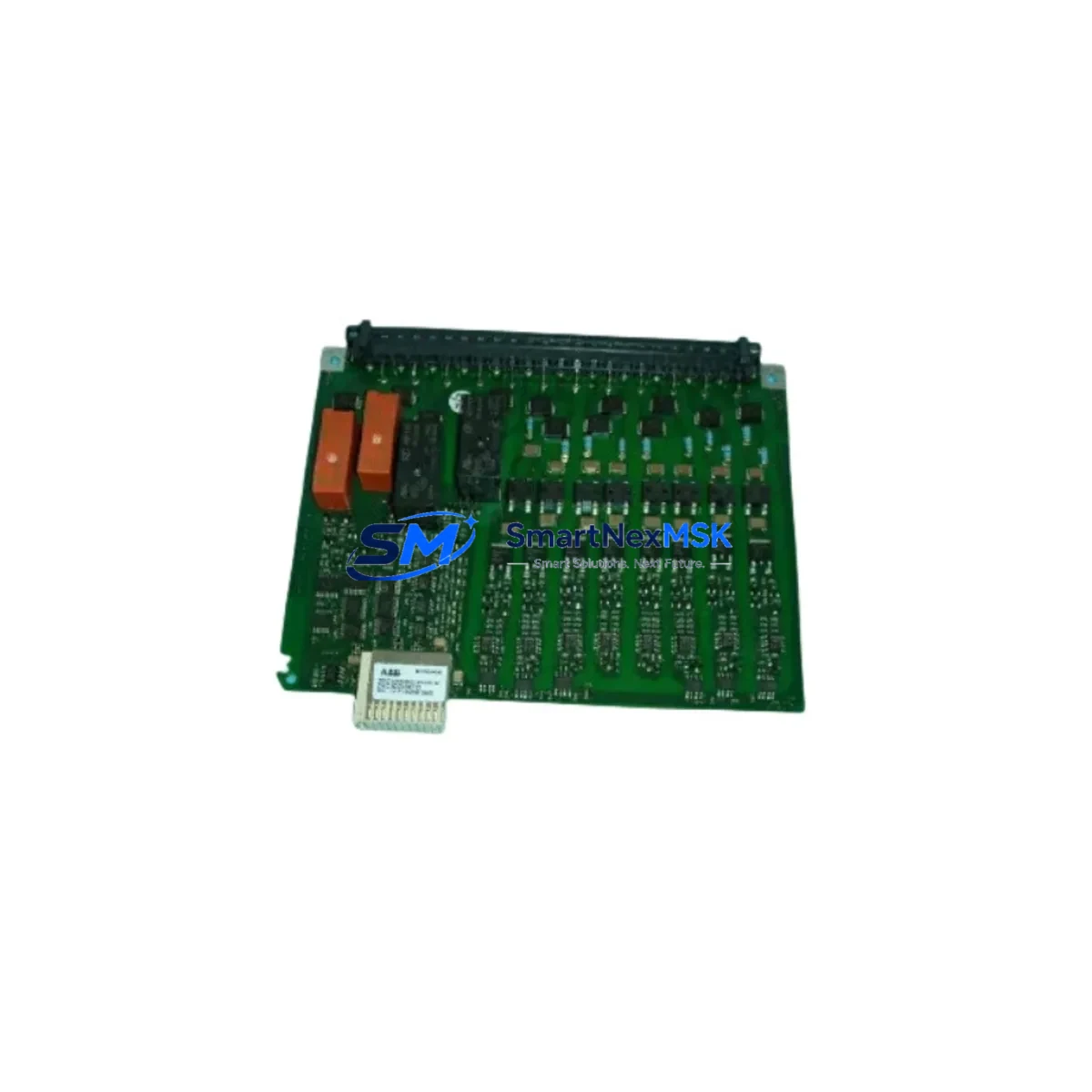
ICS TRIPLEX T9083D Retrofit-Ready IEC 61131 Key for Trusted Series Control Systems
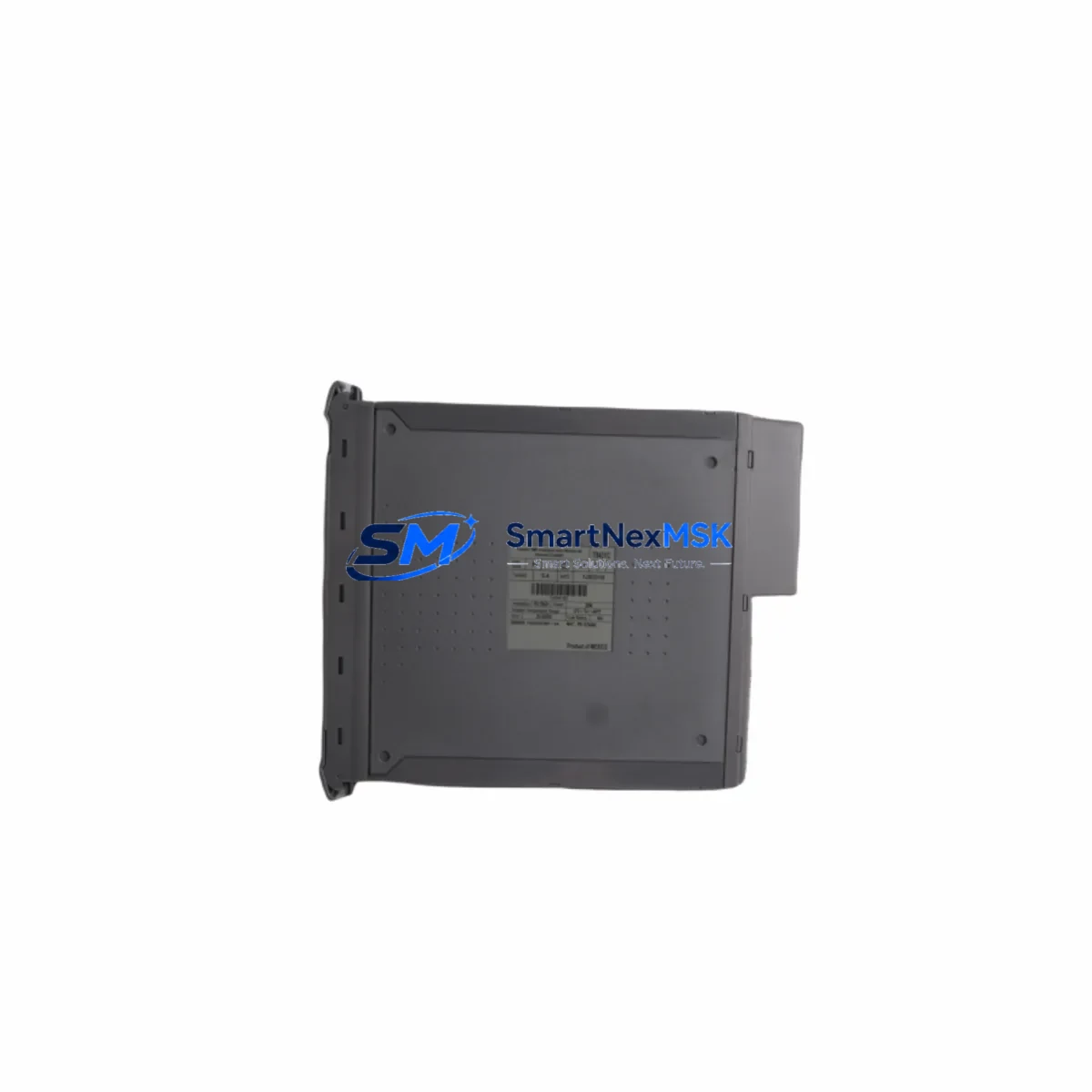
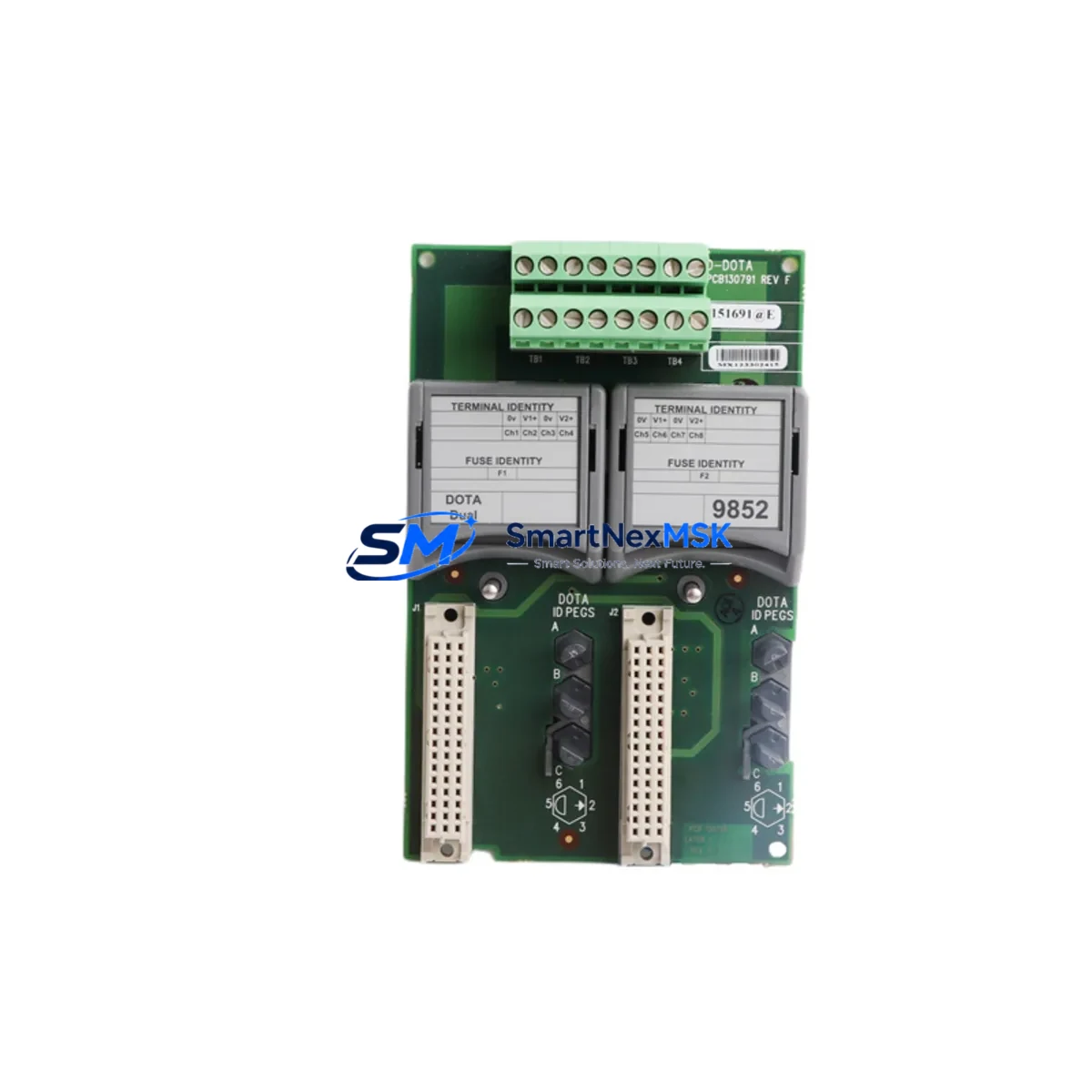
The ICS TRIPLEX T9083D is the IEC 61131-3 Workbench Hard Disk Key designed for the ICS TRIPLEX Trusted Series safety PLC platform — one of the most widely deployed triple-modular redundancy (TMR) control architectures in oil & gas, petrochemical, and power generation facilities. As legacy Trusted Series installations approach end-of-life and OEM support windows close, the T9083D has become a critical retrofit component for engineers tasked with extending system life, migrating programming environments, or restoring a decommissioned engineering workstation to full operational capability.
Whether you are recovering a failed workbench license, upgrading a control room PC to a newer operating system, or migrating your Trusted Series project files to a replacement engineering station, the T9083D provides the hardware-locked software authorization required to run the IEC 61131 Workbench development environment. This key is compatible with the full range of Trusted Series controllers, including the T8110 and T8120 Trusted TMR controllers, and integrates directly with the Trusted Communications Unit (TCU) and associated I/O modules during program download and online monitoring sessions.
Upgrade Compatibility Table
| Parameter | Detail |
|---|---|
| SKU / Part Number | T9083D |
| Brand | ICS TRIPLEX |
| Series | Trusted Series (TMR Safety PLC) |
| Function | IEC 61131-3 Workbench Hard Disk License Key |
| Compatible Controllers | T8110, T8120, T8100 Trusted TMR Controllers |
| Compatible Software | ICS TRIPLEX IEC 61131 Workbench (Trusted Workbench) |
| Interface / Connection | Hard Disk (internal installation, workstation-bound) |
| Communication Compatibility | Modbus, HART, OPC DA/UA via Trusted Communications Unit |
| Replacement For | T9083, T9083A, T9083B, T9083C (earlier revisions) |
| Installation Requirement | Dedicated engineering workstation; OS compatibility verification required |
| Retrofit Recommendation | Verify workstation OS version before installation; back up existing project files |
| Commissioning Note | License activation requires matching Trusted Workbench software version |
| Warranty | 12 Months |
| Stock Status | Available from inventory; fast global shipping |
Retrofit Planning for Existing Automation Systems
A successful T9083D retrofit begins well before the key arrives on site. Engineers should first audit the existing engineering workstation to confirm the installed version of the ICS TRIPLEX IEC 61131 Workbench software, as the T9083D is revision-specific and must match the software build. In many brownfield Trusted Series installations, the original workstation has been running continuously for over a decade, and the operating system may no longer be supported by the current Workbench installer. In these cases, the retrofit plan must account for a parallel workstation migration — standing up a new PC, installing the correct Workbench version, transferring the T9083D key, and validating that all existing project files (.tpj and associated function block libraries) open and compile without errors before the old workstation is decommissioned.
During this process, engineers frequently need to source additional components from the same Trusted Series ecosystem. The T8110 Trusted TMR Controller is the most common main processor module encountered in these retrofits, and its firmware version must be compatible with the Workbench version authorized by the T9083D. The T8403 Trusted TMR Digital Input Module and T8404 Trusted TMR Digital Output Module are standard I/O modules that may require re-addressing if the backplane slot configuration has changed during a cabinet upgrade. Similarly, the T8431 Trusted TMR Analog Input Module is frequently encountered in process measurement loops and must be verified against the new I/O map in the Workbench project.
Communication architecture is another critical retrofit consideration. Many Trusted Series systems use the T8830 Trusted Communications Unit (TCU) to bridge the TMR controller backplane to Modbus RTU or Modbus TCP networks, and the T9083D-authorized Workbench environment is required to configure TCU communication parameters, map Modbus register addresses, and download updated configurations. If the site is migrating from Modbus to OPC UA as part of a broader DCS integration project, the Workbench software accessed via the T9083D is the only tool capable of modifying the controller’s communication stack. The T8800 Trusted System Interface Module may also need reconfiguration if the HMI platform is being upgraded — for example, from a legacy Wonderware InTouch station to a modern SCADA system using OPC DA or OPC UA drivers.
Backplane and rack integrity should be inspected during any Trusted Series retrofit. The T8090 Trusted TMR Backplane provides the physical and electrical interconnect for all modules, and any corrosion, damaged connectors, or loose seating can cause intermittent faults that are difficult to diagnose after the new workbench key is installed. Engineers should also verify the T8510 Trusted Power Supply Module output voltages and load capacity before adding any new I/O modules to the rack, as undersized power budgets are a common cause of post-retrofit instability. Finally, the T9110 Trusted Programming Cable or equivalent USB-to-serial adapter must be confirmed compatible with the new workstation’s operating system to ensure uninterrupted online monitoring and program download capability during commissioning.
Downtime Control During System Migration
Minimizing unplanned downtime is the primary operational constraint in any Trusted Series retrofit involving the T9083D. The recommended approach is a staged migration: the new engineering workstation is configured and the T9083D key is installed and validated in an offline environment before any changes are made to the live control system. All existing project files should be exported from the current workstation, version-controlled, and compiled successfully in the new Workbench environment before the old workstation is taken offline.
During the cutover window, the Trusted TMR controller continues to execute the resident control program autonomously — the T9083D and Workbench software are only required for program modifications, online monitoring, and forced I/O operations. This means that a well-planned workstation migration can be executed with zero impact on the running process, provided the controller firmware is not being updated simultaneously. If a firmware update is required as part of the retrofit, this should be scheduled as a separate maintenance window with a full process shutdown and a tested rollback procedure in place.
To protect original program logic, engineers should maintain at least two independent backups of the Workbench project — one on the engineering workstation and one on a network share or removable media stored in the control room. The T9083D license is workstation-bound, so if the new PC fails before the retrofit is complete, a spare workstation with the same OS and Workbench version must be available to accept the key transfer. Documenting the module address assignments, I/O tag database, HMI screen bindings, and communication link parameters before beginning the retrofit ensures that any unexpected rollback can be executed within the planned maintenance window without loss of process data or control continuity.
Retrofit Support FAQ
Q1: Is the T9083D a direct drop-in replacement for earlier T9083 revisions (T9083A, T9083B, T9083C)?
A: In most cases, yes. The T9083D is the current production revision of the ICS TRIPLEX IEC 61131 Workbench Hard Disk Key and is backward-compatible with the same Workbench software versions supported by earlier revisions. However, you should confirm the exact Workbench software version installed on your engineering workstation before ordering, as very early Workbench releases may require a specific key revision. Contact our technical team with your current software version for confirmation.
Q2: What commissioning steps are required after installing the T9083D on a new workstation?
A: After physically installing the key, launch the IEC 61131 Workbench software and verify that the license is recognized. Open your existing project file and perform a full compile to confirm there are no library or function block errors. Connect to the Trusted TMR controller via the T9110 programming cable or Ethernet link, verify online status, and compare the resident program checksum against your project file. Do not perform a program download until the checksum comparison and I/O map review are complete.
Q3: How do I verify wiring and I/O compatibility after a backplane or module replacement?
A: Use the T9083D-authorized Workbench environment to open the I/O configuration editor and cross-reference each module’s slot address against the physical backplane layout. For analog input modules such as the T8431, verify the field wiring termination against the module’s terminal assignment drawing. For digital I/O modules (T8403/T8404), confirm that the field device voltage levels match the module’s input/output specifications. Any discrepancies should be resolved before energizing the new modules.
Q4: What does the 12-month warranty cover, and how is the unit tested before shipment?
A: Every T9083D unit shipped by SMARTNEXMSK undergoes functional verification testing prior to dispatch, confirming that the key is recognized by the IEC 61131 Workbench software and that the license authorization is intact. The 12-month warranty covers hardware defects and license recognition failures under normal operating conditions. Units that fail to authorize the Workbench software upon installation are eligible for immediate replacement. Warranty claims are processed within 5 business days of receipt of the returned unit.
© 2026 SMARTNEXMSK. All rights reserved.
Original Source: https://smartnexmsk.com
Contact: [email protected] | +86 18259474341