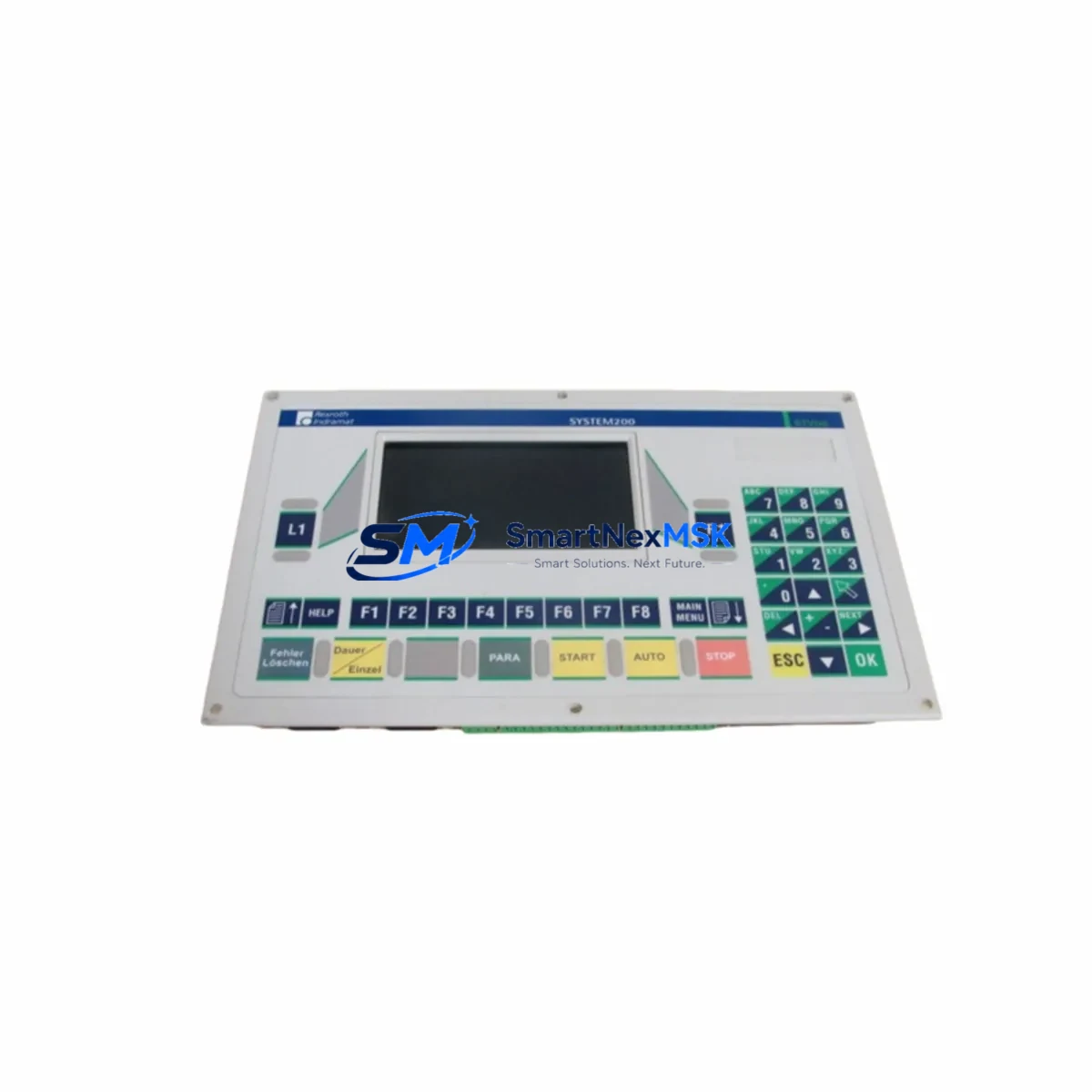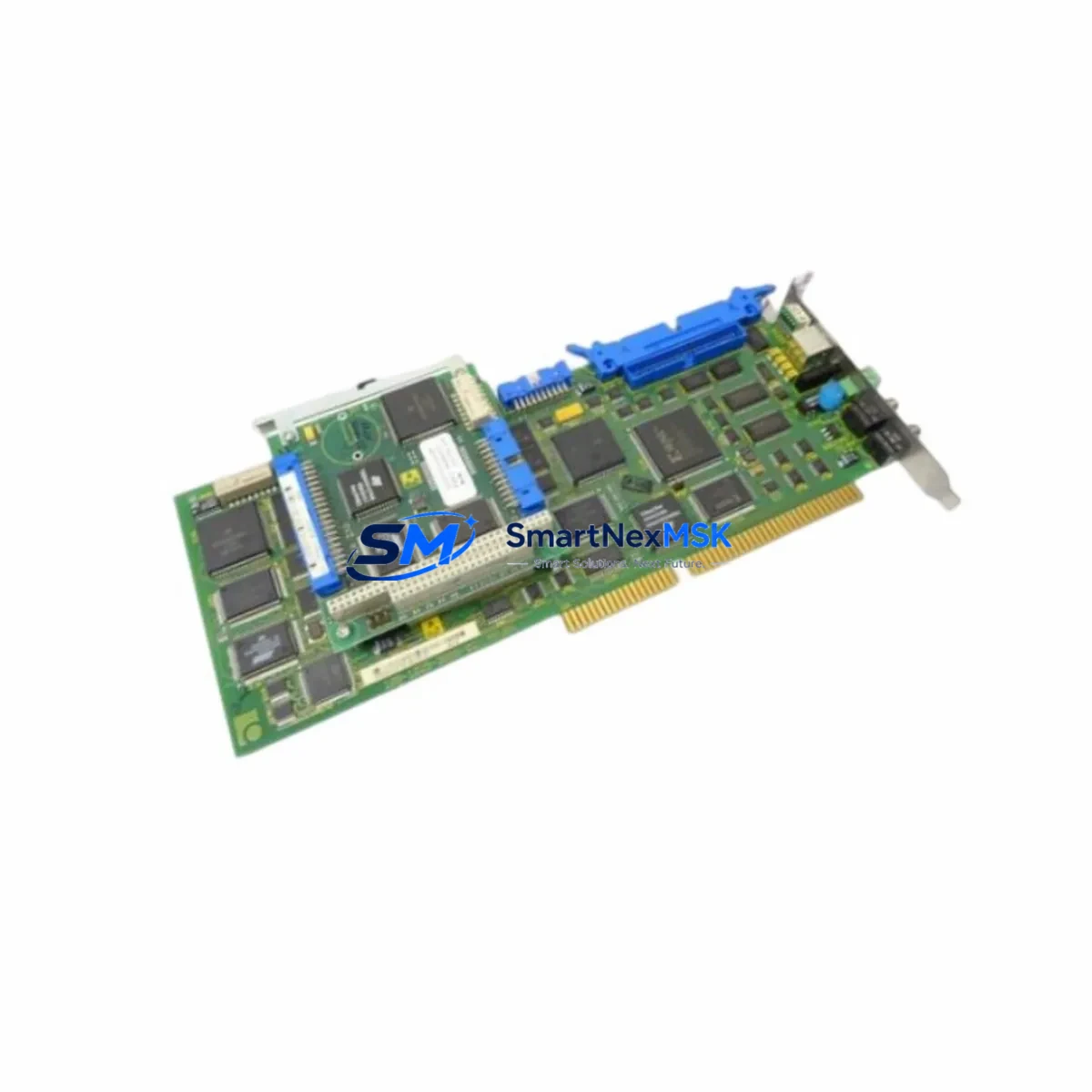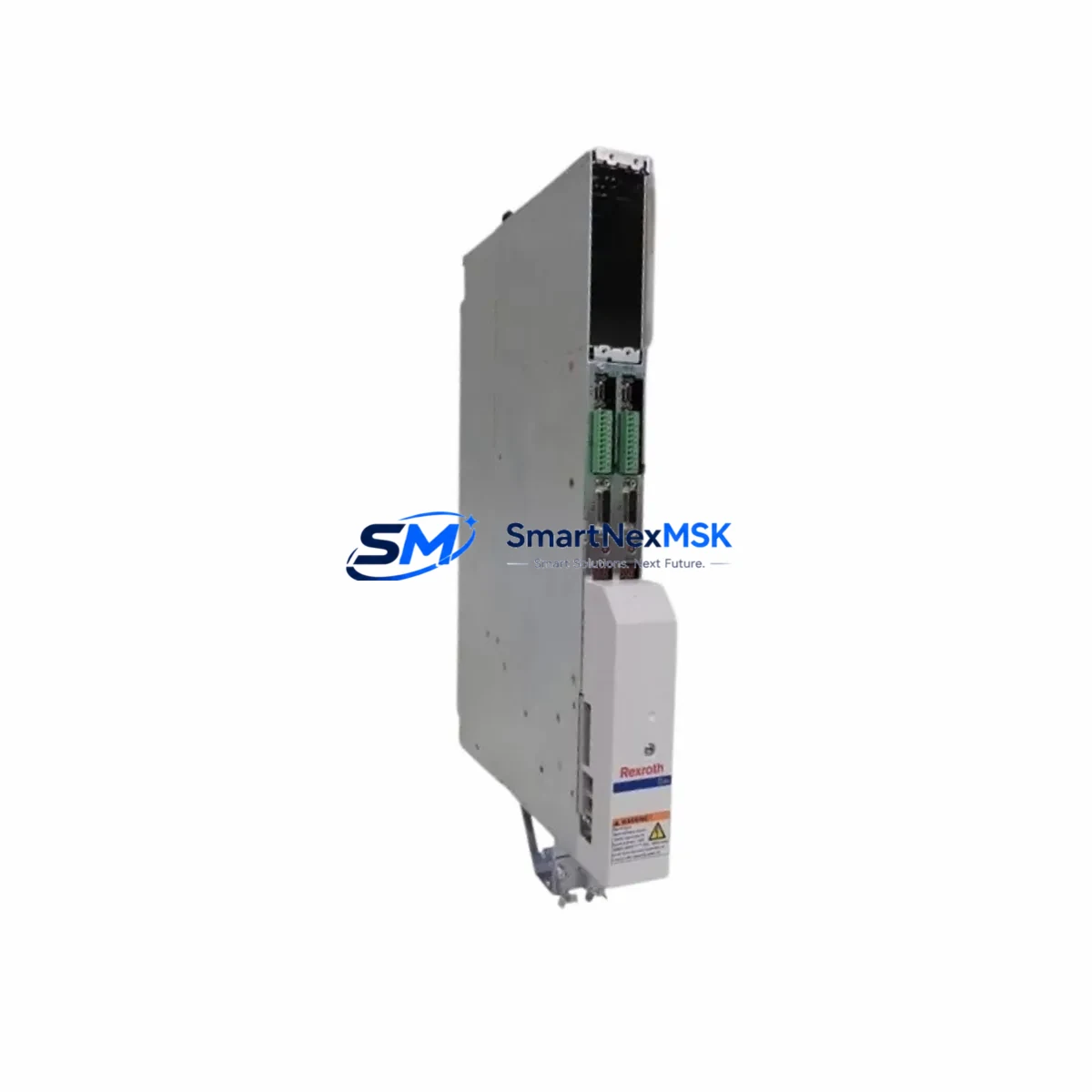
Indramat HDS04.2-W200N-HS23-01-FW Retrofit-Ready AC Servo Drive for HDS Series Control Systems
The Indramat HDS04.2-W200N-HS23-01-FW is a high-performance AC servo drive engineered for demanding industrial motion control applications within the Indramat HDS Series platform. As legacy Indramat DIAX02, DIAX03, and DIAX04 servo systems reach end-of-life, the HDS04.2-W200N-HS23-01-FW has become a critical retrofit and replacement component for manufacturers seeking to extend the operational life of existing servo axes without a full control system overhaul. With a continuous output current rating of 200A and compatibility with the standard HDS Series rack and backplane architecture, this drive supports smooth integration into existing control cabinets with minimal mechanical modification.
Engineers undertaking a retrofit project with the HDS04.2-W200N-HS23-01-FW must carefully verify several key parameters before commissioning. Power supply capacity is the first checkpoint: the HDS04.2 series requires a matched Indramat HVR or KVR regenerative power supply module to handle the DC bus voltage and peak regenerative energy. Existing installations using an HVR02.2 or HVR03.1 power supply should be load-calculated against the new drive’s peak demand to confirm headroom. Terminal wiring on the X1 motor power connector and X2 feedback connector must be verified against the motor encoder type — whether resolvers or EnDat 2.1/2.2 — as the HDS04.2-W200N-HS23-01-FW supports both, but the firmware parameter set must match. The backplane interface slot assignment and module address must be confirmed in the SERCOS ring configuration, particularly when replacing a failed drive in a multi-axis system where axis numbering is embedded in the PLC program logic.
Program compatibility is a frequent concern during HDS Series retrofits. If the original axis was programmed via an Indramat BTV or MTC200 motion controller, the drive parameters — including velocity loop gain, position window, and torque limits — must be re-entered or transferred using the Indramat IndraWorks DS or WinDrive commissioning software. Customers migrating from older DIAX02 firmware should note that parameter mapping between firmware generations is not always 1:1, and a parameter migration checklist is strongly recommended before live commissioning. HMI screen updates may also be required if the operator panel references axis-specific drive status codes that differ between firmware versions.
For installations involving SERCOS II communication protocol, the HDS04.2-W200N-HS23-01-FW integrates directly into existing SERCOS fiber-optic rings alongside other HDS and HMS series drives. Where the control system uses a Bosch Rexroth IndraMotion MLC or MLD controller, the drive’s SERCOS node address must be set via the S1 rotary switch on the front panel and confirmed in the controller’s axis assignment table. In mixed installations where some axes use older HDS02.2 or HDS03.2 drives, the SERCOS baud rate and cycle time must be uniform across all nodes — typically 2 Mbit/s or 4 Mbit/s at 1ms or 2ms cycle time.
I/O expansion requirements should also be reviewed during the retrofit planning phase. If the original system relied on a dedicated Indramat DAE or DAG I/O expansion module for local digital inputs and outputs at the drive level, these assignments must be remapped in the new drive’s I/O parameter table. In control cabinets where an Indramat CSH01.1 or CSB01.1 single-axis controller was previously used alongside the servo drive, the transition to the HDS04.2 platform may consolidate axis control and reduce cabinet footprint, but requires careful review of the safety relay wiring and E-stop circuit integration.
Upgrade Compatibility Table
| Parameter | Details |
|---|---|
| SKU / Part Number | HDS04.2-W200N-HS23-01-FW |
| Brand / Manufacturer | Indramat (Bosch Rexroth) |
| Series | HDS Series (HDS04.2) |
| Continuous Output Current | 200A |
| Compatible Power Supply | HVR02.2, HVR03.1, KVR03.1 (DC Bus) |
| Feedback Interface | Resolver, EnDat 2.1 / 2.2 |
| Communication Protocol | SERCOS II (fiber optic ring) |
| Backplane / Rack Interface | HDS Series standard backplane slot |
| Replaces / Upgrades From | HDS02.2, HDS03.2, DIAX02, DIAX03, DIAX04 servo drives |
| Compatible Controllers | MTC200, IndraMotion MLC, IndraMotion MLD, BTV series |
| Commissioning Software | IndraWorks DS, WinDrive |
| Installation Type | Rack-mount, control cabinet |
| Origin | Germany |
| Warranty | 12 Months — covers hardware defects, functional testing included pre-shipment |
Retrofit Planning for Existing Automation Systems
A successful retrofit using the HDS04.2-W200N-HS23-01-FW begins with a thorough audit of the existing control cabinet. In most legacy Indramat installations, the cabinet will contain a combination of components that must be evaluated for compatibility or replacement. The HVR regenerative power supply feeding the DC bus is typically the first component to assess — if it is undersized for the 200A drive, an HVR03.1 upgrade may be necessary. The HDS Series backplane and rack assembly should be inspected for slot integrity and bus connector condition, as oxidized or damaged backplane contacts are a common cause of intermittent faults after drive replacement.
Terminal block wiring for the motor power cable (typically a 4-conductor shielded cable to the MKD or MKE servo motor) must be re-terminated if the original cable was cut or damaged. The motor feedback cable connecting to the X2 encoder port should be tested for continuity and shielding integrity before commissioning. In systems where a DAE02.1 or DAE03.1 digital I/O expansion module is mounted adjacent to the drive, the I/O wiring harness can typically be reused, but the module address must be re-confirmed in the drive parameters. If the installation includes an Indramat BTV06 or BTV16 operator panel, the panel communication settings and axis display configuration should be verified after the drive swap to ensure correct status readback.
For multi-axis systems using a SERCOS fiber-optic ring, the fiber patch cables connecting the HDS04.2-W200N-HS23-01-FW to adjacent drives (such as HDS03.2 or HMS01.1 drives sharing the same ring) must be inspected for bend radius compliance and connector cleanliness. Dirty or damaged fiber connectors are a leading cause of SERCOS communication errors post-retrofit. A programming cable (typically an RS232 or USB-to-serial adapter with the appropriate Indramat cable assembly) is required for initial parameter upload via IndraWorks DS or WinDrive before the drive is placed online.
Downtime Control During System Migration
Minimizing production downtime during an HDS04.2-W200N-HS23-01-FW retrofit requires a structured pre-commissioning approach. Before the scheduled maintenance window, all existing drive parameters should be backed up using IndraWorks DS or WinDrive and stored offline. A parameter comparison between the outgoing drive’s firmware version and the replacement unit’s firmware should be completed in advance to identify any parameter mapping differences that will require manual adjustment during commissioning.
During the physical swap, the DC bus should be fully discharged before any wiring is disturbed — the HDS04.2 series retains significant bus voltage for several minutes after power-off, and the drive’s charge indicator LED must be confirmed off before work begins. The motor power and feedback connectors should be labeled and photographed before removal to ensure correct re-termination. Once the replacement drive is installed and wired, a no-load test should be performed with the motor decoupled from the mechanical load to verify velocity loop response and encoder feedback before reconnecting the drive train.
To protect original program logic, the PLC program on the MTC200 or IndraMotion MLC controller should not be modified during the drive swap — only the drive-side parameters are changed. This ensures that axis motion profiles, cam tables, and safety interlocks remain intact and that the system can be returned to production quickly after the drive-level commissioning is complete. A pre-shipment functional test is performed on every HDS04.2-W200N-HS23-01-FW unit before dispatch, covering power-on self-test, SERCOS communication handshake, and encoder feedback verification, reducing the risk of DOA units and unplanned extended downtime.
Retrofit Support FAQ
Q1: Is the HDS04.2-W200N-HS23-01-FW a direct drop-in replacement for HDS03.2 or HDS02.2 drives?
The HDS04.2-W200N-HS23-01-FW is mechanically compatible with the standard HDS Series backplane and rack, but it is not always a parameter-for-parameter replacement for earlier HDS02.2 or HDS03.2 units. Firmware generation differences mean that some parameters — particularly velocity loop tuning, encoder interface settings, and SERCOS node configuration — must be re-entered rather than directly transferred. A parameter migration review using IndraWorks DS is recommended before commissioning.
Q2: What wiring changes are required when replacing a failed HDS Series drive?
In most cases, the existing motor power cable (X1) and encoder feedback cable (X2) can be reused if they are undamaged. The DC bus connections and the SERCOS fiber-optic patch cables must be re-seated carefully. If the original drive failed due to an internal short, the motor winding resistance and insulation resistance should be tested before reconnecting to the replacement drive to avoid immediate re-failure.
Q3: Does the HDS04.2-W200N-HS23-01-FW support EnDat 2.2 encoders as well as resolvers?
Yes. The HDS04.2-W200N-HS23-01-FW supports both resolver feedback and EnDat 2.1/2.2 digital encoder feedback via the X2 interface. The feedback type is selected via drive parameters during commissioning. If the existing motor uses a resolver and the replacement motor uses an EnDat encoder (or vice versa), the feedback parameter set must be updated accordingly in IndraWorks DS or WinDrive.
Q4: What does the 12-month warranty cover, and is pre-shipment testing included?
Every HDS04.2-W200N-HS23-01-FW unit supplied by SMARTNEXMSK is covered by a 12-month warranty against hardware defects under normal operating conditions. Pre-shipment testing includes power-on self-test, SERCOS communication verification, and encoder interface check. Units that fail pre-shipment testing are not dispatched. Warranty claims are handled directly — contact [email protected] with the unit serial number and fault description for rapid resolution.
© 2026 SMARTNEXMSK. All rights reserved.
Original Source: https://smartnexmsk.com
Contact: [email protected] | +86 18259474341