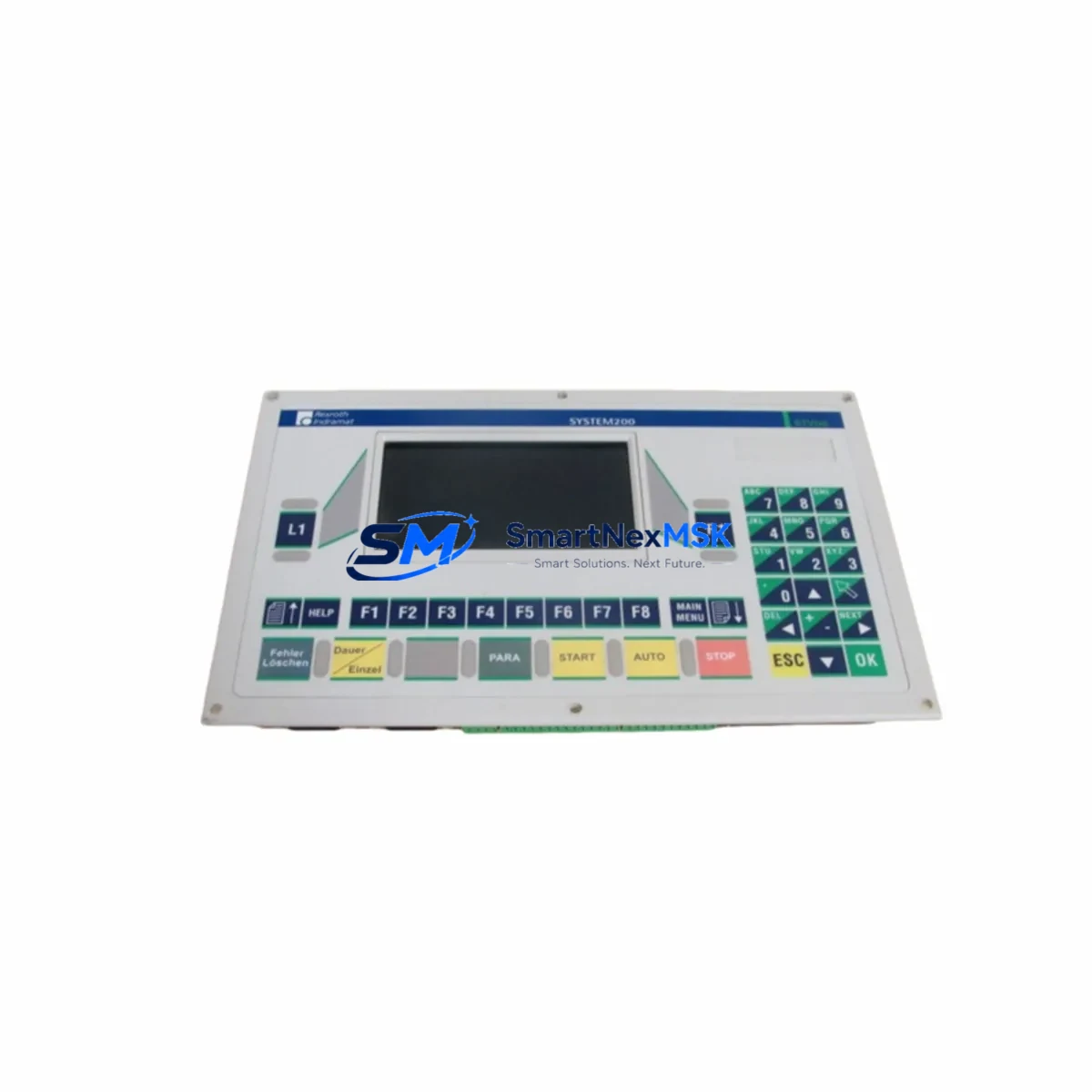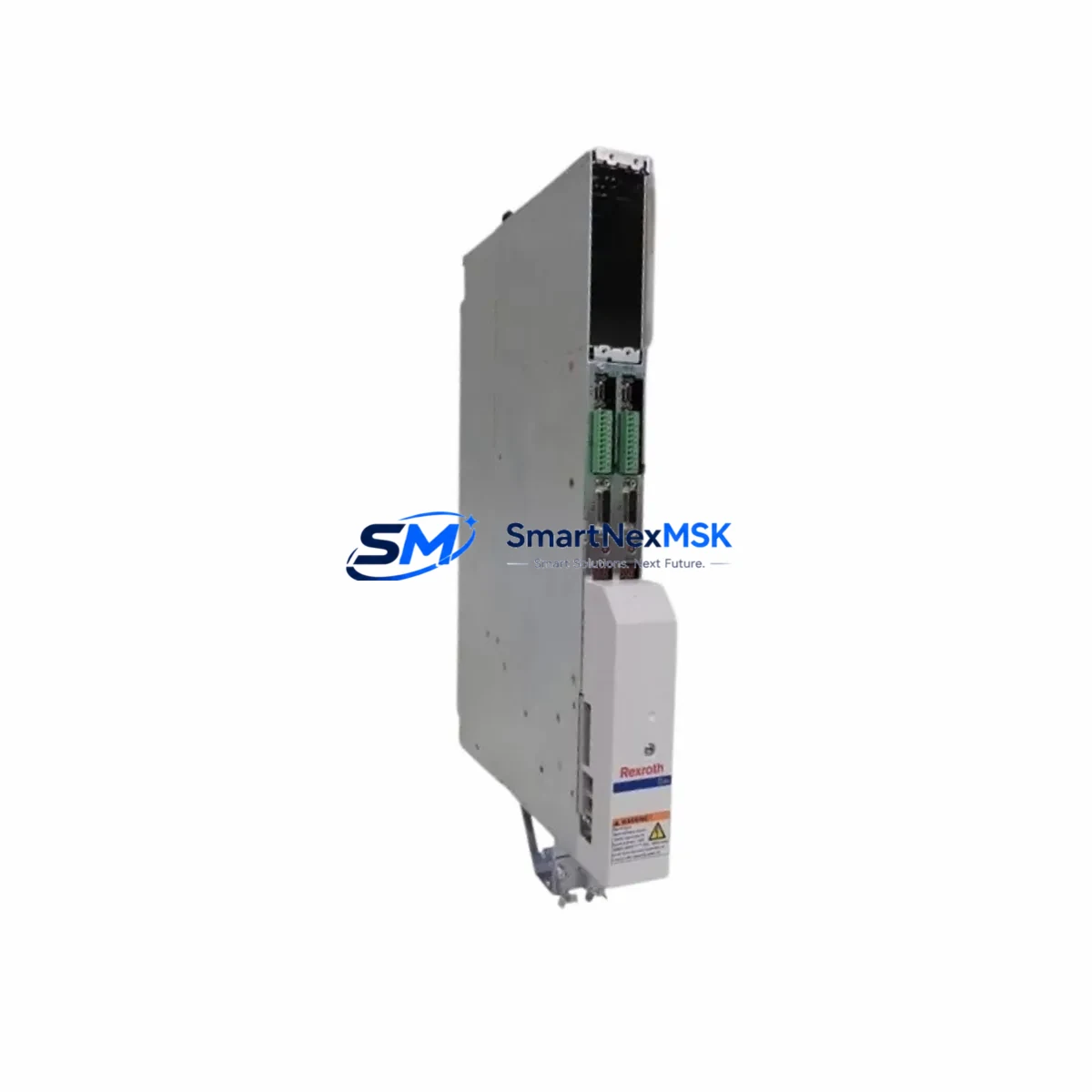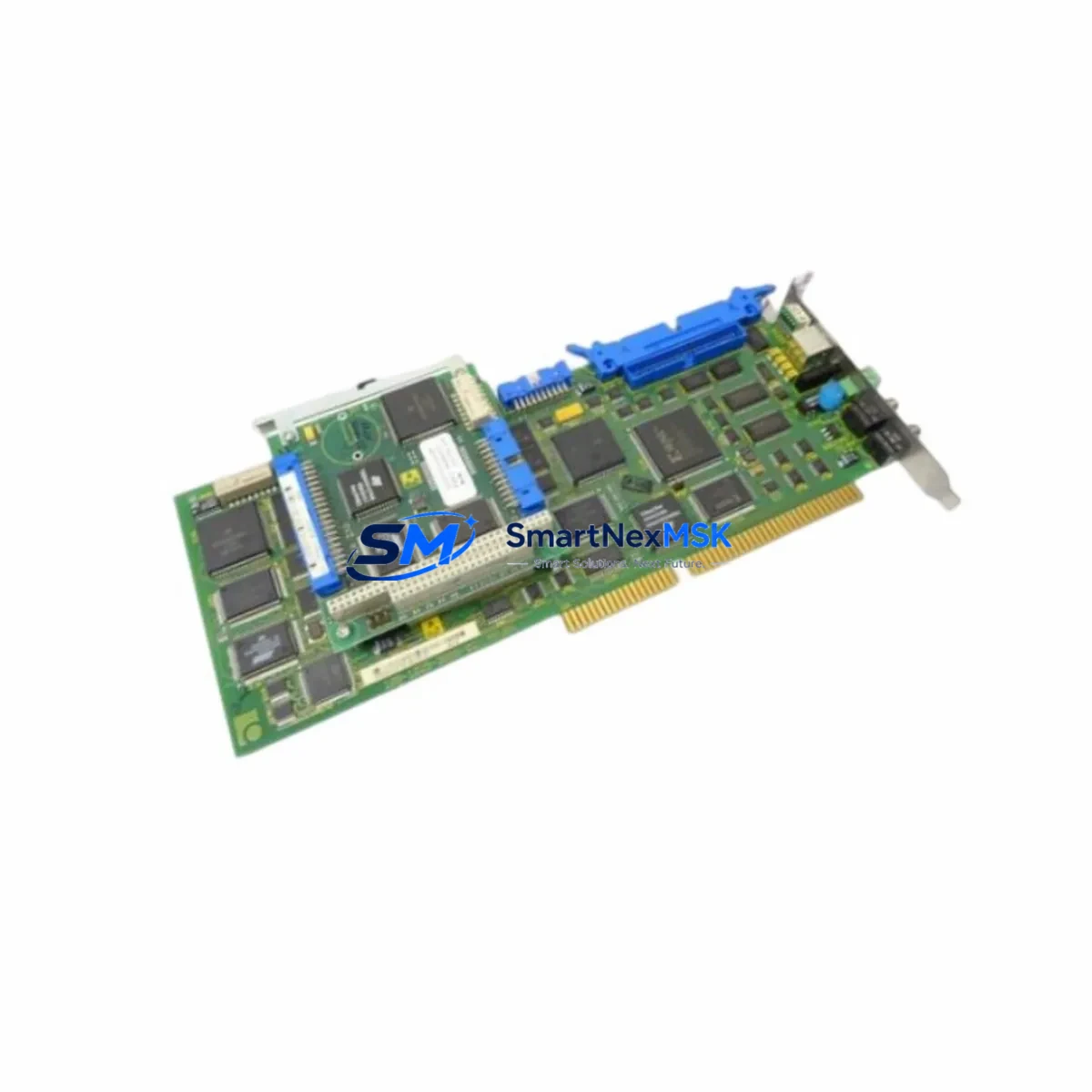
Indramat MTC-P01,2-M2-A2-NN-NN-FW Maintenance-Ready Spare for MTC-P01 Series Automation
The Indramat MTC-P01,2-M2-A2-NN-NN-FW (firmware reference: FWA-MTCP01-M01-18VRS-NN) is a CNC expansion module engineered for Indramat MTC-P01 series motion control systems — a platform widely deployed across precision machining centers, multi-axis grinding lines, and coordinated servo drive cabinets in heavy industrial environments. As original equipment from Indramat (now integrated into the Bosch Rexroth portfolio), this module delivers the signal processing, axis interpolation, and I/O expansion capabilities that MTC-P01 controllers depend on for deterministic CNC cycle execution.
For maintenance engineers managing aging Indramat-based control systems, sourcing a verified, tested spare of the MTC-P01,2-M2-A2-NN-NN-FW is a critical step in any downtime-recovery or planned-overhaul strategy. Unplanned CNC downtime in production environments can cost thousands per hour; having a pre-tested, shelf-ready module eliminates the lead-time risk associated with OEM procurement channels that no longer actively stock legacy Indramat hardware.
Every unit shipped by SMARTNEXMSK undergoes functional verification prior to dispatch. The module is packaged with ESD-protective materials, accompanied by a test report, and covered by a 12-month warranty against manufacturing and functional defects. Long-term supply continuity is maintained through our global sourcing network, ensuring availability even for discontinued Indramat catalog references.
Spare Maintenance Table
| Parameter | Specification / Detail |
|---|---|
| Part Number | MTC-P01,2-M2-A2-NN-NN-FW |
| Firmware Reference | FWA-MTCP01-M01-18VRS-NN |
| Series | Indramat MTC-P01 |
| Product Type | CNC Expansion Module |
| Brand / OEM | Indramat (Bosch Rexroth) |
| Country of Origin | Germany |
| Compatible Platform | Indramat MTC-P01 CNC Controller Series |
| Axis Configuration | M2-A2 (2-axis interpolation expansion) |
| I/O Configuration | NN-NN (standard I/O, no special option) |
| Firmware Type | FW (firmware-loaded module) |
| Application Environment | Industrial CNC machining, servo drive systems, multi-axis motion control |
| Installation | Backplane slot insertion into MTC-P01 controller rack |
| Pre-Shipment Testing | Functional verification performed; test report included |
| Warranty | 12 Months |
| Packaging | ESD-protective anti-static packaging |
| Supply Status | Available — long-term sourcing supported |
Maintenance Planning for Continuous Operation
When a CNC expansion module such as the MTC-P01,2-M2-A2-NN-NN-FW is flagged for replacement during a scheduled overhaul or emergency fault isolation, experienced maintenance engineers know that the module itself is rarely the only component requiring attention. A systematic cabinet inspection is essential to prevent repeat failures and ensure the restored system operates reliably through the next maintenance interval.
Begin with the MTC-P01 controller backplane and rack assembly — inspect connector pins, backplane bus integrity, and slot retention mechanisms before seating the replacement module. Corroded or bent backplane contacts are a common root cause of module communication faults that are misdiagnosed as module failure. Next, verify the 24 VDC control power supply feeding the MTC-P01 rack; voltage ripple or marginal current capacity under load can cause intermittent module resets that reappear after replacement if the supply is not also serviced.
The Indramat TDM or KDS servo drive modules connected to the axes managed by this expansion card should be inspected for fault history, DC bus voltage stability, and feedback cable integrity. A failing drive can generate back-EMI that stresses the expansion module’s signal interface. Similarly, the resolver or encoder feedback cables routed from the servo motors to the MTC-P01 system should be checked for insulation damage, shield continuity, and connector seating — degraded feedback signals are a leading cause of axis interpolation errors that appear as module faults.
Review the I/O terminal strips and relay output modules associated with the axes controlled by this card. Welded relay contacts or open-circuit terminal connections can create logic conflicts that the CNC interprets as expansion module errors. If the cabinet includes signal isolators or optocoupler boards between the MTC-P01 I/O and field devices, inspect these for thermal discoloration or failed isolation barriers — particularly in high-cycle applications.
For systems with Indramat BTV or BOF operator panels (HMI), confirm that the communication link between the HMI and the MTC-P01 controller is stable after module replacement; firmware version mismatches between the new module (FWA-MTCP01-M01-18VRS-NN) and the HMI software can cause display errors or parameter access faults. Check fuse holders and circuit breakers on the 24 VDC and I/O supply rails — a blown fuse on an I/O channel is easily overlooked and will cause the replacement module to appear non-functional during commissioning. Finally, inspect any communication interface modules (SERCOS, Profibus, or proprietary Indramat fieldbus cards) installed in adjacent backplane slots, as these share the rack bus and can affect module initialization if they are in a fault state.
Site Replacement Workflow
Replacing the MTC-P01,2-M2-A2-NN-NN-FW on-site follows a structured sequence designed to minimize downtime and eliminate re-work. Before powering down the control cabinet, document the current axis parameter set from the MTC-P01 controller — parameter backup via the BTV operator panel or a connected programming terminal ensures that axis tuning data, spindle parameters, and I/O assignments are preserved and can be reloaded after the module swap.
Power down the cabinet following the OEM-recommended sequence: disable the servo enable signal, allow the DC bus to discharge, then remove control power. Extract the faulty MTC-P01,2-M2-A2-NN-NN-FW from its backplane slot using the module ejector levers — do not force the module, as damaged backplane connectors will extend the repair significantly. Inspect the vacated slot for debris or contact damage before inserting the replacement unit.
Seat the new module firmly until the ejector levers lock, restore control power, and allow the MTC-P01 controller to complete its self-test sequence. If the firmware reference (FWA-MTCP01-M01-18VRS-NN) matches the system’s existing firmware environment, the controller should recognize the module without requiring a firmware flash. Reload the axis parameter backup, perform a dry-run cycle without workpiece engagement, and verify all axis positions, limit switch responses, and I/O states before returning the machine to production. Total on-site replacement time for a prepared maintenance team is typically 45–90 minutes, making a pre-tested spare the most effective tool for rapid downtime recovery.
Spare Parts Support FAQ
Q1: Is the MTC-P01,2-M2-A2-NN-NN-FW compatible with all MTC-P01 controller variants?
The MTC-P01,2-M2-A2-NN-NN-FW is designed for the Indramat MTC-P01 series and is compatible with controller racks that accept the M2-A2 axis expansion configuration. Compatibility should be confirmed against your specific controller rack revision and firmware version (FWA-MTCP01-M01-18VRS-NN). Contact our technical team with your full system configuration for pre-purchase verification.
Q2: How is the module tested before shipment?
Each MTC-P01,2-M2-A2-NN-NN-FW unit undergoes functional verification on a compatible test bench prior to dispatch. The test confirms module initialization, backplane communication, and I/O response. A test report is included with the shipment. Units that do not pass verification are not shipped.
Q3: What is the warranty coverage and what does it include?
All units are covered by a 12-month warranty from the date of shipment. The warranty covers functional defects and manufacturing faults under normal operating conditions. It does not cover damage resulting from incorrect installation, overvoltage events, or physical mishandling. Warranty claims are processed with priority to minimize your system downtime.
Q4: Can you support long-term or repeat procurement of this spare part?
Yes. SMARTNEXMSK maintains sourcing relationships for legacy Indramat components including the MTC-P01 series. We support blanket orders, scheduled deliveries, and inventory-on-demand arrangements for maintenance departments managing multiple Indramat-based machines. Contact us to discuss a supply agreement tailored to your maintenance cycle.
© 2026 SMARTNEXMSK. All rights reserved.
Original Source: https://smartnexmsk.com
Contact: [email protected] | +86 18259474341