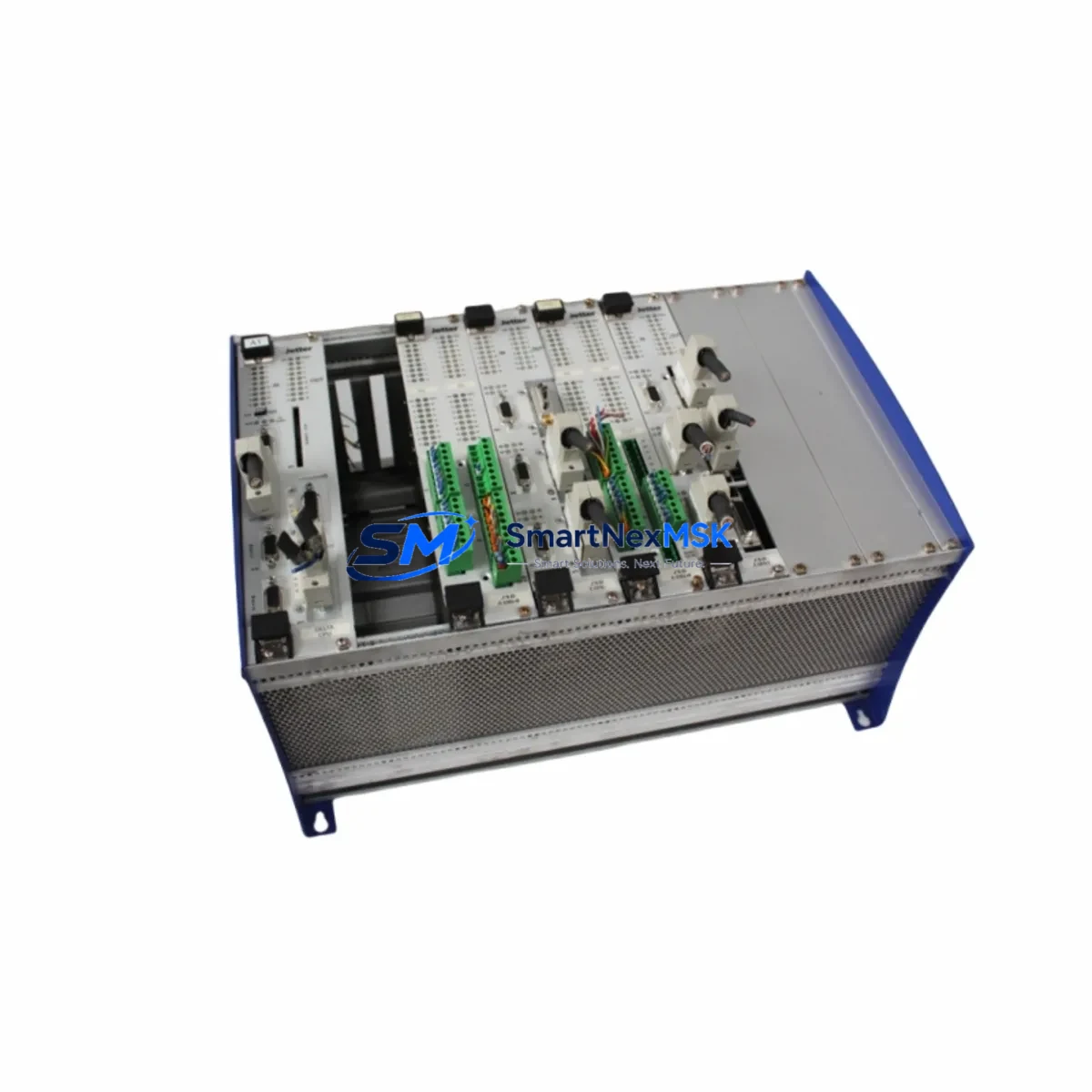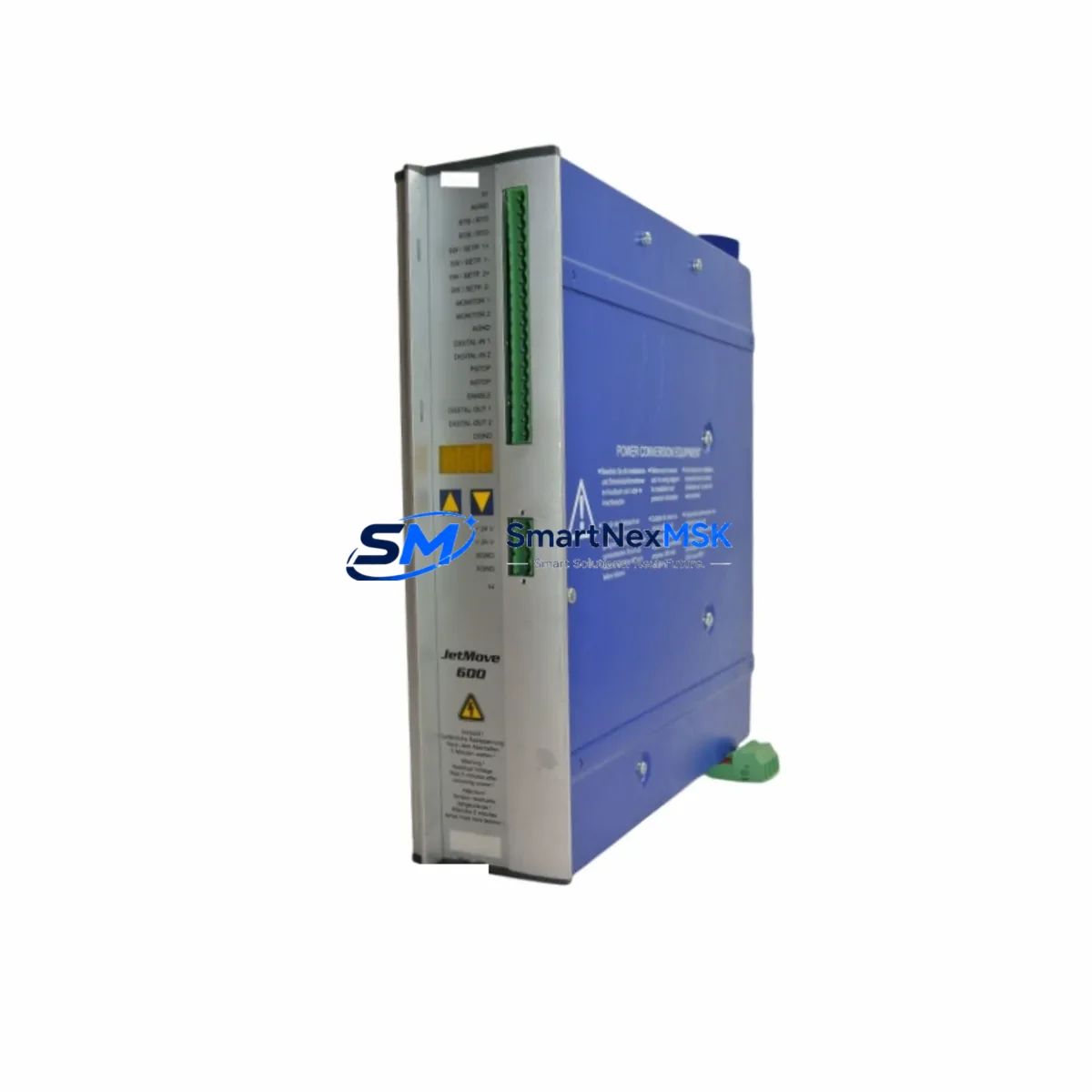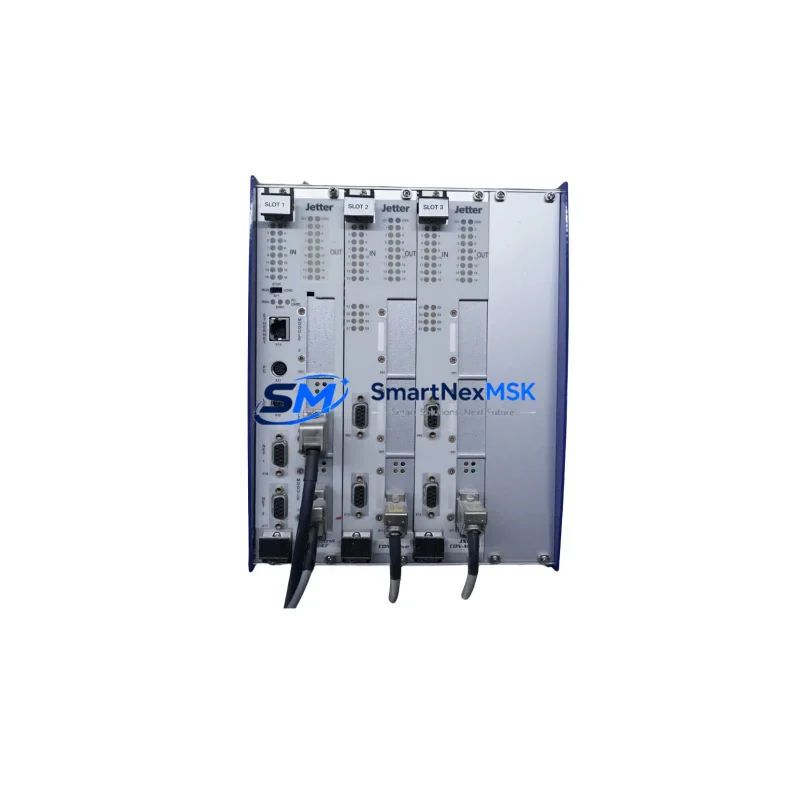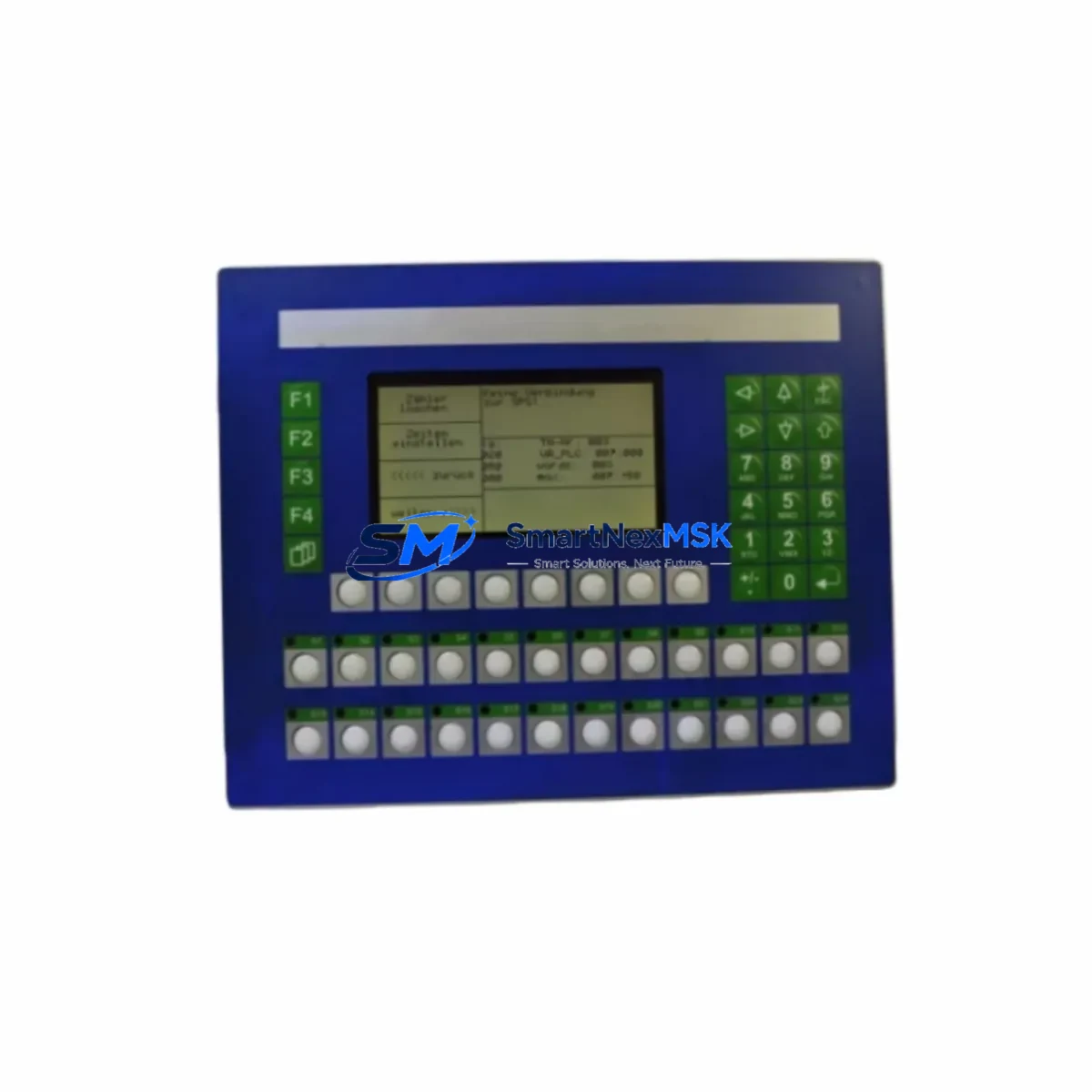
Jetter BT20-24-Z-CFL Retrofit-Ready HMI Panel for BT20 Series Control Systems
The Jetter BT20-24-Z-CFL is a retrofit-ready HMI operator panel engineered for seamless integration into existing BT20 Series control architectures. Whether you are replacing a failed unit on a legacy production line, upgrading an aging control cabinet, or migrating from an obsolete communication protocol, the BT20-24-Z-CFL delivers the compatibility, reliability, and field-proven performance that industrial automation engineers demand. With a 24 VDC power supply input, CFL backlight technology, and full compatibility with Jetter’s JetControl PLC platform, this panel is the preferred drop-in solution for facilities that cannot afford extended downtime during system transitions.
As industrial plants continue to operate equipment well beyond its original design life, the demand for verified replacement parts and retrofit-compatible HMI panels has never been higher. The BT20-24-Z-CFL addresses this need directly — providing a hardware-compatible, software-compatible, and mechanically interchangeable upgrade path for BT20 Series installations without requiring full system redesign or panel rewiring.
Upgrade Compatibility Table
| Parameter | BT20-24-Z-CFL Specification | Retrofit Notes |
|---|---|---|
| Power Supply Input | 24 VDC (±20%) | Verify existing PSU output capacity before swap; compatible with standard 24V rail |
| Display Technology | CFL Backlit LCD | Direct replacement for original BT20 CFL panel; no bracket modification required |
| Communication Interface | RS-232 / RS-485 / JetBus | Confirm baud rate and protocol settings match existing JetControl CPU configuration |
| Panel Cutout Dimensions | Standard BT20 Series cutout | Drop-in fit; no enclosure modification needed for standard BT20 cabinet installations |
| Terminal Wiring | Screw-type terminal block | Re-use existing wiring harness; verify pin-out against original BT20-24-Z-CFL wiring diagram |
| Backplane / Rack Interface | N/A (standalone panel) | Mounts directly to control cabinet door; no backplane dependency |
| Module Address Configuration | Software-defined via JetSym | Re-load original project file from JetSym IDE; address mapping preserved |
| HMI Screen Compatibility | Full BT20 project compatibility | Existing screen layouts, alarms, and tag bindings transfer without modification |
| PLC Program Compatibility | JetControl 100/200/300 Series | No PLC-side code changes required for standard replacement |
| Warranty | 12 Months | Covers manufacturing defects; includes pre-shipment functional test report |
Retrofit Planning for Existing Automation Systems
Successful retrofit of the BT20-24-Z-CFL into an operational production environment requires careful pre-installation planning. Before removing the failed or obsolete panel, engineers should document the existing wiring configuration, photograph all terminal connections, and export the current HMI project from the JetSym programming environment. This backup step is critical — it ensures that screen layouts, alarm thresholds, recipe data, and communication tag assignments can be restored immediately after the new panel is commissioned.
In most BT20 Series control cabinets, the HMI panel shares a 24 VDC power rail with other field devices, including the JetControl CPU module, I/O expansion modules, and communication gateways. Before installation, verify that the existing power supply — typically a Jetter or third-party 24V DIN-rail PSU — has sufficient residual capacity to support the BT20-24-Z-CFL’s rated current draw. If the power budget is marginal, consider replacing the PSU concurrently to avoid nuisance trips during commissioning.
For systems using JetBus or RS-485 multi-drop communication, the BT20-24-Z-CFL must be assigned the correct node address and baud rate to match the existing network configuration. This is performed through the JetSym IDE connected via the panel’s RS-232 programming port or USB-to-serial adapter cable. In installations where the original JetControl 200 or JetControl 300 CPU is still in service, the communication parameters are typically stored in the PLC project and do not require manual reconfiguration on the HMI side.
Where the retrofit involves migrating from an older RS-232 point-to-point link to a JetBus RS-485 network — for example, when consolidating multiple standalone panels into a unified SCADA architecture — the BT20-24-Z-CFL supports both protocols natively. This makes it an ideal bridge device during phased communication upgrades, allowing the existing JetControl I/O modules and digital input/output expansion racks to remain in service while the communication backbone is modernized.
For control cabinets that also house third-party components — such as Siemens SITOP power supplies, Phoenix Contact terminal blocks, or Wago I/O modules — the BT20-24-Z-CFL’s standard DIN-rail mounting and screw-terminal wiring interface ensures mechanical and electrical compatibility without custom adapters. The panel’s compact footprint also makes it suitable for installations where cabinet space is constrained by the presence of motor starters, circuit breakers, or additional communication modules.
If the retrofit scope includes upgrading the programming cable or interface adapter — for instance, replacing an aging RS-232 null-modem cable with a modern USB programming cable — ensure the new cable is compatible with JetSym’s communication driver. Jetter’s standard programming cable for the BT20 Series is a straightforward RS-232 to DB9 connection, and USB-to-RS232 adapters using FTDI chipsets are generally reliable for this application.
Downtime Control During System Migration
Minimizing unplanned downtime is the primary concern for any maintenance team undertaking an HMI panel replacement on a live production line. The BT20-24-Z-CFL’s drop-in compatibility with the BT20 Series cutout and wiring harness means that physical installation can typically be completed within 30 to 60 minutes by a qualified technician — significantly faster than alternatives that require panel cutout modification or new cable fabrication.
To further compress the commissioning window, prepare the replacement panel in advance by pre-loading the HMI project file using JetSym before the scheduled maintenance window. This offline pre-configuration step eliminates the need for on-site programming and reduces the live commissioning phase to connection verification, communication link testing, and a functional walkthrough of critical alarm and control screens.
For facilities operating continuous processes where even brief interruptions carry significant cost, consider staging the BT20-24-Z-CFL as a hot-spare unit — pre-configured, tested, and stored in the maintenance room — so that it can be swapped in immediately upon failure of the installed panel. This approach is particularly effective in food processing, pharmaceutical manufacturing, and water treatment applications where regulatory requirements mandate rapid system restoration.
During the live switchover, follow a structured commissioning sequence: restore power, verify the JetBus or RS-485 communication link to the JetControl CPU, confirm that all I/O tags are reading correctly on the HMI screens, and test each critical control function before releasing the line back to production. Document the commissioning results and retain the pre-shipment test report provided with the BT20-24-Z-CFL as part of the maintenance record. All units ship with a 12-month warranty covering manufacturing defects, providing additional assurance for facilities with strict spare parts qualification requirements.
Retrofit Support FAQ
Q: Is the BT20-24-Z-CFL a direct drop-in replacement for all BT20 Series HMI panels?
A: Yes. The BT20-24-Z-CFL is mechanically and electrically compatible with the standard BT20 Series panel cutout and 24 VDC wiring interface. Existing HMI project files created in JetSym are fully compatible and can be loaded directly onto the replacement panel without modification in the vast majority of standard BT20 installations.
Q: What commissioning steps are required after installing the BT20-24-Z-CFL?
A: After physical installation and wiring reconnection, connect a programming cable to the RS-232 port and use JetSym to load the backed-up HMI project file. Verify the communication node address and baud rate match the existing JetControl CPU configuration, then perform a full I/O tag scan and alarm function test before returning the system to service.
Q: Can the BT20-24-Z-CFL be used in systems that are migrating from RS-232 to JetBus RS-485 communication?
A: Yes. The BT20-24-Z-CFL supports both RS-232 and RS-485 (JetBus) communication interfaces, making it suitable for phased protocol migration projects. The communication interface is configured in software via JetSym, so no hardware modification is required to switch between protocols.
Q: What warranty and pre-shipment testing does the BT20-24-Z-CFL include?
A: Every BT20-24-Z-CFL unit is covered by a 12-month warranty against manufacturing defects from the date of shipment. Each unit undergoes a pre-shipment functional test to verify display operation, communication interface integrity, and power supply performance. A test report is included with each shipment for quality documentation purposes.
© 2026 SMARTNEXMSK. All rights reserved.
Original Source: https://smartnexmsk.com
Contact: [email protected] | +86 18259474341