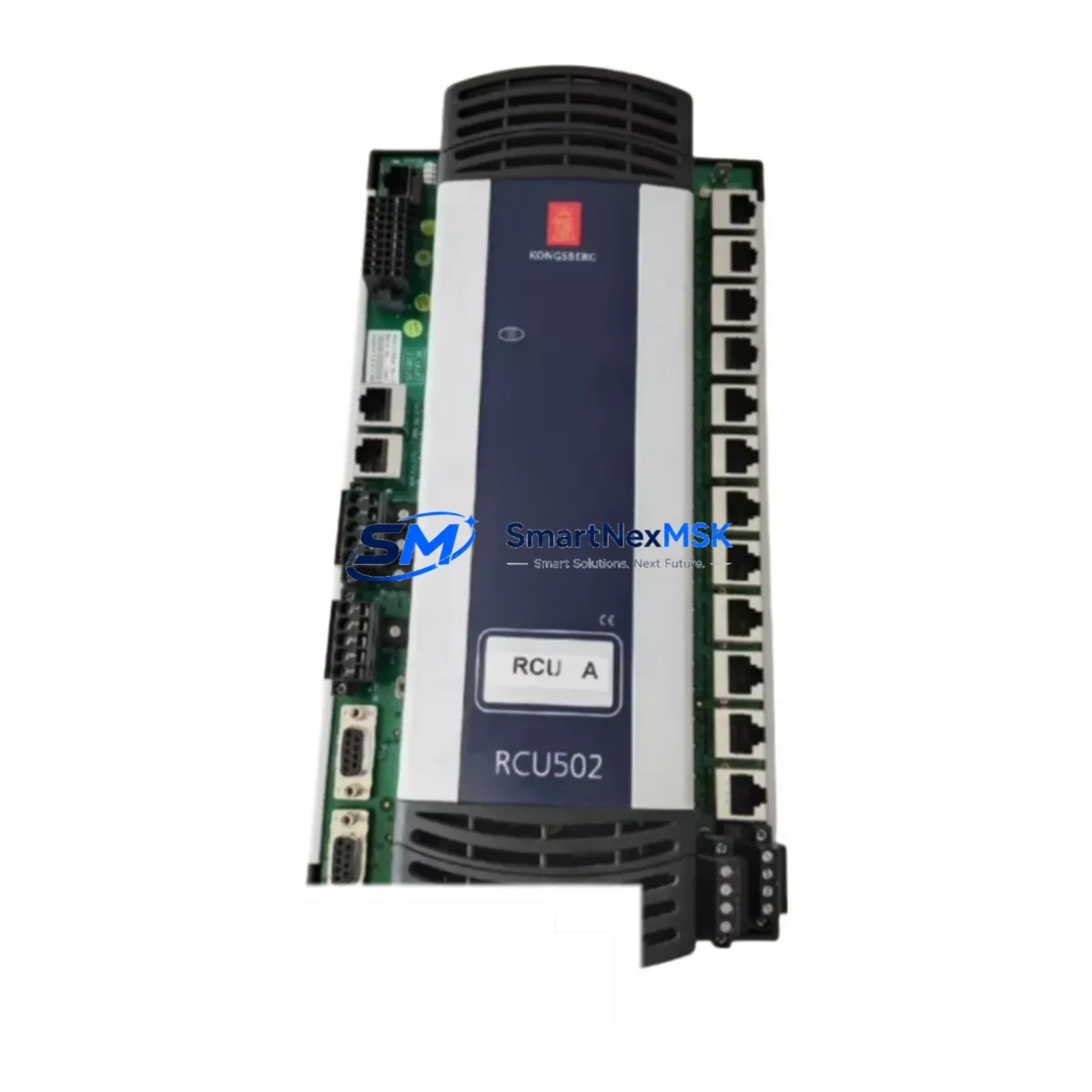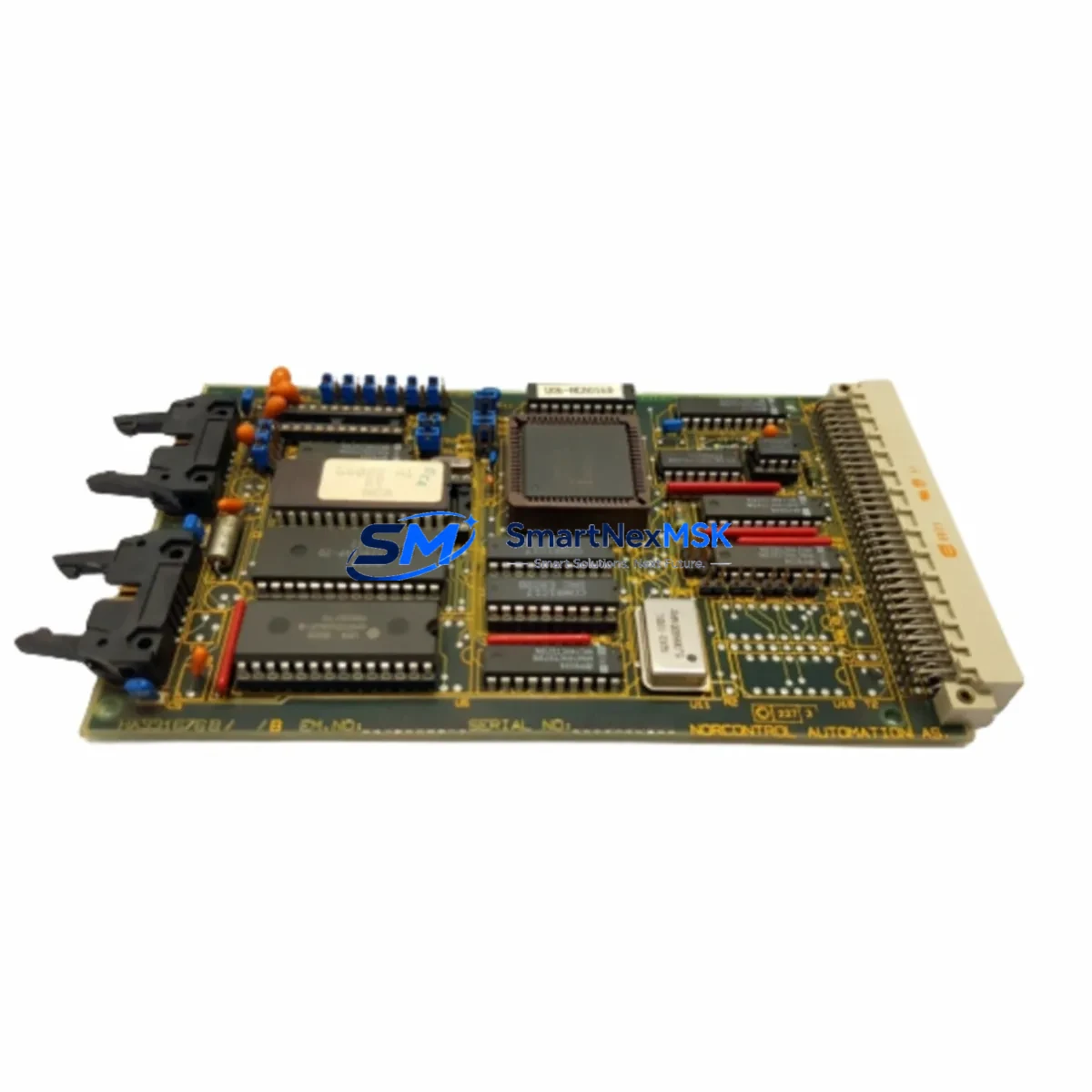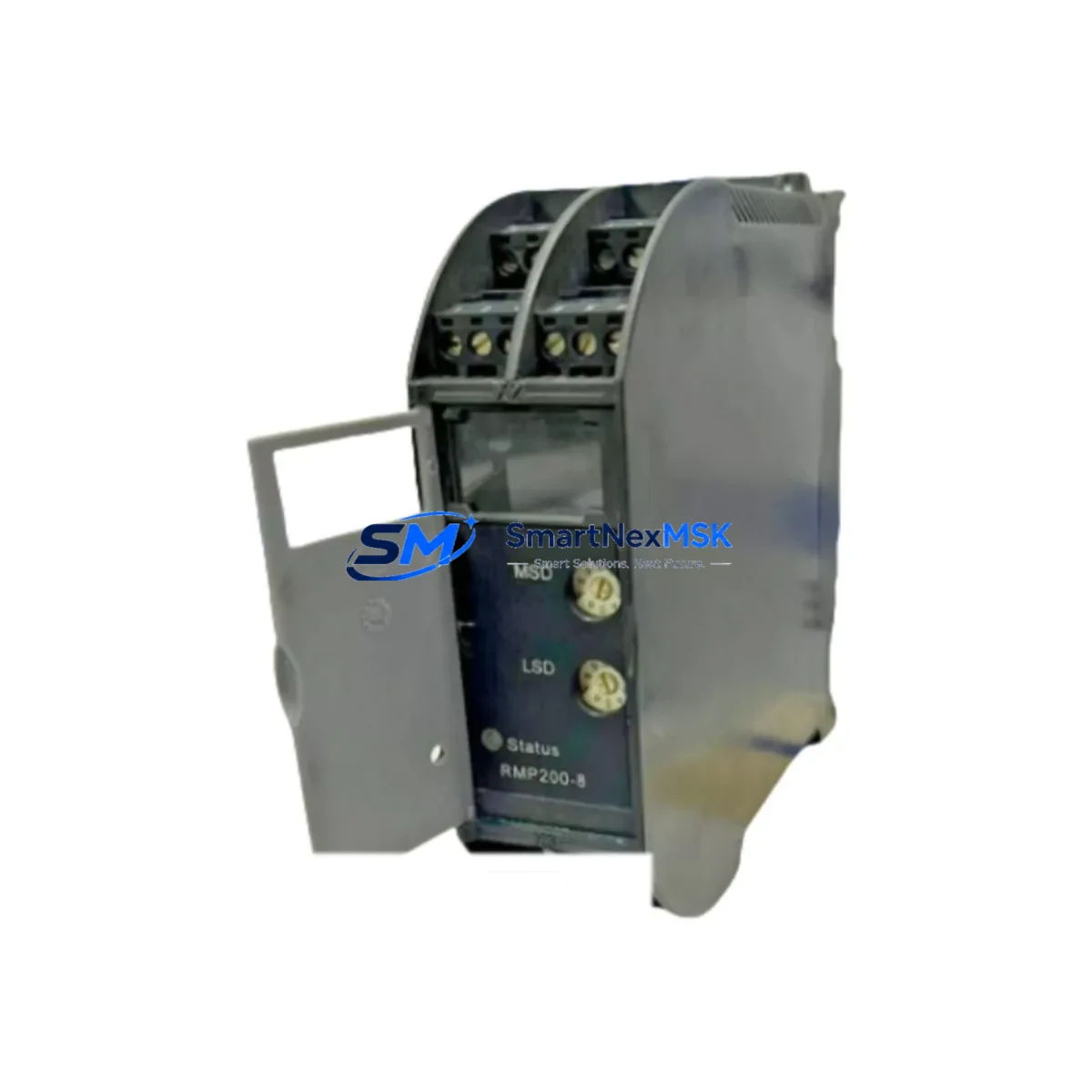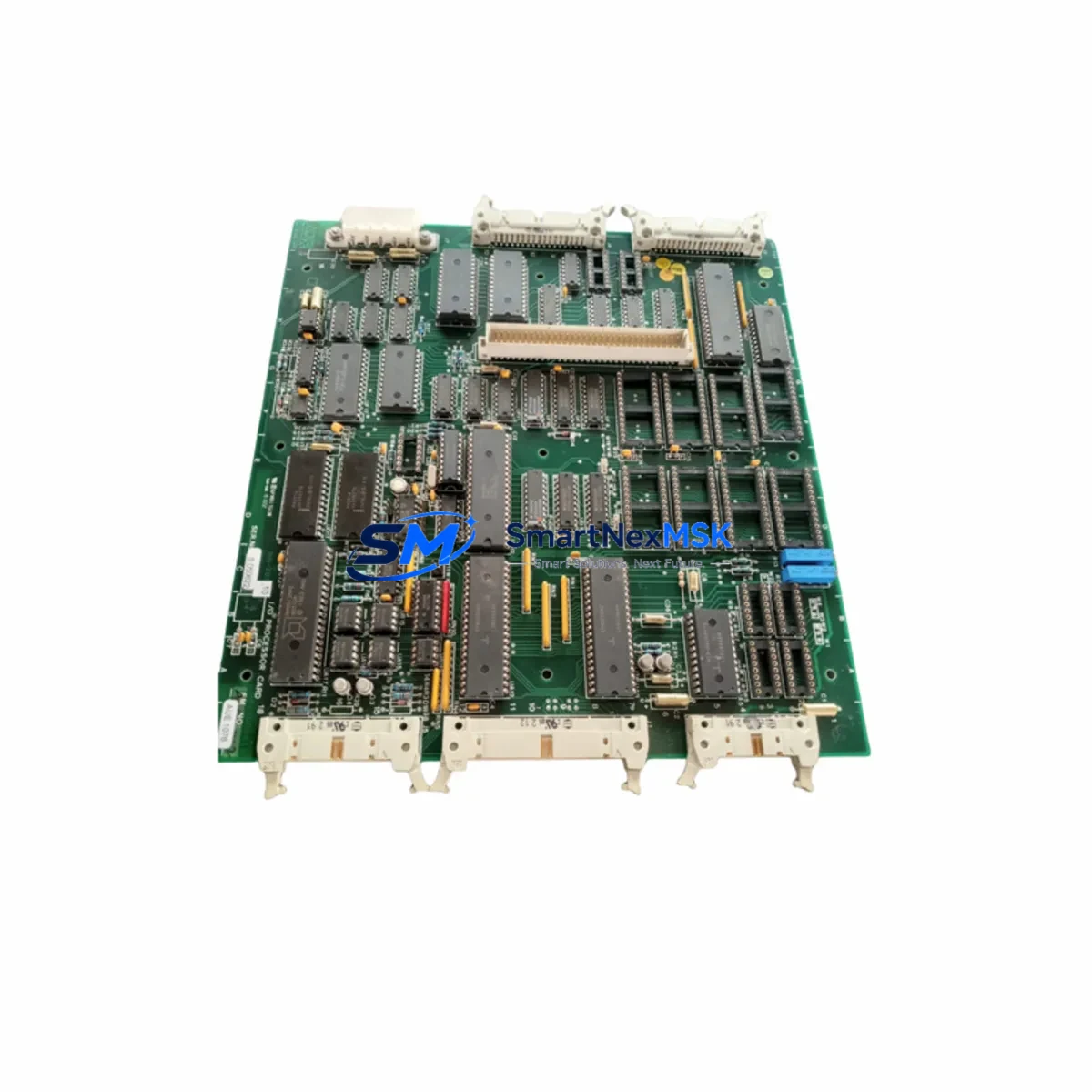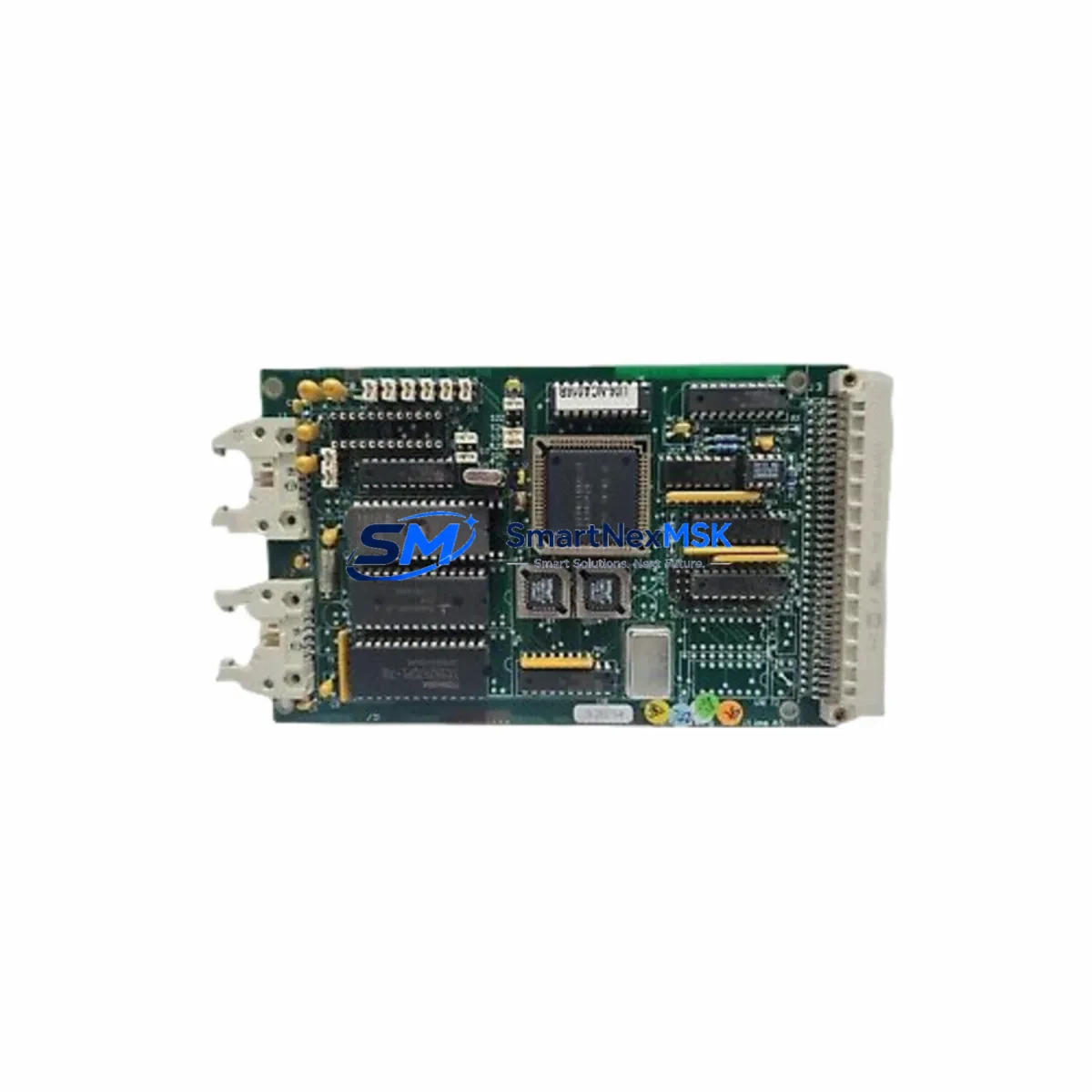
KONGSBERG NA-1E220 Retrofit-Ready Control Board for NA-Series Control Systems
The KONGSBERG NA-1E220 (also referenced as NA1E220.1) is a retrofit-ready control board engineered for seamless integration into KONGSBERG NA-Series maritime and industrial automation systems. As legacy NA-Series installations approach end-of-life or require urgent spare-part replacement, the NA-1E220 provides a verified drop-in upgrade path that preserves existing wiring harnesses, backplane connectors, and control logic — minimising engineering rework and unplanned downtime.
Whether you are replacing a failed board in a running vessel control system, upgrading a production-line automation cabinet, or restoring a decommissioned control rack to operational status, the NA-1E220 is stocked, tested, and ready for immediate dispatch. Each unit ships with a 12-month warranty and a pre-shipment functional test report.
Upgrade Compatibility Table
| Parameter | NA-1E220 / NA1E220.1 | Notes |
|---|---|---|
| Compatible Series | KONGSBERG NA-Series | Verify rack generation before ordering |
| Backplane Interface | NA-Series standard backplane connector | Confirm slot pitch and pin count match |
| Power Supply Requirement | 24 VDC nominal (verify with NA-PSU module) | Check NA-Series power supply capacity before installation |
| Communication Protocol | Proprietary KONGSBERG NA-bus / serial link | Confirm firmware revision compatibility with host controller |
| I/O Compatibility | Compatible with existing NA-Series I/O terminal blocks | No re-termination required in standard retrofit |
| Module Address | Configurable via DIP switch / software parameter | Match original address before power-on |
| Replacement Recommendation | Direct replacement for original NA-1E220 / NA1E220.1 | Suitable for discontinued OEM spare substitution |
| Commissioning Requirement | Parameter upload from backup or re-entry required | Retain original program backup before swap |
| Warranty | 12 Months | Covers manufacturing defects; pre-shipment test included |
Retrofit Planning for Existing Automation Systems
A successful NA-1E220 retrofit begins well before the board arrives on site. Engineers should first audit the existing NA-Series rack to confirm the NA-Series backplane slot assignment, verify that the installed NA-Series power supply module (typically an NA-PSU variant) can sustain the additional load of the replacement board, and document all terminal block wiring on the affected I/O channels. In multi-rack configurations, the NA-Series rack chassis and its inter-rack communication cables must be inspected for continuity before the new board is seated.
Communication integrity is a critical checkpoint. The NA-1E220 communicates over the KONGSBERG NA-bus, and any upstream NA-Series communication gateway module or serial interface card must be confirmed to be running a compatible firmware version. If the system includes a KONGSBERG K-Chief or K-Pos HMI workstation, the operator display pages linked to the replaced board’s I/O tags should be verified post-swap to ensure all process variables are correctly mapped and displayed.
For systems that also incorporate NA-Series analogue input modules or NA-Series digital output modules in adjacent slots, the module address table stored in the host controller must be reviewed. Address conflicts introduced during a board swap are a common cause of post-retrofit faults. Where the original system used a KONGSBERG programming cable or service terminal for on-board parameter configuration, the same tooling should be available on-site during commissioning to upload the saved parameter set to the replacement NA-1E220.
In installations where the NA-1E220 interfaces with third-party field devices via 4–20 mA analogue loops or RS-485 serial links, loop calibration and baud-rate settings should be re-confirmed after the board is powered. If the control cabinet also houses a KONGSBERG NA-Series watchdog or redundancy module, the redundancy handshake sequence must be re-initialised following the replacement to restore automatic failover capability.
Downtime Control During System Migration
Minimising production or vessel downtime during an NA-1E220 swap requires a structured hot-swap or cold-swap procedure depending on the system’s redundancy architecture. Where the NA-Series rack supports hot-standby operation, the standby controller should be confirmed as active and stable before the primary board is removed. In non-redundant installations, a planned maintenance window should be scheduled, and all field operators notified of the temporary loss of automated control on the affected loops.
Before powering down the rack, a full parameter backup should be extracted from the existing NA-1E220 using the KONGSBERG service terminal or the system’s built-in configuration export function. This backup is the single most important asset for a fast recovery — it eliminates the need to re-enter hundreds of process parameters manually and ensures that the replacement board mirrors the original control logic exactly.
Once the new NA-1E220 is seated and powered, the recommended commissioning sequence is: (1) upload the saved parameter set, (2) verify module address assignment, (3) confirm communication link status on the NA-bus, (4) perform a channel-by-channel I/O check against the original loop drawings, and (5) release the system back to automatic control under supervised observation for a minimum of 30 minutes. This structured approach consistently achieves full system restoration within a single maintenance shift, protecting both process continuity and personnel safety.
Retrofit Support FAQ
Q1: Is the NA-1E220 a direct drop-in replacement for the original KONGSBERG NA1E220.1?
Yes. The NA-1E220 and NA1E220.1 are the same functional unit referenced under two part-number formats. The board is designed as a direct mechanical and electrical replacement for the original OEM part, fitting the same backplane slot and using the same terminal block wiring without modification in standard NA-Series rack configurations.
Q2: What commissioning steps are required after installing the NA-1E220?
After seating the board, you must upload the saved parameter backup, confirm the module address via DIP switch or software, verify the NA-bus communication link status, and perform a full I/O channel check. If the system includes an HMI workstation, confirm that all associated display tags are reading correctly before returning the system to automatic operation.
Q3: Can the NA-1E220 be used in a system that has been upgraded to a newer KONGSBERG platform?
The NA-1E220 is designed for NA-Series architecture. If the host system has been migrated to a newer KONGSBERG platform with a different backplane or communication protocol, compatibility must be verified on a case-by-case basis. Contact our technical team with your system’s rack generation and firmware version for a pre-sale compatibility assessment.
Q4: What does the 12-month warranty cover, and is a pre-shipment test included?
Every NA-1E220 unit undergoes a functional pre-shipment test to verify board-level operation before dispatch. The 12-month warranty covers manufacturing defects and functional failures under normal operating conditions. It does not cover damage resulting from incorrect installation, overvoltage, or use outside the specified NA-Series operating environment. A test report is included with each shipment on request.
© 2026 SMARTNEXMSK. All rights reserved.
Original Source: https://smartnexmsk.com
Contact: [email protected] | +86 18259474341