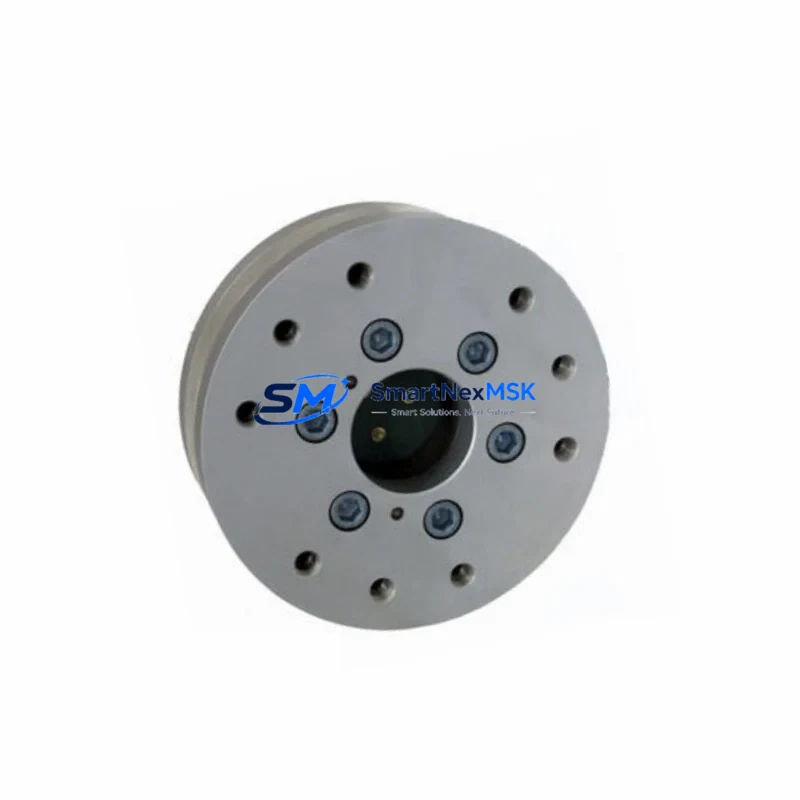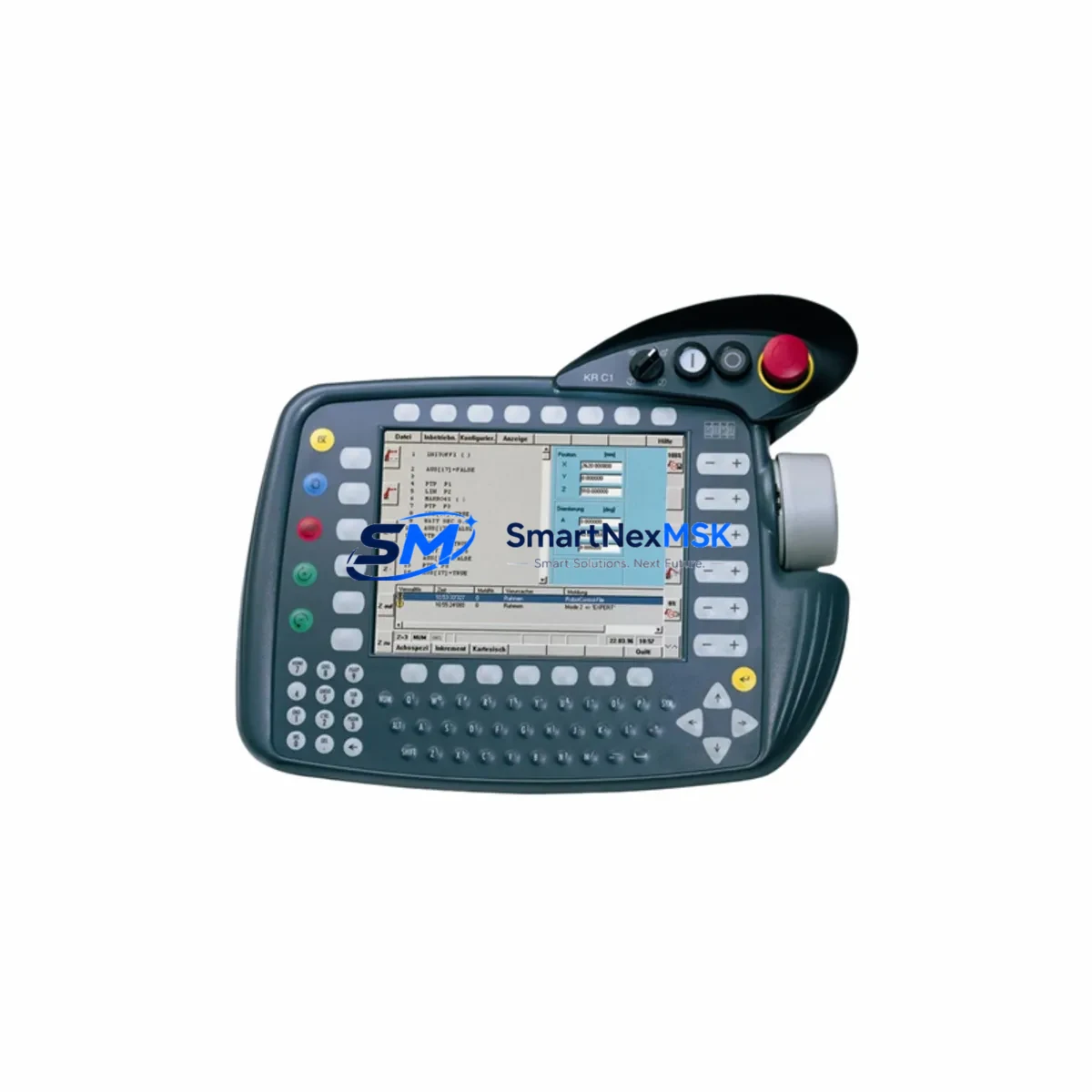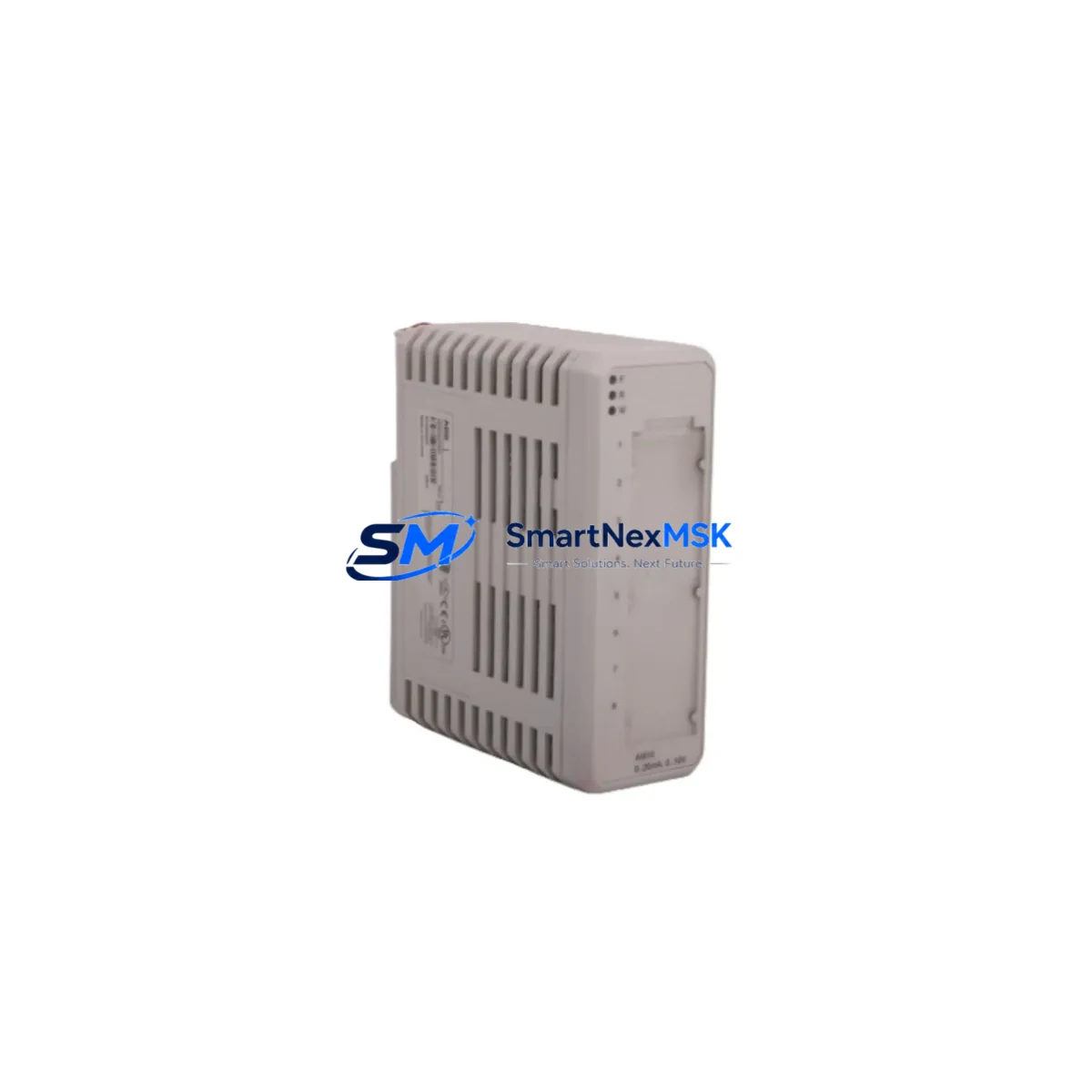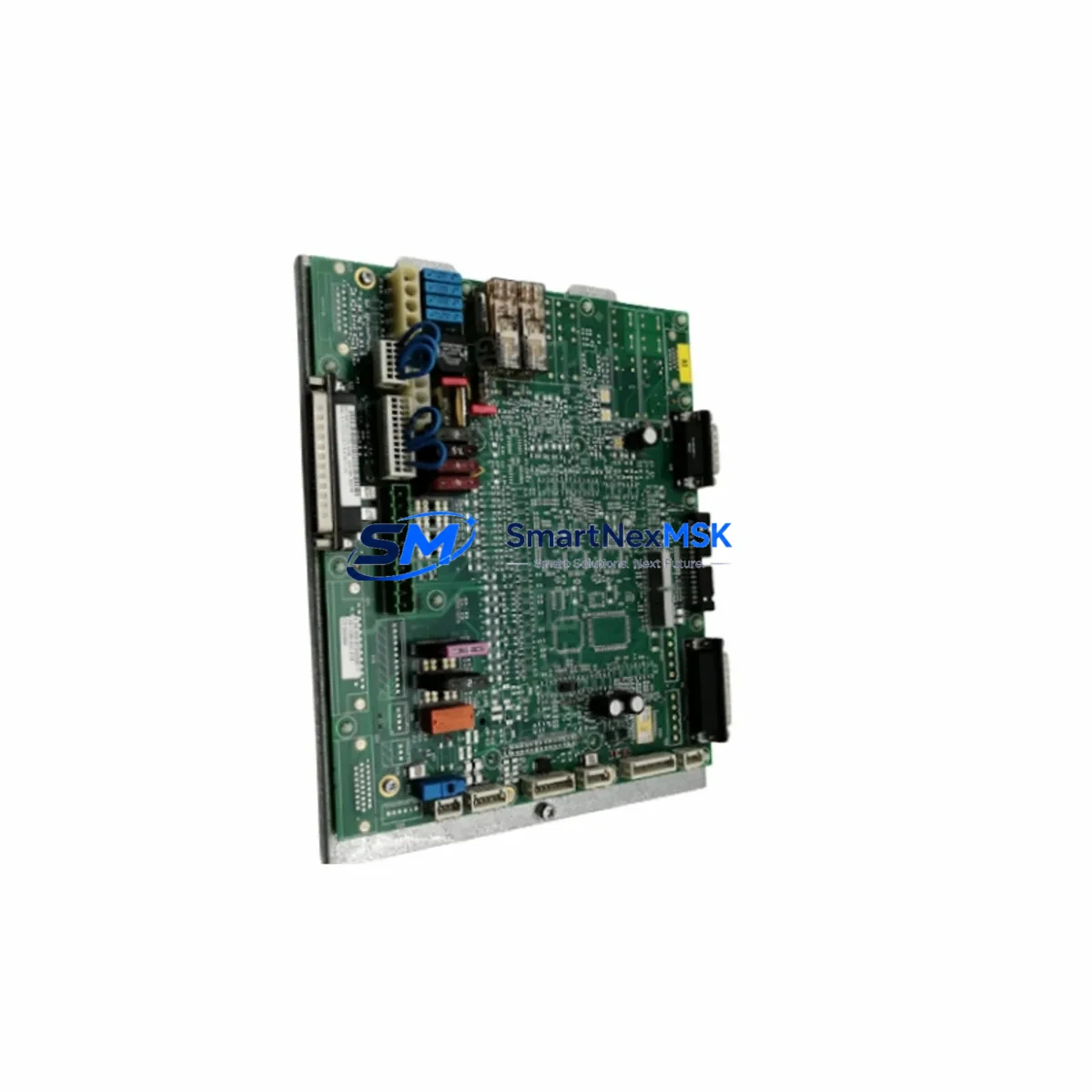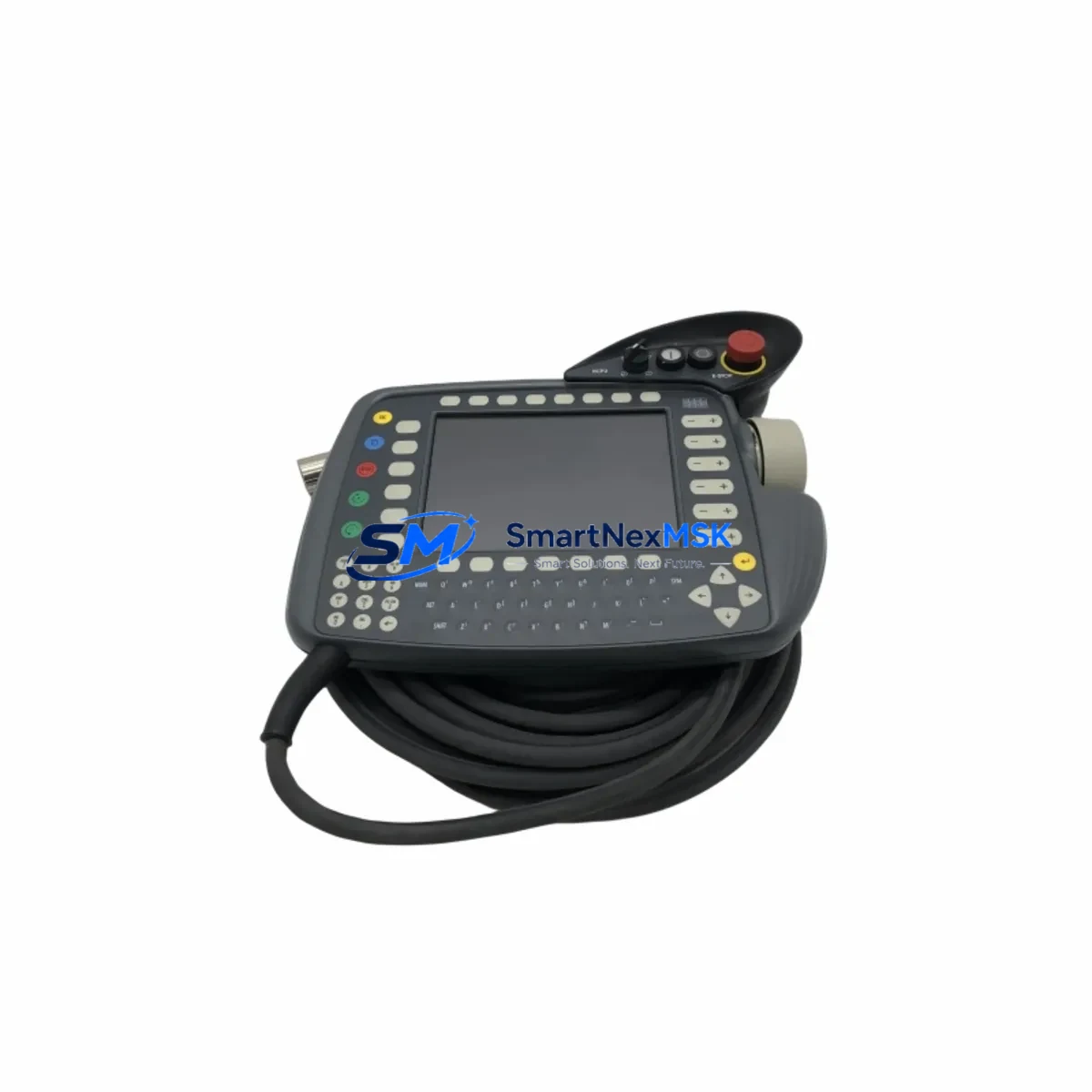
KUKA 00-168-334 Retrofit-Ready Controller Module for KR C4 Control Systems
The KUKA 00-168-334 is a retrofit-ready controller module engineered for seamless integration into KR C4 robot control systems. As industrial facilities face increasing pressure to extend the operational life of existing automation infrastructure, this module serves as a critical drop-in replacement for aging or discontinued components within the KR C4 platform. Whether you are managing a scheduled upgrade, responding to an unplanned failure, or executing a phased modernization of your production line, the 00-168-334 provides the compatibility, reliability, and supply assurance that industrial engineers demand.
Sourced directly from verified supply channels and subjected to pre-shipment functional testing, each unit is backed by a 12-month warranty covering manufacturing defects and operational failures under normal industrial conditions. Stock is maintained in Xiamen for rapid dispatch to global destinations, minimizing procurement lead times for time-sensitive retrofit projects.
Upgrade Compatibility Table
| Parameter | Details |
|---|---|
| Part Number | KUKA 00-168-334 |
| Compatible Platform | KR C4, KR C4 compact, KR C4 smallsize |
| Replaces / Supersedes | Earlier KR C4 controller board revisions; consult firmware version before swap |
| Mounting / Installation | Standard KR C4 cabinet backplane slot; DIN rail compatible sub-assemblies |
| Communication Interfaces | EtherCAT, PROFINET, DeviceNet (variant-dependent); verify with existing KR C4 bus configuration |
| Power Supply Requirement | 24 VDC logic supply via KR C4 internal PSU; confirm PSU capacity before installation |
| Terminal / Wiring Compatibility | Direct pin-for-pin match with OEM harness connectors on KR C4 cabinet |
| Firmware / Software | Compatible with KUKA System Software (KSS) 8.x; verify exact KSS build with KUKA WorkVisual |
| Commissioning Requirement | Module address configuration via WorkVisual; mastering data reload recommended post-swap |
| Warranty | 12 months from date of shipment |
| Condition | New / Surplus New — pre-shipment tested |
| Origin | Germany (OEM) |
Retrofit Planning for Existing Automation Systems
A successful retrofit of the KUKA 00-168-334 into an existing KR C4 control cabinet requires systematic pre-installation planning. Before removing the legacy module, engineers should document the current KSS software version, robot mastering data, and all active I/O assignments using KUKA WorkVisual. This ensures that program logic, tool data, and base coordinates can be restored without re-teaching the robot after the swap.
Power capacity verification is a non-negotiable first step. The KR C4 internal 24 VDC power supply module — often a KUKA-branded PSU unit within the cabinet — must be confirmed to deliver sufficient current headroom for the replacement board. In older cabinets where the PSU has been running at near-capacity, a concurrent PSU upgrade may be advisable to prevent nuisance trips post-retrofit.
Terminal and harness compatibility should be verified against the existing KR C4 X11 safety interface connector and the internal EtherCAT backbone cabling. In most standard KR C4 configurations, the 00-168-334 is a direct wiring match; however, cabinets that have been field-modified or upgraded with third-party PROFINET gateway modules or DeviceNet adapters may require harness inspection before proceeding.
For facilities running multiple robots on a shared KUKA KR C4 network segment, module address conflicts must be resolved in WorkVisual before the new board is brought online. Each controller node on the EtherCAT ring must carry a unique address; failure to configure this correctly will prevent the robot from completing its boot sequence. If the production cell also includes a KUKA KR C4 smartPAD teach pendant, the pendant communication link should be tested immediately after power-up to confirm HMI connectivity is intact.
Facilities that operate mixed fleets — for example, combining KR C4-controlled robots with older KR C2 or KR C3 generation controllers — should note that program files and mastering data are not directly portable across controller generations. A structured migration plan, including re-validation of all robot programs in a simulation environment using KUKA.Sim, is strongly recommended before live production restart.
Where the retrofit scope extends beyond a single module swap to a full control cabinet rebuild, additional components commonly required include the KR C4 main computer (PC unit), KR C4 servo inverter drives, KR C4 cabinet fan assembly, and updated KSS license dongles. Sourcing these as a coordinated kit reduces the risk of version mismatches and simplifies the commissioning sequence.
Downtime Control During System Migration
Minimizing unplanned downtime is the primary operational concern during any KR C4 controller module replacement. A structured approach begins with a pre-shutdown backup: use WorkVisual to archive the complete robot project, including all program modules, I/O configurations, safety parameters, and network topology. Store this backup on an isolated USB drive and verify its integrity before proceeding with any hardware removal.
Where production schedules permit, the physical swap should be performed during a planned maintenance window. Clearly label all harness connectors before disconnection — the KR C4 cabinet contains multiple similar-looking connectors, and mislabeling is a common source of commissioning delays. After installing the 00-168-334, restore the WorkVisual project to the new module and perform a cold start sequence to allow the KSS to initialize all hardware nodes.
Safety circuit continuity must be verified before any robot motion is commanded. The KR C4 X11 safety interface — which carries emergency stop, safeguard, and operator safety signals — should be tested with a dedicated safety relay tester or through the robot’s built-in safety diagnostic screens. Only after all safety channels report a clean status should the robot be moved to its mastering position for mastering data reload.
For facilities where continuous production is critical, a hot-standby spare strategy — maintaining a pre-configured 00-168-334 with a loaded WorkVisual project on the shelf — can reduce mean time to recovery (MTTR) to under two hours for a trained technician. This approach is particularly valuable in high-throughput automotive, electronics, and food processing lines where every hour of downtime carries significant cost.
Post-restart, a structured run-in test cycle of at least 30 minutes at reduced speed is recommended before returning the robot to full production speed. Monitor the KSS diagnostic log for any EtherCAT communication errors, servo fault codes, or temperature warnings that may indicate a secondary issue uncovered during the retrofit process.
Retrofit Support FAQ
Q1: Is the KUKA 00-168-334 a direct drop-in replacement for my existing KR C4 controller module?
In the majority of standard KR C4 cabinet configurations, yes — the 00-168-334 is a pin-for-pin and form-factor match. However, we recommend confirming your current KSS version and cabinet revision before ordering. Our technical team can assist with compatibility verification based on your robot serial number and cabinet build date.
Q2: What commissioning steps are required after installing the 00-168-334?
After physical installation, you will need to load your archived WorkVisual project onto the new module, configure the EtherCAT node address, perform a cold start, verify safety circuit continuity via the X11 interface, and reload mastering data. If your cell includes a KUKA KR C4 smartPAD, confirm pendant communication before commanding any robot motion.
Q3: Can this module be used in a KR C4 compact or KR C4 smallsize cabinet?
The 00-168-334 is compatible with the standard KR C4 platform family, which includes the KR C4 compact and KR C4 smallsize variants. Physical fitment and connector compatibility should be verified against your specific cabinet drawing, as compact variants may have space constraints affecting harness routing.
Q4: What does the 12-month warranty cover, and how is it claimed?
The 12-month warranty covers manufacturing defects and operational failures under normal industrial operating conditions from the date of shipment. It does not cover damage resulting from incorrect installation, overvoltage events, or physical impact. To initiate a warranty claim, contact our team at [email protected] with your order reference, a description of the fault, and any available diagnostic logs from the KSS fault history.
© 2026 SMARTNEXMSK. All rights reserved.
Original Source: https://smartnexmsk.com
Contact: [email protected] | +86 18259474341