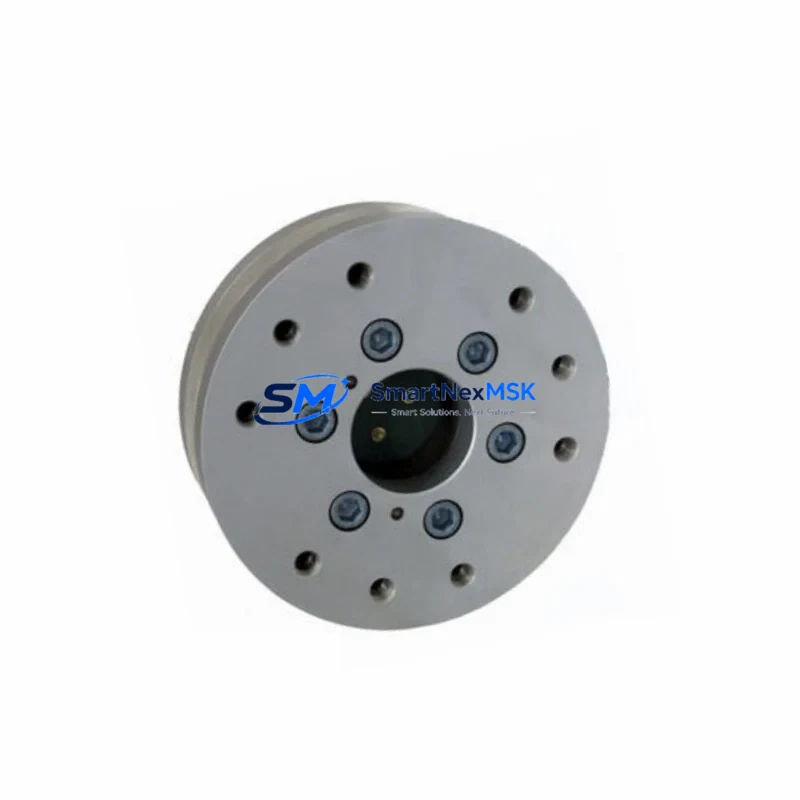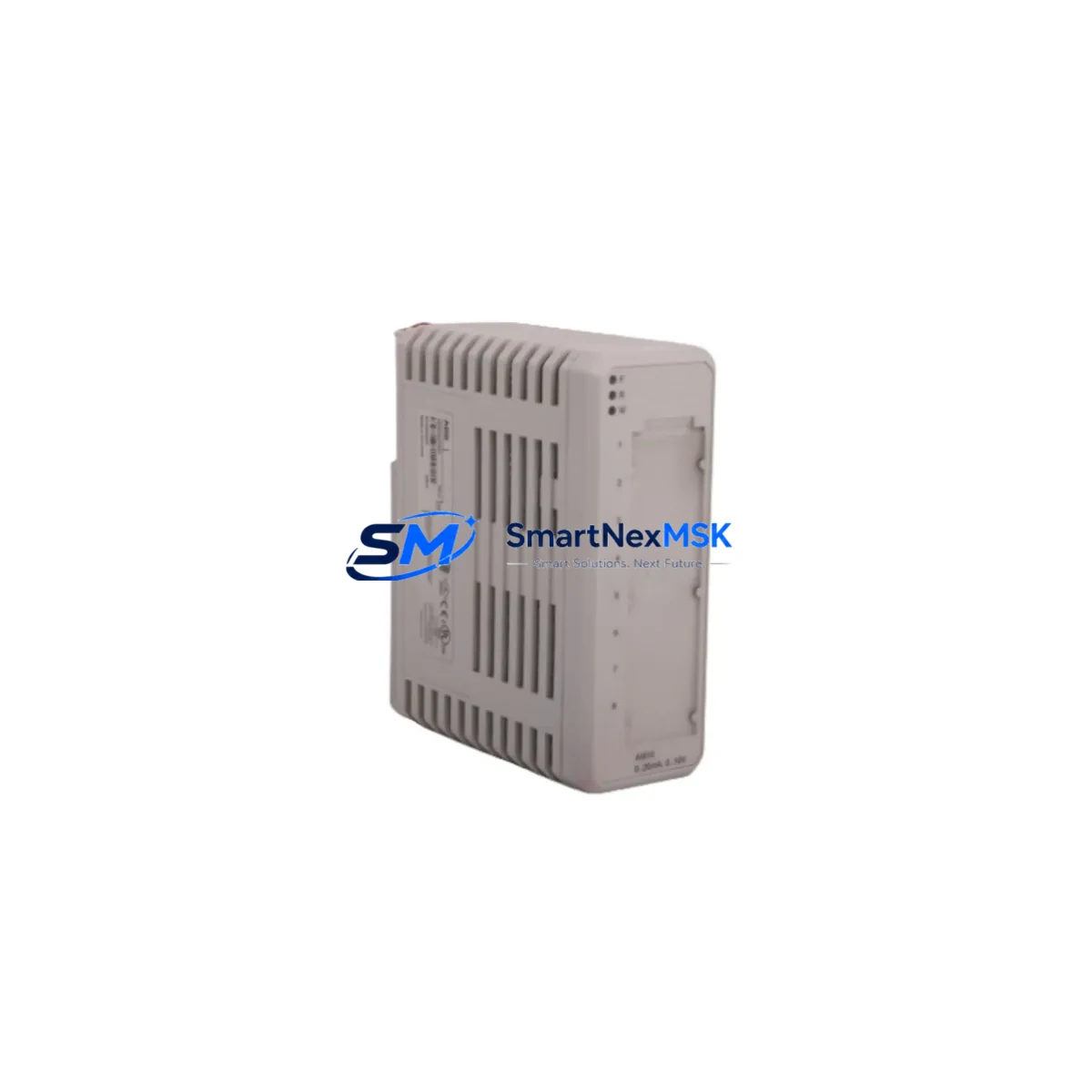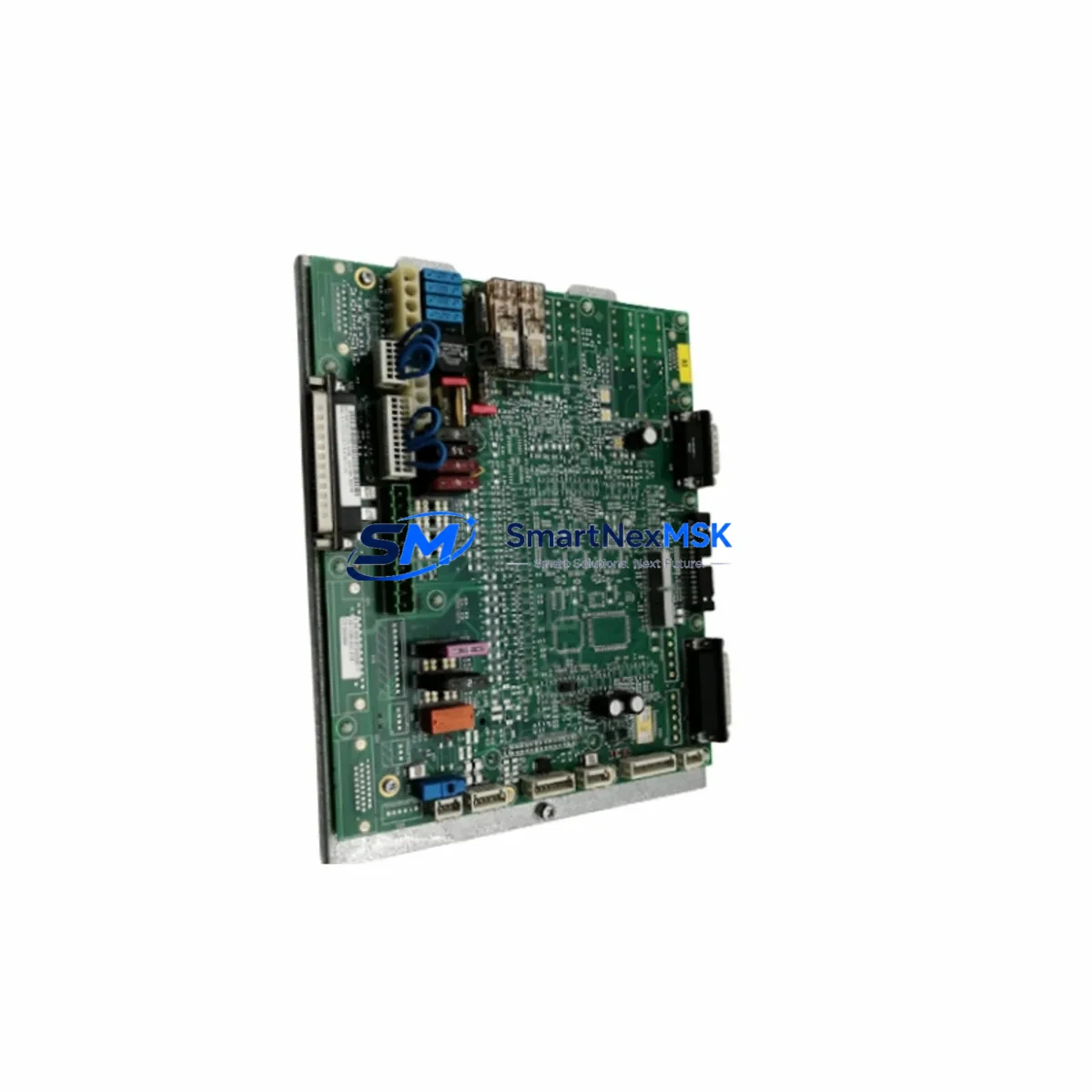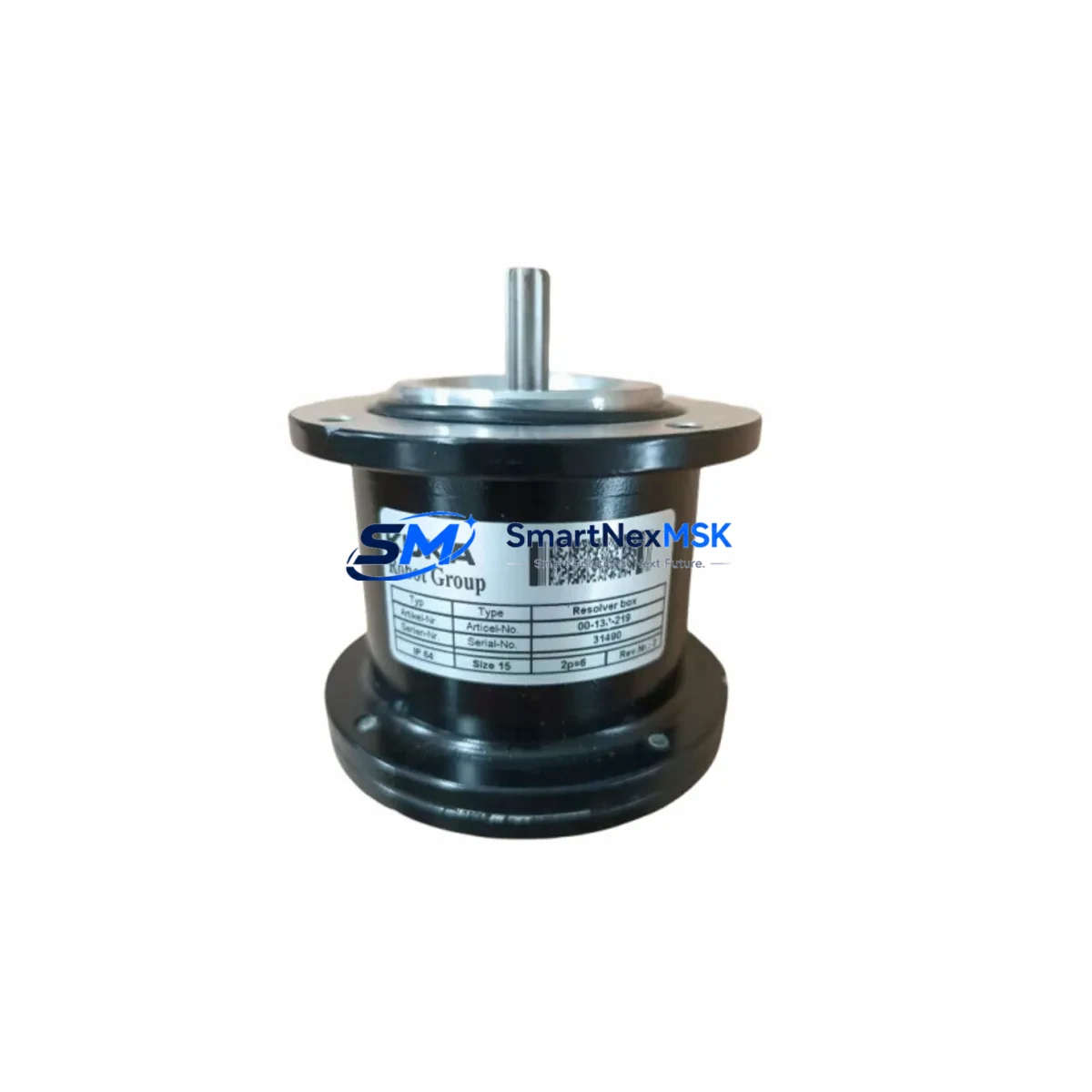
KUKA KPP600-20-140 Maintenance-Ready Spare for KRC2 Automation
The KUKA KPP600-20-140 (Part No. 00198260 / 00-138-219) is a critical Servo Power Pack designed for KUKA KRC2 robot controller cabinets. In industrial automation environments where uptime is non-negotiable, having a verified, maintenance-ready spare of this unit on hand is the single most effective measure against unplanned downtime. Whether you are managing a high-cycle automotive welding cell, a palletizing line, or a precision assembly station, the KPP600-20-140 is the power conversion backbone that keeps your servo axes responsive and your production schedule intact.
This unit supplies regulated DC bus power to the KUKA KRC2 drive system, interfacing directly with the KPS600 power supply module and the KSD servo drive modules within the controller cabinet. A failure in this component cascades immediately into axis faults, E-stop conditions, and full robot shutdown — making rapid, like-for-like replacement the only viable recovery path in most plant environments.
Spare Maintenance Table
| Parameter | Specification / Detail |
|---|---|
| Part Number | 00198260 / 00-138-219 |
| Model | KPP600-20-140 |
| Compatible Controller | KUKA KRC2 (all variants) |
| Function | Servo Power Pack — DC bus power conversion for KRC2 drive system |
| Input Voltage | 3-phase AC, 400–480 V ±10% |
| Output DC Bus | 600 V DC nominal |
| Rated Current | 20 A continuous / 140 A peak |
| Cooling | Forced air (internal fan); ensure cabinet ventilation is unobstructed |
| Mounting | DIN rail / cabinet backplane, KRC2 standard footprint |
| Origin | Germany (OEM) |
| Compatibility | KRC2 ed05, KRC2 ed2005; cross-reference KPS600 power supply |
| Condition | Original spare — tested, inspected, and ready for installation |
| Warranty | 12 months from date of shipment |
| Shipping | Anti-static packaging; ESD-safe handling; insured international freight |
| Maintenance Interval | Inspect every 12,000 operating hours or per KUKA KRC2 maintenance schedule |
Maintenance Planning for Continuous Operation
Experienced maintenance engineers know that the KPP600-20-140 does not fail in isolation. When this Servo Power Pack shows signs of degradation — intermittent DC bus undervoltage alarms, thermal shutdowns, or erratic axis behavior — the surrounding power and drive architecture must be evaluated simultaneously to prevent repeat failures after replacement.
Begin with the KPS600 primary power supply module, which feeds AC input to the KPP600-20-140. A weakened KPS600 with marginal capacitors or relay contacts will stress the new KPP unit within weeks. Inspect the KSD servo drive modules (KSD1-16, KSD1-32, or KSD1-48 depending on your axis configuration) for DC bus ripple tolerance and gate driver integrity — these are the downstream consumers of the power the KPP600-20-140 generates.
Check the KRC2 controller main contactor and pre-charge circuit; a slow or sticky contactor causes inrush current spikes that degrade the power pack prematurely. The 24 V DC auxiliary power supply within the KRC2 cabinet powers the control logic, safety relays, and I/O boards — verify its output voltage and ripple under load, as a sagging 24 V rail can produce misleading fault codes that mask the true root cause.
Inspect the KRC2 safety interface board (ESC / KSB) and its associated safety relay outputs. A marginal safety relay that intermittently drops the enable signal will cause repeated E-stop faults that are often misdiagnosed as power supply failures. Review the terminal strip wiring and bus bar connections inside the cabinet — loose or corroded terminals at the DC bus distribution points generate localized heating that accelerates insulation breakdown across multiple components.
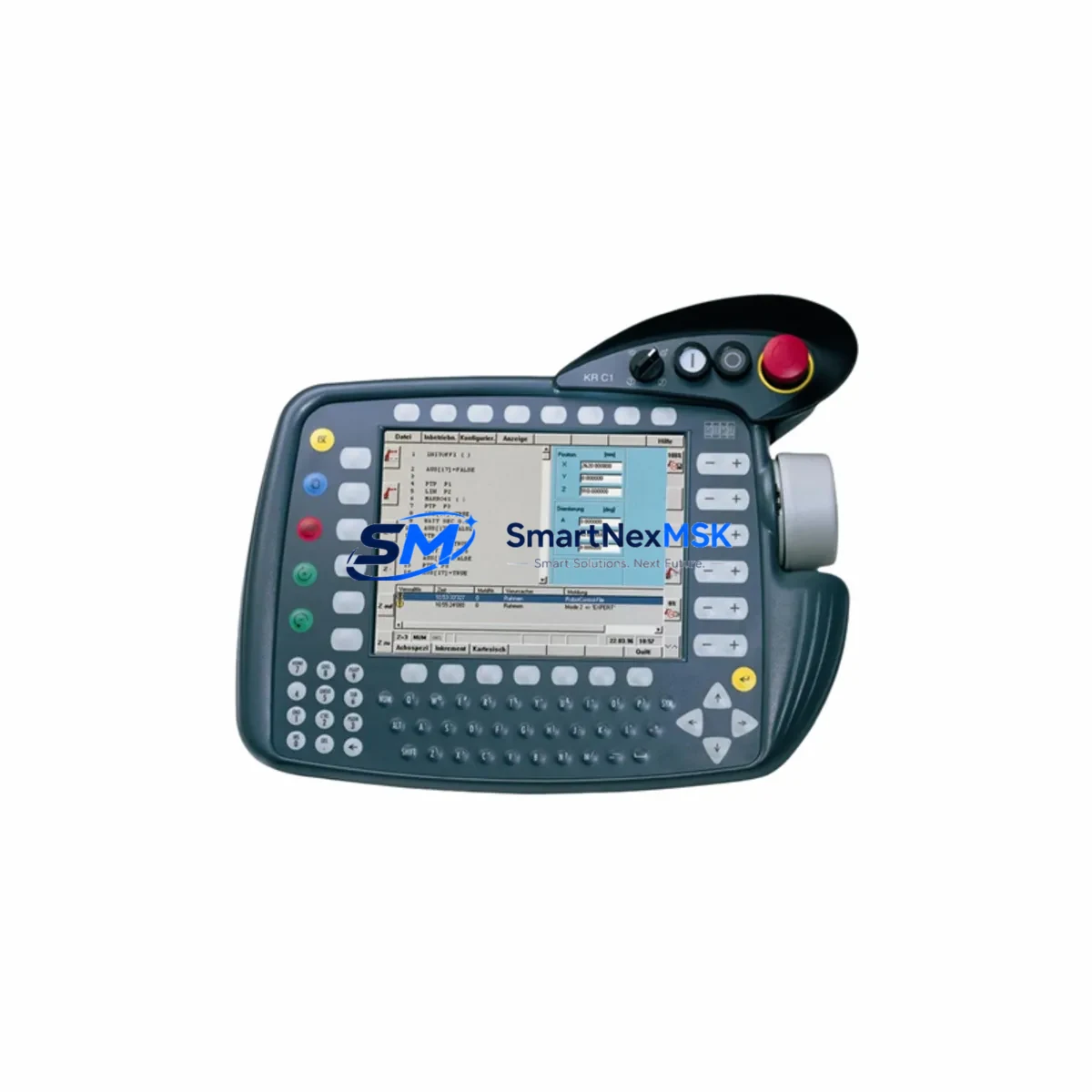
For systems with external communication, verify the DeviceNet or Profibus communication module (where fitted) is not generating bus errors that trigger protective shutdowns in the drive system. If your KRC2 cabinet includes a KCP teach pendant with an aging cable assembly, inspect the connector and cable for intermittent continuity — a teach pendant fault can trigger safety-chain interruptions that appear as power module faults in the error log. Finally, confirm that the cabinet door filters and fan assemblies are clean and airflow is unrestricted; thermal management is the single largest factor in KPP600-20-140 service life.
Site Replacement Workflow
Step 1 — Isolate and de-energize: Follow your site LOTO (Lockout/Tagout) procedure. Confirm zero energy state on the KRC2 cabinet input terminals and DC bus rails before opening the cabinet door.
Step 2 — Document existing configuration: Photograph wiring, connector positions, and DIP switch or parameter settings on the outgoing KPP600-20-140 before removal. Cross-reference with the KUKA KRC2 service manual (KUKA document BA KR C2 ed05).
Step 3 — Remove and inspect: Disconnect the DC bus connectors, AC input wiring, and signal harness. Inspect the mounting backplane and bus bar contacts for signs of arcing, discoloration, or corrosion. Address any findings before installing the replacement unit.
Step 4 — Install replacement KPP600-20-140: Seat the unit firmly on the backplane, reconnect all connectors in reverse order, and torque terminal screws to the values specified in the KUKA service documentation. Verify that the unit part number (00198260) matches your KRC2 variant requirements.
Step 5 — Power-up and verify: Restore power in sequence per the KUKA KRC2 startup procedure. Monitor the DC bus voltage on the KRC2 operator panel or via KUKA WorkVisual diagnostics. Confirm all axes initialize without fault and perform a low-speed test cycle before returning the robot to production.
Step 6 — Update maintenance records: Log the replacement date, part number, and serial number. Schedule the next inspection interval per the KUKA KRC2 maintenance schedule. Replenish your spare parts inventory to maintain at least one KPP600-20-140 on the shelf for future contingencies.
Spare Parts Support FAQ
Q: Is this KPP600-20-140 unit compatible with all KRC2 controller variants?
A: The KPP600-20-140 (00198260 / 00-138-219) is designed for the KUKA KRC2 platform, including the ed05 and ed2005 variants. Always cross-reference your cabinet’s existing part number and KUKA robot model documentation before ordering. If you are unsure, contact us with your robot serial number and we will confirm compatibility.
Q: What testing is performed before shipment?
A: Every unit undergoes functional inspection and electrical verification prior to dispatch. Units are shipped in anti-static, shock-protected packaging with insured freight to ensure they arrive in the same condition they left our facility. A 12-month warranty covers defects in materials and workmanship from the date of shipment.
Q: How quickly can I receive this spare part, and do you support emergency orders?
A: Standard orders are processed and dispatched within 1–3 business days. For critical production downtime situations, contact us directly at [email protected] or +86 18259474341 to discuss expedited shipping options. We maintain stock of high-demand KRC2 components specifically to support emergency replacement scenarios.
Q: What is your long-term supply commitment for discontinued or legacy KUKA KRC2 parts?
A: We specialize in sourcing and stocking spare parts for legacy industrial automation systems, including the KUKA KRC2 platform. Our procurement network allows us to support customers through extended system lifecycles well beyond OEM end-of-life announcements. We recommend customers with aging KRC2 fleets establish a standing spare parts agreement to guarantee availability and pricing stability.
© 2026 SMARTNEXMSK. All rights reserved.
Original Source: https://smartnexmsk.com
Contact: [email protected] | +86 18259474341