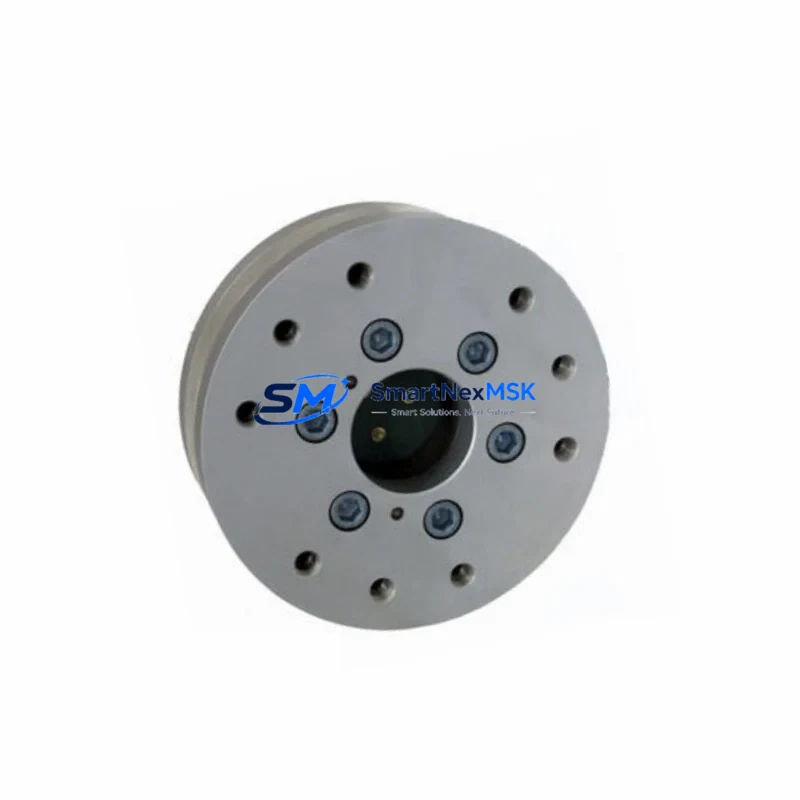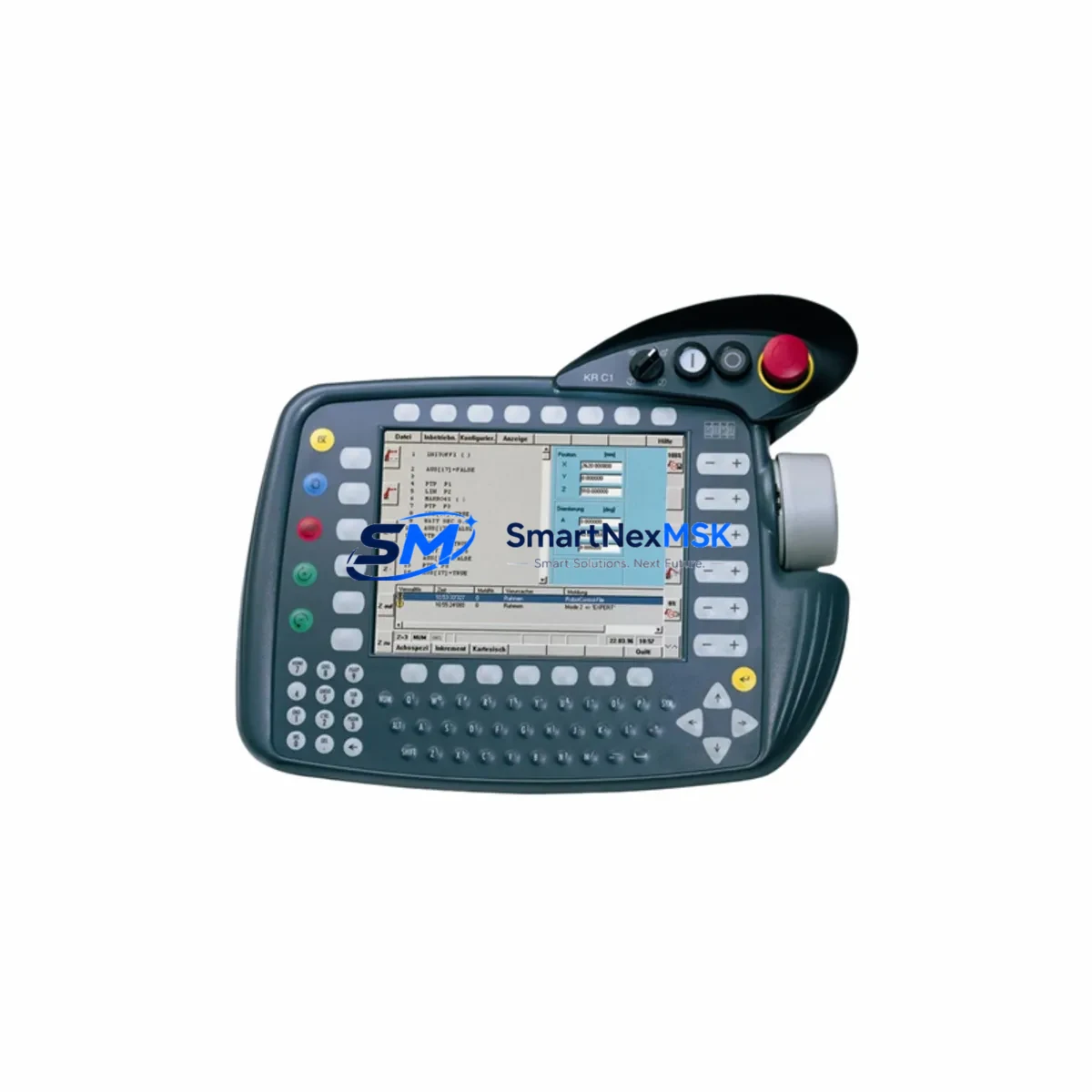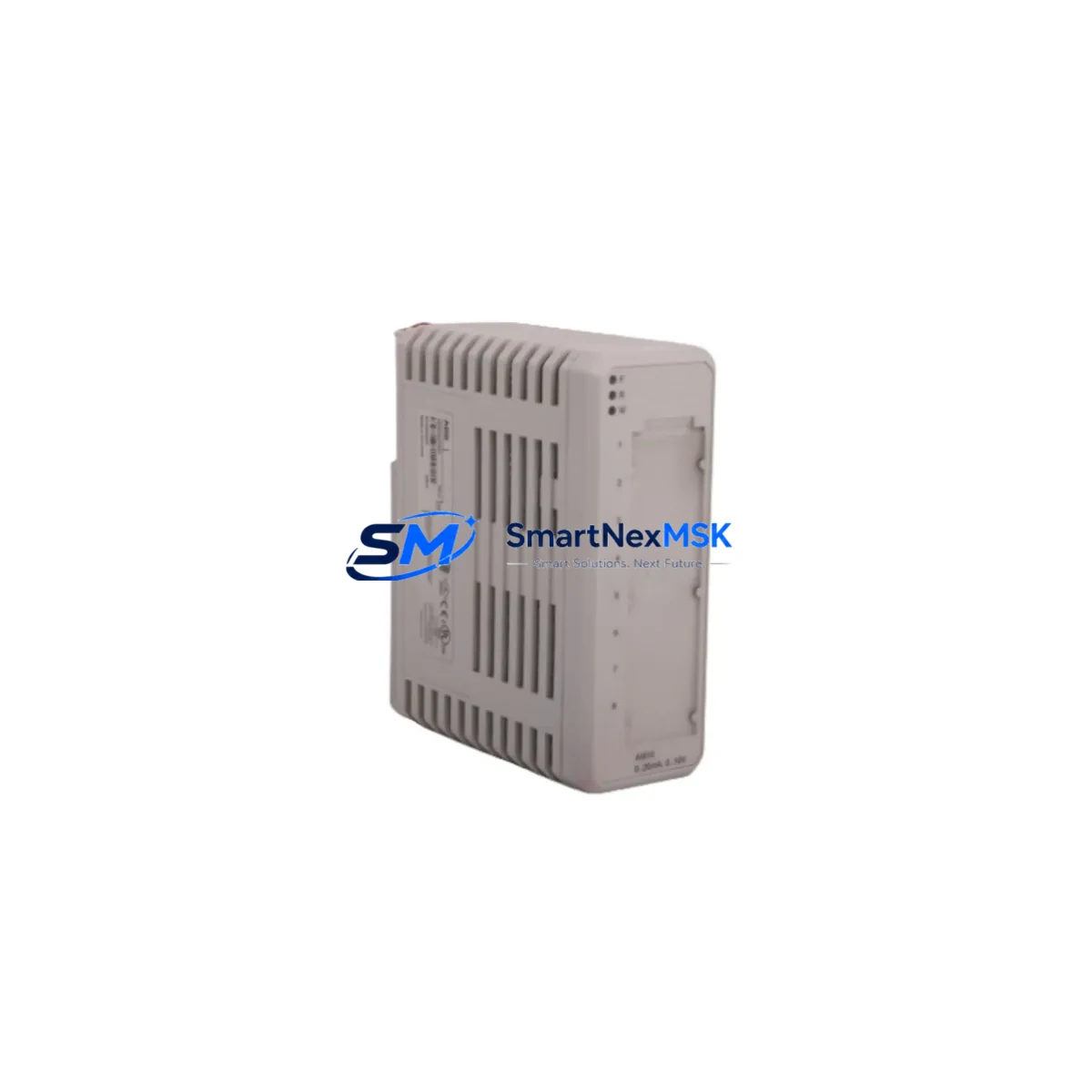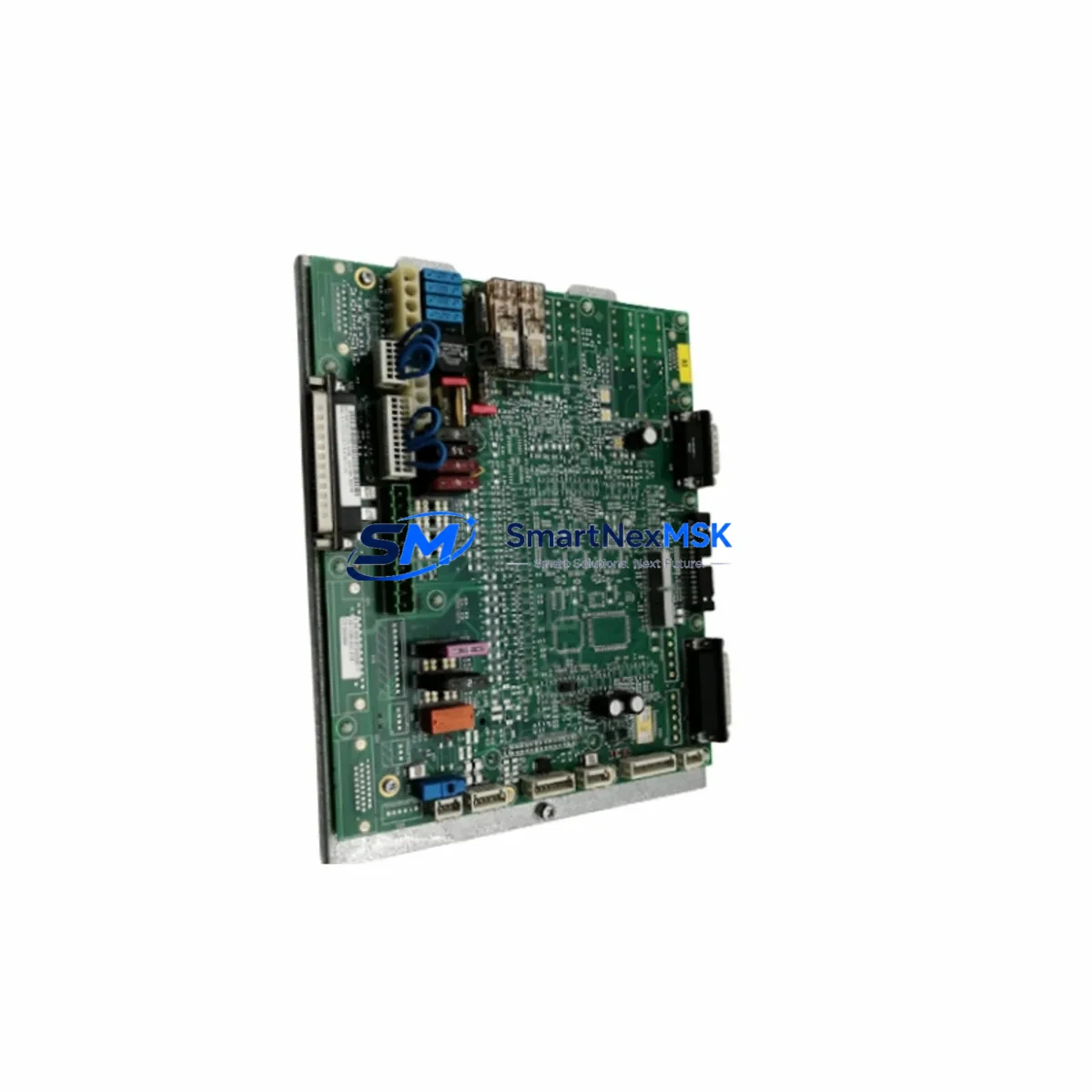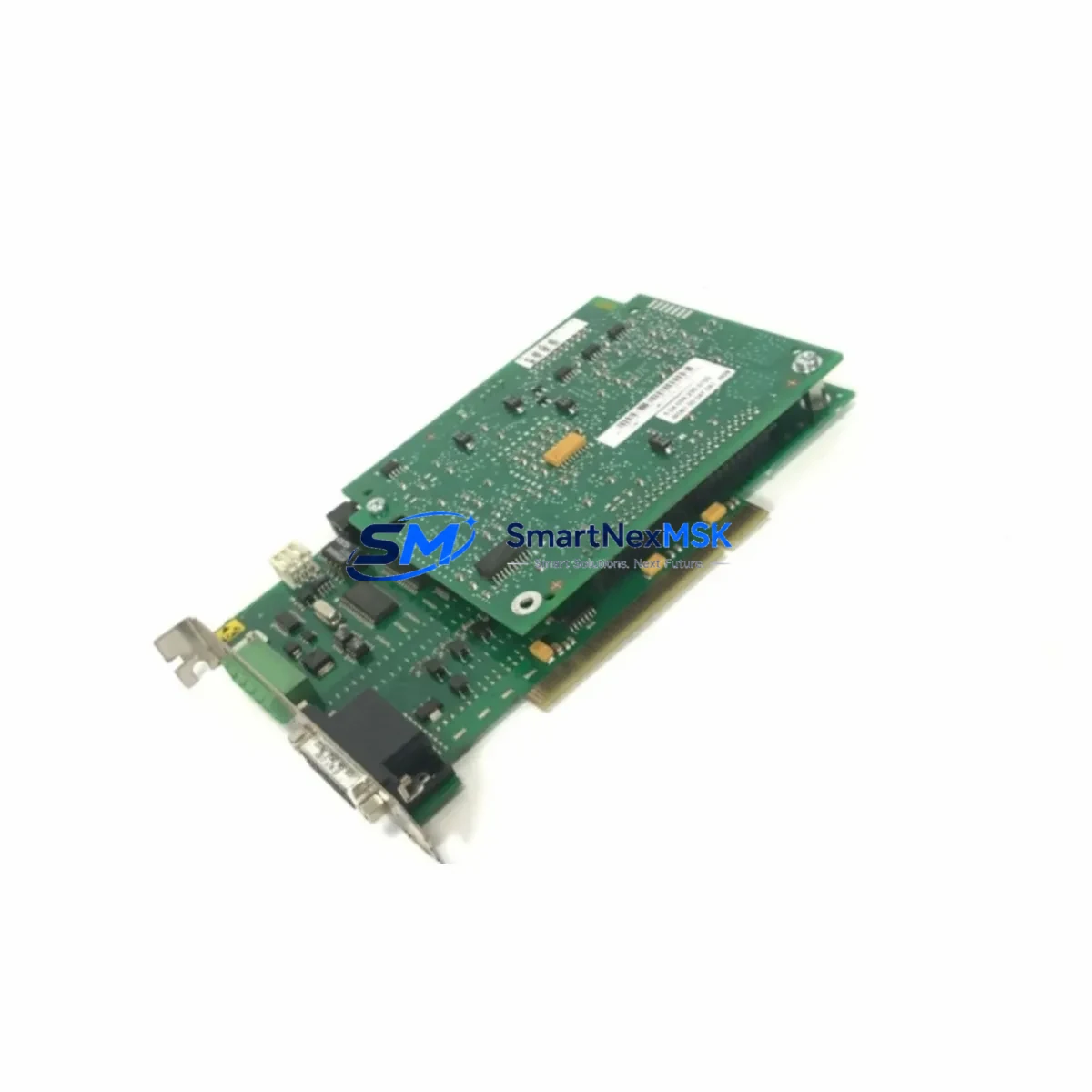
KUKA MFC3 00-117-336 Retrofit-Ready Motion Control Card for KR C2/C4 Control Systems
The KUKA MFC3 00-117-336 is a high-performance motion control card engineered for seamless integration into KUKA KR C2 and KR C4 robot controller platforms. As production lines age and OEM support windows close, facilities running legacy KUKA robotic cells increasingly face the challenge of sourcing verified replacement boards that maintain full compatibility with existing robot programs, safety circuits, and HMI configurations. The MFC3 00-117-336 addresses this challenge directly — it is a drop-in retrofit solution that restores full motion control capability without requiring controller cabinet redesign or robot reprogramming.
Whether you are replacing a failed card in an emergency shutdown scenario or proactively upgrading aging KR C2 cabinets ahead of a planned maintenance window, the MFC3 00-117-336 delivers the hardware reliability and firmware compatibility that industrial integrators and maintenance engineers demand. SMARTNEXMSK maintains verified stock of this module with full pre-shipment functional testing and a 12-month warranty on every unit.
Upgrade Compatibility Table
| Parameter | Details |
|---|---|
| Compatible Controller | KUKA KR C2, KR C2 ed05, KR C4 |
| Part Number | MFC3 00-117-336 |
| Function | Multi-axis motion control, interpolation, servo drive interface |
| Backplane Interface | KR C2 / KR C4 internal bus — direct slot replacement |
| Communication Compatibility | EtherCAT, PROFIBUS DP (via KR C4 fieldbus modules), DeviceNet (KR C2) |
| Installation Requirement | Power-off cabinet before removal; ESD precautions required |
| Replacement Recommendation | Direct swap — no firmware re-flash required in most KR C2/C4 configurations |
| Commissioning Focus | Verify axis mastering data, DSE-RDW connection, and SafeOperation parameters post-swap |
| Warranty | 12 months from date of shipment — covers manufacturing defects and functional failure |
Retrofit Planning for Existing Automation Systems
A successful MFC3 00-117-336 retrofit begins well before the card arrives on-site. Engineers should audit the full KR C2 or KR C4 cabinet to identify any co-dependent components that may also be approaching end-of-life. In a typical KR C2 installation, the MFC3 works in close coordination with the KPS 600 power supply unit, which provides the regulated DC bus voltage required for stable motion control operation. If the KPS 600 shows signs of capacitor aging or voltage ripple, it is advisable to replace it concurrently to avoid a secondary failure shortly after the MFC3 swap.
The DSE-RDW (Drive System Electronics – Robot Drive Wiring) board is another critical interface component. It bridges the MFC3 motion control card to the servo drives for each robot axis. Before removing the MFC3, technicians should document the DSE-RDW connector pinout and verify that the ribbon cable harness is undamaged. In older KR C2 cabinets, the KSD 48/32 servo drives for axes A1 through A6 may also require inspection — a degraded servo drive can produce axis errors that are incorrectly attributed to the MFC3 after replacement.
For facilities migrating from KR C2 to KR C4 architecture, the transition involves not only the MFC3 motion card but also the CCU (Cabinet Control Unit) and the KPP 600 (KUKA Power Pack), which replaces the older KPS power topology. The KR C4 platform uses an EtherCAT-based internal communication backbone, so any existing PROFIBUS DP fieldbus connections to PLCs or SCADA systems will require a KUKA Profibus Interface (PBI) module or a protocol gateway to maintain upstream communication continuity.
I/O expansion is another consideration during retrofit planning. Many KR C2 installations rely on the KRC I/O board for digital input/output interfacing with conveyor interlocks, gripper solenoids, and safety light curtains. When upgrading to KR C4, the equivalent function is handled through EtherCAT I/O terminals or a KUKA SIB (Safety Interface Board), which must be configured in WorkVisual before the robot is commissioned. HMI screens built on KUKA smartPAD or legacy KCP2 teach pendants will also need to be verified for compatibility with the replacement controller generation.
Programming cable compatibility is a frequently overlooked detail. The KUKA KLI (KUKA Line Interface) Ethernet connection used for WorkVisual project uploads differs from the older serial programming interfaces used on early KR C2 variants. Confirm that your programming laptop has the correct WorkVisual version installed and that the robot’s KSS (KUKA System Software) version is compatible with the MFC3 firmware revision shipped.
Downtime Control During System Migration
Minimizing unplanned downtime is the primary operational concern when replacing a motion control card in a live production environment. The recommended approach is to perform the MFC3 00-117-336 swap during a scheduled maintenance window rather than under emergency conditions. Before powering down the KR C2 or KR C4 cabinet, use WorkVisual or the smartPAD to create a full robot backup — this captures the current machine data, axis mastering values, SafeOperation configuration, and all loaded KRL programs. Store this backup on an external USB drive and a network share simultaneously.
During the physical swap, follow KUKA’s ESD handling guidelines: use a grounded wrist strap, avoid touching the MFC3 PCB traces, and seat the card firmly into the backplane connector before securing the retention screws. After power-on, the controller will perform a self-test sequence. If axis mastering data is lost — which can occur if the battery-backed SRAM on the original MFC3 was the sole storage location — re-master each axis using the mastering gauge or the EMT (Electronic Mastering Tool) before resuming production.
For facilities that cannot tolerate extended downtime, SMARTNEXMSK offers pre-tested exchange units that can be shipped same-day for urgent orders. Having a verified spare MFC3 00-117-336 on the shelf as a cold standby is a low-cost insurance policy against unplanned robot downtime, particularly for high-utilization cells running two or three shifts per day.
Retrofit Support FAQ
Q1: Is the MFC3 00-117-336 a direct replacement for the original KUKA MFC3 card in my KR C2 cabinet?
Yes. The MFC3 00-117-336 is a direct slot-compatible replacement for the original MFC3 motion control card used in KR C2 and KR C2 ed05 controllers. No hardware modification to the cabinet is required. After installation, verify axis mastering data and SafeOperation parameters before returning the robot to automatic mode.
Q2: What commissioning steps are required after replacing the MFC3?
After seating the new MFC3 00-117-336 and powering on the cabinet, check the KSS error log for any drive communication faults. Re-load the robot backup via USB if machine data is not retained. Perform a cold start, verify all axis positions against mastering reference marks, and run a slow-speed test cycle before resuming full-speed production. If the robot is equipped with SafeOperation, re-validate all safety zones and speed limits.
Q3: Can I use this card to upgrade from KR C2 to KR C4 architecture?
The MFC3 00-117-336 is designed for KR C2 and KR C4 platforms respectively. A full KR C2-to-KR C4 migration involves replacing the CCU, KPP power pack, and transitioning from DeviceNet/PROFIBUS to EtherCAT I/O. SMARTNEXMSK can advise on the full component list required for a platform migration — contact our technical team for a retrofit assessment.
Q4: What does the 12-month warranty cover?
All MFC3 00-117-336 units shipped by SMARTNEXMSK carry a 12-month warranty from the date of shipment. The warranty covers manufacturing defects and functional failure under normal operating conditions. Each unit undergoes pre-shipment functional testing. In the event of a warranty claim, SMARTNEXMSK will provide a replacement unit or full refund after fault verification. Contact [email protected] with your order number and fault description to initiate a claim.
© 2026 SMARTNEXMSK. All rights reserved.
Original Source: https://smartnexmsk.com
Contact: [email protected] | +86 18259474341