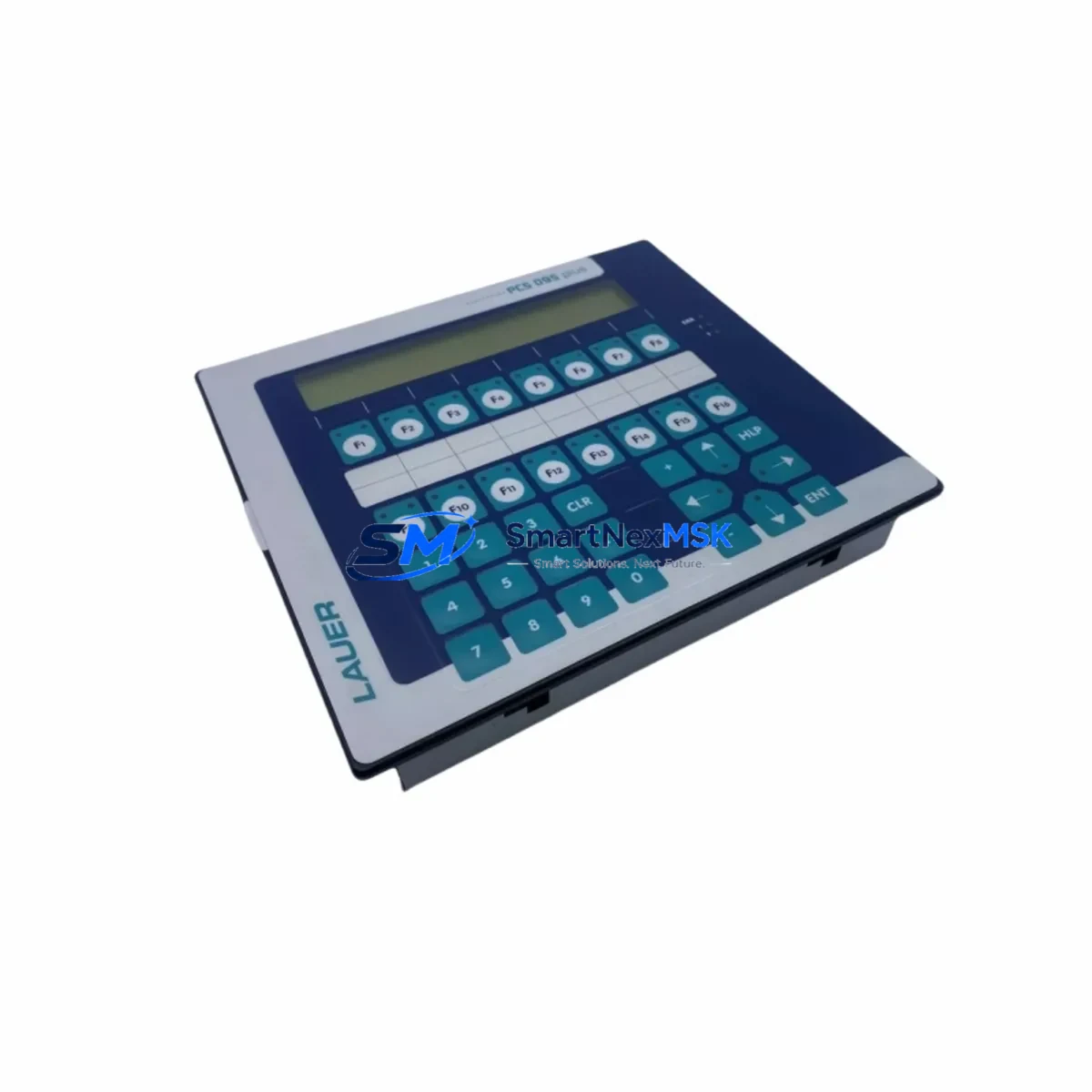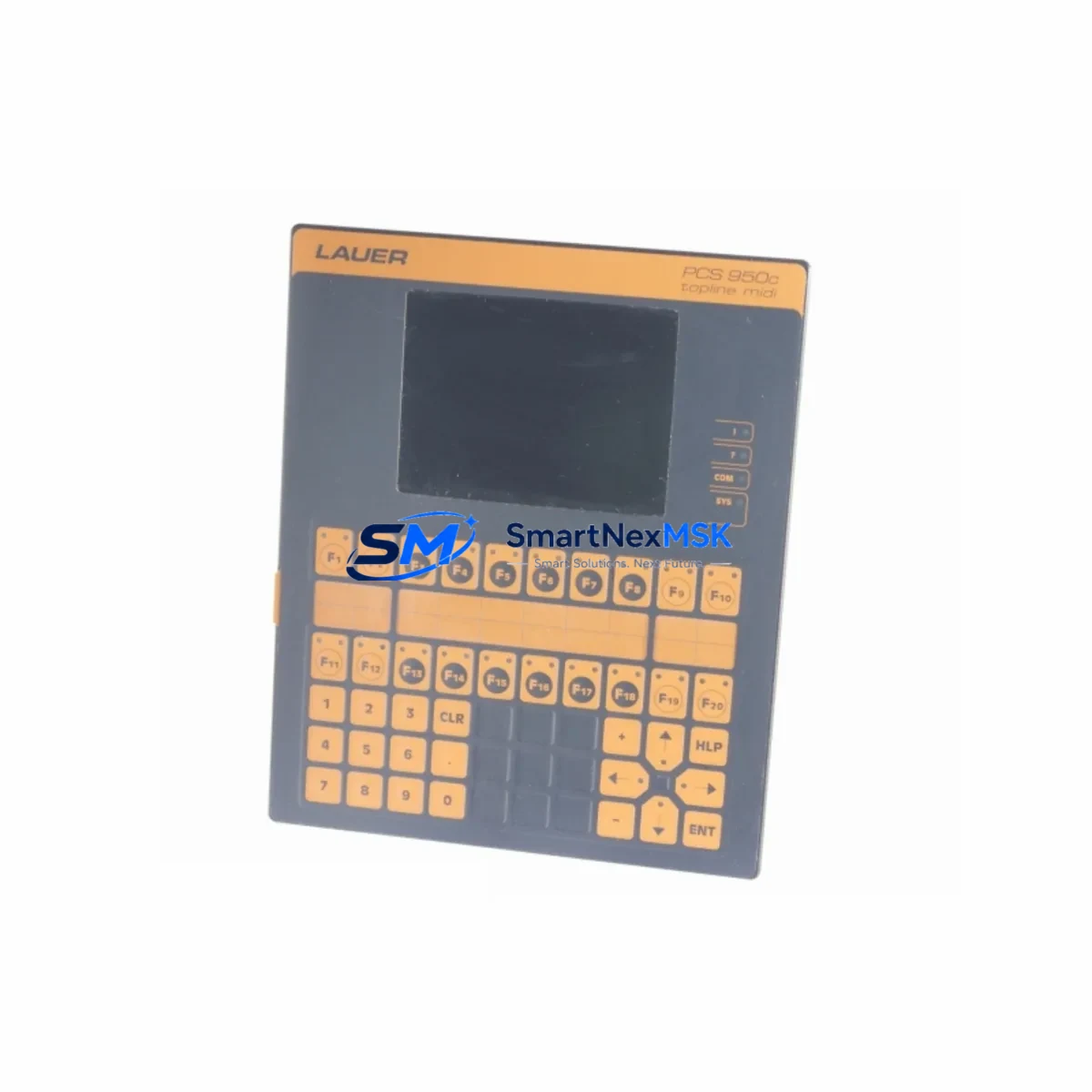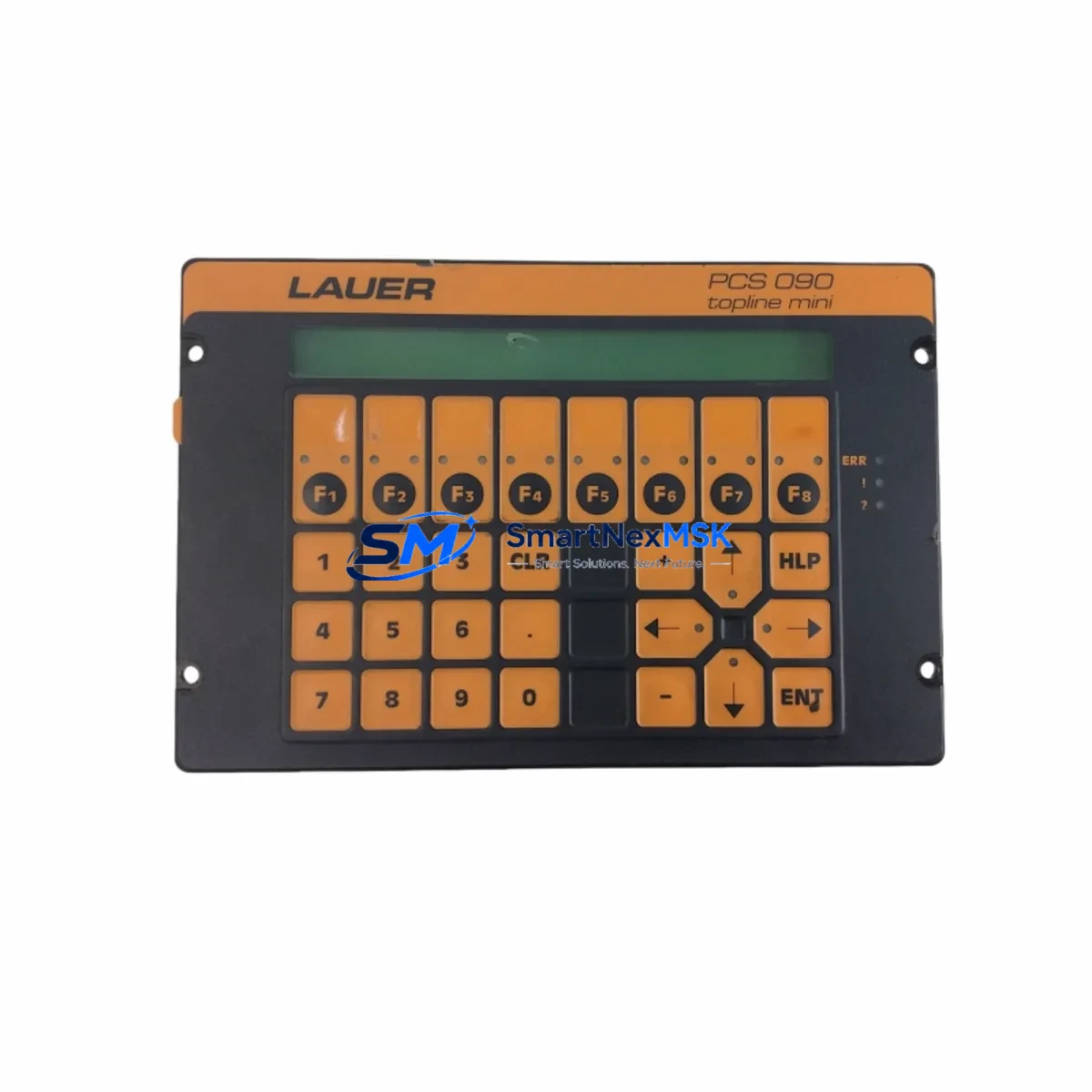
LAUER PCS 695 Retrofit-Ready HMI for PCS Series Control Systems
The LAUER PCS 695 is a proven operator panel engineered for seamless integration into existing PCS Series automation architectures. Whether you are replacing an end-of-life unit on a legacy production line, upgrading a control cabinet that has outgrown its original HMI, or migrating from an obsolete communication protocol, the PCS 695 delivers the compatibility, reliability, and field-proven performance that industrial maintenance teams depend on. With in-stock availability, fast global dispatch, and a 12-month warranty, the PCS 695 is the preferred retrofit solution for system integrators and plant engineers managing aging LAUER-based control infrastructure.
Sourced directly from verified supply channels, every LAUER PCS 695 unit undergoes pre-shipment functional testing to confirm display integrity, keypad response, communication link establishment, and power-on self-diagnostics before leaving the warehouse. This outgoing quality check is critical for customers who cannot afford extended commissioning windows on live production equipment.
Upgrade Compatibility Table
| Parameter | Details |
|---|---|
| Model | LAUER PCS 695 |
| Series Compatibility | LAUER PCS Series (PCS 690, PCS 700, PCS 900 platform) |
| Display Interface | Integrated operator keypad panel with alphanumeric display |
| Communication Protocols | LAUER proprietary PCS bus; compatible with RS-232 / RS-485 serial links used in legacy PCS installations |
| Power Supply Requirement | Verify 24 VDC supply capacity at the control cabinet before installation; confirm rail load budget with existing I/O modules |
| Mounting & Backplane | Panel-mount cutout compatible with standard PCS Series enclosure dimensions; confirm backplane slot assignment and module address before power-on |
| Wiring Compatibility | Terminal block pinout matches PCS Series wiring standard; verify conductor cross-section and shielding continuity |
| Program Compatibility | Existing PCS application screens and variable mappings are retained; re-download project file from programming software after hardware swap |
| Replacement Recommendation | Direct drop-in for discontinued PCS 695 units; evaluate PCS 700 or PCS 900 upgrade path for extended lifecycle |
| Commissioning Focus | Communication link test, HMI screen navigation verification, alarm acknowledgment check, and I/O status confirmation |
| Warranty | 12-Month Warranty — covers manufacturing defects and functional failures under normal operating conditions |
Retrofit Planning for Existing Automation Systems
A successful PCS 695 retrofit begins well before the replacement unit arrives on site. The first step is a thorough audit of the existing control cabinet. Identify the 24 VDC power supply module — commonly a LAUER NT series or equivalent DIN-rail PSU — and confirm it can sustain the combined load of the PCS 695 alongside any co-installed I/O expansion modules, communication adapters, and relay output cards. Undersized power rails are a leading cause of intermittent HMI faults that are frequently misdiagnosed as panel failures.
Next, document the existing terminal wiring. The PCS 695 uses a standard PCS Series terminal block layout, but field installations often include site-specific modifications — additional shielded cable runs for noise immunity, jumpered commons, or non-standard grounding arrangements. Photograph the original wiring before disconnection and cross-reference against the LAUER PCS Series wiring diagram. Pay particular attention to the RS-485 communication cable routing: impedance mismatches or missing termination resistors on long bus runs will prevent the HMI from establishing a stable link with the host PLC or controller.
For sites running LAUER PCS programming software, retrieve the original project file from the engineering workstation or backup media before the swap. After installing the PCS 695, re-download the project to ensure screen layouts, tag assignments, and alarm configurations are current. If the original project file is unavailable — a common scenario in older plants — the HMI screens will need to be reconstructed from P&ID documentation and operator manuals. In these cases, budget additional commissioning time and consider engaging a controls engineer familiar with the LAUER PCS development environment.
The retrofit scope frequently extends beyond the HMI panel itself. In many PCS Series installations, the operator panel shares a control cabinet with a LAUER PCS controller module, digital input/output expansion cards, and an analog signal conditioning module. If any of these components are also approaching end-of-life, a coordinated replacement — rather than a piecemeal swap — reduces total downtime and eliminates the risk of compatibility issues between mixed hardware generations. Similarly, if the site uses a LAUER programming cable or USB-to-serial adapter for on-site configuration, verify that the cable driver is compatible with the engineering laptop’s operating system before the maintenance window begins.
For installations where the PCS 695 interfaces with a third-party PLC — such as a Siemens S7-300 series controller or an Allen-Bradley SLC 500 — confirm that the serial communication parameters (baud rate, parity, stop bits, and station address) in the PLC driver match the HMI configuration. Mismatched parameters will result in a communication timeout error on the PCS 695 display immediately after power-on, which is easily corrected in software but can cause unnecessary alarm if not anticipated during planning.
Downtime Control During System Migration
Minimizing unplanned downtime is the primary operational constraint in any HMI retrofit. The recommended approach is to pre-stage the replacement PCS 695 unit in the workshop before the scheduled maintenance window. Load the project file, configure communication parameters, and perform a bench test against a spare PLC or simulator if available. Arriving on site with a pre-configured, tested unit reduces the in-cabinet swap time to a terminal-by-terminal rewiring exercise rather than a full commissioning event.
During the swap, preserve the original PLC program and I/O configuration. The PCS 695 replacement does not require any changes to the host controller logic — the PLC continues to execute its ladder or function block program without interruption. Only the HMI communication link is temporarily broken during the panel swap, which means field devices, motor drives, and process instruments continue to operate under PLC control throughout the replacement procedure. This is a critical point to communicate to production supervisors: the process does not need to be fully shut down for an HMI swap, only the operator interface is offline during the exchange.
After reconnecting the terminal wiring and re-establishing the communication link, perform a structured commissioning check: confirm all HMI screens navigate correctly, verify that live process values are updating on the display, test alarm acknowledgment functions, and cycle through any operator-initiated control sequences to confirm end-to-end signal integrity. Document the commissioning results and retain a copy of the final project file as the new baseline for future maintenance reference.
Retrofit Support FAQ
Q1: Is the LAUER PCS 695 a direct replacement for my existing PCS 695 unit?
Yes. The PCS 695 is a like-for-like replacement for original LAUER PCS 695 panels. The mounting dimensions, terminal block layout, and communication interface are identical to the factory specification. No mechanical modifications to the control cabinet are required. Confirm the firmware version of your existing installation if your site uses customized screen configurations, as project files may need to be re-downloaded after the swap.
Q2: What wiring checks should I perform before powering on the replacement unit?
Verify 24 VDC supply voltage at the panel power terminals before connection. Confirm RS-485 or RS-232 communication cable polarity and termination. Check that all signal commons are correctly bonded and that cable shielding is grounded at one end only to prevent ground loop interference. Inspect terminal screw torque on all connections — loose terminals are a common source of intermittent communication faults in retrofit installations.
Q3: Will my existing HMI screens and program logic work with the replacement PCS 695?
Yes, provided the original project file is re-downloaded to the new unit using LAUER PCS programming software. The PLC program and I/O configuration are unaffected by the HMI replacement. If the original project file is unavailable, screens will need to be rebuilt from documentation. Contact our technical support team for guidance on project file recovery options.
Q4: What does the 12-month warranty cover, and what is the process for a warranty claim?
The 12-month warranty covers manufacturing defects and functional failures under normal operating conditions from the date of shipment. It does not cover damage resulting from incorrect installation, overvoltage, or physical impact. To initiate a warranty claim, contact [email protected] with your order reference, a description of the fault, and photographic evidence of the installation. Replacement or repair will be arranged promptly to minimize your operational disruption.
© 2026 SMARTNEXMSK. All rights reserved.
Original Source: https://smartnexmsk.com
Contact: [email protected] | +86 18259474341